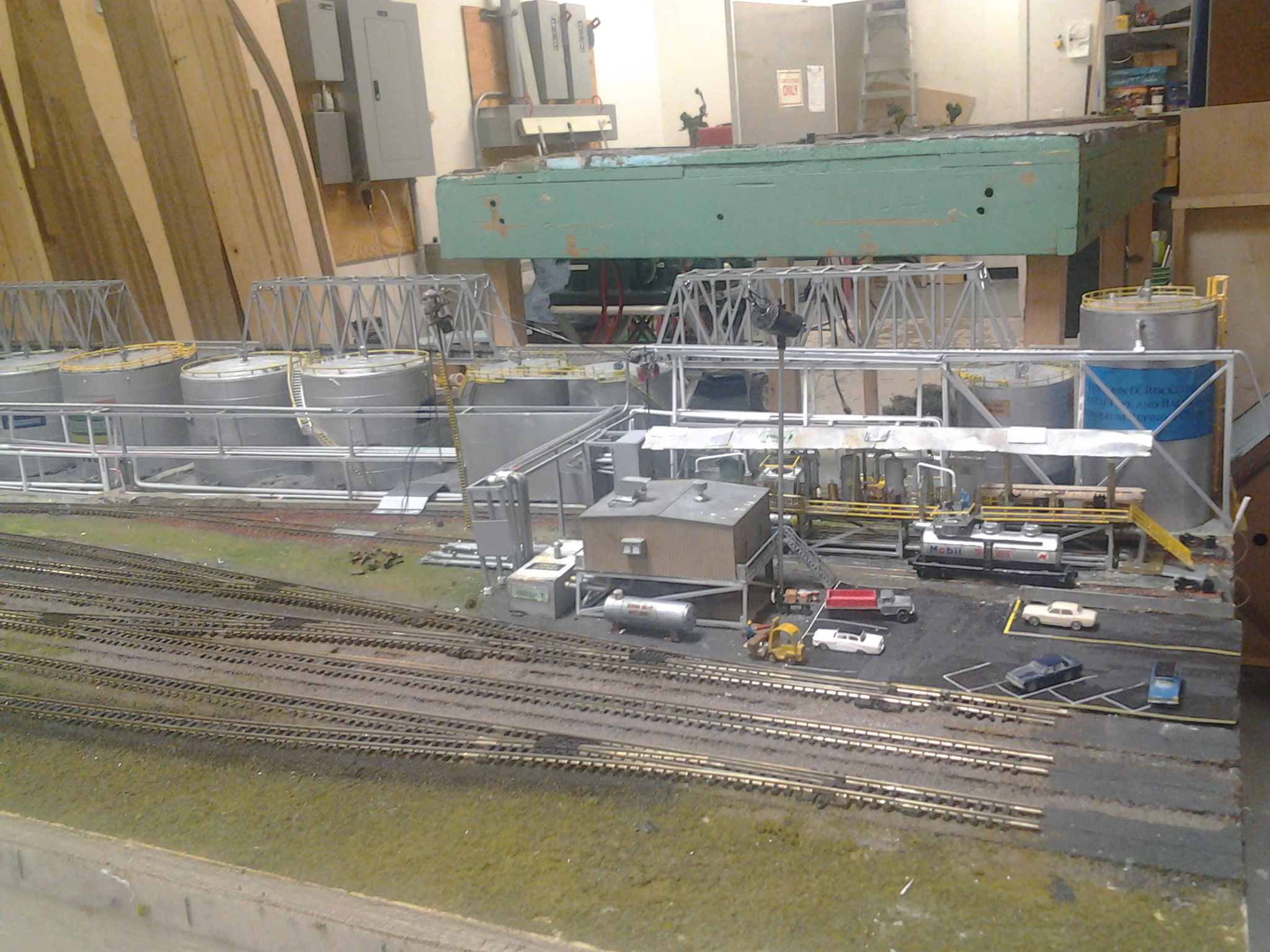
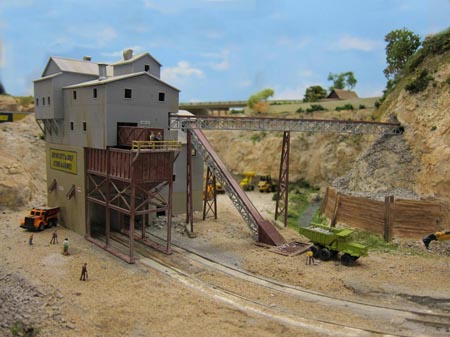
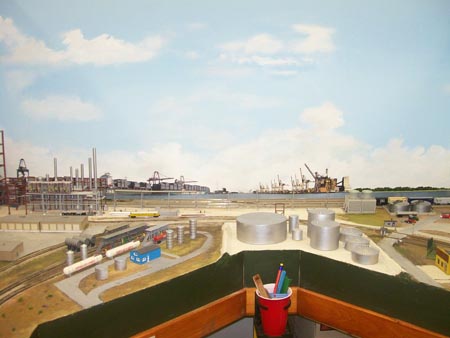
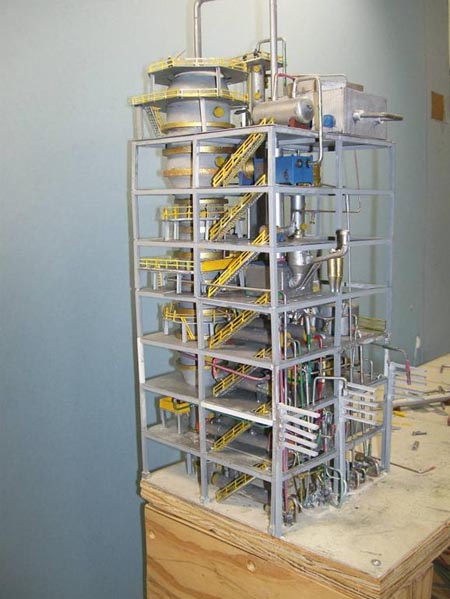
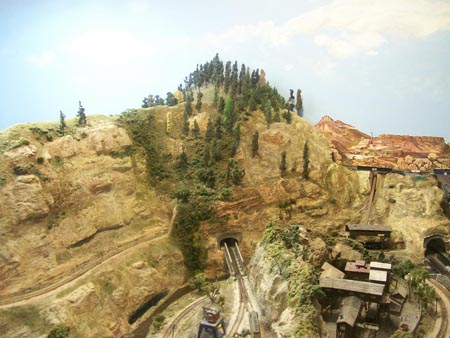
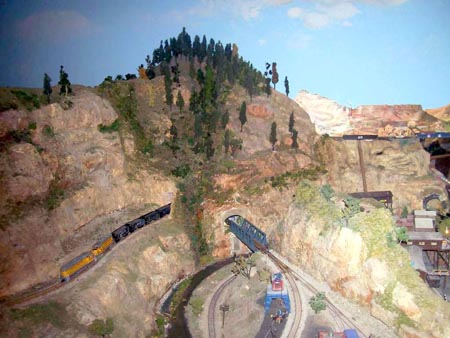
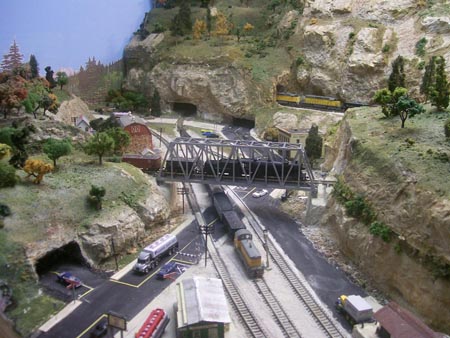
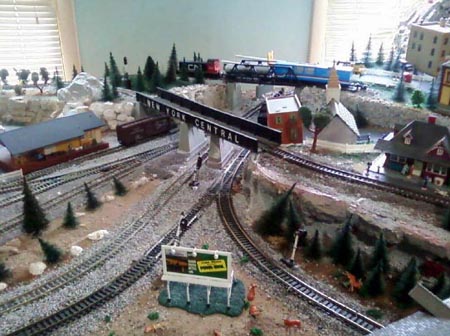
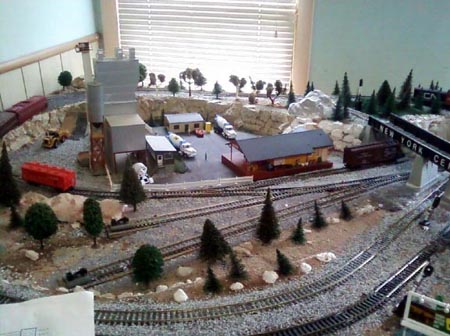
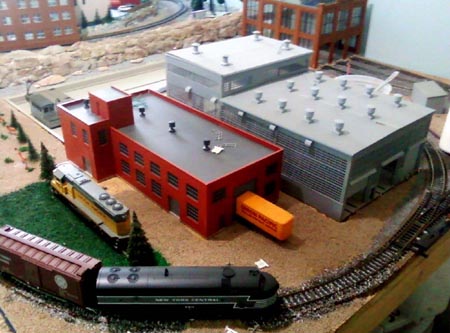
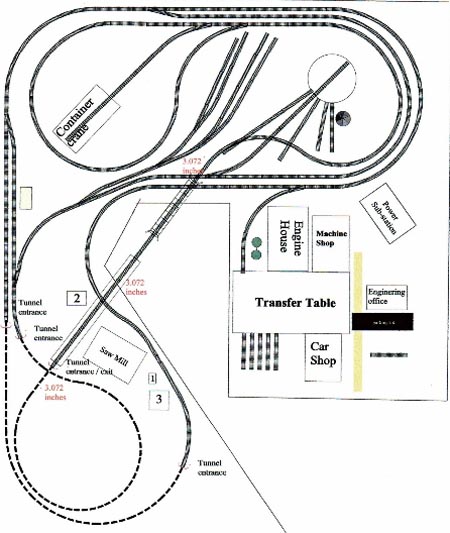
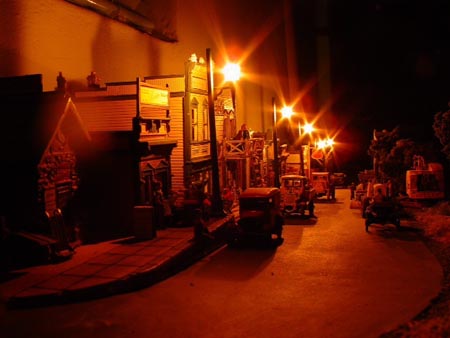
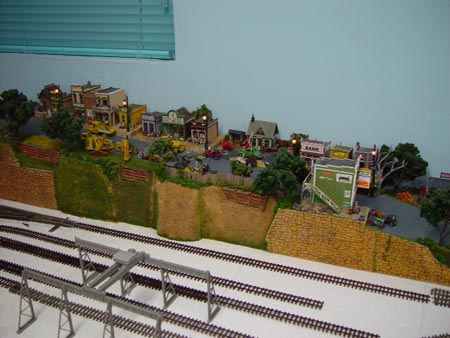
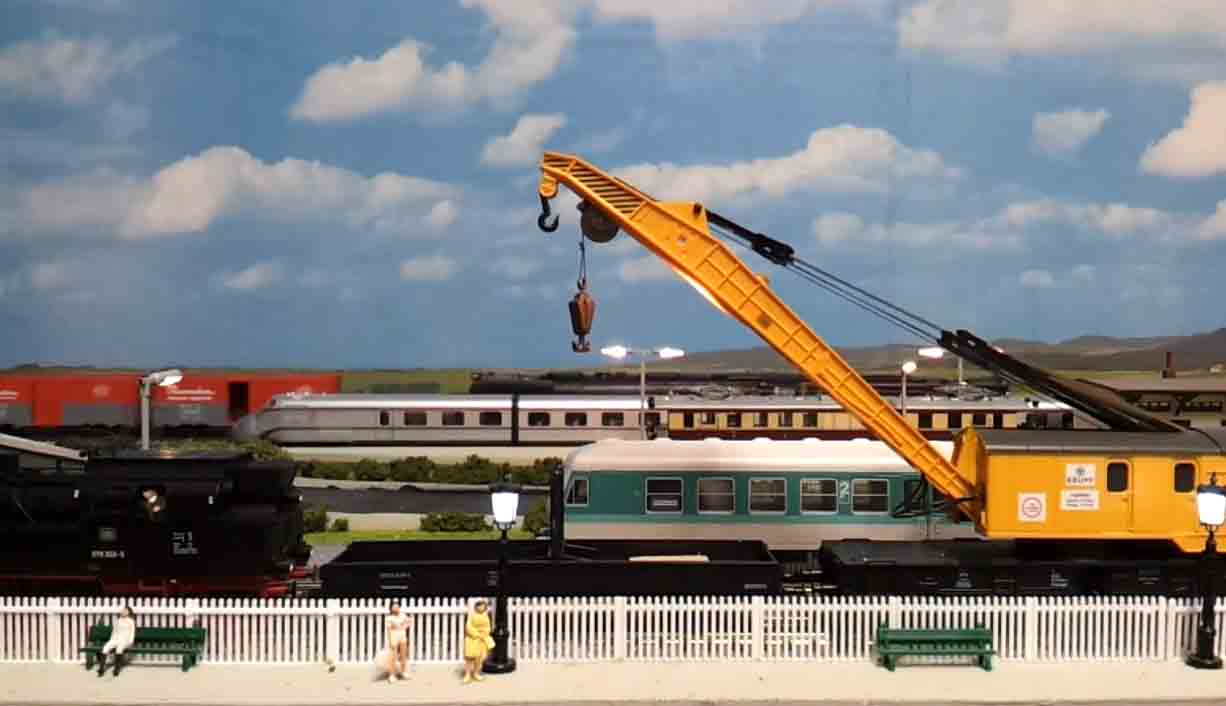
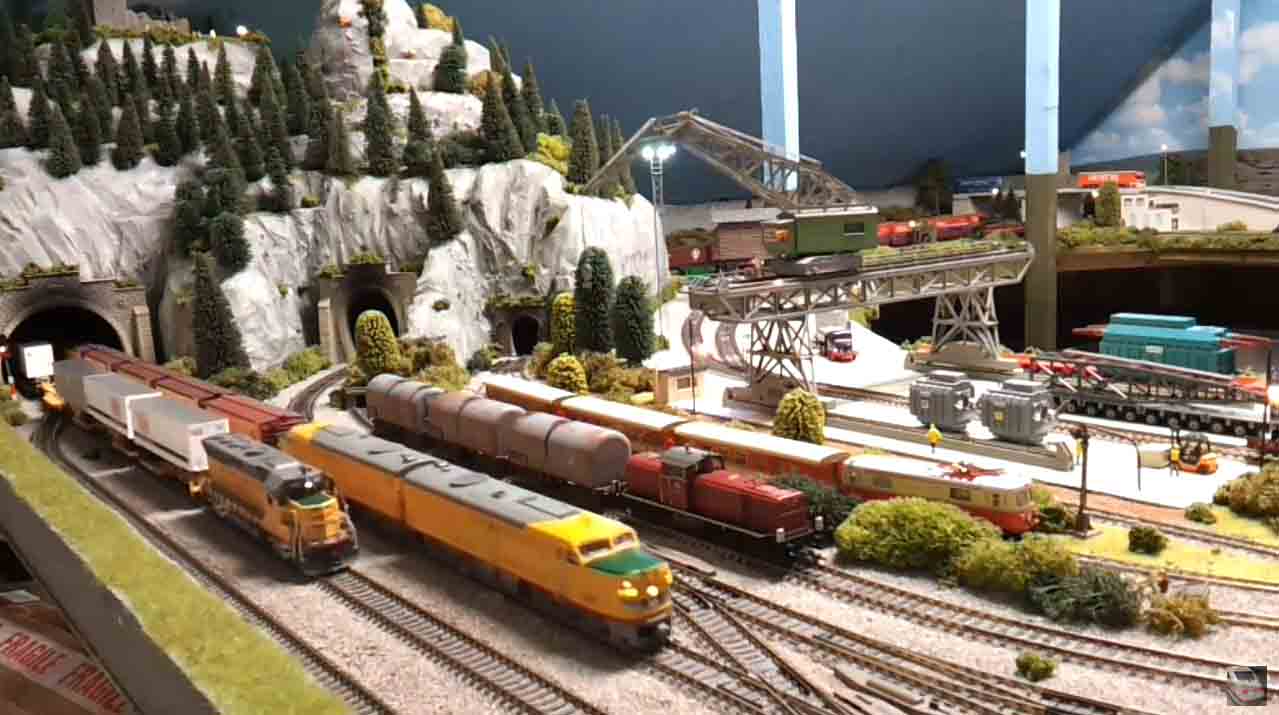
Jim’s been in touch with his N scale freight layout:
“Info: i used to model the gwr & br many years ago.
But when a good friend of mine started his attic railway i got the bug again.
He sadly passed away with his project just started – this was a very sad time so i thought i would finish his dream layout in my attic with his fleischmenn N scale freight trains i pursched from his brother, as no one wanted them.
My attic railway took a lot of planing as i wanted a dust free attic with a ring main power with 12 plug scockets.
This was completed with the help of one of my friends & the model rail project was born,it took around two years to complete.
The layout which still has no name is based in germany on the db but i run u.s stock as well, as i love all trains all eras any thing go’s e.g electric,gas turbine,steam,diesel.
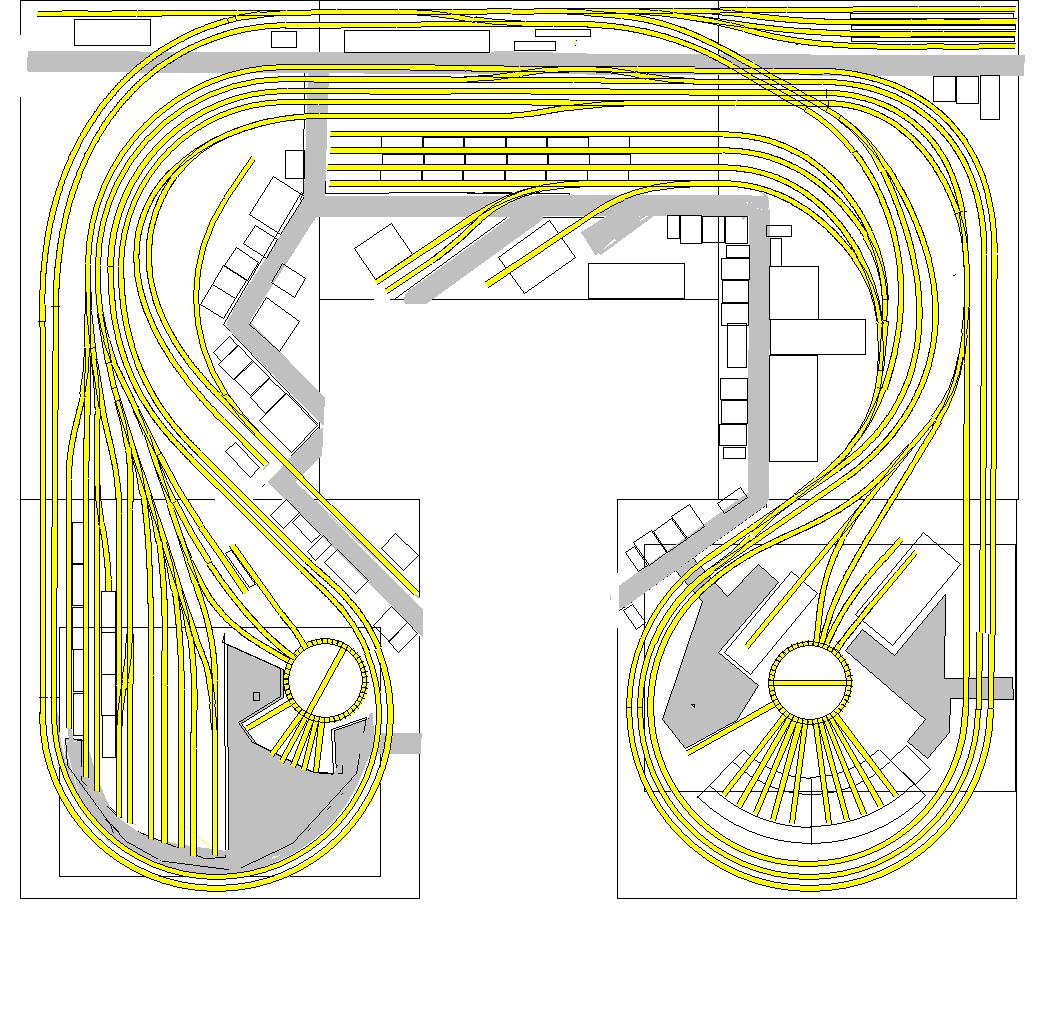
The layout is like a big number 9 with a big 12foot terminus.
The layout is all dcc with most locos haveing sound. the layout has around 100 lights installed.
There is also a stand alone narrow guage system which runs on the inner edge of the layout which the younger generation use.
The next stage is automation linked to a p.c. & the main command center.
Jim”
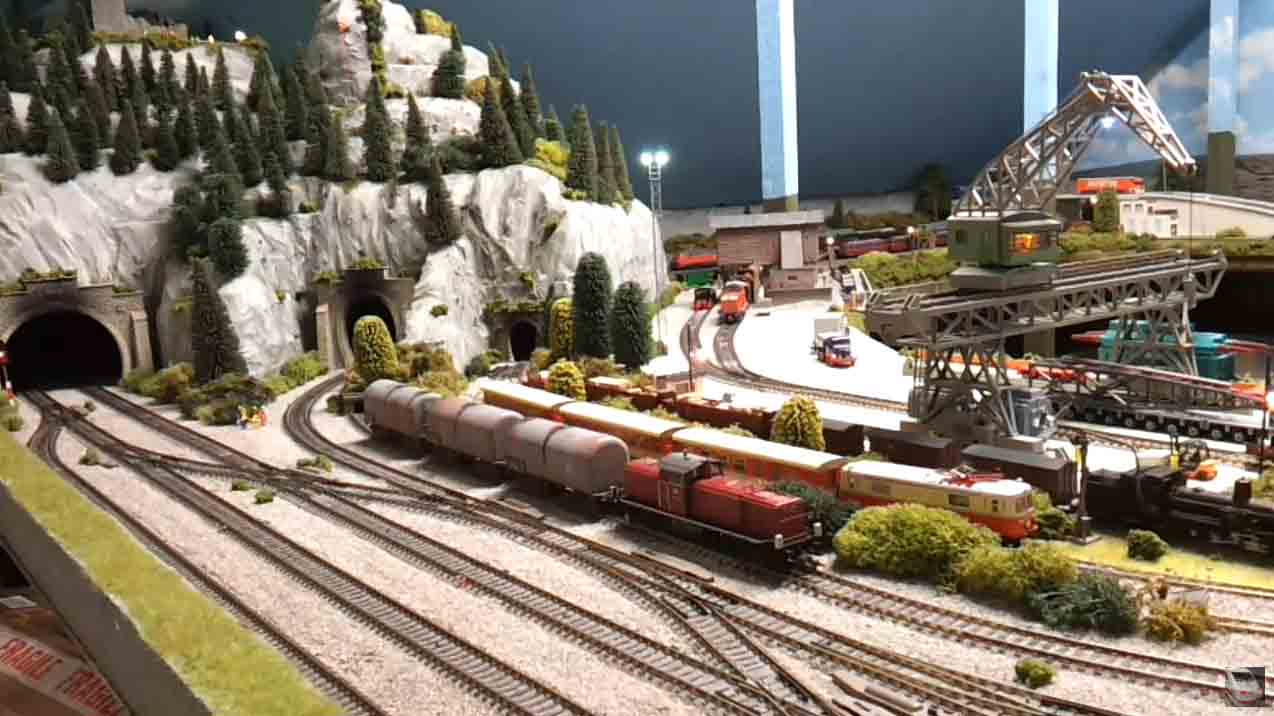
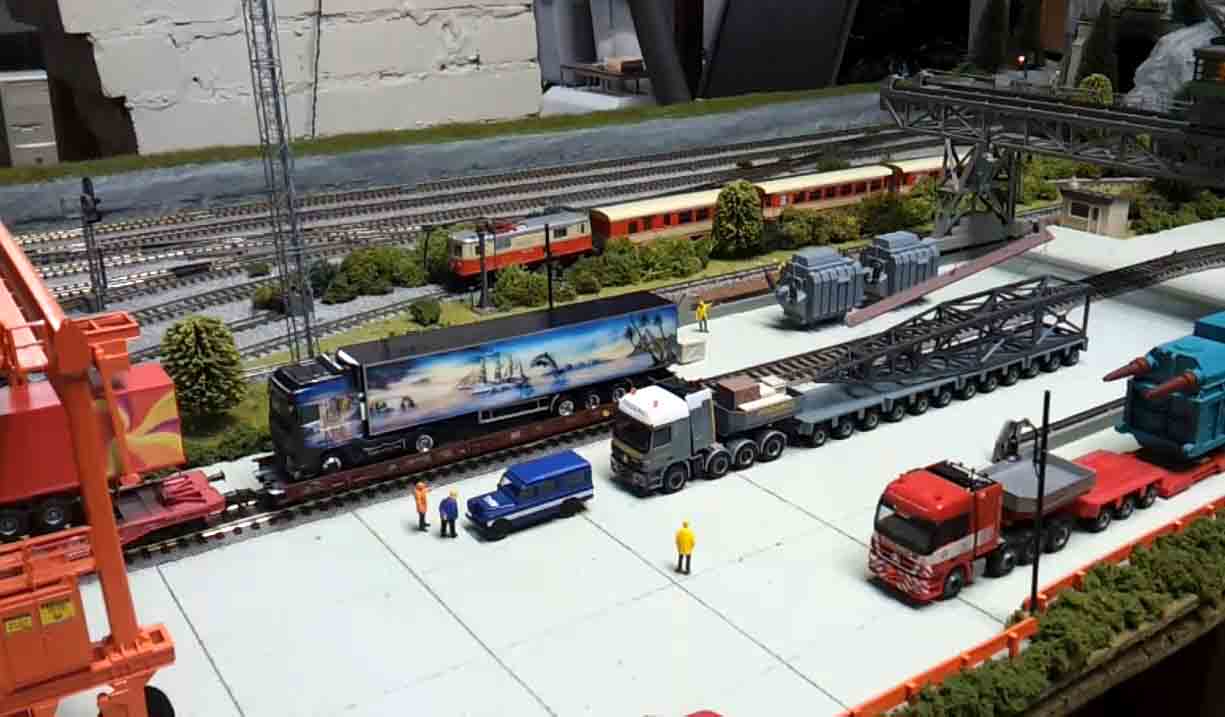
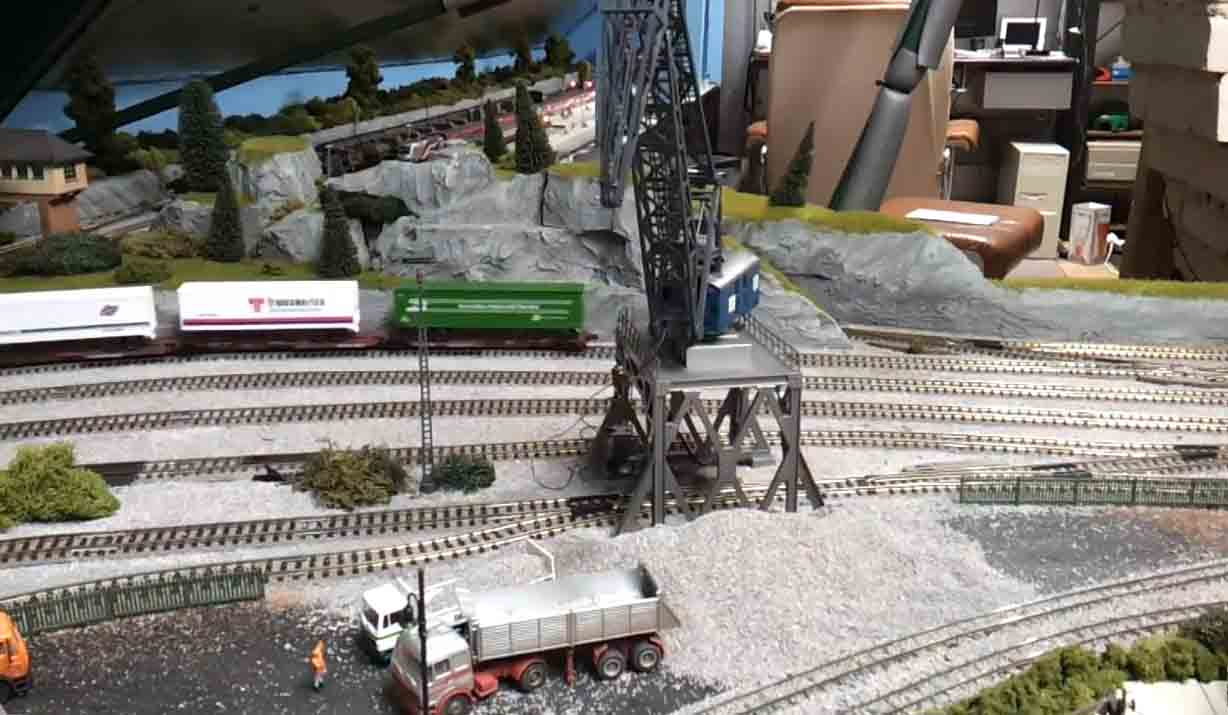
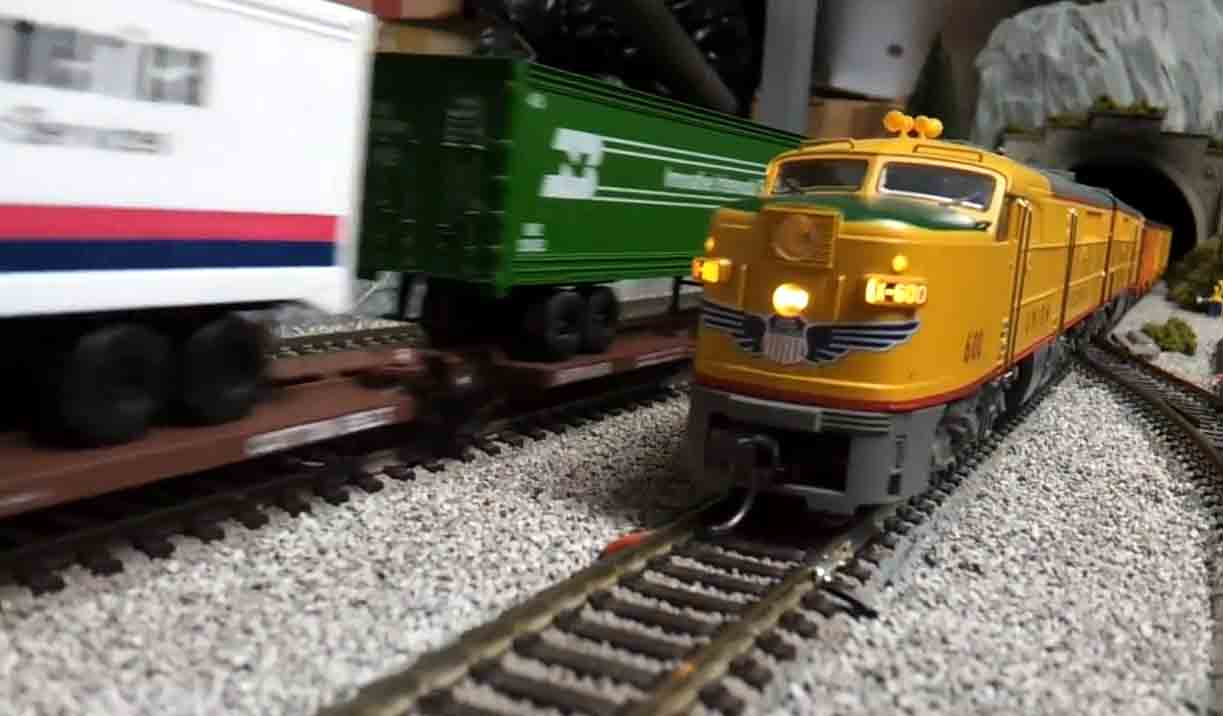
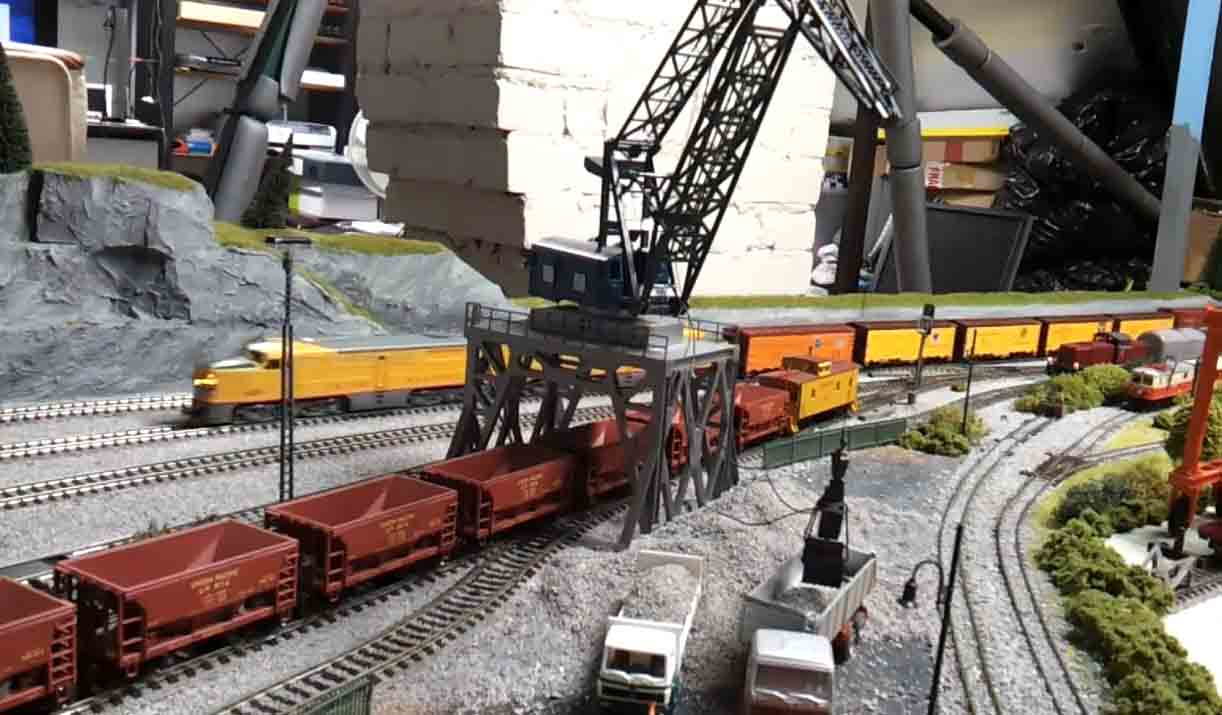
You can see Jim’s Union Pacific youtube here.
Now on to Alasdair:
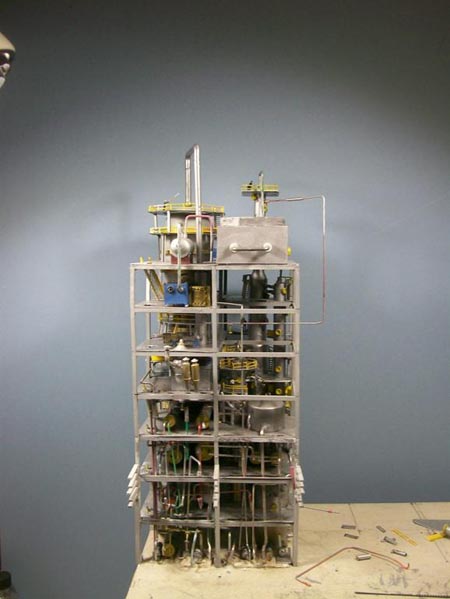
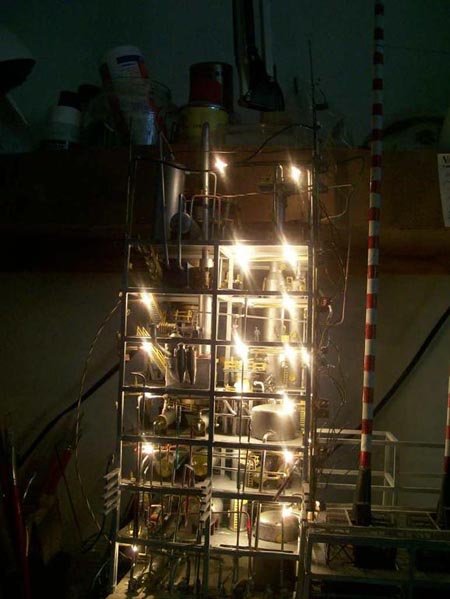
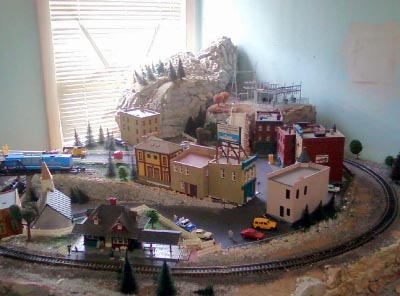
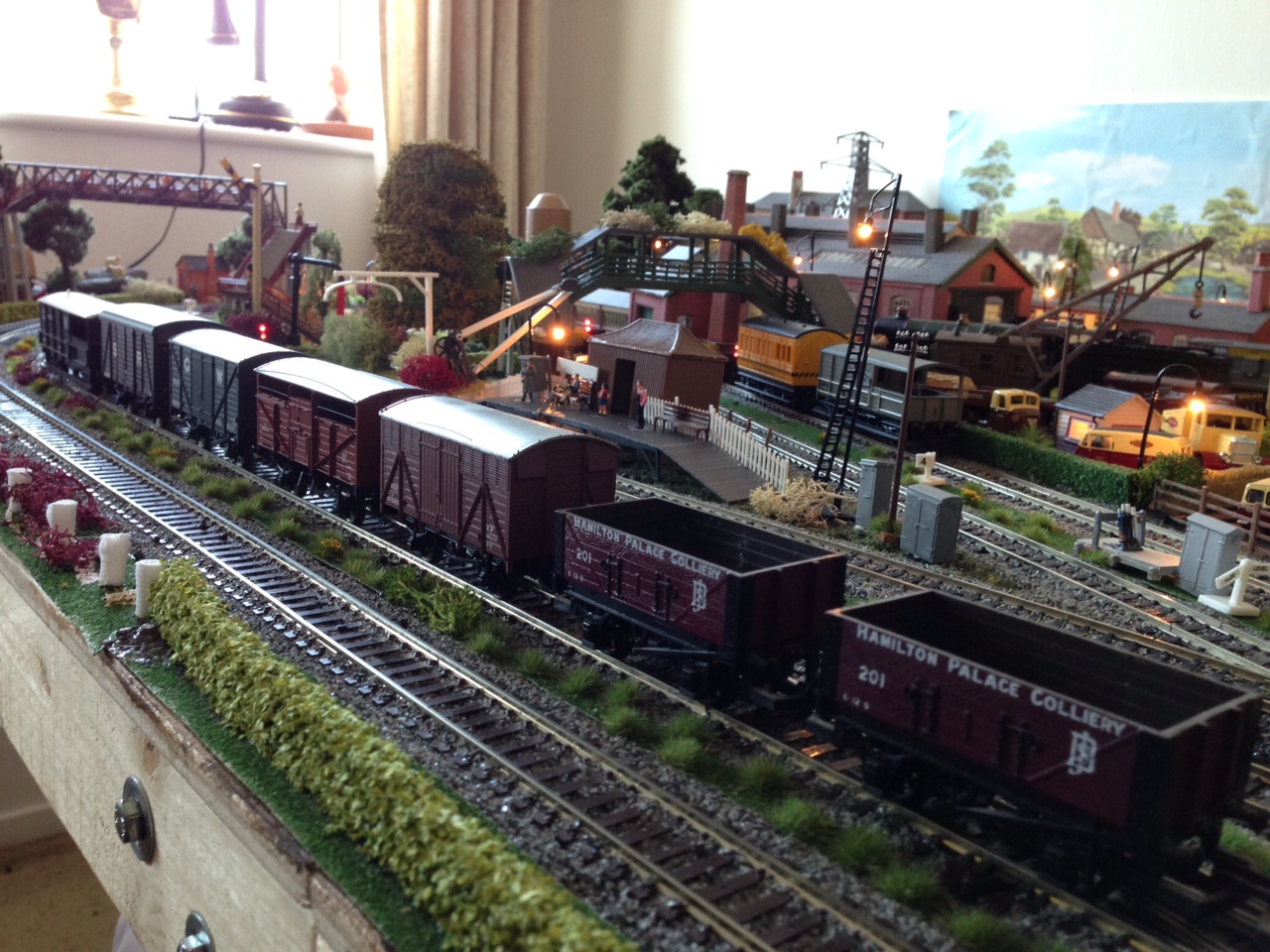
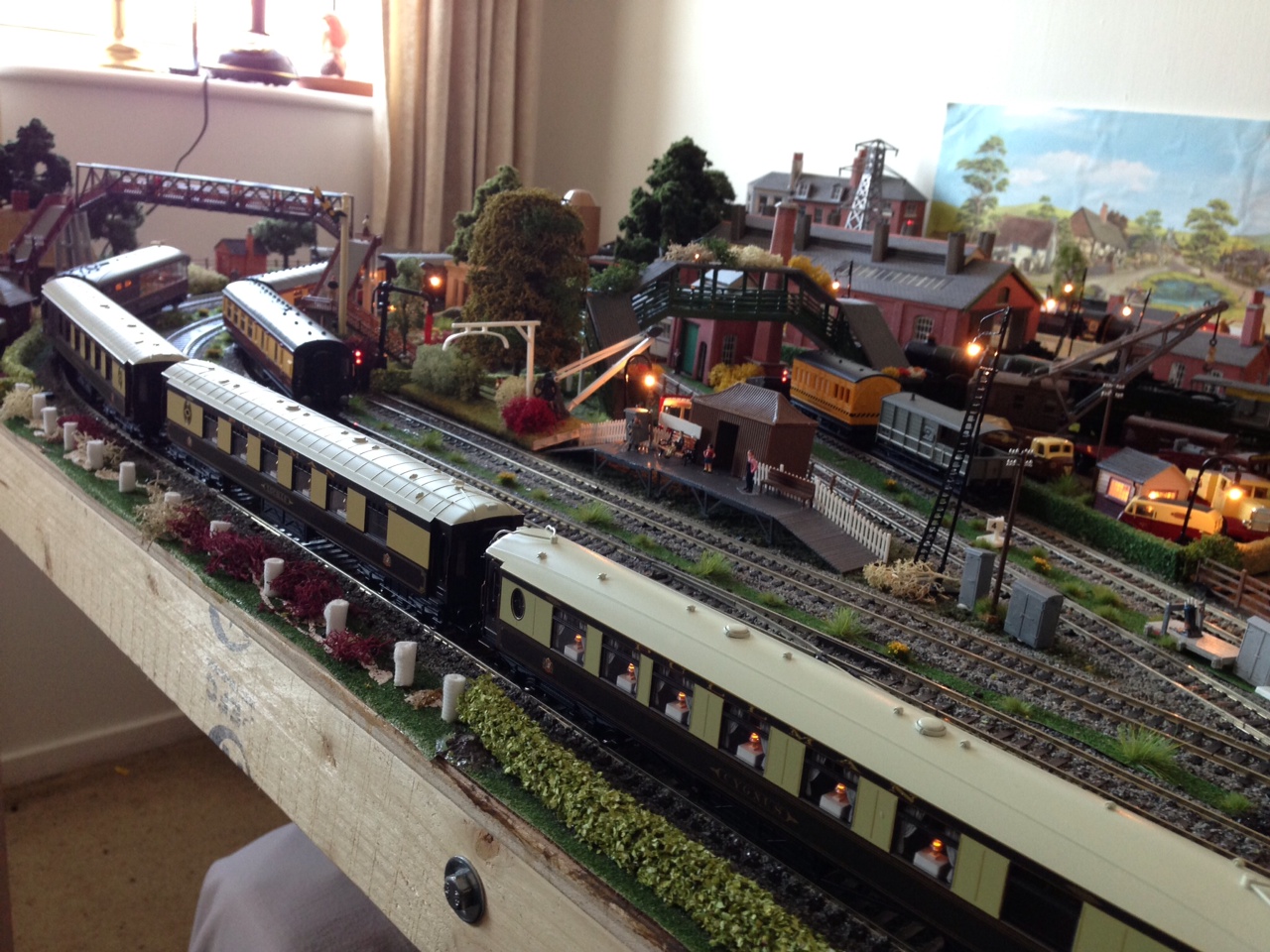
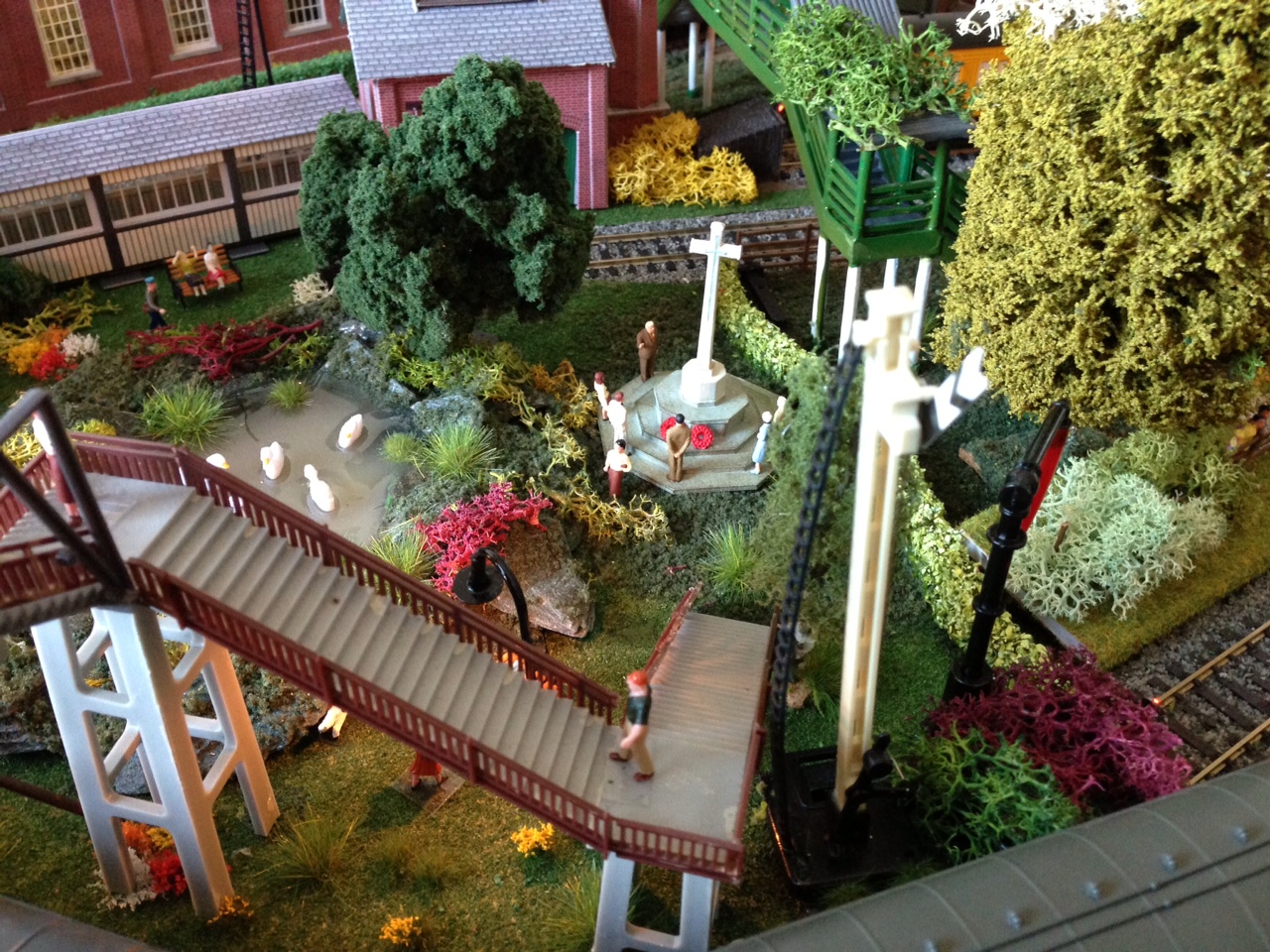
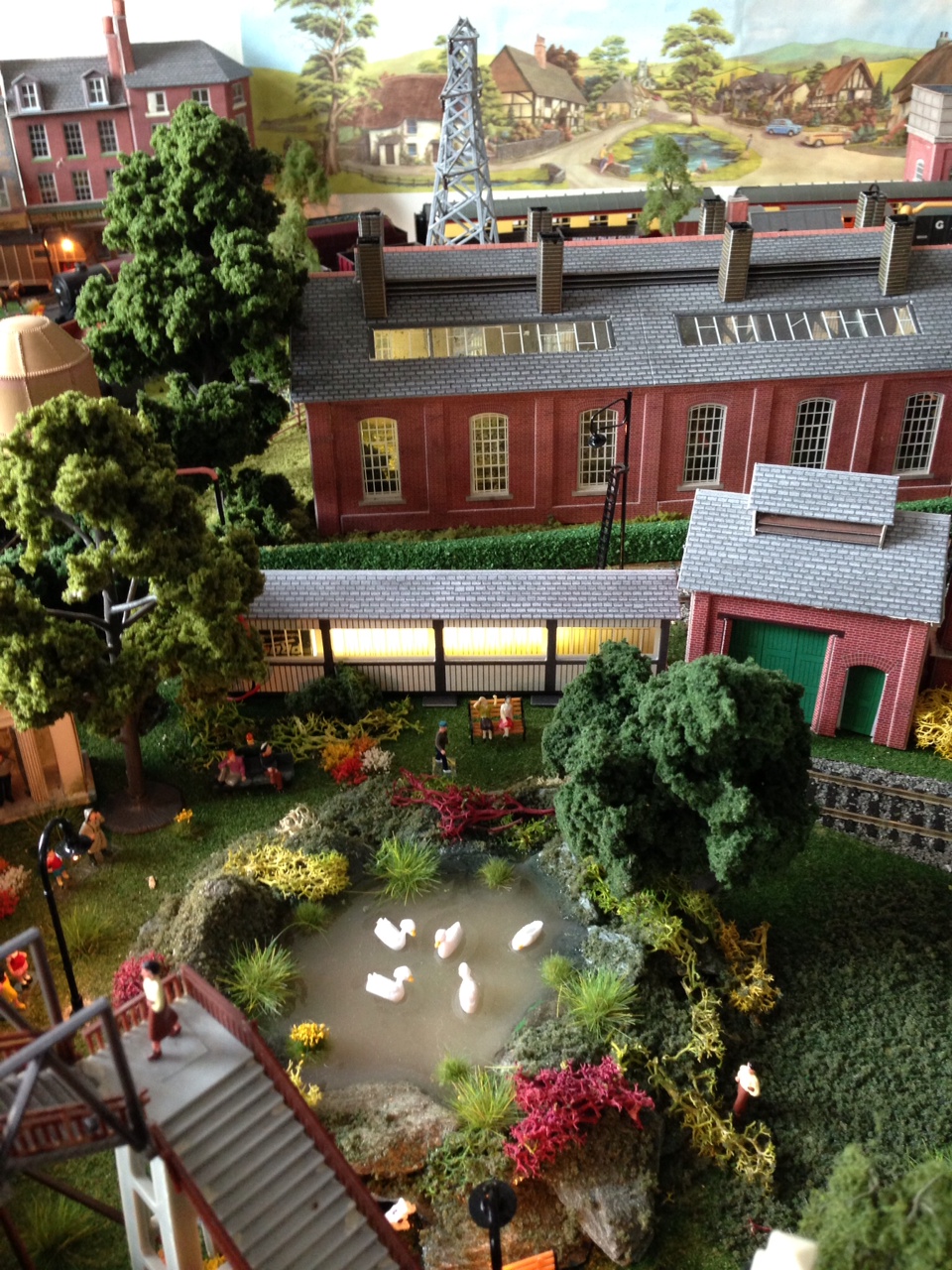
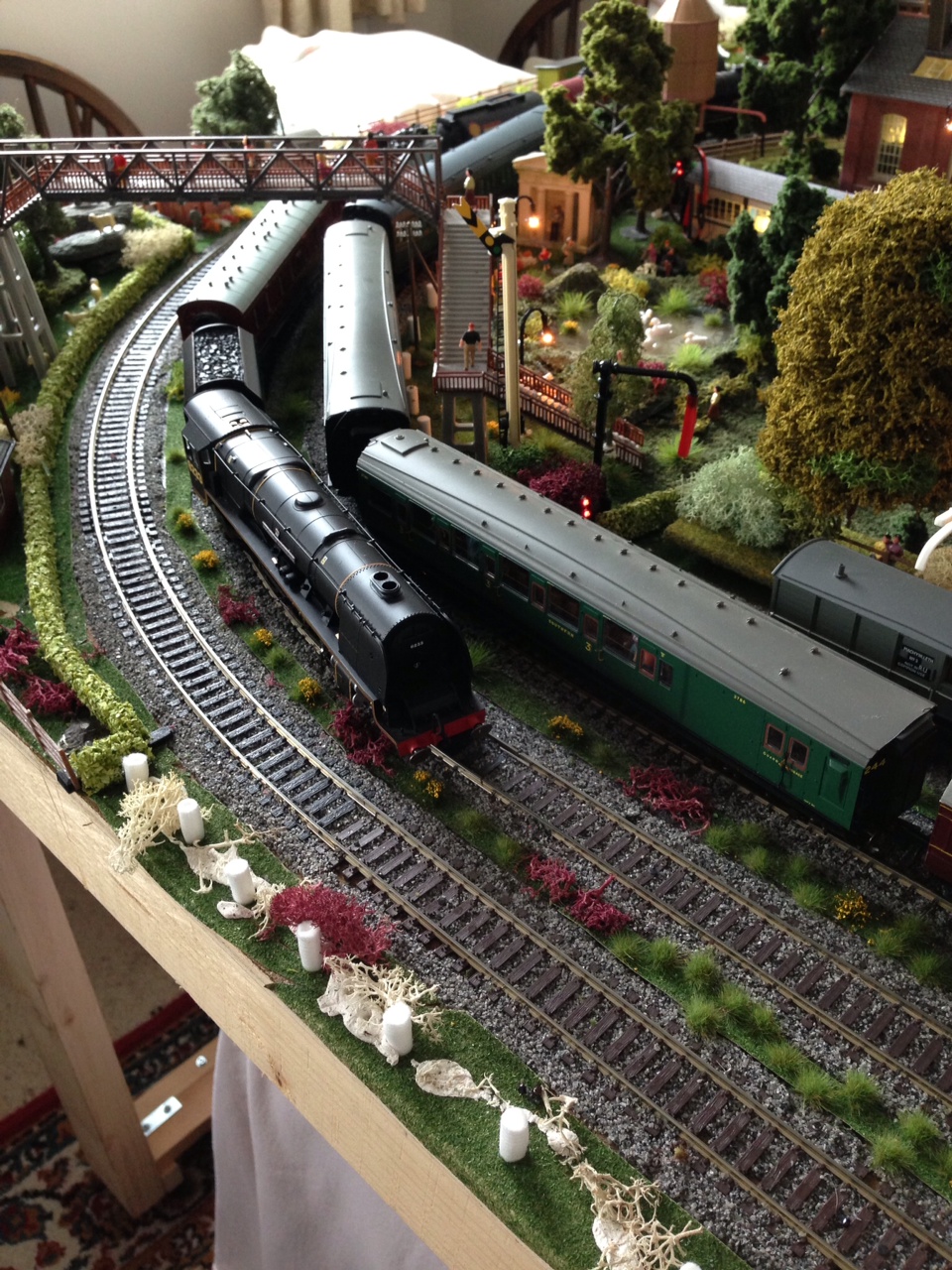
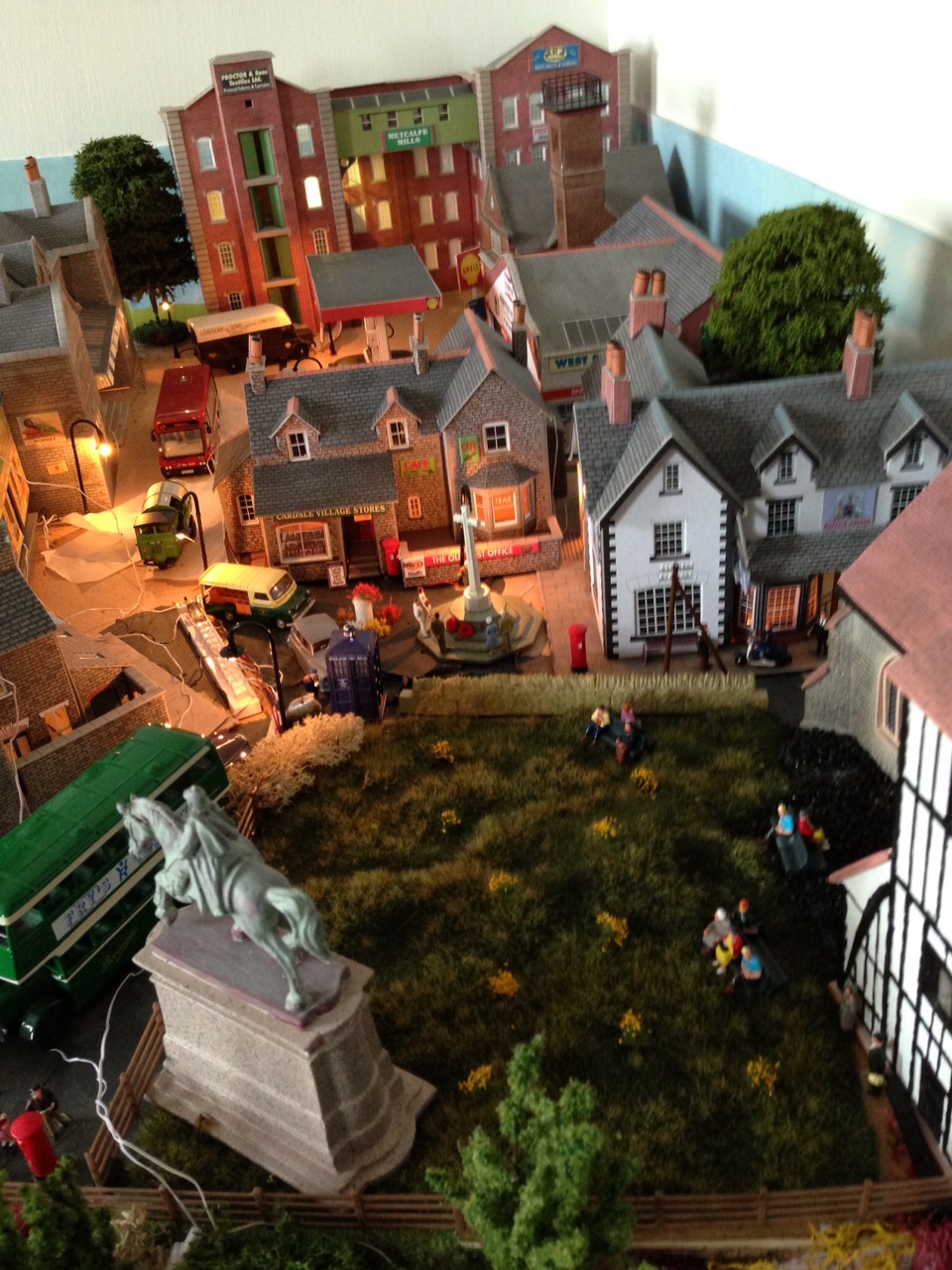
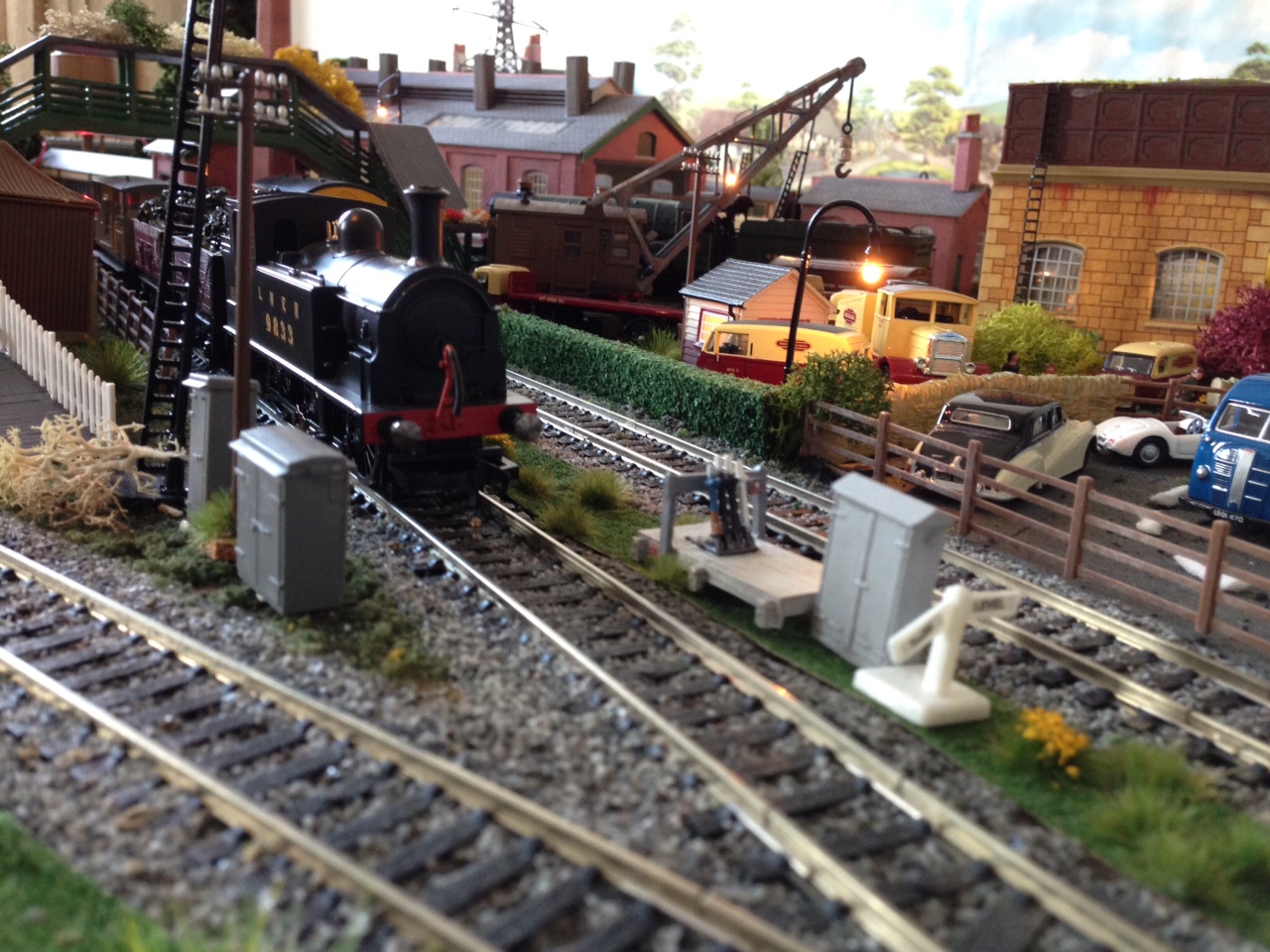
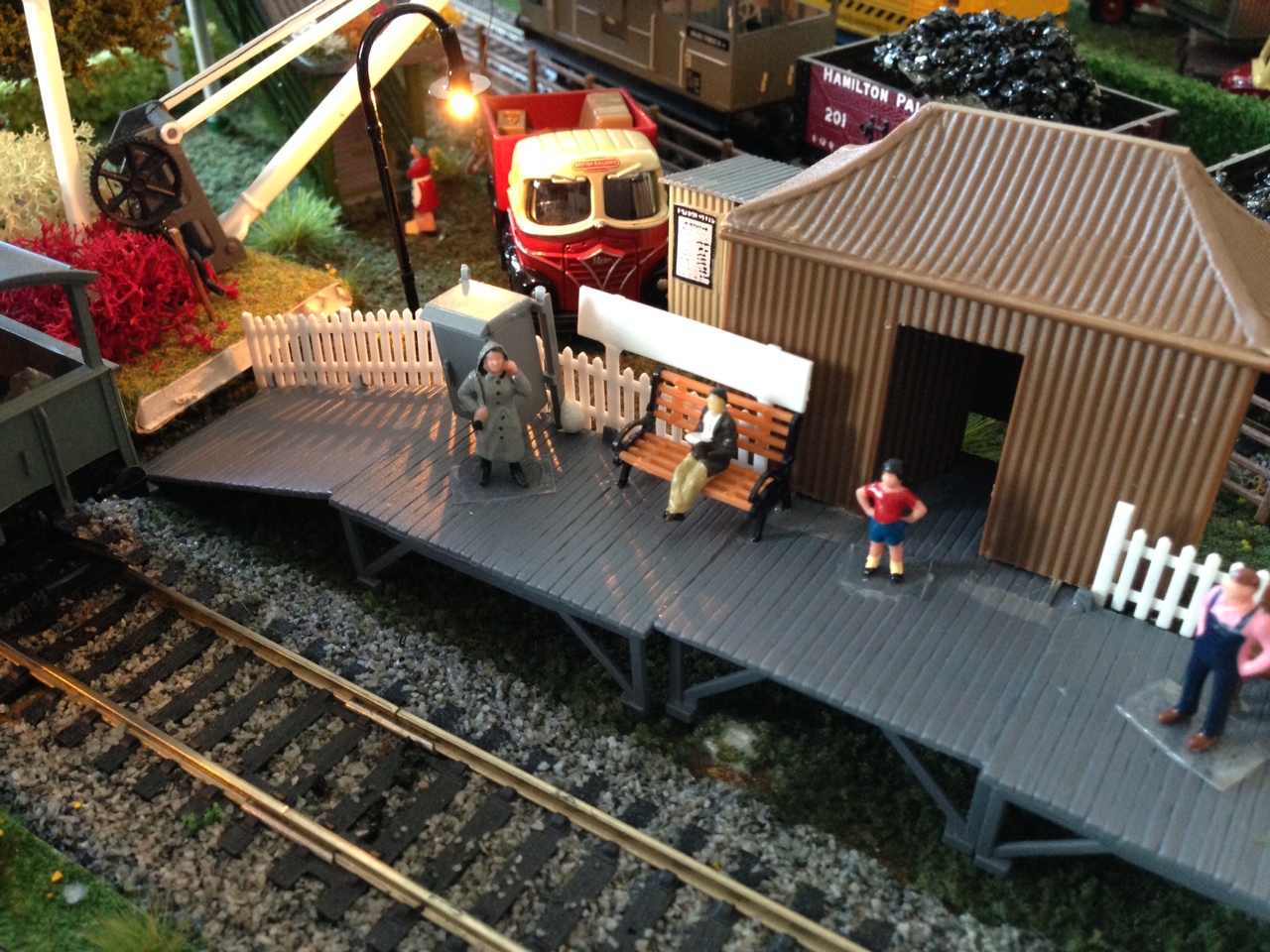
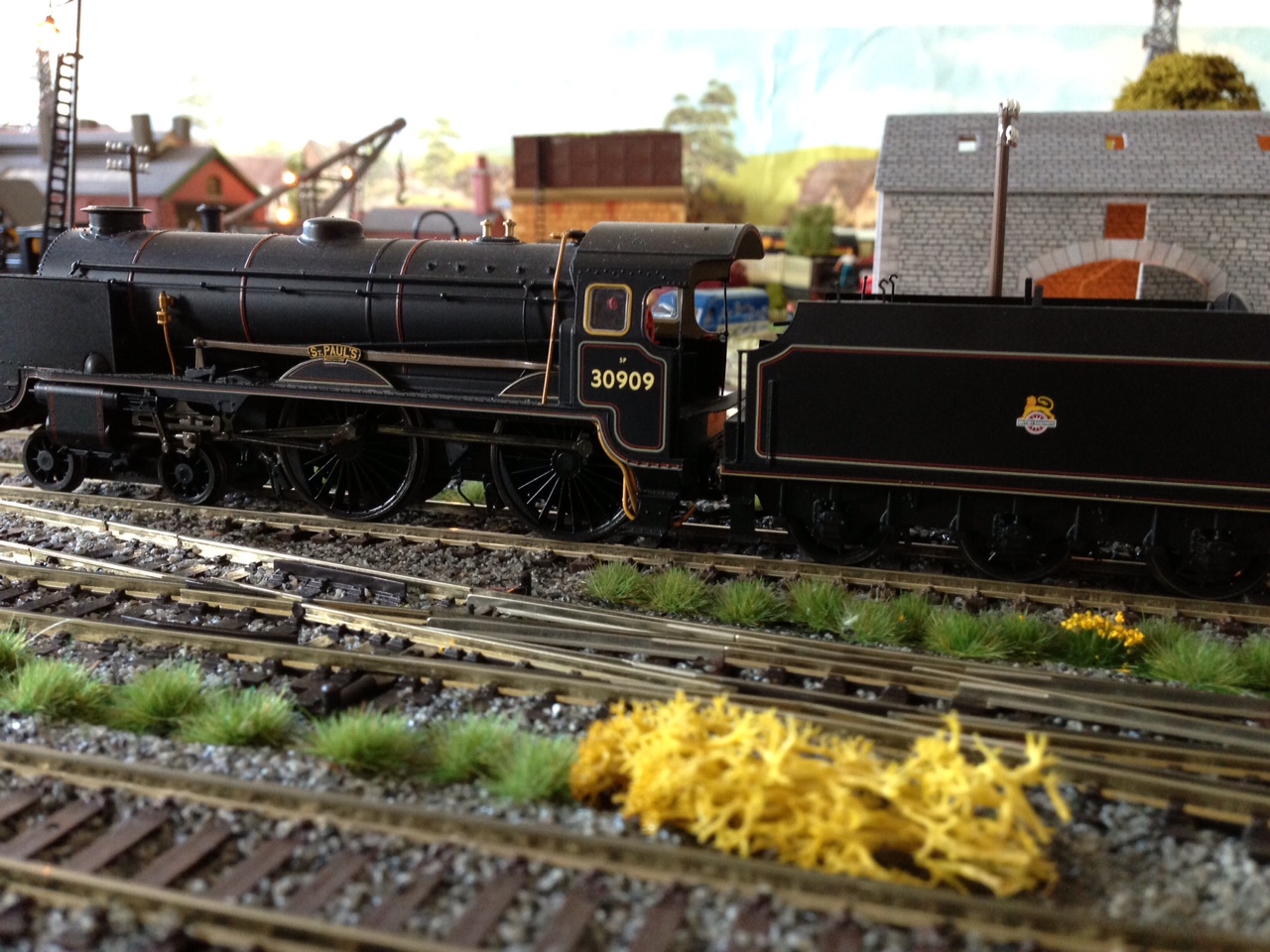
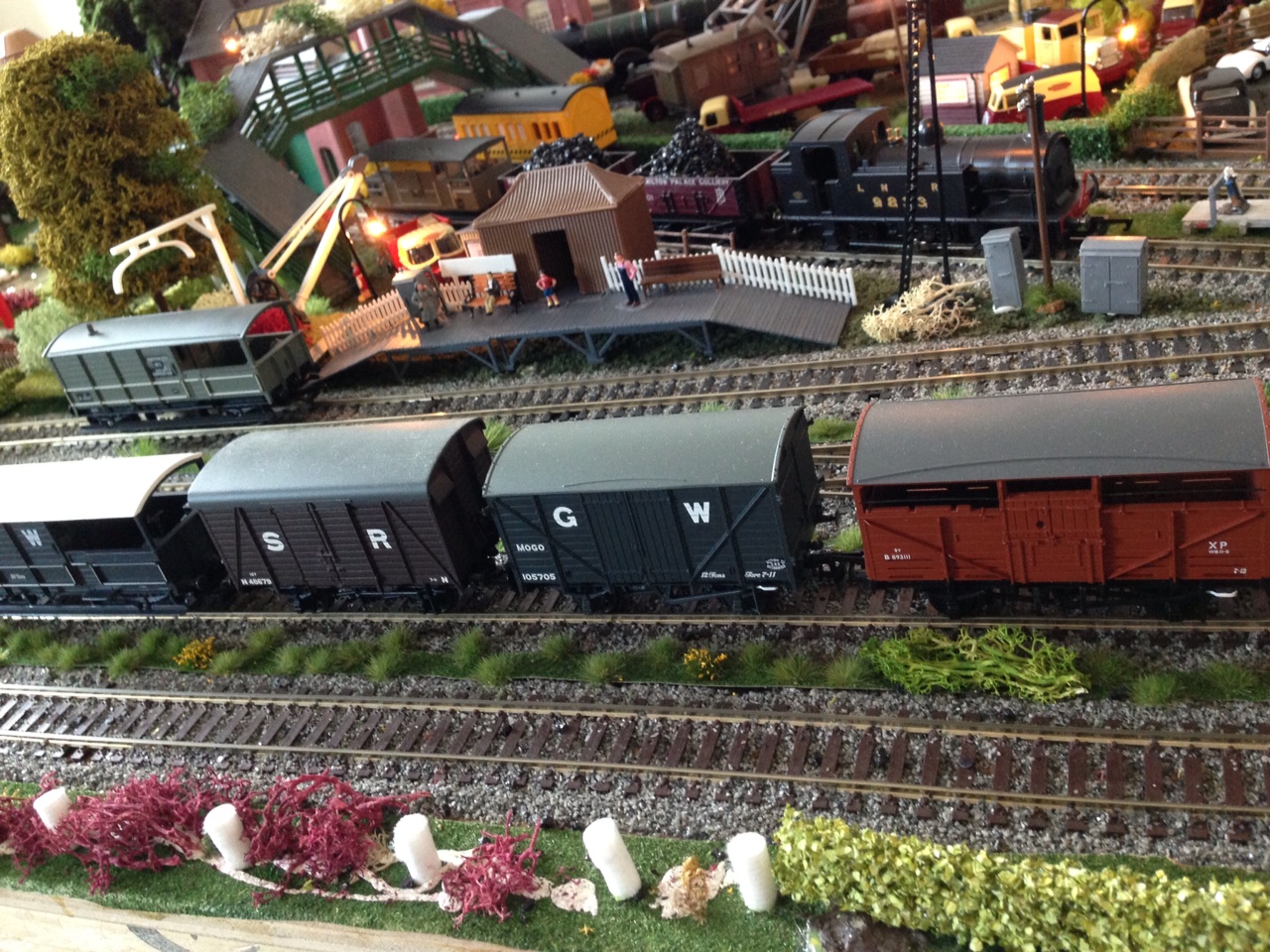
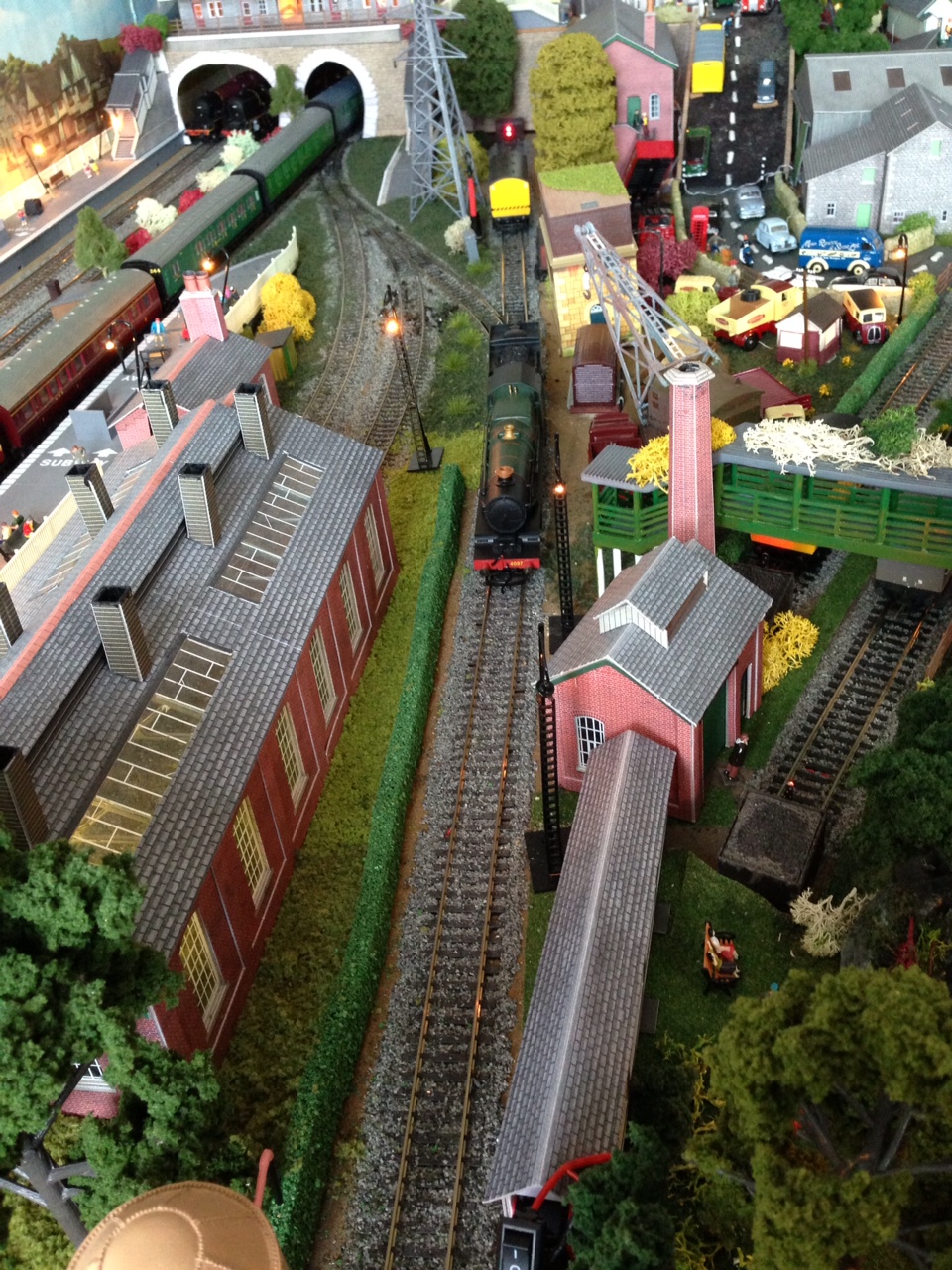
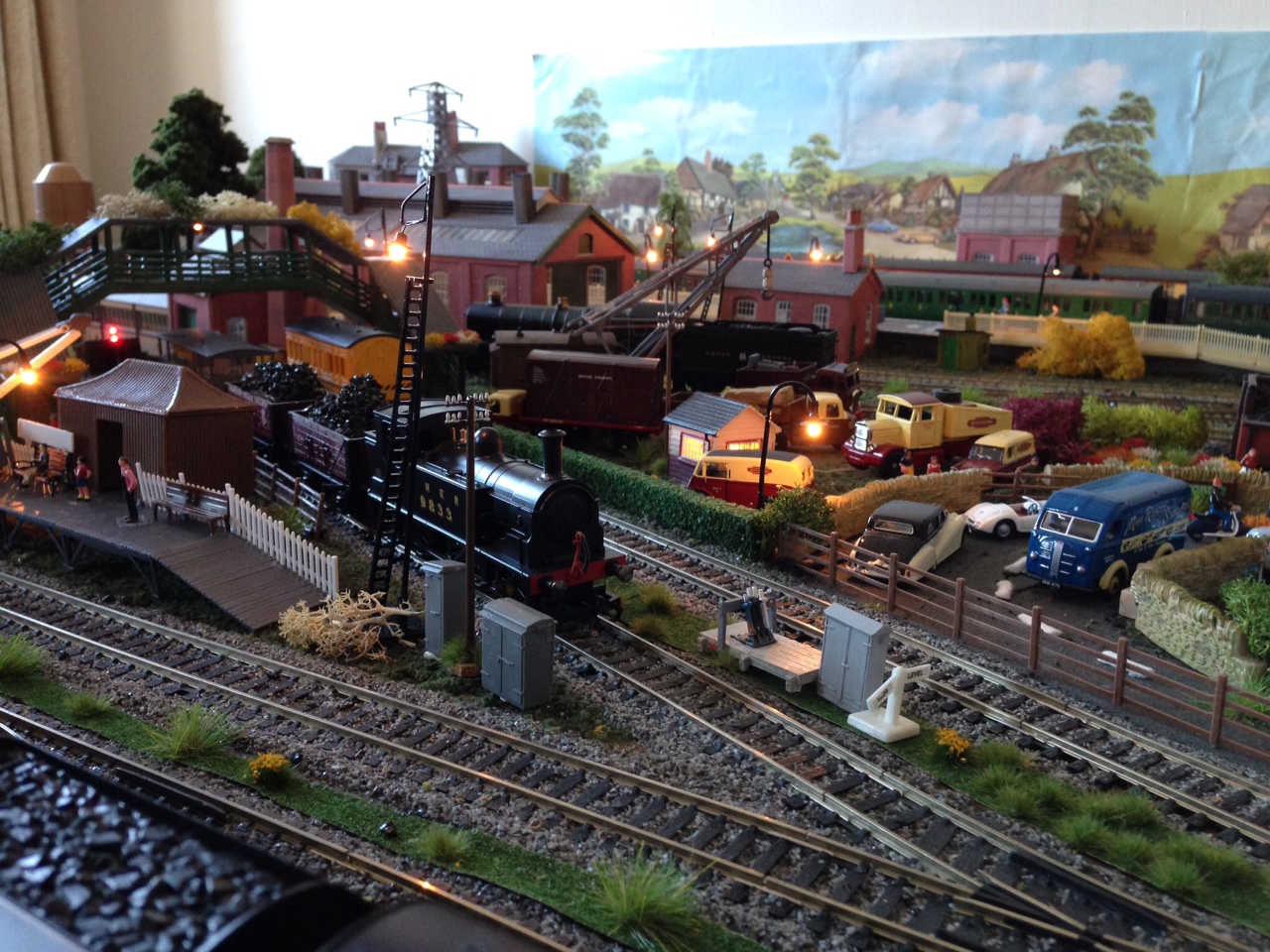
“Hi al, just a few new pictures of my layout now,I am looking for a 060 pannier tank with dcc sound and lights fitted,so if you hear of one for sale I would be very interested.
thanks again and best Wishes
Alasdair M”
(Images are clickable)
A big thanks to Jim – what a layout. It reminded me of the post Dean did on adding weights to his N scale freight: Rolling stock weight.
That’s all for today folks.
Please do keep ’em coming.
And if today is the day you poke boredom in the eye, the Beginner’s Guide is here.
Best
Al
PS More HO scale train layouts here if that’s your thing.
Need buildings for your layout? Have a look at the Silly Discount bundle.