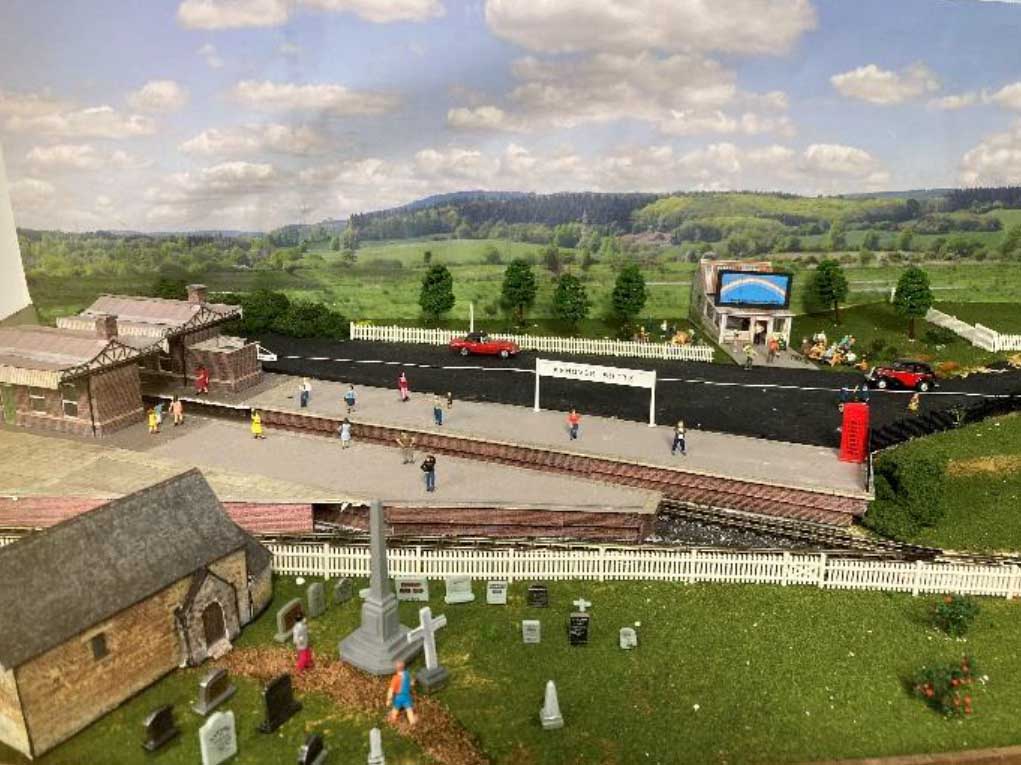
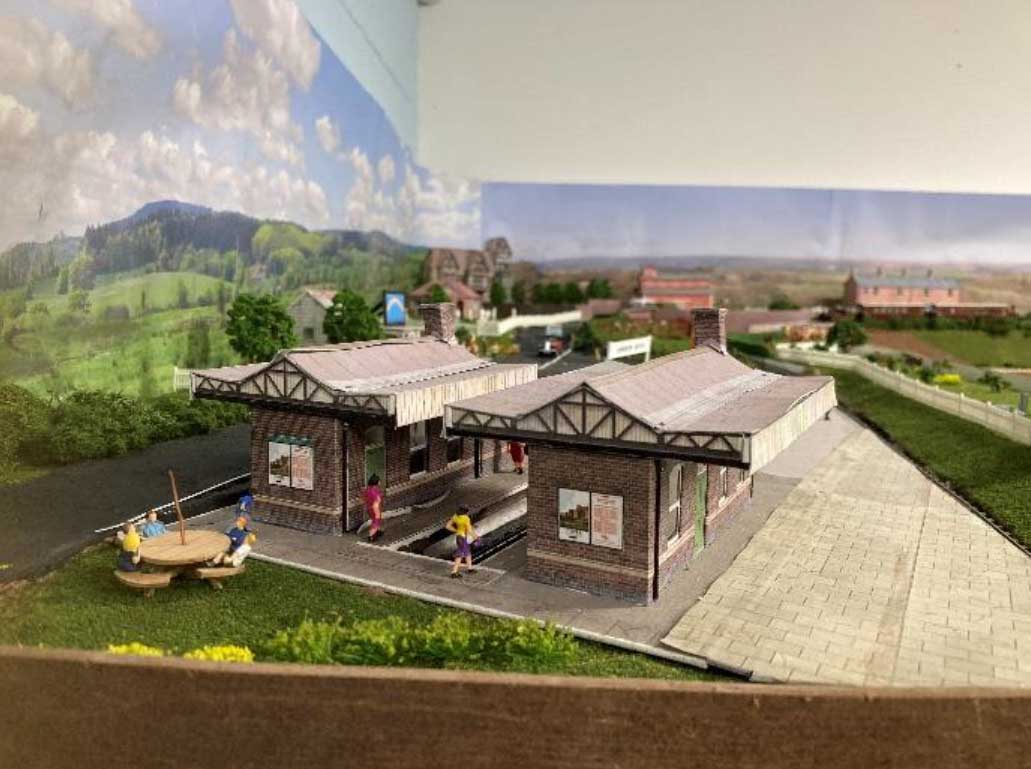
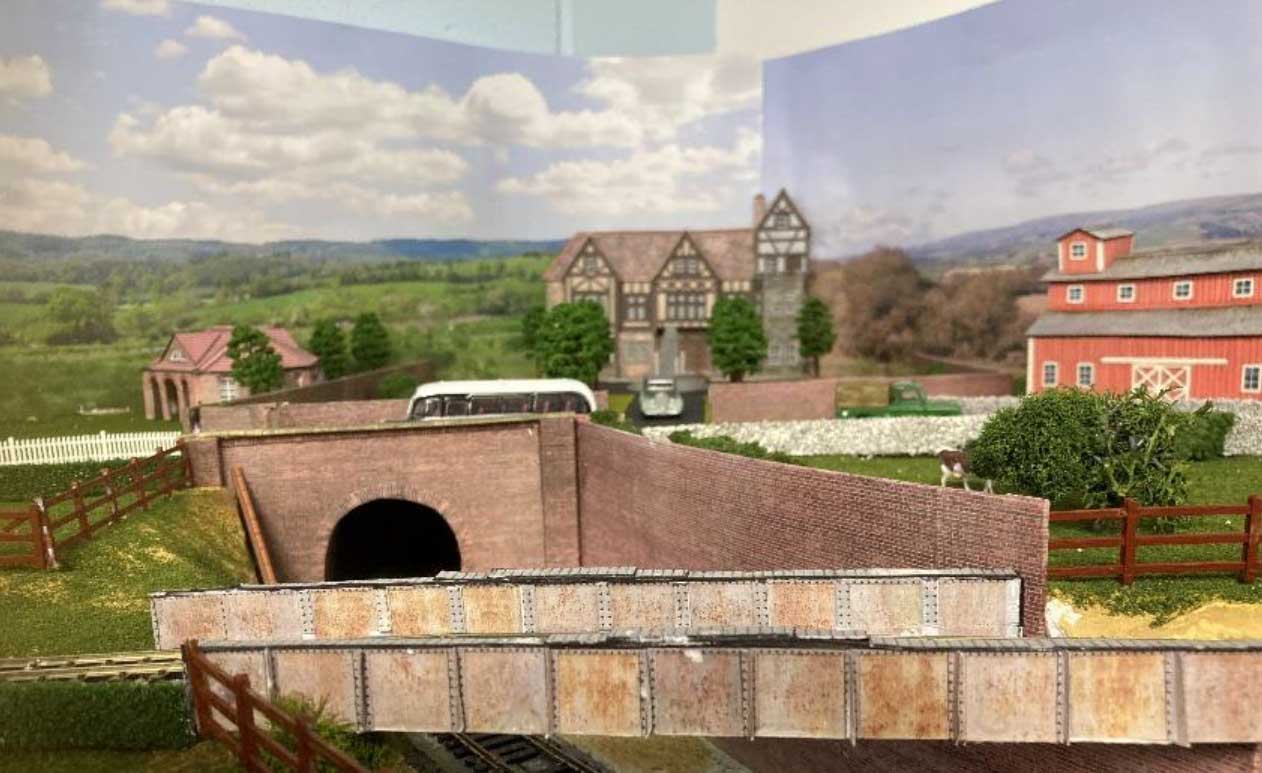
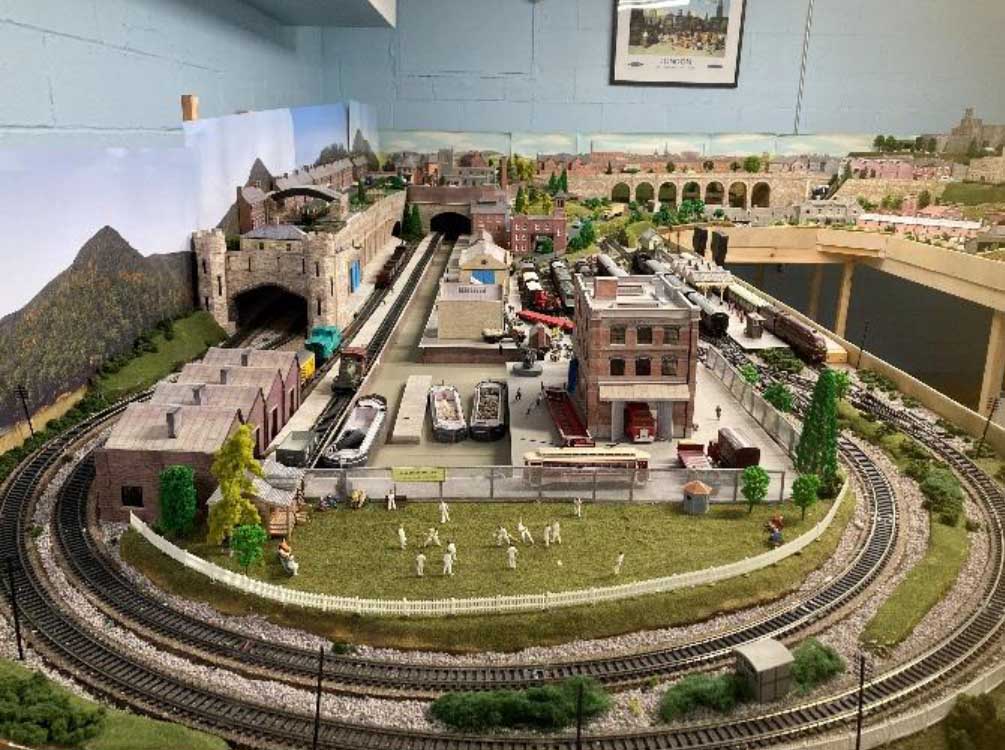
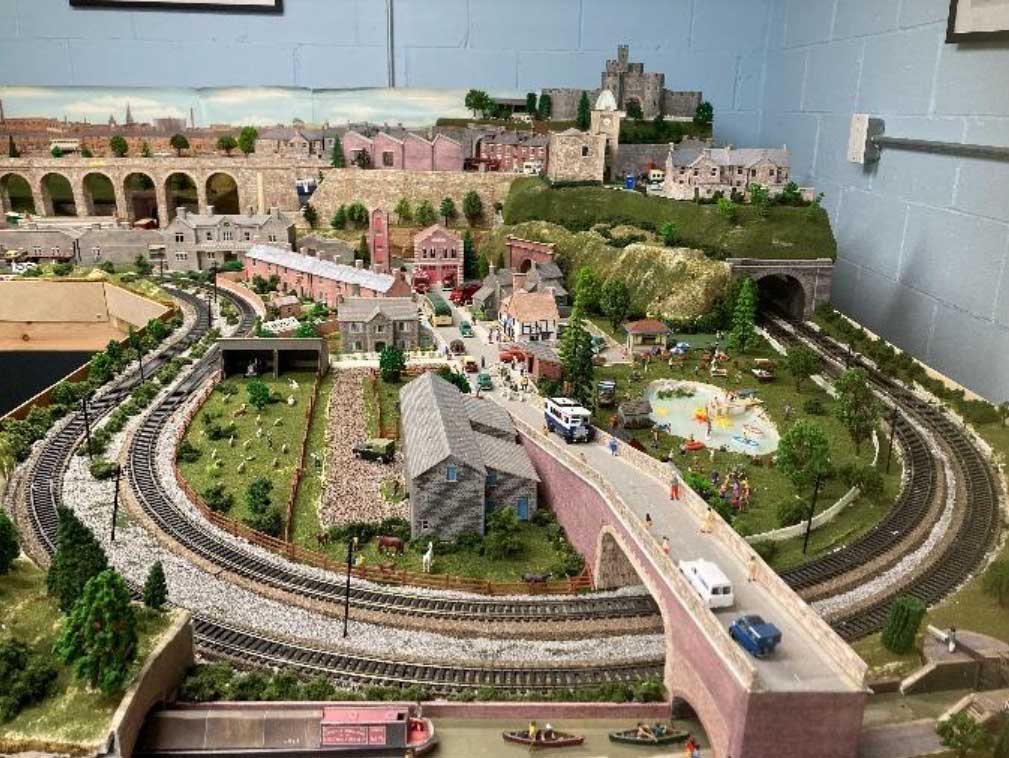
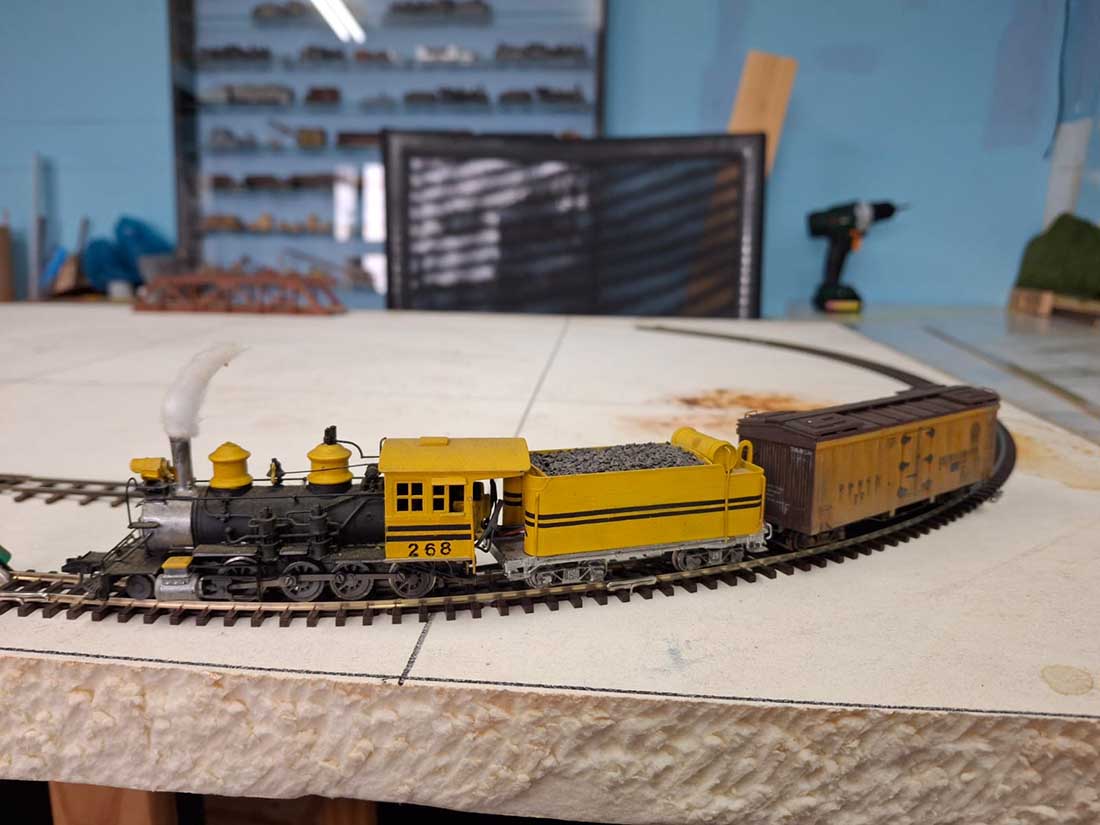
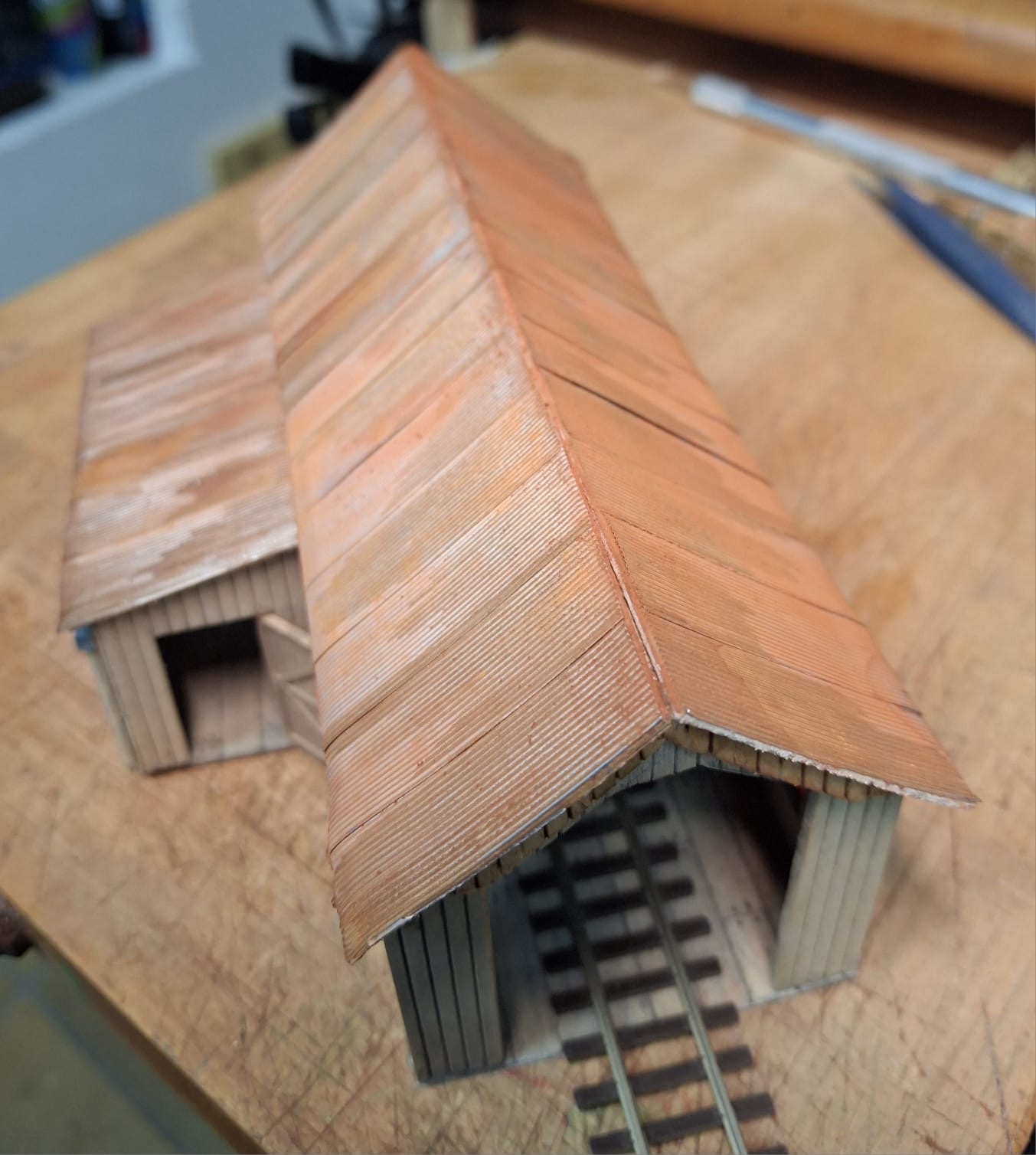
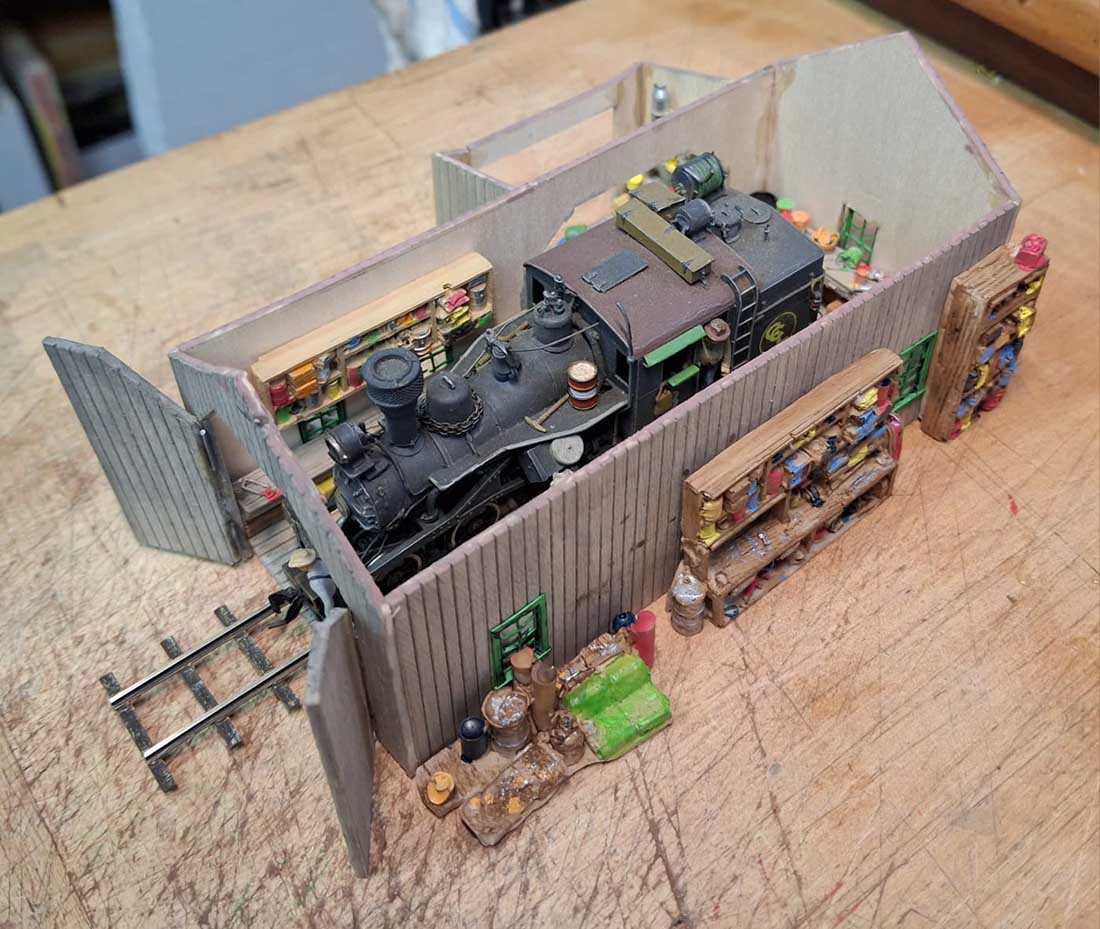
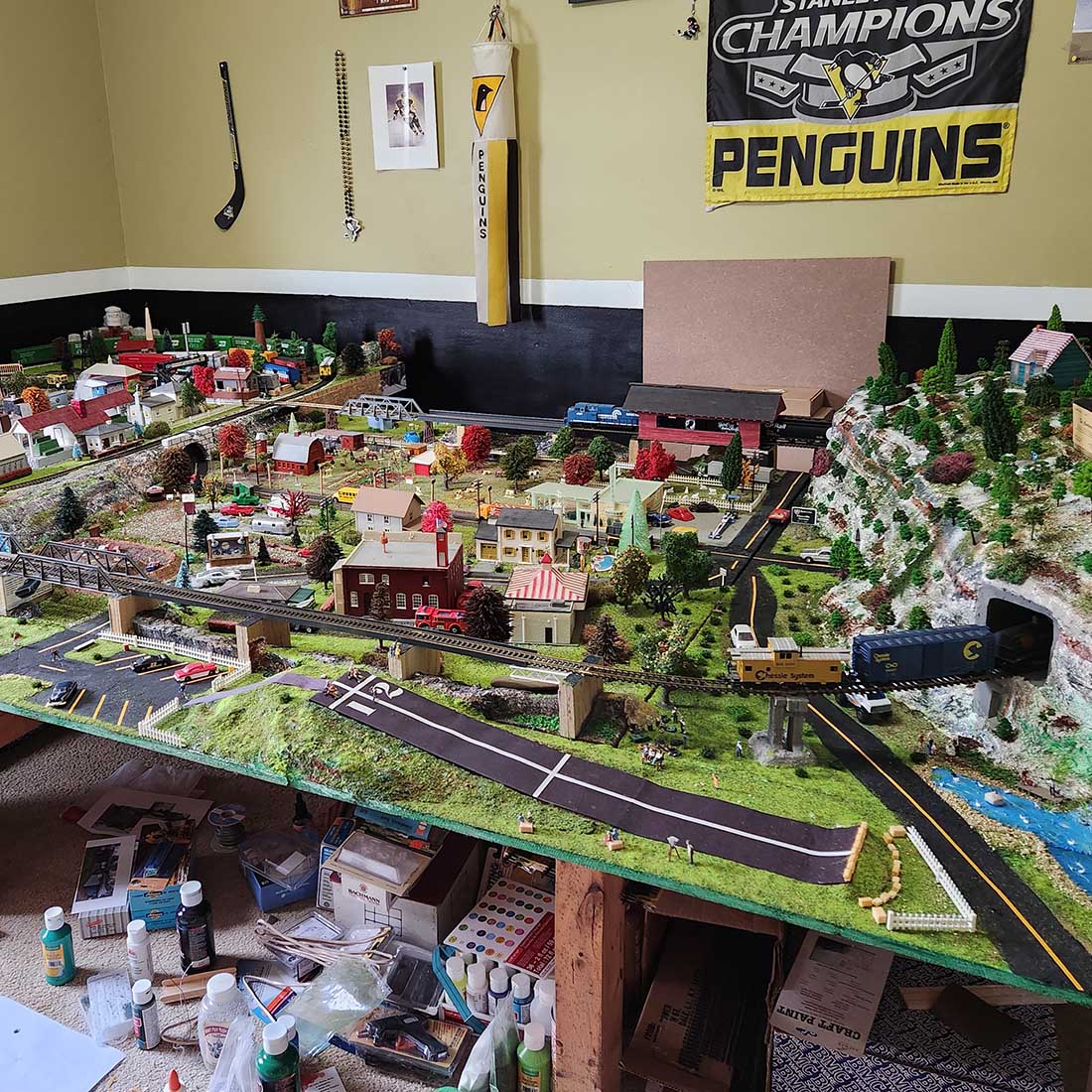
N scale layouts using Kato track

Frank’s been back in touch with a load of variations on N scale layouts using Kato track:

“Variations on a theme – sort of . . . .

Al, thank you for your ongoing support of the model railroading community. I never get tired of seeing the variety of layouts that people have created. It ranges over all sizes, gauges and levels of scenic work. Each one a project that makes the individual happy and, in the end, that is the most important, not the criticism from people who forget the real reason we do this; TO HAVE FUN!

In a recent publication, you presented a variation of the Chicago Crossing layout using Kato track parts. Since I drew that one, I have created several other variations, each with more interesting features.

I am going to try out some of them but I also have a completely different track plan I am trying out first to see which one I like best.

If you want to see the original, which was the inspiration for these variations, there is an excellent video, and well worth watching.

In all cases, I have changed the fiddle yard to be a local yard AND a fiddle yard, giving more operational interest and confusion. Each layout has two files. The "layout" is a conceptually sceniced version and the second is a track plan with the Kato track parts listed.

I still have the big, multi level D&L which I am still working on, but which will take years to get to a working level. In the meantime, I want to have something I can actually play with before that one becomes operational.

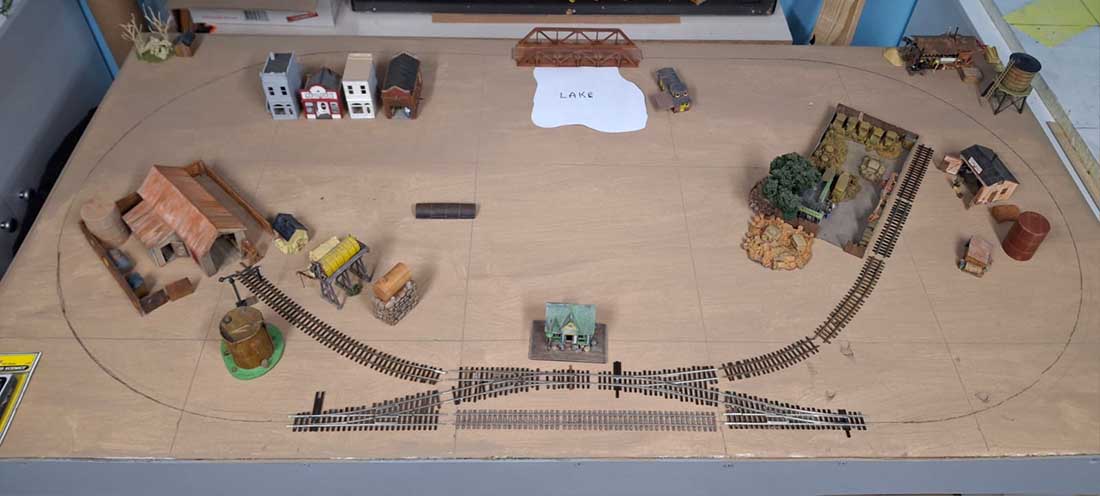
I started by building a simple 4 foot by 6.5 foot table, one that would fit in the second bedroom of my apartment. I built a series of power supplies on one board and a second board with block occupancy detectors and Arduinos for signals, and with an auto-reverser, all for future possible layouts.

1 - 4 foot X 6.5 foot table with first layout

Power supplies board

Detector & Arduino board

The first layout I am trying is called D&L Short Line V14D Layout. It is a two level track plan. It has a longer main line and a better yard configuration. It has mines, lumber, a dam we don't see except for the penstocks and a number of industries that are not detailed.

n scale layout

n scale layout power and points

It will not be the end choice. Not enough switching options. I am already getting ready to lay out the next track plan.

The first variation is the one shown in a recent blog post which I won't duplicate here except to say it had a bigger fiddle yard and an island brick yard.

The next one is another variation on the Chicago Crossing theme, called Chicago Crossing 4 x 6.5 w Return Layout, which includes the modified, more operational yard/fiddle yard and, in the lower left corner and a crossover allowing trains to reverse direction and return to the yard. This was one of the things that I wanted, a way to get back to the yard without having to back in.


The other thing I didn't like is the "short" main line. I think I am one of those people who also like to see trains run a "long(er) distance". It is, however, still an excellent layout for switching.

n scale layouts using kato track

n scale layouts using kato track

The next variation is called Chicago Crossing 4 x 6.5 – two loop V3 Layout. It has an up-and-over main line, the large yard/fiddle yard, lots of industries to switch and a little street running to Tony's toys. It does not have the reverse loop.

n scale layouts using kato track

n scale layouts using kato track

The final one I will try, and the one I like most is called Chicago Crossing w return & Two Loop – 4X6.5 V4 Layout. It has all the features of the previous layout but I was also able to squeeze in a tight return loop. The only issue is whether it is too much a bowl of spaghetti to make it look good?

Time will tell.
n scale layouts using kato track

n scale layouts using kato track

Besides these, I still have the 4 foot by 10 foot, multi level D&L which I am still working on in my friend's garage. But, because of what I wanted and the electrical technical requirements that produced, I think it will take at least another year to eve get the first loop of track operational. Beside that, it is also a lot bigger and that is a different problem.

While I am showing possible scenery in the above layouts, I am just assembling the tracks and seeing what I can do with them. As I put each variety together, I will take pictures and send them to you.

Al, again, thank you for you blog and to all the amazing layouts you have shown us and to the incredible people who built them. It doesn’t matter whether they are 1 rail (monorail??), 2 rail, 3 rail or 4 rail (the model of the London Underground) and whether it has detailed scenery or just a bare surface with the "scenery" only in the imagination of the owner. All are examples of the amazing imagination of the individual builder and all are equally worthy of our respect.

Thank you all. Thank you Al.

Respectfully,
Frank
Surey, BC, Canada”

A big thanks to Frank for sharing his N scale layouts using Kato track.

That’s all for this time folks.

Please do keep ’em coming.

And if today is the big day when you spring into action, the Beginner’s Guide is here.

Best

Al

PS More HO scale train layouts here if that’s your thing.


Need buildings for your layout? Have a look at the store.

They are great fun to make and great value too.
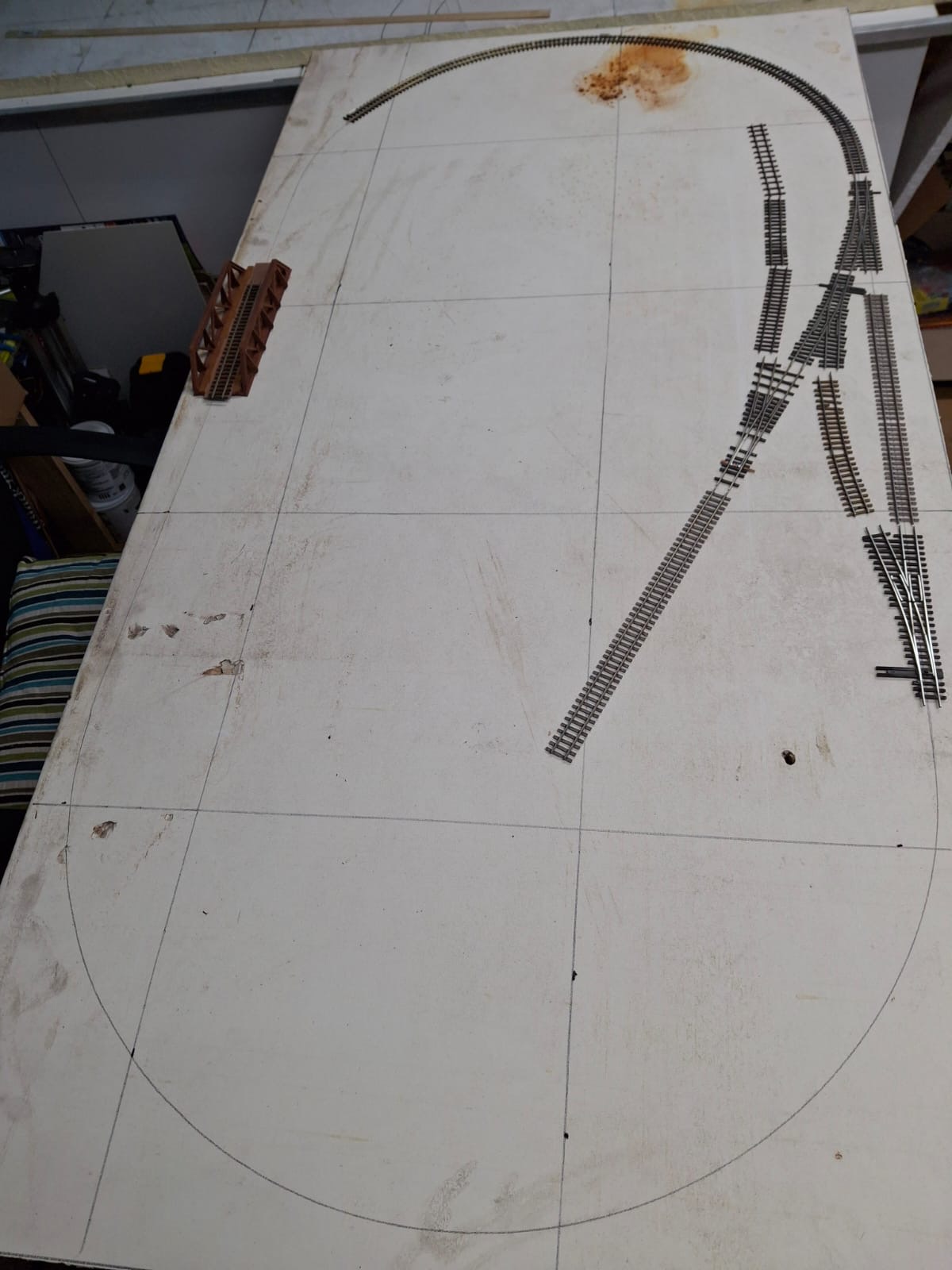
Model train DCC wiring

Gary’s been back in touch with his model train DCC wiring – which is all on a fold away table. Quite a project!

(His previous post is here: Folding train table.)

“So, it’s on to wiring. To provide DCC power to the track, I’m using 18 AWG for the main Buss that’s connected to my DigiTrax DCS 52 Control Unit.

I went with 22 AWG for the feeder drops, a drop every three feet and one on every line in the yard and sidings for a total of 58 pairs of feeder wires, probably more than I needed.

I decided to use Walthers Switch Machines, wiring, and their power distribution blocks. There are 28 Switch Machines (SM) controlled by 24 SPDT toggle switches.

One toggle switch controls two SM through a cascade connection for one of the sidings, and then another toggle switch controls four SM for the double crossover.

I was able to get by with just two power distribution blocks because a single SM allows daisy chaining power to as many as four other SM.

Although my table folds up, making it easier for wiring access, it was a little difficult mounting each SM under the table. I had used two layers of 7/16” plywood to make the table rigid but ended up having to cut out a layer of plywood so that the Actuator Wire from the SM would protrude far enough to reach the access hole of each turnout.

I started using a router bit to remove the single layer of plywood but found that an oscillating multi-tool with a saw blade worked much better with a lot less saw dust.

The Walther’s Control System wiring instructions were easy to follow, even if you’re using your own toggle switches. Their wiring cables and extensions work well too. In some cases, I’m using one or both micro switches attached to the SM to operate LED indicators on my Control Board.

When the table is down, it rests on two Centipede Workbenches. To prevent any wiring from getting pinched, I used a lot of Velcro tie wraps stapled to the table. Also, a lot of ‘twist ties and cable clips were used to secure multiple wire bundles to the underside of the table.

On the table, there are two DB37 cables for SM operations and two DB25 cables for the LED indicators. These cables are connected to Terminal Distribution Blocks.

The wiring from the SM and the micro switches connect to the other side of the Terminal Distribution Blocks. The four cables from the table then plug into the male and female Terminal Distribution Blocks on the Control Board.

The Control Board is a separate unit that attaches to the table and is supported by two 10” shelf brackets attached to the portable center support structure. Then on the Control Board, the wiring from the SPDT toggle switches and the LED indicators connect to the Distribution Blocks completing the circuit.

All connectors are either spade, fork, or ferrule connectors (over 400 in total). A lot of hand crimping and about a week or two wearing a wrist brace.

There are two basic routes that I’ve designated as the “Mountain Loop” and the “Valley Loop”. I’ve used different colored tape on the Control Board to mark these routes.

Next will be scenery and landscaping, which I’m not looking forward to. I’m just hoping it doesn’t turn out too cartoonish.

Gary”

Model train DCC wiring

Model train DCC wiring

Model train DCC wiring


Model train DCC wiring

Model train DCC wiring

Model train DCC wiring

Model train DCC wiring

dcc control board

A big thanks to Gary for sharing his update on his model train DCC wiring.

I’m really looking forward to seeing the next update with the scenery. A big thanks to Gary for this.

That’s all for this time folks.

Please do keep ’em coming.

And if you feel like you’re missing out on the fun, the Beginner’s Guide is here.

Best

Al

PS More HO scale train layouts here if that’s your thing.


Need buildings for your layout? Have a look at the store.

They are great fun to make and great value too.
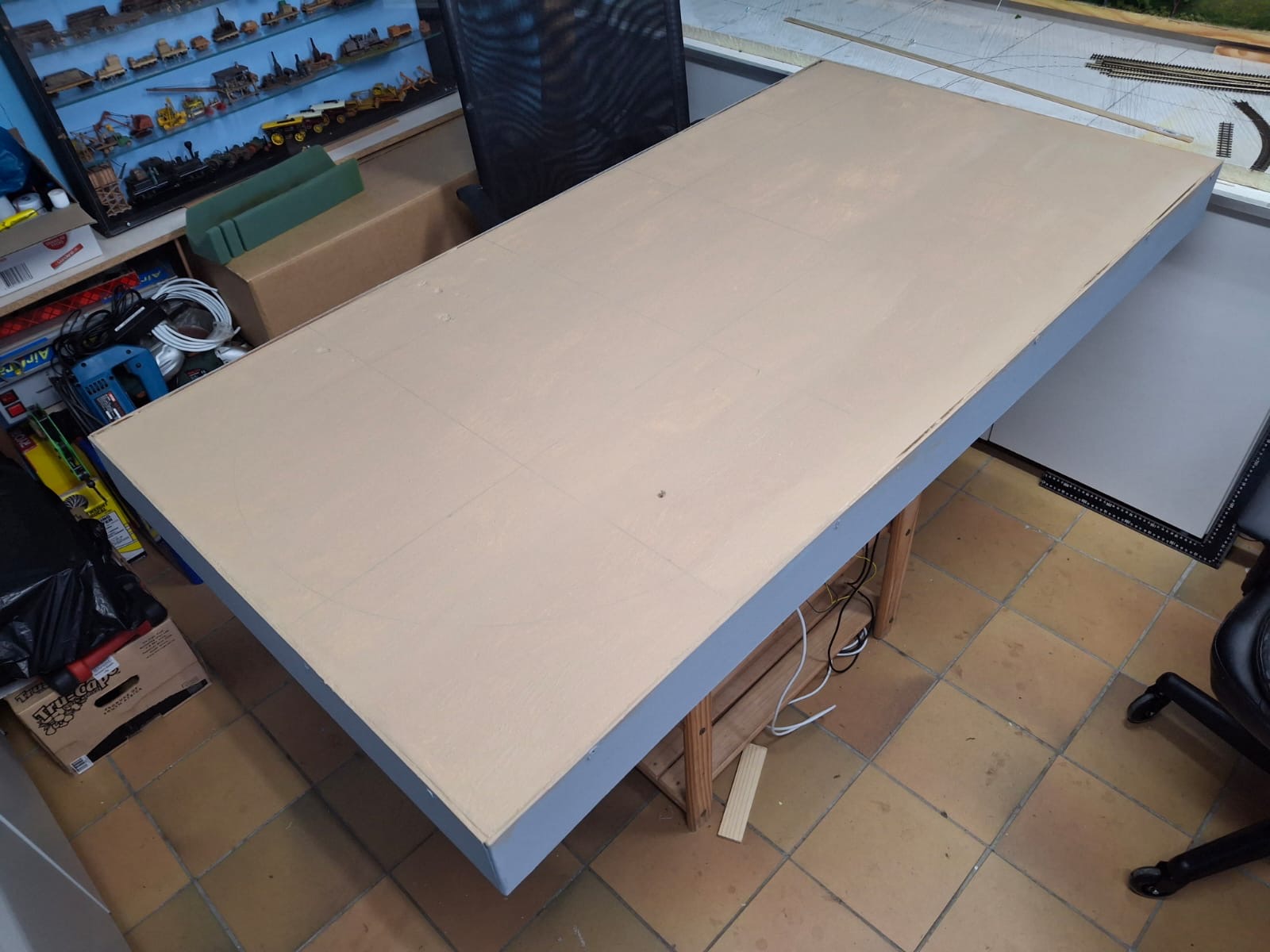
Model railroad layout lighting

The talented Dan has been back in touch, this time with some great tips on model railroad layout lighting:

“Lighting our layout is very important. We generally just think about having enough light to see everything. The first rule of thumb is that the higher the layout is the more light you need. We achieve this in various ways. Basic general overall with perhaps floods or spots.

Photo 1 shows my overall lighting. Basically, fluorescent lights are well distributed.

model railroad lighting

This worked well for me. There are no areas of darkness or shadows. I wanted more or less a flat lighting If I wanted shadows, I would use some directional lamps to create the shadows I want. As is the layout photographs very well. I will show a few examples.

I use a flexible necked lamp with a 60 watt an incandescent bulb. I was an old reading lamp that you could extend the height of the light. My normal lighting is on 3 circuits.

The lights down the left wall are GE Light sticks. They have a warmer light level because I wanted that area to be redder to help with the desert look. It does not show much in this photo, but it does work. All the other lights are 50/50 on the 2 circuits.

Varying which lights I want, I can get the effects I will show you.

Photo 2 is a “sunset” view.

model railroad lighting

Photo 3 the same area without the “sunset” look.

model railroad layout lighting

Photo 4 is a scene I use sometimes at open houses. I don’t run trains over the trestle then because folks taking photos get a little too close for my comfort. I am busy talking and answering questions.

In fact, one of the braces at the fire barrel came up missing after such an occurrence.

So, I created this scene. A work crew fixing that issue.

This photo is in my “normal” lighting.

model railroad trestle bridge

Photo 5 is with less normal lighting and using the lamp to bounce the light from the background behind the trestle.

model railroad layout lighting


Photo 6 has the same technique.

And photo 7 is a “Before” photo.

model railroad layout lighting

model railroad layout lighting

I hope you liked this. It is fun to put your model work in a different light.

Santa Fe Dan”

A big thanks to Dan for sharing his model railroad layout lighting tips.

You can see lots more of Dan’s work in the Hall of fame.

That’s all for this time folks.

Please do keep ’em coming.

And if today is the day you grab the bull by the horns, the Beginner’s Guide is here.

Best

Al

PS More HO scale train layouts here if that’s your thing.


Need buildings for your layout? Have a look at the store.

They are great fun to make and great value too.