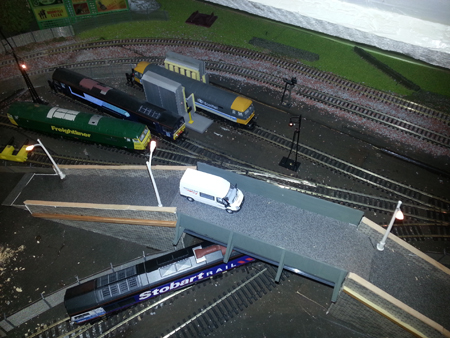
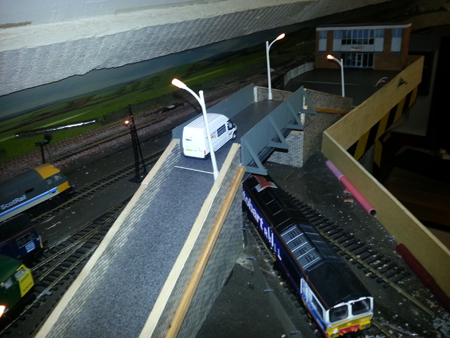
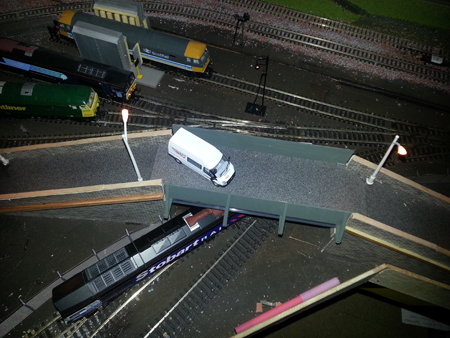
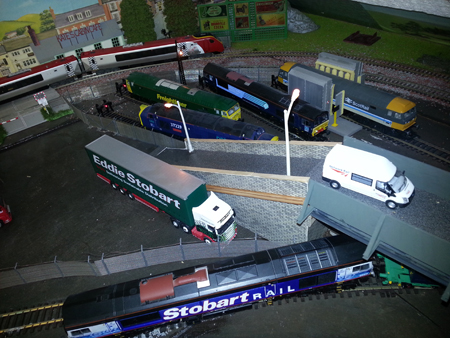
Cameron’s latest model railway missive

Cameron has very kindly done a points and motors ‘how to’ after spotting so many questions on the subject in the posts.

Thank you Cam – and can’t wait to see more pics / video of your layout.


“Dear Al,

It’s been a while since my last post.

I have spent a lot of time over the last couple of months lying under the layout with wire cutters in one hand and a soldering iron in the other. There is now a big mess of wires under table that reflect a lack of planning on my part. I bit embarrassing but part of the process.

Following is a couple of tips on electrifying points on a layout that might be of use to a few of your readers.

Points and Motors

Before I laid the track I drilled holes in the right locations for the point switch rods. I would do this again regardless of whether I planed to electrify the points or not. You never know how hooked you are going to get on this hobby.

I used Peco point motors which have been quite good. Rather than using the propriety plastic adapters I simply bent out the fixing prongs to act as a fixing lug. Perhaps a bit rough but a lot of modelers seem to use this method.

They all run off a 4amp 14v power supply which is not at the top end for this type of point but has been reliable.

Lining up the point motors under the track for reliable operation is one of the more difficult parts of the process. I did however find a pretty good process worth sharing.

1. I drilled two small holes through the top of the layout at each end of the plastic switch operating slide. These holes have two purposes. They provide a reliable guide marker under the table and, if drilled at the right spacing can be used to screw the point motor in place from under the table.

2. I set the point in the central position and held it in place with two tooth picks.

3. Working now from under the layout I lined up the motor so that the motor pin was in the middle ( evenly spaced) from each motor magnet.

4. The motors were screwed in place with a couple of screws and washers.

5. Remove the tooth picks and you should have a well aligned motor.

For me this method took a lot of the guess work out of the process of positioning the motor and ensured a lot less adjustment was needed to get them all working.

The other aspect of the point automation I thought was worth mentioning was the Mimic Panel. I made this out of a few electrical project boxes bolted together to form up a nice long panel. For the diagram I took inspiration from the London Underground maps. This type of graphic is really easy to read and looks good in colour.

The diagram was printed on paper and mounted on the face of the mimic panel under a sheet of clear acrylic/lexon.

Thats all for now. I will send through a post on the lighting next.

Cheers,

Cameron.


A big thanks to Cam – nicely explained.

That’s all for today folks.

Please don’t forget the Beginner’s Guide is here if you want to stop dreaming and start doing.

Best

Al

PS Latest ebay cheat sheet is here.

More pics of Robert’s layout

“Hello Al,

First off I want to let you know how overwhelmed I was at the response to my layout.

My children and grandchildren think my ‘toy’ trains are pretty but having a group of real model train guys let me know that they think my layout is pretty good really made my day and my week and probably my year as well.

Thanks to all for you comments and suggestions.

Secondly, it’s funny how one always needs more room for a layout.

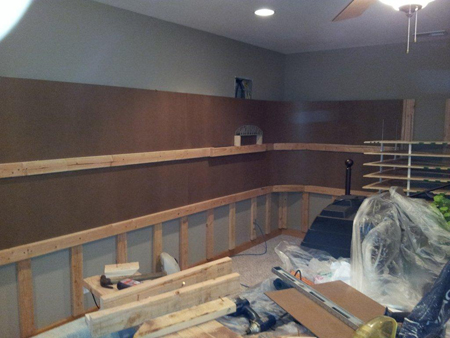
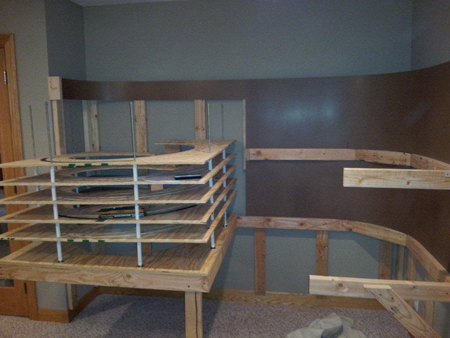
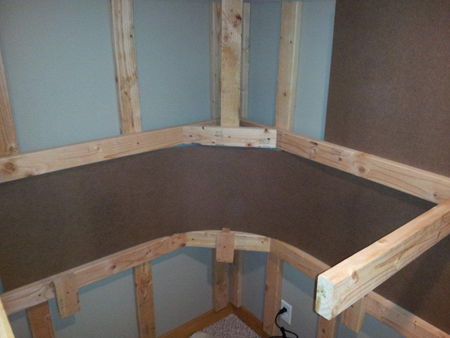
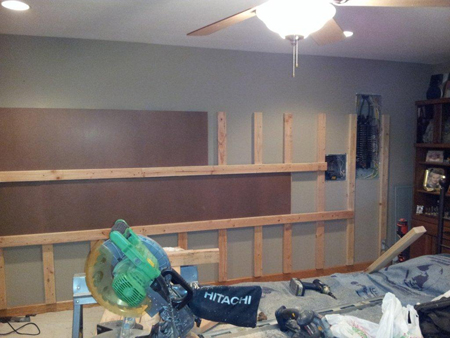
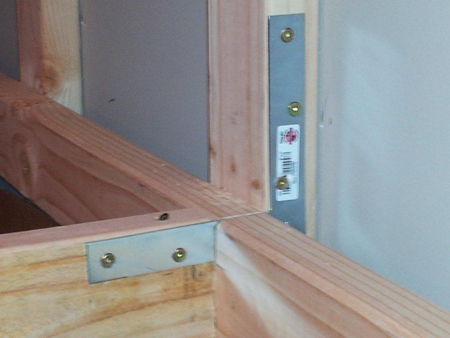
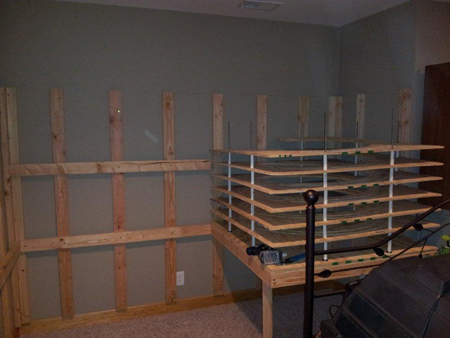
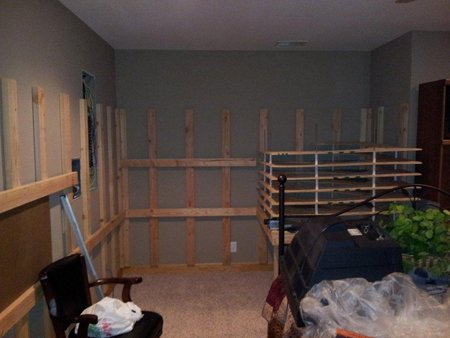
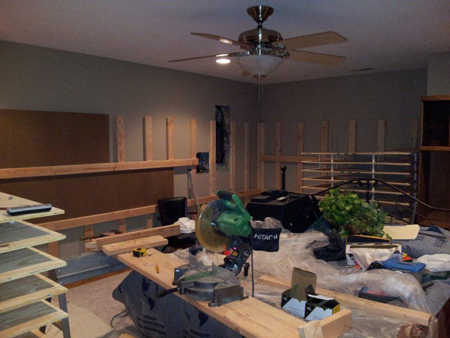
I decided to expand my layout by using my 12 x 12 storage shed in the back yard. I added insulation, OSB walls, ran electric and added an a/c/ unit through the wall.

I use a little electric heater in the winter.

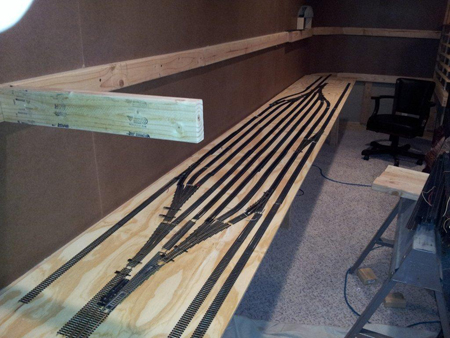
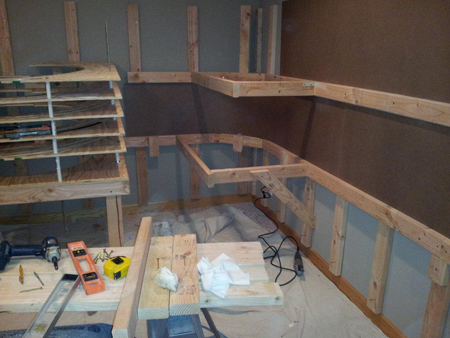
I decided to use a shelf type layout with a duck under at about 54” so I didn’t have to crawl. My train room also included a small space to work.

I also wanted to use as much as possible from my 1st layout.

On my first layout I used a plywood sheet covered with pink foam insulation.

The track was glued down (with white glue). On this layout I used an OSB base covered with sound board and the track was tacked with track nails. Some new things I tried:

1. I tried my hand at scratch building some items.

2. Built using different levels to add interest.

3. Added a water feature. Didn’t do too good on the waves part.

4. Built my scenery with screen, cardboard strips, balled-up newspaper and foam all covered with plaster cloth or plaster or drywall compound or tinfoil. I wanted to experiment to test what worked best for me.

5. Built some trees with kits(didn’t work out too well) and also weeds painted green.

6. Got some latex and built some molds …. A fun project. Also bought some rubber rock molds as well.

7. Added people into my vignettes. My wife’s idea. She was right, they really make the scene come alive.

8. Used a turntable with an auto reverser and a switch to run the turntable backwards and forwards. Figured out later that I could have used a switch instead of the Auto Reverser and saved a lot of money.

A couple of things I learned on the way:

1. Never put your turnouts at the beginning or end of a curve. Always start them on a straight piece of track. They always caused a derailment.

2. Duckunders are the easiest. I first tried a lift out… kind of a pain with the off and on thing and my alignment always needed a little adjustment. Then I got cute and built an elevator thing using a car antenna hung from the ceiling and the bridge riding between two metal tracks. The next try was a lift-up thing mounted on a furniture hinge. Too bad I didn’t take some pictures of these failures on my part. Most were good for a few laughs.

3. I really don’t like working with a magnifier mounted on my head and besides, my hands shake at the most inopportune times. Can’t imagine how anybody works with N or Z scale. I stand in awe of these folks.

4. Always add the background (if desired) before you build the layout.

I added many more little vignettes to this layout but I don’t have pictures because at this point I decided to get out of HO and go into something bigger. I decided on On30 which is O scale with the train’s running on HO track.

This began another journey …FYI, I was now 68 at this time.

Bob”

model railroad backdrop

on30 model railroad lighthouse

on30 layout mine

model railroad crane


on30 turntable

on30 trestle bridge

model train layout

model railroad sidings

model railroad pier

model railroad coal shute


They are stunning Bob! A big thank you.

That’s all for this time folks.

Please do keep ’em coming.

And if today is the day you get started on your layout, the Beginner’s Guide is here.

Best

Al


HO scale microwave tower

“Hi Al.

Here is a microwave tower made from small stiff wire.

Need to use flux or paste for solder to stick.

Cut length of wire to what ever size long you want.I took 18 inches.

Make 2 and make sure they are very streight.

lay down on a long piece of wood.

Pin down useing sewing pins with heads.

Space the 2 long wires 1/2 inch apart.

Make sure they dont move.

Now cut smaller pieces to fit between but make sure you dont force them in or the tower will have bulges.

Now flux or paste and solder small pieces.

Go all the way up.

Half way you should be feeling a pain in your back hunched over.

Once you get the lenght you wanted, looks like a huge long metal ladder.

Now make another one.

ooch my back lol.

Once done stand lenght wise like a upside down V.Pin to hold still.

Now solder in only a few places along.

Once stiff, turn over to a V shape and start soldering more little ones.

When you solder close to another peg it may come loose so be quiek.

Now you have your tower.

Go wash it off with dish soap water carefully.

Dry with blow dryer or it will rust.

You dont want to introduce paste or flux to your engines paint job or any paint.

You see in mine i used ho plastic ladder’s done the same way as tower.

Addes a antenna and a water saver screen for taps make of plastic for the microwave antenna.

I will add more after and stuff. As well as a 2mm flashing red warning light on top.And a steady red half way down the tower.

Oh the long antenna is made from the tower metal and a thinner piece soldered and painted.

Kim”

“Alastair,

This is a Lionel “O” scale layout that I started a couple of days ago that I’m building to hopefully sell on Ebay.

It’s a simple figure “8” with no sidings.

I’m doing the landscaping with 2″ pink high density foam house insulation.

There will be no buildings but (2) lakes and I will add schrubs and grass. I’m trying to keep it very low profile for easy protective storage. I put fold away metal legs on it for easy set-up.

I’ll be done in a few days and I will send you final pics of it then.

Regards,

Barry”

Can’t wait to see the final pics Barry! Al.


So looking forward to seeing Barry’s finished model layout.

Now on to something completely different. I was in two minds whether to post this or not.

But then I thought of the countless times I’ve watched it – and thought it may go down well with you all.

Hope so.

But if not, please do let me know so I the right sort of stuff to post…

That’s all for today folks.

Please do keep ’em coming so I can keep posting.

And if today is the day you stop dreaming and start doing, the Beginner’s Guide is here.

Best

Al

PS Latest ebay cheat sheet is here.

PPS More HO scale train layouts here if that’s your thing.