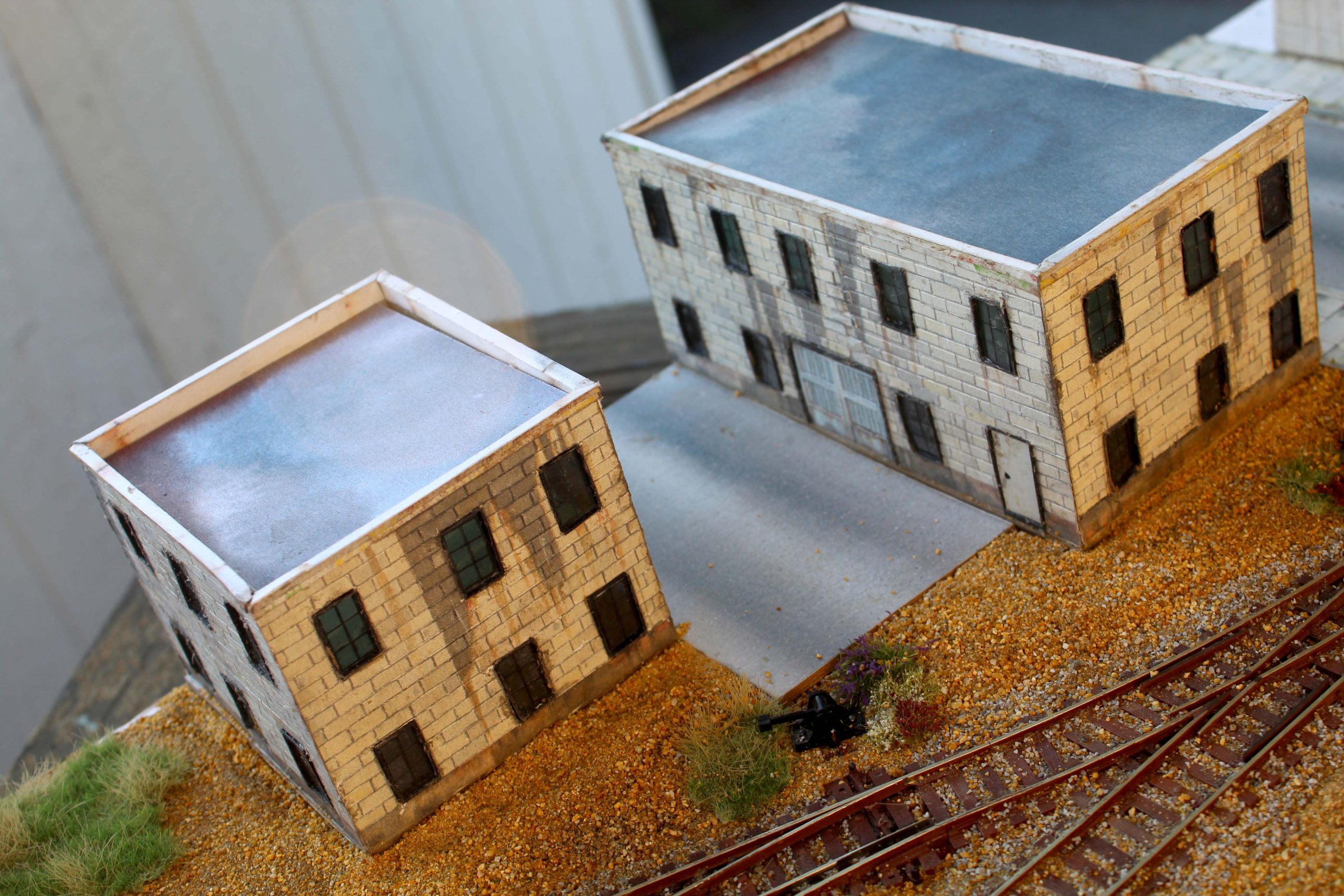
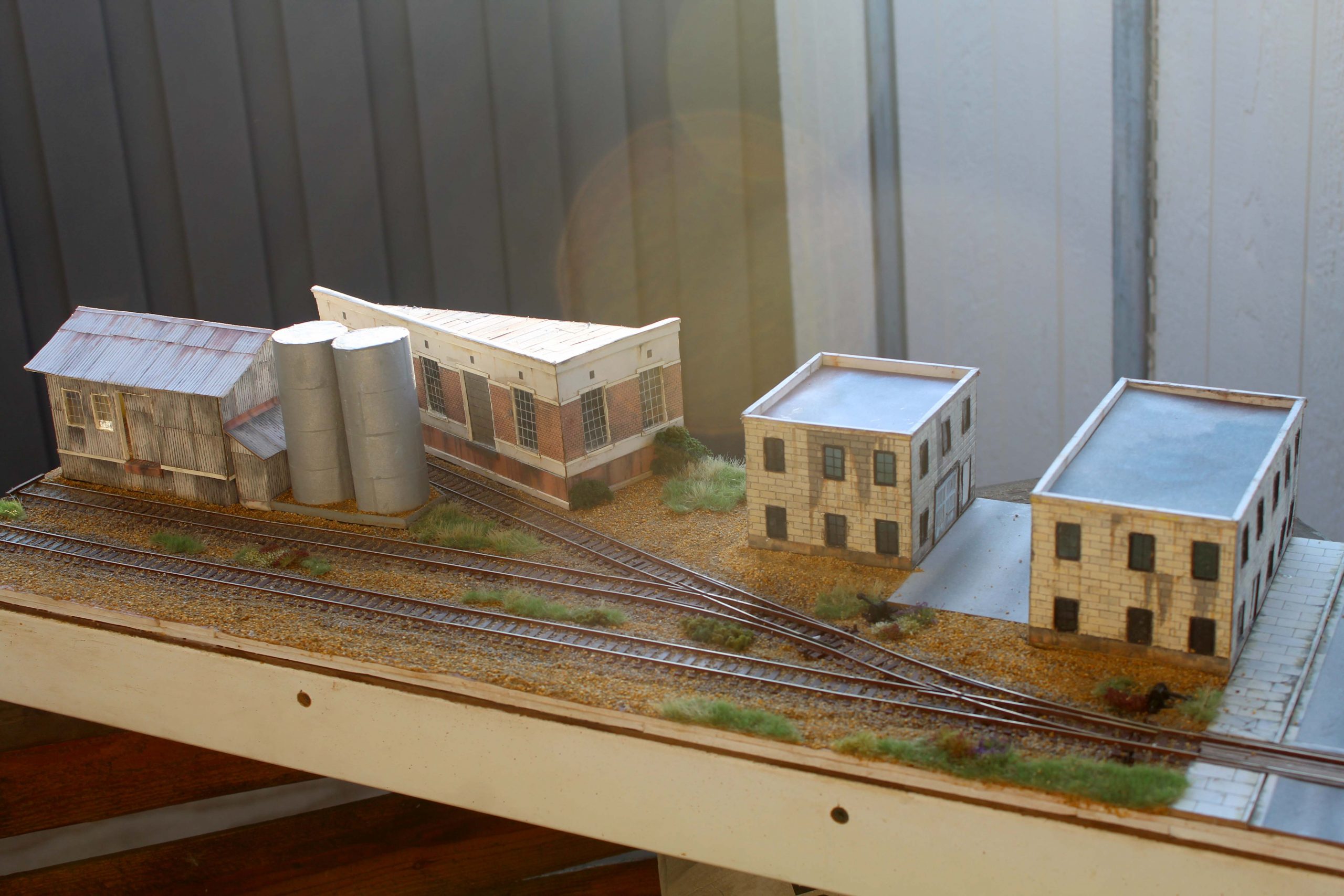
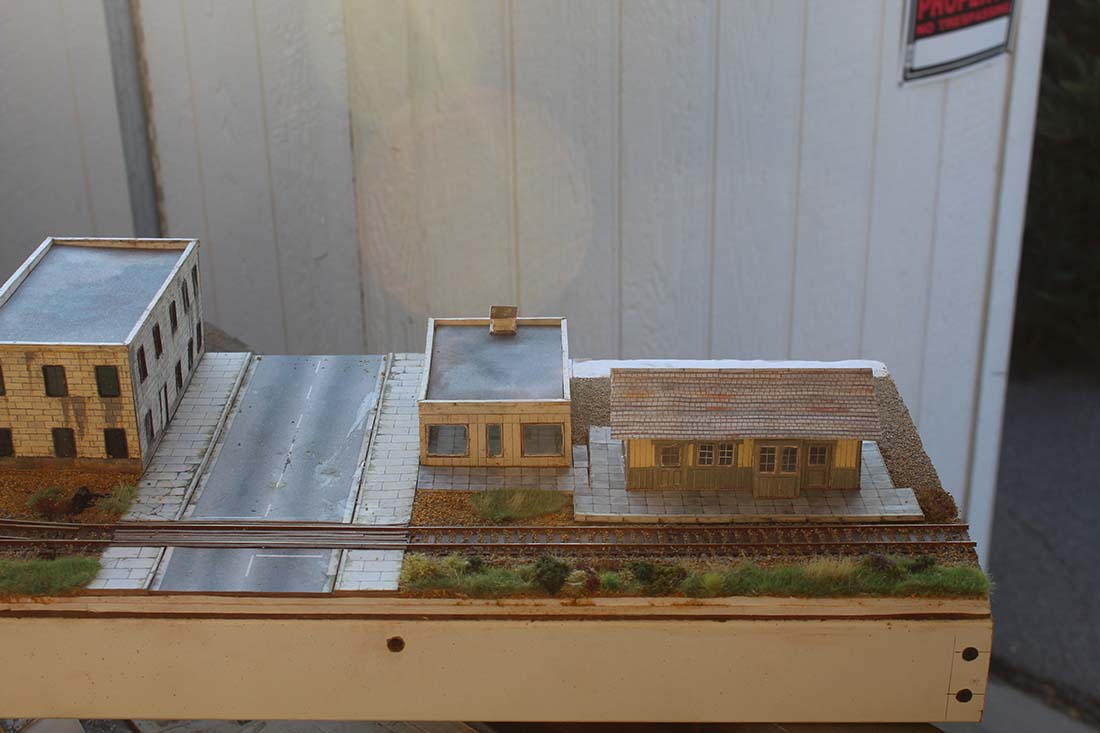
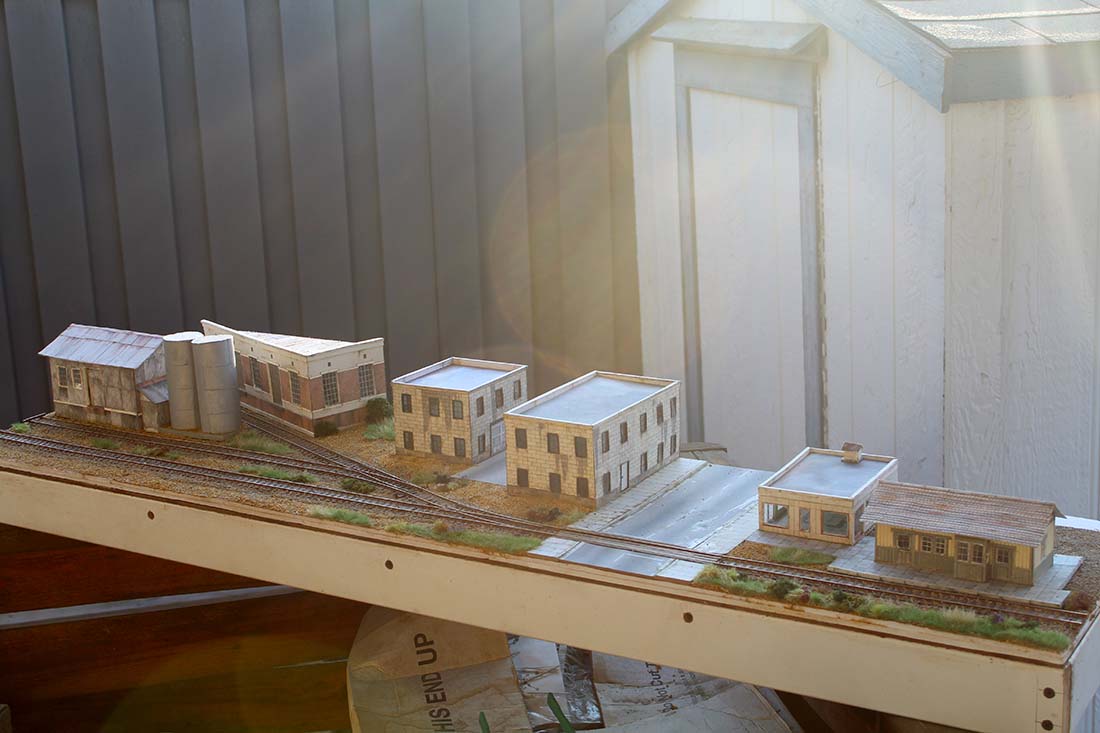
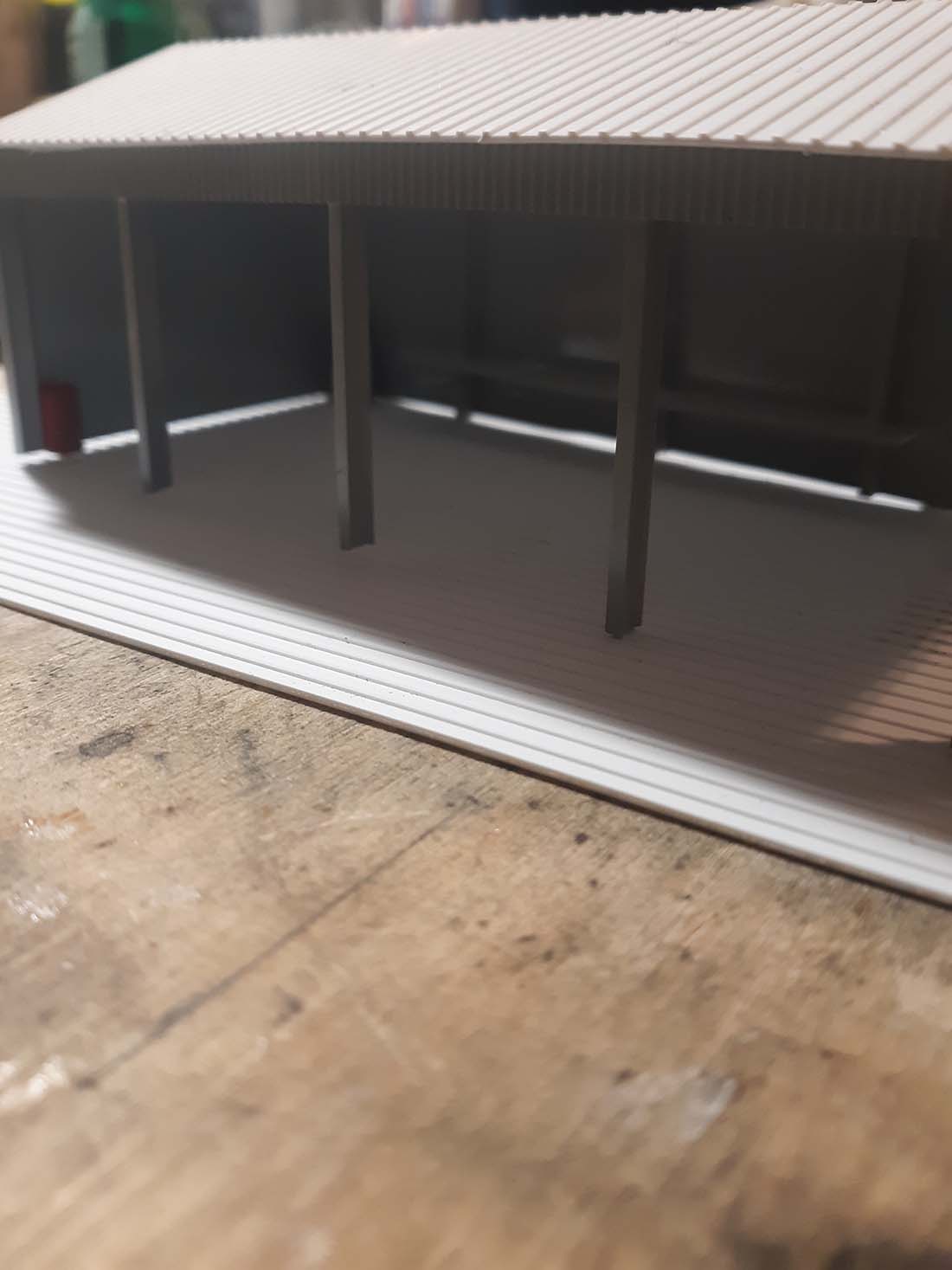
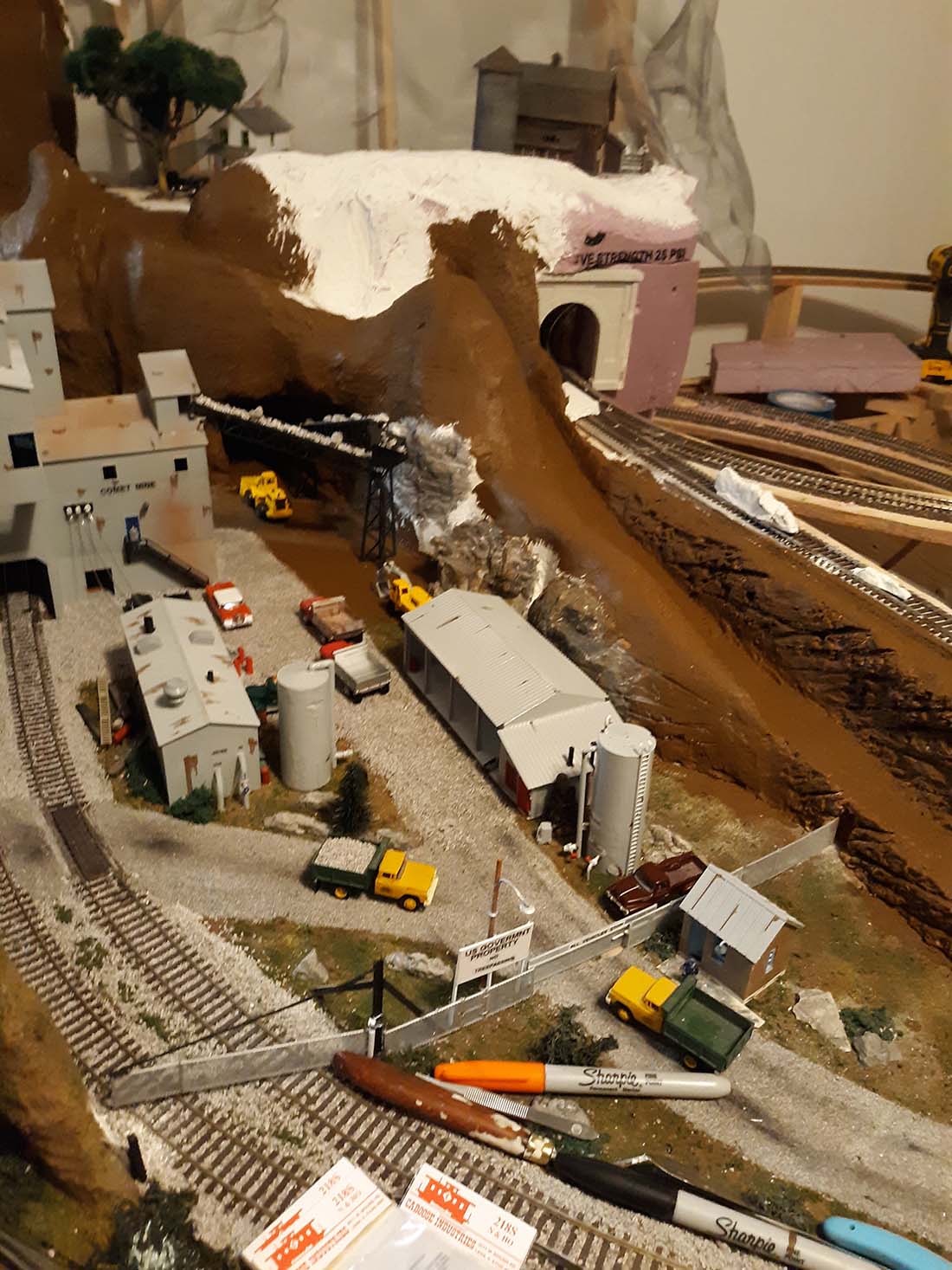
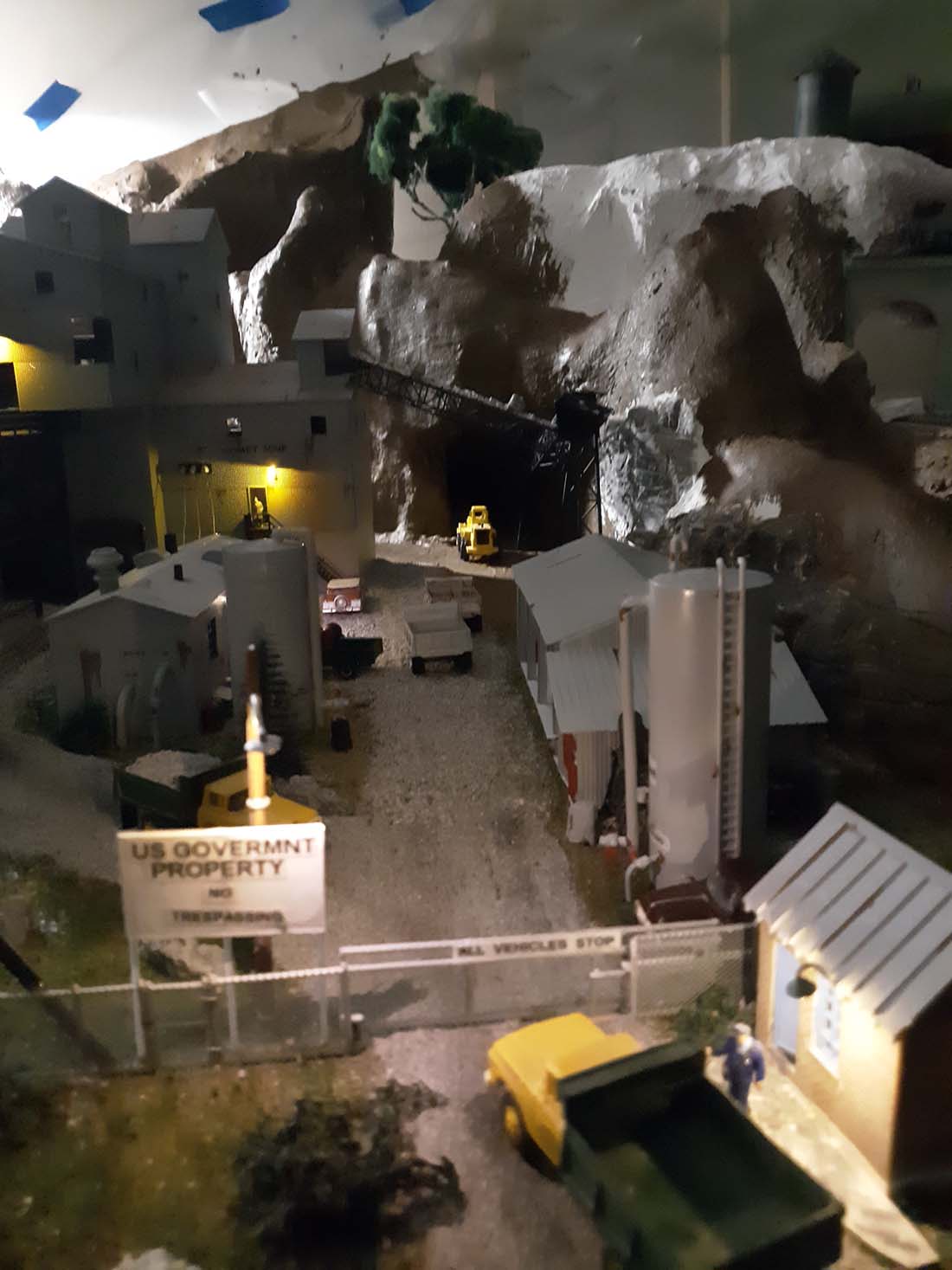
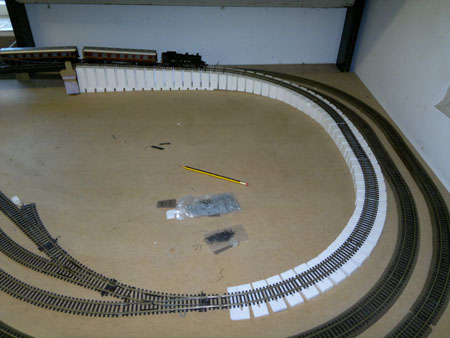
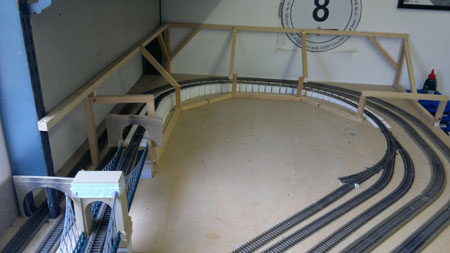
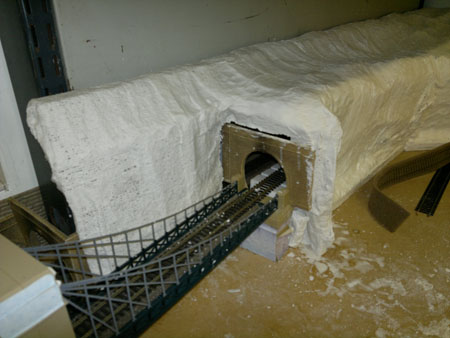
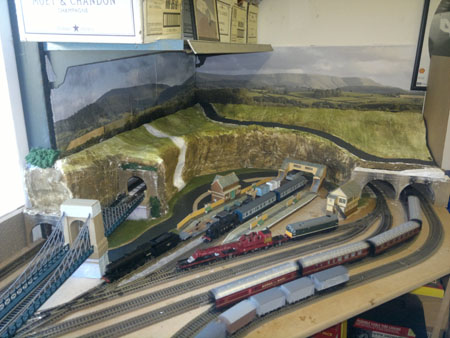
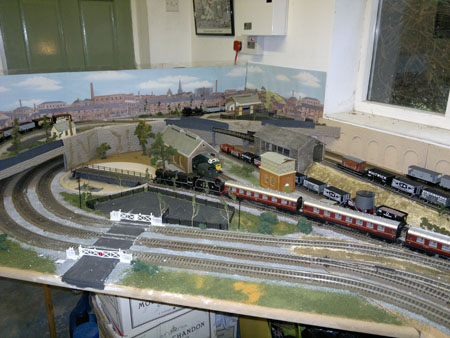
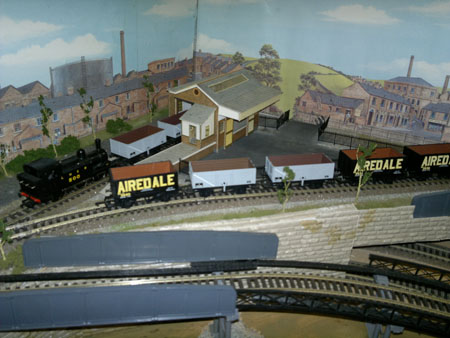
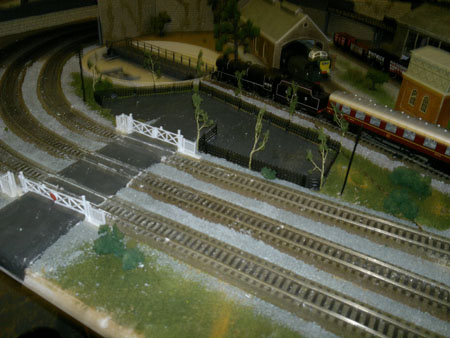
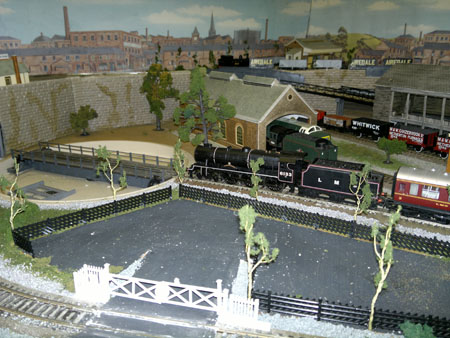
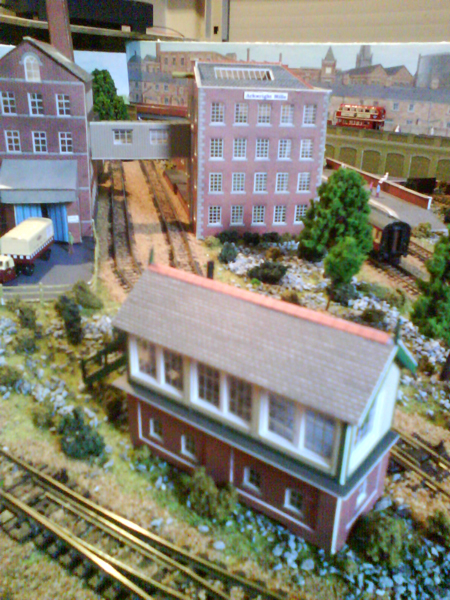
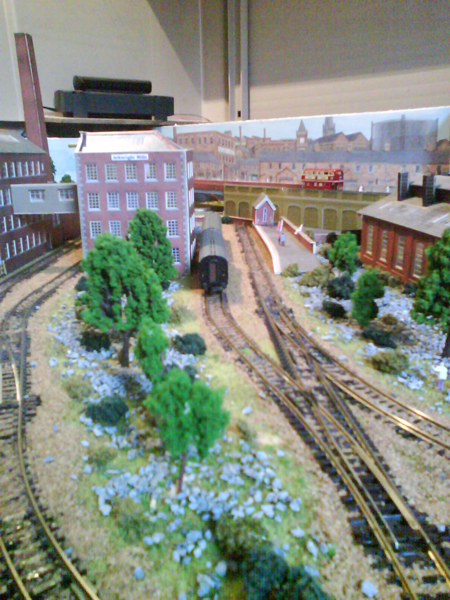
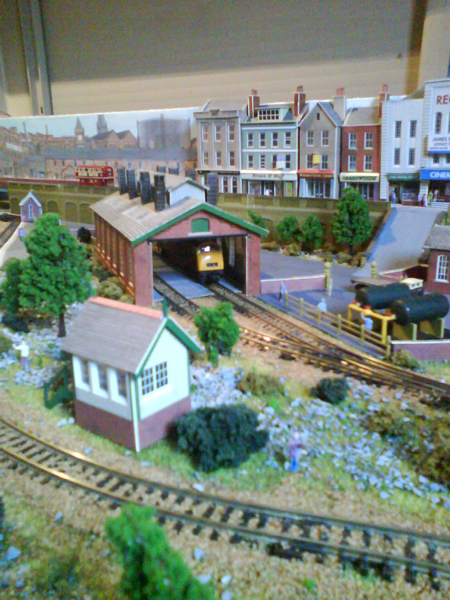
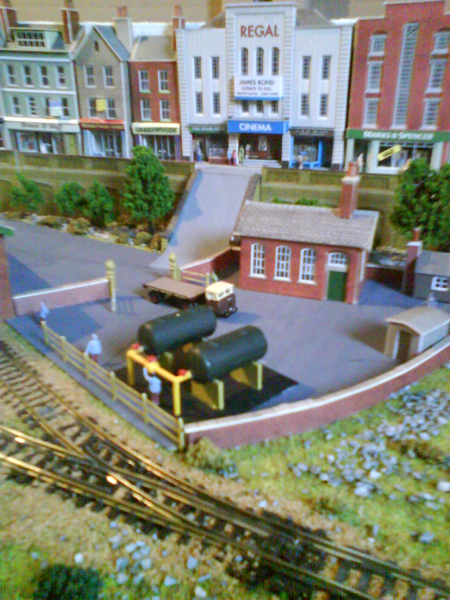
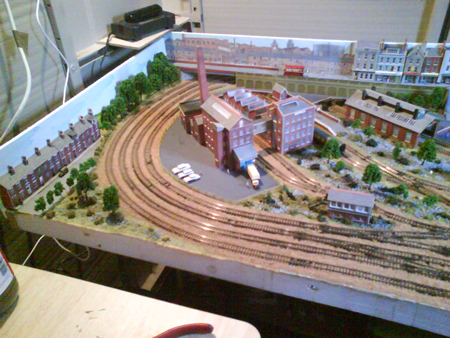
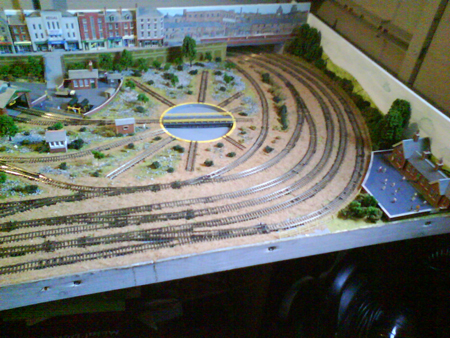
Model train scene

John’s been in touch with how he builds each model train scene to create a visual ‘journey’ around his layout:

“Hi Al,

I thought I’d opine on a subject that is sometimes overlooked as we build our miniature railroad worlds.

My article here is on “focusing” or “guiding” our visitors to a scene.

A little background. In the real world as we visit a park, take a walk in the country, or amble through a museum, most of us will not remember in any detail 90% of the day.

On the way home as we look back at our adventure, we’ll remember specific parts of the day’s journey. Very little or at best most is not pinned to our memory.

So then, what made the memory flashbulb go off? The scene had something to draw our eye and hold it long enough to imprint a memory. Museums are expert at this, we don’t remember the hallway to the dinosaur bones, but remember the bones.

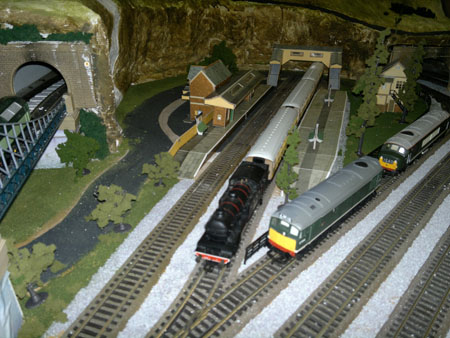
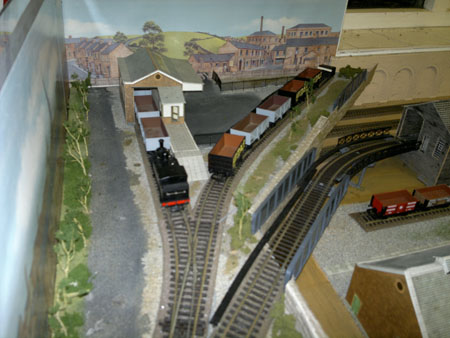
On my layout, I’ve tried to have 3 places where my visitors “take in a scene” as shown in the schematic picture.

In model building we often take great pride in the details of the model, place it on the layout and then have to mention those detail labors of love to our visitors as they are drawn to looking elsewhere.

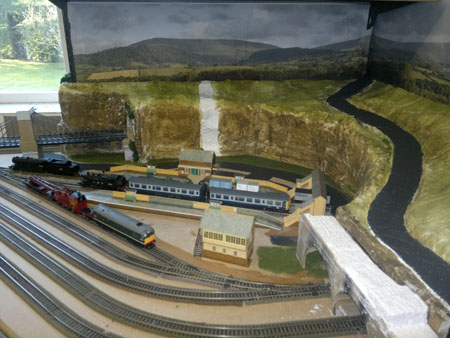
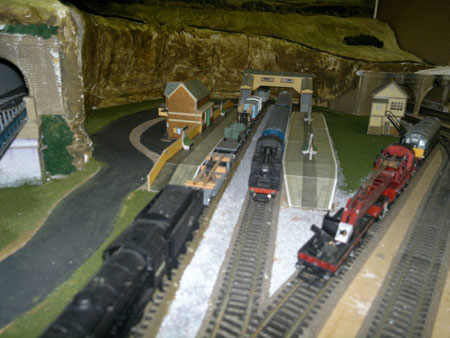
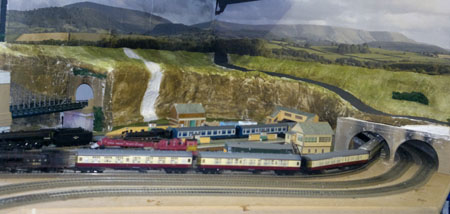
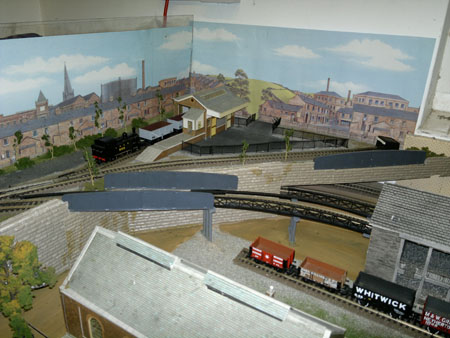
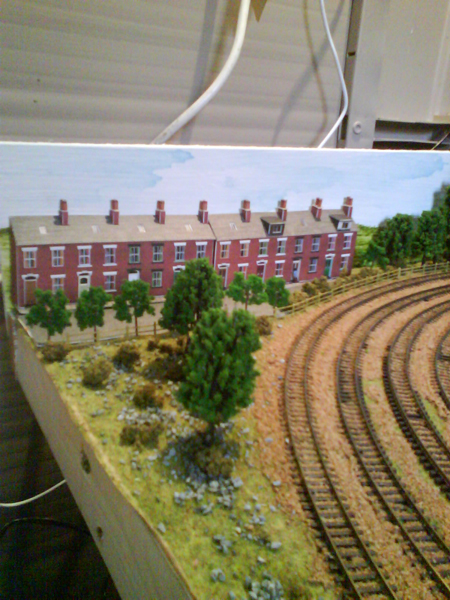
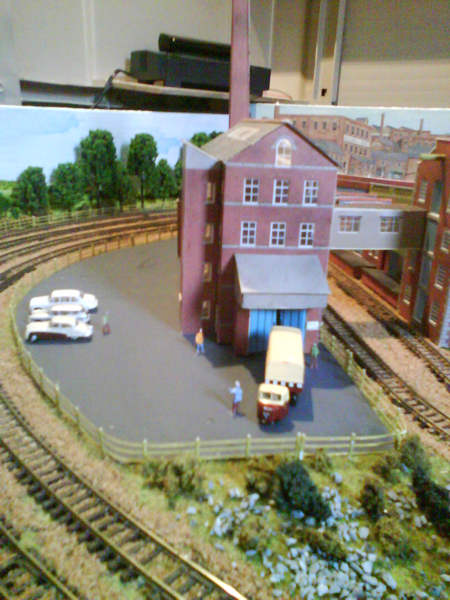
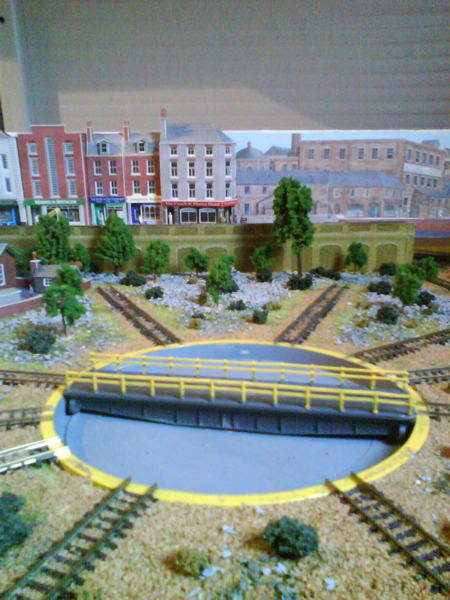
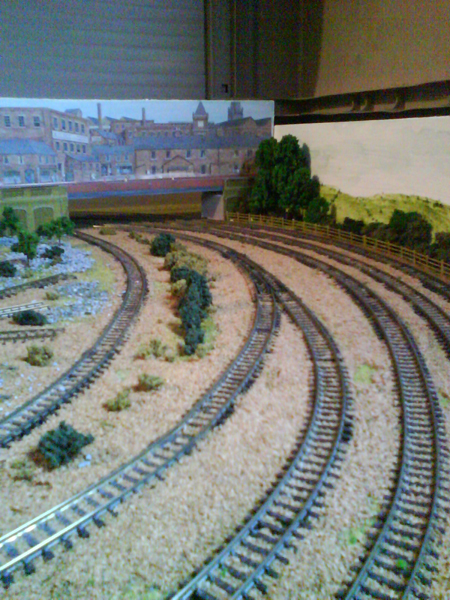
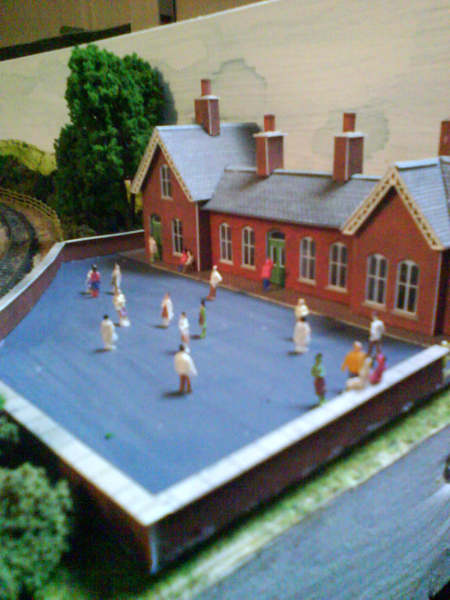
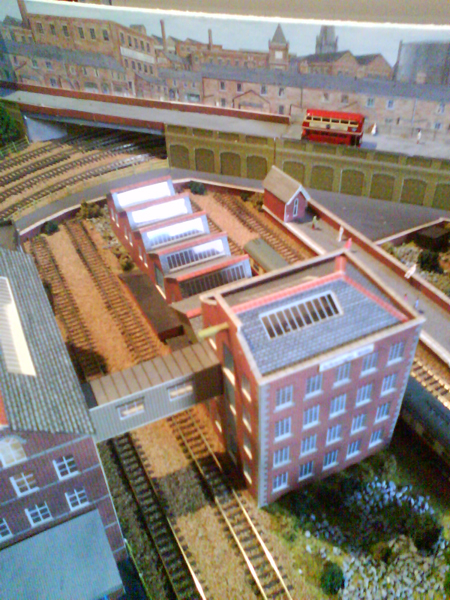
In the pictures I have attached, I have taken from the perspective of the persons visiting my West Virginia mountains, and try to show how I’ve worked to stage the scenes.

Obviously since we are looking at the HO world from what would be equivalent to a helicopter window flying some 500 feet or more in the air, one will see a larger scene than if we were walking along the road in the real world.

That means some manipulation of space is required. I try to present the whole scene, then as one gets closer, mini-scenes of the total.

If my visitors are interested in details, such as in the “old mine” picture, I try to have some holes in the trees or places to look past the building to see those details. In the case of the old mine, I made a “funnel” in the hills to draw the eye past the new mine to the old one.

If I want to create focus, and I can, I provide extra light on a place, as shown by example the picture of my electrical sub-station. Each model train scene should ‘work’ on its own.

Since I’m modeling mountains in the coal mine sections, I have the advantage of adding details on levels. The picture of the old water tower above the mines supplying water to them is an example of elevating the scene to a different level, as is the picture of wooden bridge which is lower and more in the foreground. Going from eye level and continuing downward, I modeled a canyon under the bridges which drops to just 3” above the floor.

Most of what I have here has been sent in before in articles Al has been kind enough to post, but I thought I’d try to add a new perspective to what we do as we build our models.

I’m happy with the way this layout came out… but some of the radius of the turns are too tight, so I can’t run many of the locomotives and passenger equipment I’d like to have as part of the running environment.

So I’ve been slowing down on “new” construction as I’m going to be moving the layout to a new location. (groan) Starting in a month or so, I’ll be sawing the thing into pieces which I can move from the basement of the house to the top floor attic, some 3 floors (and 5 doorways!) up.

First job is to finish the upstairs room, put down a new floor, get lighting and power where I need it, paint walls and ceiling for background, and add some baseboard heat.

I hope to document the work on what will be very likely my last layout!

Regards,

John From Baltimore”

model train scene

model train scene bridge

model train scene mountains

model train scene bridges

model train scene mine


model railroad sub station

HO scale town overview

HO scale water tower

A big thanks to John for sharing how he creates each model train scene on his layout.

If you want to read his last post, it’s right here.

Now on to Henry – his last post is at the bottom of this one:

“Hello Alastair,

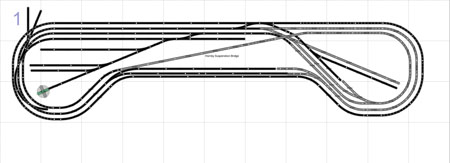
In response to some of the comments asking for a track plan, here are the track plans for both the upper and lower levels.

The two level will be connected via a linear climb along the two long walls of the garage, as I have no space for a helix.

I also include a link to a youtube video of a passenger train around the bottom level of my layout.

Thank You

Henry”


That’s all for today folks. Please do keep ’em coming.

And if you want to make a start on your own layout, the Beginner’s Guide is here.

Best

Al

PS Seen the latest ebay cheat sheet yet?


N scale track switching

Steve’s been in touch his N scale track switching layout:

“Hello Al.

I have built and sold many HO layouts over the years.

However, this time I am building an N Scale layout for my grandboys.

I wanted to make the train layout very simple for them to operate with 6 switch tracks for a good variance of operation.

Everything on this layout lights up – all buildings, cars, streetlights, railroad lights, tunnel lights and spotlights.

Again, the operation is simple but the city and decor is extensive.

Thank you for letting me share this tilt table layout.

Steve”

N scale track switching

N scale track switching

N scale track switching

N scale track switching

N scale track switching

N scale track switching

“Hello Alastair:

I found this in some of my father’s old memorabilia. Perhaps some of your followers could comment on this.

My father was chosen to travel with this locomotive while it was here in the US in 1969-70. He worked for the CB&Q (Burlington Route) as was one of the few who understood boilers, steam engines and the US routes.

He had other items which I gave to a nephew. This was still in my possession. I vaguely remember he was gone for a little over a week traveling with the tour as an advisor.

I do remember how impressed he was with the sheer beauty of the craftsmanship. A side note… He also travelled with CB&Q #5632 which was painted gold in 1964 to tour the line in commemoration of the 100th anniversary of commuter train service in Chicago.

His father (my grandfather) was part of the team that built the shroud for the Aeolus, an S-4 Hudson 4-6-4 numbered 4000.

Cheers Mate, and I hope someone remembers any of those events.

Mike”

flying scotsman


Now on to Ed, who has made that all important start:

“Hi Al,

I retired a few years ago and have finally started to set up my O gauge trains.

My setup will contain 2 modes, manual and auto via a PLC (Programmable Logic Controller) the three rail system makes this much easier, I have used a combination of insulated and wired track sections and relays.

The table is 4 ft. X 14 ft. with 2 4×4 second levels over each end.

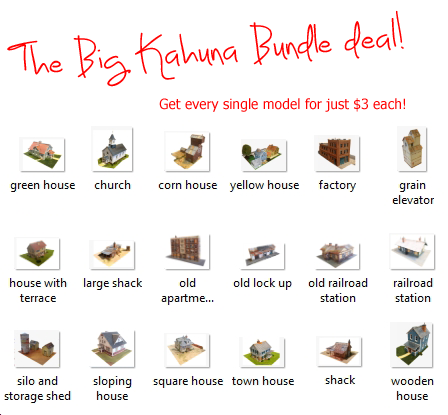
I am working on the ramps right now and when done will start buildings using the Big Kahuna and others.

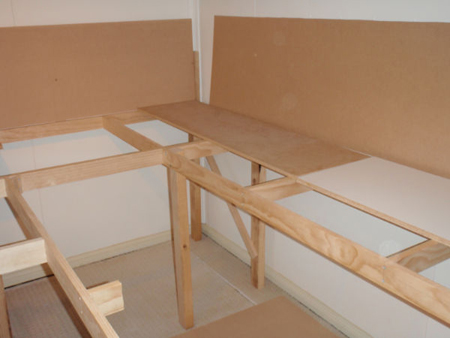
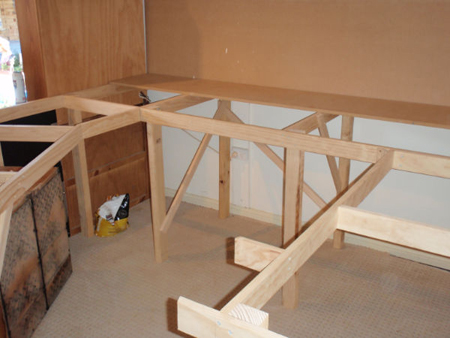
The pictures show the initial layout and the ramp to the second level.

The table is on casters to allow for movement.

I will keep you posted on my progress, I give myself a year to complete, hopefully.

Your beginners guide got me going, your print outs look great.

Ed”

O gauge

“Hello Alastair,

Thanks for your emails, it is inspirational to see what other modelers are doing.

I have been very quiet lately, but reading your emails daily. So, I thought I will share the progress on my layout with the readers.

I am building a double deck layout in a single garage, with 6 “stations” or towns, the first one on the upper deck to be closed to finished is Bloemfontein, a city in the geographical middle of South Africa.

I am not following the prototype for buildings and track layout as I do not have the space. So I have used the names of some of the well known businesses from Bloemfontein to on kit built buildings.

There is still some scenery work to be done, but the signals are operational, and the entry signal on each side of the station has route indicators as you will see in the pictures.

Bloemfontein Station is a passenger station, with 3 platforms for passenger trains and a mainline running behind the 3 platforms.

Freight trains will be routed along the mainline.

I enjoy adding small details to the scenes such as the glasses on the restaurant’s table and the handicap parking bay and the expired parking meter, with an officer writing a ticket.

Regards

Henry”

model railroad

model railroad

model railroad

That’s all for today.

A big thanks to Steve for sharing his N scale track switching layout. And too Ed and Henry.

Please do keep ’em coming.

And if you want to make your start, the Beginner’s Guide is here if you want to get going on your own layout.

Best

Al


N scale door layout

Nich’s been back in touch with his N scale door layout.

And if I’m not mistaken, his first post is here.
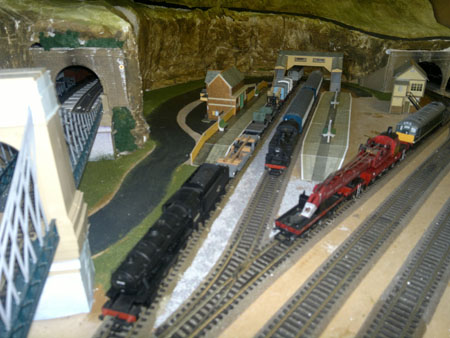
He’s onto his second, and here it is:

“Hi Al.

Not quite sure what to write so I give you some bare bones:

This is my second layout. I learnt a lot about track laying from the first.

DC layout as I was having problems remembering what was what in programming DCC on the last layout.

This time I used all peco track mainly flexi but set track for some curves and peco points.

Layout again N scale door layout with the underside cut away for easy access for wiring.

30mm kingspan PVA’ed to the baseboard.

All raised areas built from expanding foam and reshaped.

Gaugemaster controller built into the hill.

Handmade points switch panel fitted with cdu.

Points and controller fitted with independent transformers.

All layout covering ( ballasting, roads and grass) handmade from coloured sawdust.

Building second handoff eBay. Most altered to fit in with my layout.

Engine shed scratched built from card.

Lighting powered but flat batteries.

If you would like more details on a particular bit please ask. I will send the photos bu google photos. Feel free to use as you like

Kind wishes

Nich”

start of n scale door layout

n scale door layout track and plaster

n scale door layout track and plaster

n scale door layout track

n scale door layout track and scenery

n scale door layout wiring underneath


n scale door layout adding scenery

n scale door layout adding turntable

n scale door layout turntable

n scale door layout buildings

n scale door layout overhead view

n scale door layout hill overhead view

n scale door layout engine shed

n scale door layout water scene

n scale door layout river

n scale door layout tracks by river

n scale door layout bridges

n scale door layout tunnels

model train tunnel

model railway overhead view


A huge thank you to Nich for sharing his N scale door layout from the very start.

Door layouts are popular size for an obvious reason – the ‘table’ is easy if you have an old door lying about.

It reminds me of Michael’s N scale on a door

Another Mike’s too: N scale train layout on a door.

And this one: N scale train door layout plans.

Nich also had some wise words – his first layout was a learning curve, and that’s what it’s all about, getting started.

You can think as hard as you like, but unless you put some track down and get going, nothing happens.

Just get going and enjoy it.

I do love seeing a table or door covered in chaos and slowly morphing into a work of art. Loved his water scene too.

Hope you enjoyed today’s as much as me.

Please do keep ’em coming.

Here’s a load more N scale layouts if you’re after those.

Or perhaps you are undecided and over HO or N scale?

That’s all for today folks.

And if today is the day you stop dreaming and start doing, the Beginner’s Guide is here.
Best

Al

PS More HO scale train layouts here if that’s your thing.


Need buildings for your layout? Have a look at the Silly Discount bundle.