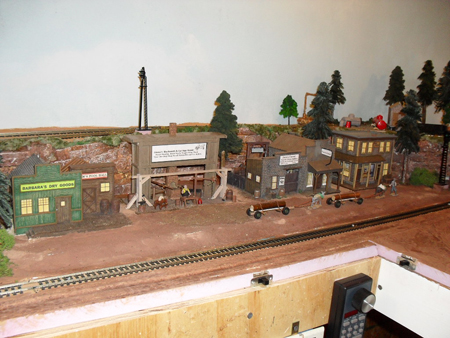
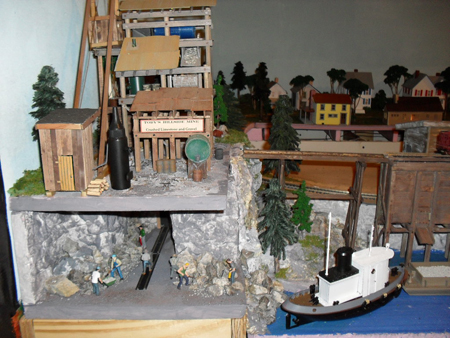
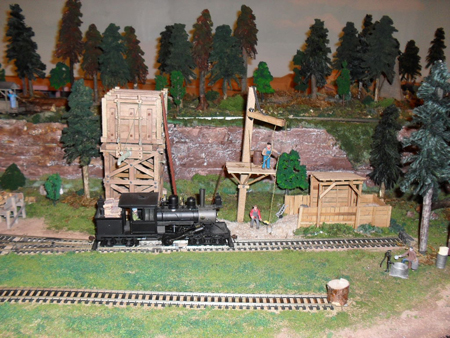
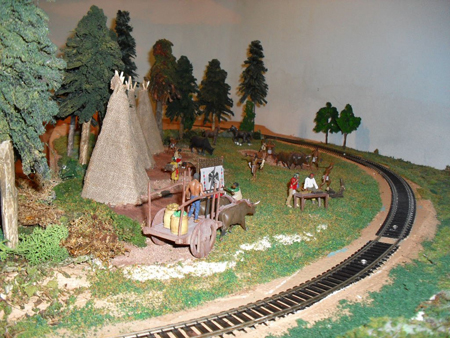
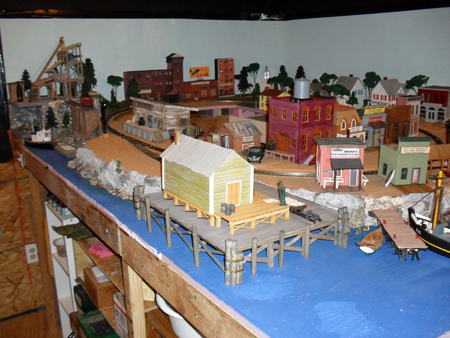
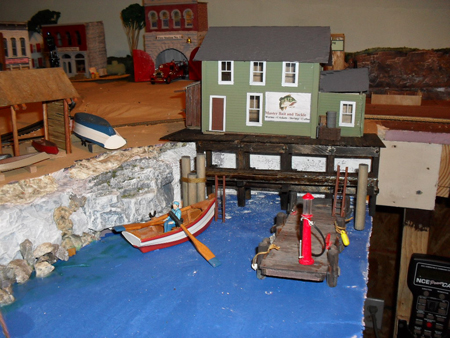
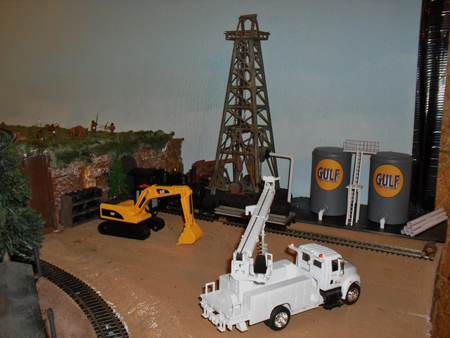
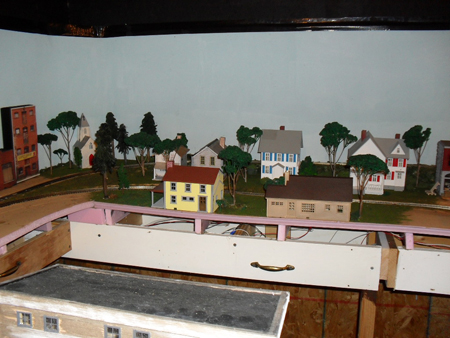
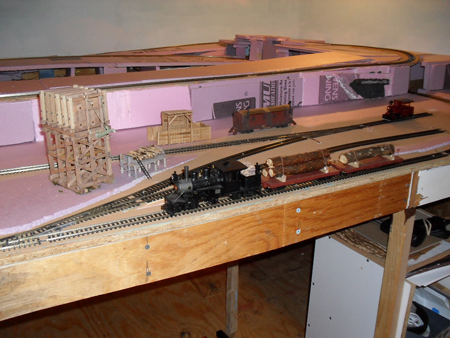
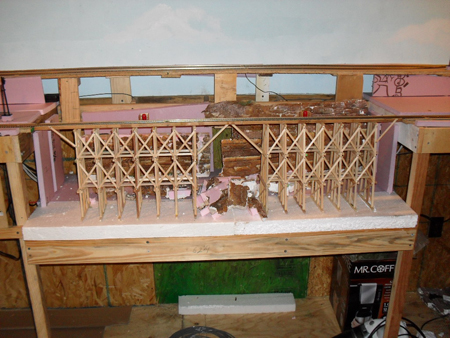
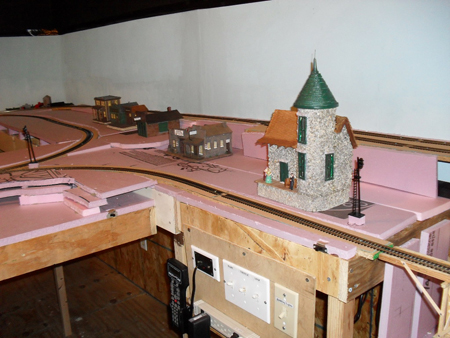
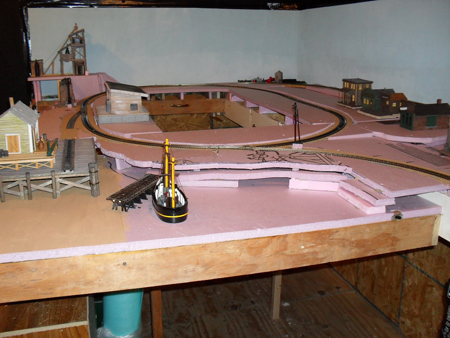
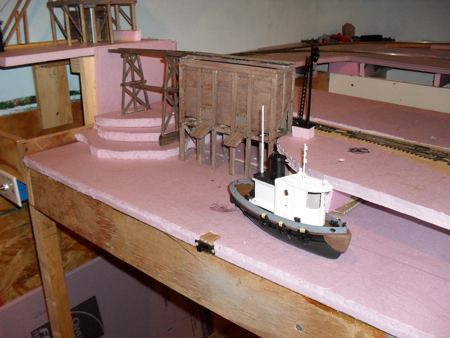
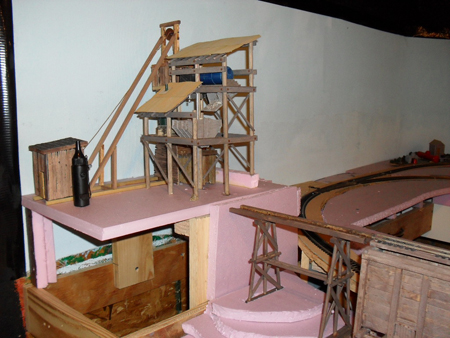
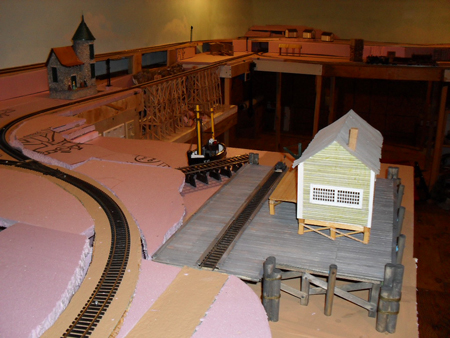
“I contacted you just about a year and a half ago as I reentered the hobby after being out of it for more than twenty five years. I asked if you could solicit your loyal readers and have them give their opinion on what comes first, the buildings or the track. Many responded and it was pretty much evenly split as to their preference.
Subsequent to that time, I joined a traveling modular group called the Miami Valley Modular Railways, which has a very large traveling layout comprised of members individual modules which are constructed to be able to match the neighboring units. They can set up anywhere from 24’ x 80’ to 36’ x 132’. We set up at last year’s NMRA convention in Grand Rapids and are planning to set up in Atlanta this coming May for the 2013 NMRA convention as well. We also travel all over the mid-west to do train shows on average of twice a month from August until May.
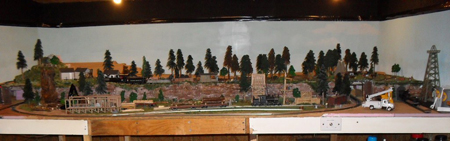
It took me almost fifteen months to finish my 30” x 96” unit and I have attached photos of it. I am currently working on 30” x 196” steel mill which covers two units.
The finished grain operation is modeled after the Cargill Processing Plant in Dayton, Ohio, our home base. The backdrop is a combination of that operation and three other grain operations I Photo Shopped together.
The basic principal of the module is to represent a brand new facility next to an much older one which is being rehabbed back into operation. The Cargill plat in Dayton produces both corn syrup and vegetable oil so we have covered hoppers coming in and tankers going out. Next to the two surge bins above the pit building there is a group of men welding the support structure for a third bin.
Hope your readers enjoy the photos.
Pat”
Nice pics, Pat – even if the jury is still out and what comes first, the buildings or the track!
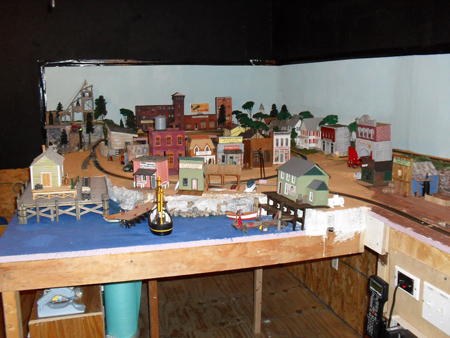
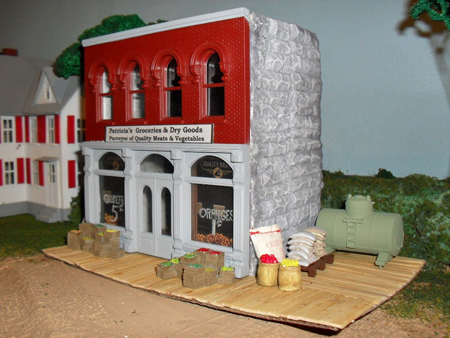
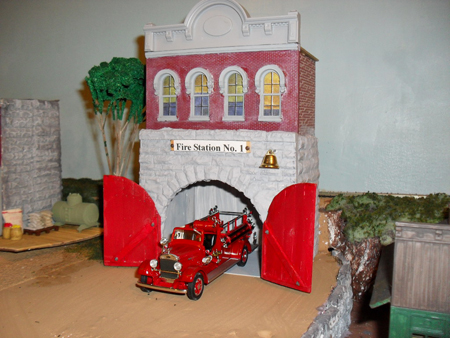
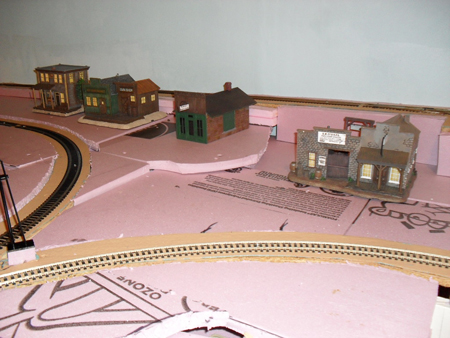
Here are a few more pics of Muddleton village, Still got the station to build, middle section and lots more finishing off to do.
Cheers
Stuart”
“Hi Al
In my view there are many ways to save money in these hard times and still make a layout look realistic.
Scatter materials are expensive so why not use what nature has
Sand, superb for creating any type of soil just add coloured poster paints dry, and you will be amazed at the results
make sure the sand is dry place in an oven for a short while. Use also for beaches etc
Twigs, cut them into length and you have instant logs for wood yards or a load in a wagon
Tea bags, empty them out onto a baking tray and dry them in the oven they make great scatter material
Small pebbles or stones use them near pools or rivers they look so realistic
Tree bark theres plenty around dry it out once again dust with powder paints and use as cliff faces etc, (shops sell cork at a mad price)
PVA go to a DIY store and buy a large bottle of builders PVA ( around £11-£14 for 2 litres dilute as required normally 50/50)
This will save pounds compared to a small bottle of pre mixed glue from a model shop
For us that replicate the steam age coal is the most important factor of the layout DONT buy small packets of charcoal, look for the neighbour with an open fire you only want ONE piece of coal, crush it up and yes you have real coal, use the dust to smear in-between the track, smear on buildings to give that dirty look, it looks fantastic, and while you obtain your piece of coal ask for some ashes !!!
I have many more ideas which I will share with you all and Al I will forward photographs soon of my layout showing the above laid out (spot the difference between mine and purchased goods if you can
Regards
Lawrence”
“Al,
I enjoy the links you provide and the input all of us enthusiasts provide in ideas and how-to.
With regards to wiring and power distribution discipline and visual trouble shooting simplicity for low voltage lines and power distribution, I have used soft telephone wire and temperature control wire (for A/C-Heating rheostat controllers) for low voltage (3 and 4.5V DC) lighting as well as HO switches control.
Of late and for DC lighting, I have switched to the less expensive cat5e (when on sale, particularly the 25ft prepackaged segments which when their outer covering is removed provide about 30ft of usable paired wires). It has 4 twisted pairs and allows for 4 separate LED lighting distribution grids.
For each grid, a twisted pair becomes a power distribution/source circuit. I ensure all (-) connections are with the solid color pair. It allows for easier hooking up and visual trouble-shooting of the various grids. Manufacturers still rely on 1 strand of 7 to define polarity for their lights. Hopefully that might change as the twisted pairs of a cat 5, cat5e and cat6 becomes more available for other uses.
Caution: as in all my power distribution grids, the total amperage of the grids (each) or in totality when power is provided by a single transformer/rectifier is at 50% of the maximal amperage provided by the transformer/rectifier. It does require more transformers/rectifiers BUT they do stay cool to the touch and less likely to “burn” ( a fire hazard)!)
Have fun,
NDY”
“Hi Al
A fantastic lot of tips for electrics form the last circulation, that i shall be applying to my layout thank you.
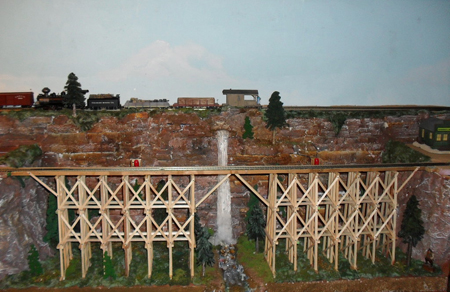
speaking of layouts i have taken some old tips requiring some bic razors to build a bridge that was circulated last year by Roger, I have now with some modifications made a start on my new 25” girder bridge using some new and suggested material.
plastic girder and tubing for bracing and tops of bridge cross sections, bobble pins cut to resemble bolts or rivets in girder footings at the base of the bridge uprights, and some servo holding screws to secure the girder braces as a representation of rivets or bolts through the bridge uprights to the bracing lengths of plastic girder.
you will need balsa or some type of wood base to suite your needs at your desired length for the bridge base plate, lengths of 0.5” x 0.5” balsa to represent the bridge footings or sides for the razors to site and be fixed on. disposable razors as the uprights for the girders or the bridge. Tools required side cutters, snout nosed pliers, scalpel, epoxy or suitable glue, micro balloons to do any tiding up, pencil, ruler, finger clamps to hold things together, drill and screw driver cross point.
Design your bridge and build it easy and effective it took me 3 days and now i look forward to the painting and finishing which of course i shall send in for your eager eyes to feast on. thanks Roger great bridge.
Andrew”
Wow! Thanks to Stuart, Andrew, Lawrence and ‘NDY’.
I got this tip in – I thought it brilliant. Anyone done it?
“Alastair,
Great ideas you send me. Here is one for the viewers.
If you are wiring a model railway and want to keep your wiring neat and tidy, use old Ethernet cables. There are 8 wires running through so you can wire points, controllers and other things – without your wiring looking a mess.
It works well if you have a Gaugemaster D controller – 2 x 2 for the Line A and B, then 2 out for the DC (for lights) and 2 out for the points = 8 lines out on the Ethernet cable.
Cheers
David”
Barry has very kindly sent in this expanded explanation of his wiring – and answered a stack of questions too! His original post is here.
Al.
“Hi Al, sending this email to explain some details on my test track.
I am running a Digitrax “Super Chief Extra” DCC system, which uses a protocol called “Loconet” to communicate to all the digital components.
The system comprises a “PS2012” – power supply, a “DCS 200” – command station, and a “DT 402” – throttle.
The PS2012 comes with a “YC52” Y cable, which has 2 x 5amp self-resetting current limiters built into the 2 cables (I am only using one leg of cable).
I have a “Powertech MP3097” – power supply to run all accessories which supplies 13.8v at 10amps constant. I use LM7812 voltage regulators to each of the Digitrax and accessory equipment, as this provides a constant 12v 1amp supply.
If anything draws more than 1amp, the LM7812 will cut off power, so it can act as a self setting circuit breaker as well. I did burn out 4 Digitrax DS64’s using power from the PS2012 (the other leg of the Y cable), but Digitrax has a no fault repair/replace 12 month warranty.
In answer to caw1, who was not sure of what he was looking at:
In the DS64 picture – it shows 2 Digitrax DS64’s, which control the switch/point turnouts.
The numbers 50 & 51 on the labels refer to their board ID address, and the numbers 101-104 & 105-108 is the address of each point/switch on the track, and as I am only using 3 points and a double slip, I am only using address 101 to 105.
The white wires going into the DS64’s, are the point/switch position indicators, as some software can use this feature to ensure correct turnout position – good for hidden or hard to reach areas.
The Points & Signal picture shows;
A – the tortoise switch machines,
C – 6 core cable from tortoise NO & NC contacts for positive switch position,
D – fig. 8 flex (12v) supply from DS64 to tortoise (also note labels on cable, also on control board end as well),
B – Digitrax TSMK (Terminal Strip Mounting Kit) – which has a 10 screw terminal and current setting resistors for LED signals,
E – Digitrax SDCK (Signal Driver Cable Kit) – which consists of 10 core ribbon cable and 10 pin connectors.
The SE8C picture – is a Digitrax SE8C signal decoder. This device is multifunctional, as it can also act as a turnout control, or occupancy detector. I am using it as a signal decoder, and the ribbon cables go to the TSMK’s in the previous picture. It can handle up to 32 signal heads.
The labels on the cable, are actual signal numbers, not the digital address, and the 001 number is the board ID (which I will have to change – as all Digitrax equipment have a default ID of 1, and it pays to have unique ID numbers. I have not change the SE8C ID, as this will also affect the signal address, the manual has diagrams for this feature, and is not hard to work out.
The Digital Control picture – is a Digitrax BDL168 (an occupancy detector), which also supplies power to the power districts/blocks on the layout and its ID# is 20. The 2 ribbon cables at the top, go to 2x(RX4) transponders, which will pick up the name of any loco/rolling stock the can transpond.
This can be useful if you are controlling your layout by computer (which I am), as it can display the name/ID of your loco’s/rolling stock wherever it is on the layout. I am not using this feature at the moment, as it is a Digitrax thing, and the decoders I have put in my other loco’s are SoundTraxx Tsunami’s. The PM42 supplies power to the BDL168 (ID# 15). As I only have 2 power districts on my test layout, not all output pins are used.
In the Red & Black terminals near the bottom, you can see 1 Red & 1 Black bridging link, these are the 2 track A & B power connections (the 3rd connection goes to power the SE8C module).
The output terminals (at the top) go to the BDL168 (except the very top – which feeds the SE8C).
The 4 Black rectangles (with white lettering), are 5amp (each) self setting circuit breakers, for when loco’s derail.
The last 2 pictures are of 2 of my loco’s that I am testing.
Loco 6073 is the reason I got back into MRR again, as I have actually been on this loco when I worked in one of BHP’s rail workshops in Port Hedland, Western Australia. I saw it on eBay one night while working interstate, and as it was well under $300AU, I bought it.
I then bought its sister (6072) from eBay as well, and decided I had better buy some track etc. etc. (most of you would know the rest), when do you stop.
These loco’s are Broadway Limited AC6000’s, come with DCC and 2 huge speakers in the fuel tanks, and they do sound rather impressive. I will send in a video later, when I can get a good external mic. for my Canon camera.
Paul Starr asked the question of wiring identification, I hope some of the pictures show what I have done.
Richard Moses mentioned track power soldering. I solder all my connections to the BOTTOM of the track, hidden by the ballast (which I do not have).
When I start my proper layout, I will solder the connections to rail joiners, which in turn will be soldered to 2 sections of flexi track (which will give me 1.8m/6′ lengths). I use solid core cable (not sure of size – it is small), which go thru table, then into terminal strips (which you can see in some of the pictures).
I also solder my points/switches the same way. I use Peco code 83 & 75 track, and Peco turnouts (points/switches).
Cameron asked about the ducts and rails. The duct is 25mmx25mm slotted (available thru electrical outlets or wholesalers), same as the “top hat” rail. Being an electrician (still working), I use these material all the time, and never thought about using anything else for my layout. I will go for a larger slotted duct when I start proper layout, as current duct will not carry all the cables.
Brian asked about where I got the realistic shrubs from, I am not sure if he had his tongue in cheek at the time, but it is a photo of a real steam engine travelling thru my back yard.