How to run a model train bus wire

Dean’s been back in touch. This time he shows us how to run a model train bus wire:

“Al, cheers from Dean in New Mexico.

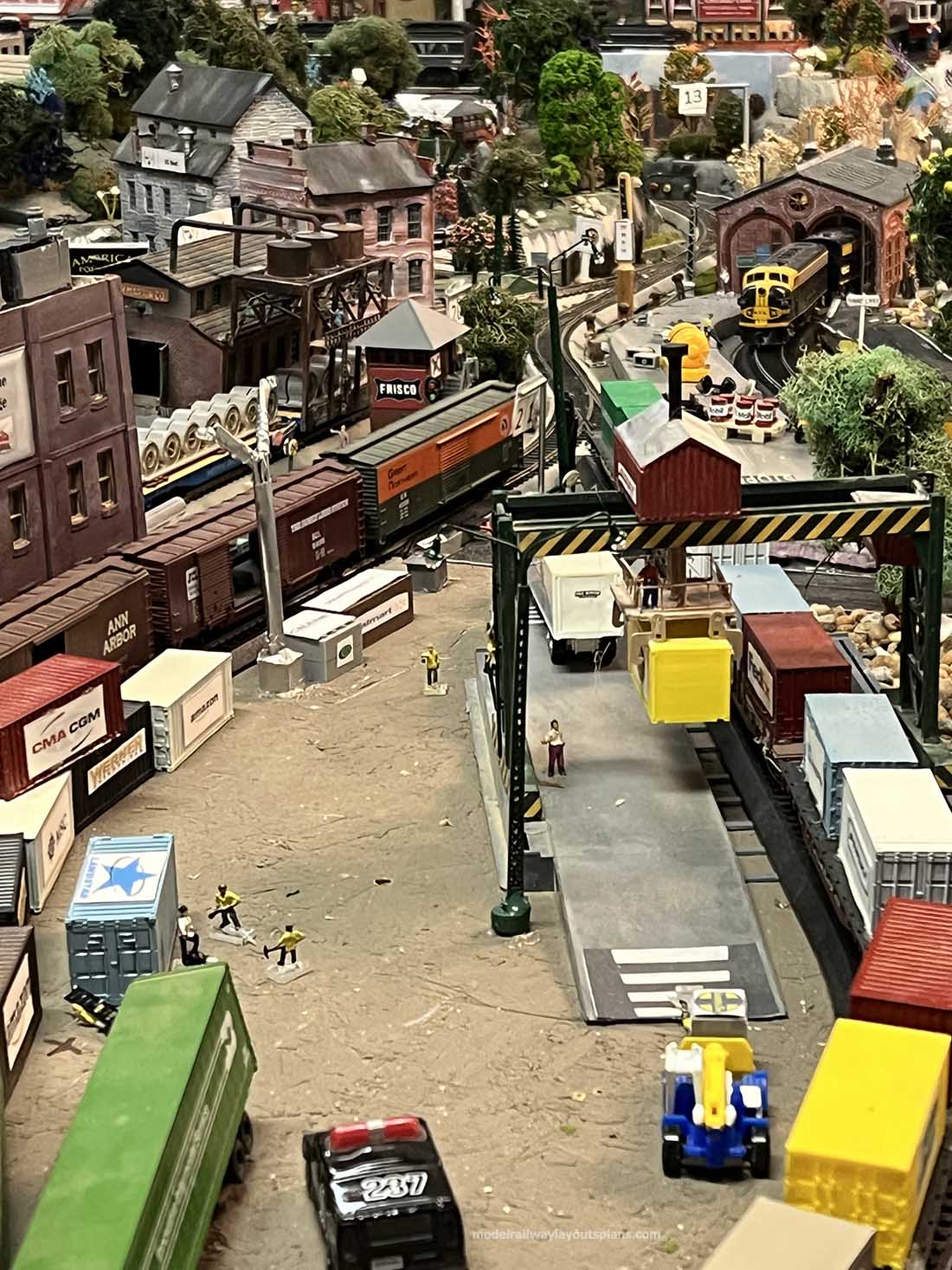
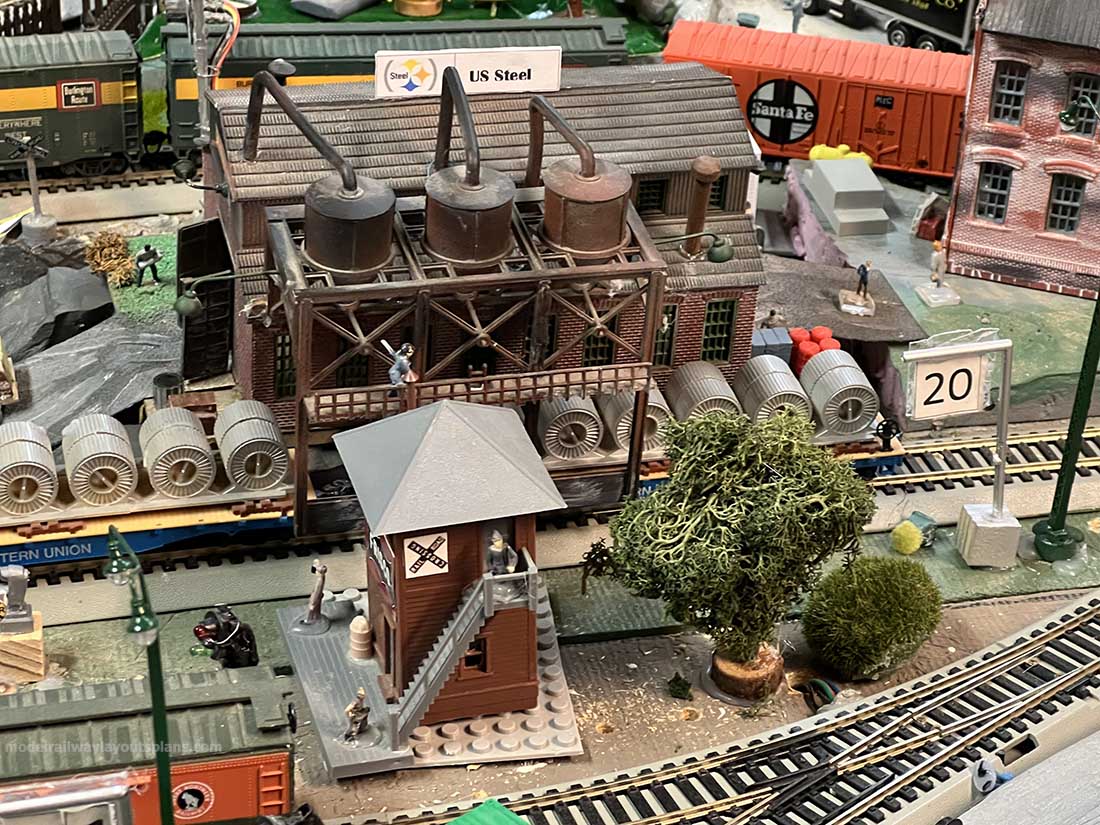
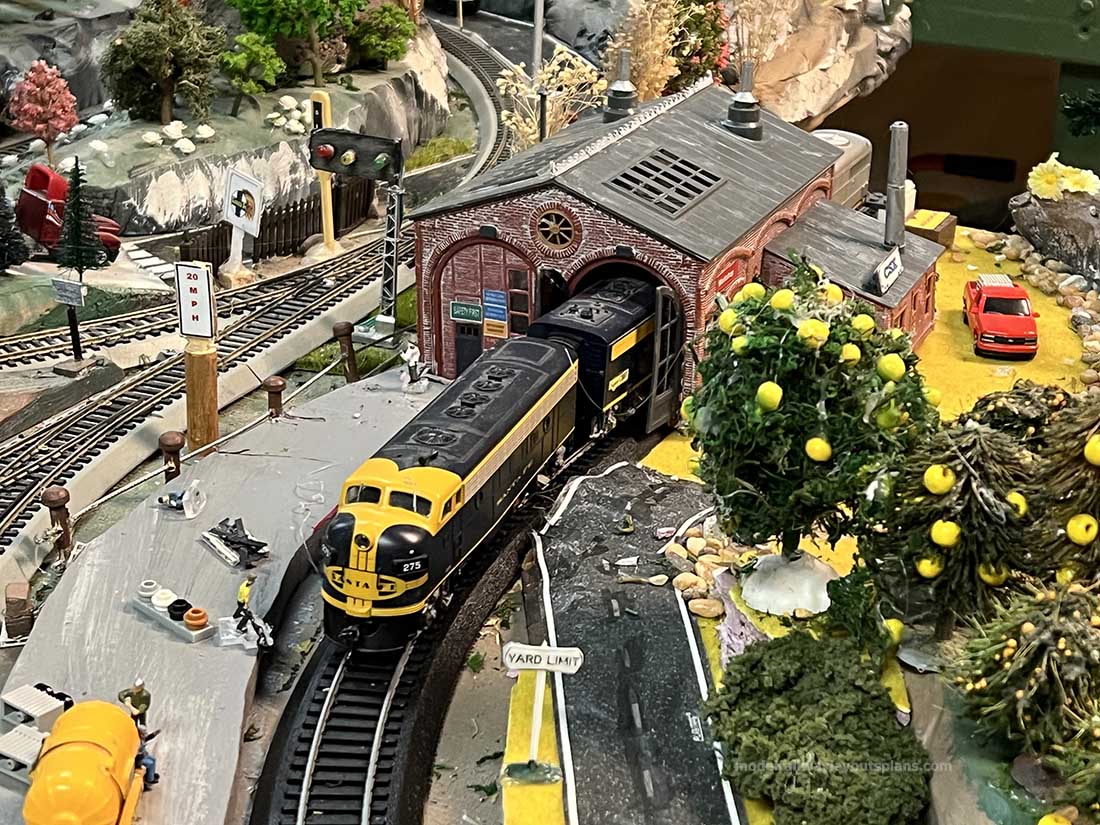
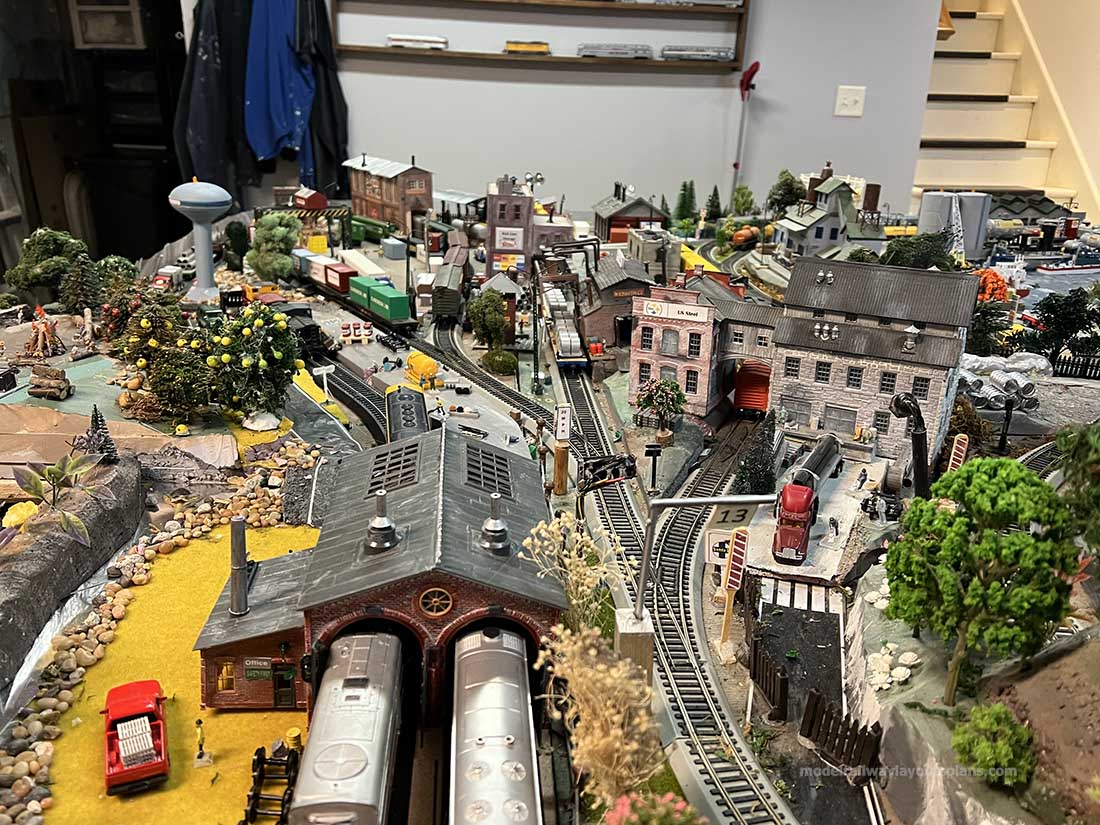
I’m moving ahead with my current N-scale layout, the Santa Fe Northern, with a new and improved wiring system.

When I first started running trains on the layout, I got away with just two wires between the DCC power pack and the rails. This worked fine, but I knew that with the length of the track in the layout (loop is about 60 ft long) and the number of rail joiners (close to 50 with the Atlas flex track), I would eventually have problems with operations coming from loose joiners.

In my YouTube video referenced below, I talk about different wiring systems for model railroad layouts using either DC or DCC power. The ideal way to improve the wiring is to use a wiring buss with multiple feeders running to the track. With this system, you use a pair of larger wires (12 to 16 gauge) following the main line.

Then you add several pairs of smaller gauge (18 to 22 gauge) feeder wires to the track every few feet. There are some modelers who prefer to wire a set of feeder wires to each track length, but I feel that is overkill.

If you count the feeders in the next diagram, you’ll see I put in 11 sets. In the future if I have problems with a piece of track, I’ll just add feeders to the problem length.

You can see my wiring diagram below. The Santa Fe Northern is a double loop, up and over, layout. It has a length of 102” and a width of 72”. I used 16-gauge wire for the two buss wires (shown in bold red) and 22-gauge feeder wires (thin blue lines).

The total length of the buss is around twenty-five feet, so, the total resistance of both buss wires is about 0.2 ohms which is small enough not to cause too much of a voltage drop.

Actually, the system is much more complex since you have the rails and multiple feeders—the resistance is very difficult to calculate, but 0.2 ohms is an upper value. Note that if I had a larger layout with bigger locos in HO or O scale, Iwould use a larger gauge wire for my buss.

You may remember from my previous videos on the Santa Fe Northern that I used two layers of construction foam to support the layout. The lower 2” baseboard layer is flat, and the upper 1” layer, which is cut, rises and falls to support the track. You can see that in the next photo.

I don’t like to run anything under the bottom baseboard since I’m too old to be working upside down on the floor on my back.

model train track plan and wiring plan

You can also see the buss wires which run along the top of the baseboard and the smaller feeders running to the track.

These will eventually be covered with scenery as I progress but will always be accessible if I need to add more feeder pairs.

I used red and black wires consistently for all wires to keep from making wiring errors—the red buss and feeder wires are attached to the outer rail of the track with the black wires to the inner.

In most cases the feeders were soldered to the rail joiners as I lay down the track. In that way, they will be invisible after I ballast.

The feeders were attached to the buss wires with TICONN connectors which are shrinkable connectors that solder the wires together as they are fused. You can buy these, and a heat gun, from Amazon.

The red feeder wire always runs to the outside rail. Each time I added a feeder, I checked the resistance between the wires with a volt-ohm meter. If there was a very large resistance (megohms) between the red and blue wires, I knew I was ok.

N scale model train wiring

Next is a picture showing the wires at the start of the buss system (arrow in the first photo above). At this point both tracks will be inside a tunnel, so I didn’t hide these feeders. As mentioned, the feeders were soldered to rail joiners as I laid the track.

How to run a model train bus wire

As you can see in the photo above I first fastened down the buss wires with hot glue. Later I used the black holders along with zip ties (blue) shown in the photo below. I printed out these holders on my 3-D printer and they were attached to the foam with hot glue. I whipped out the design for the 3-D parts in a few minutes using Tinkercad. Once I had the 3D file I could print these out in a few minutes on my 3-D printer. If there is interest, I will put the .stl file on the internet so that readers can print their own holders.

How to run a model train bus wire

In this photo you can see how they neatly hold the buss wires.


 How to run a model train bus wire

More photos of the wires: Two groups of feeders tied to the buss (will be inside a tunnel accessible from the back of the layout).

n scale model train wiring

Buss wires passing around a siding at Otowi. I plan to put a river to the left of the raised area and siding.

 model railroad track with wiring

Wires from the two sidings going to the buss. The feeders were soldered to the ends of the rails in this case and the wires will be covered with scenery.

model railroad track with wiring

More wires soldered to rail joiners. These wires will be hidden in cuts to the roadbed and foam.

How to run a model train bus wire

How to run a model train bus wire

My DCC power supply cuts out if there is a short. However, for added safety I put two 2-amp auto fuses and holders, one in each of the buss leads. As shown in the original wiring diagram, these are in a space that will be accessible behind a facia board. But I don’t expect them to ever blow

I hope this shows you better my approach to wiring. In my YouTube video


You can find much more info as well as links to videos on TICONN connectors and soldering techniques.

Thanks, to all of you who are following progress and to Al.

Dean”

A huge big thanks to Dean for showing us how to run a model train bus wire.

If you want to see his previous post, it’s here: N scale track bed.

Dean has also sent in another fab post on wiring: Wiring a model railroad.

And there’s quite a few post on wiring your layout on the blofg too:

Wiring your layout

Model train wiring tips

Wiring DC and DCC

Wiring your model railroad

N scale wiring

DC wiring model trains

Track wiring for model trains

That’s all for this time folks.

Please do keep ’em coming.

And if today is the day you get started on your layout, the Beginner’s Guide is here.

Best

Al

PS More HO scale train layouts here if that’s your thing.


Need buildings for your layout? Have a look at the Silly Discount bundle.

Multi level model railway N scale

Nige has been back in touch with an update on his multi level model railway N scale:

“Hello Alastair..

It’s been a long time since you had an update on my multi-layered N Gauge analogue layout based on an Alpine theme.

In fact when I started tracking back (pardon the pun) it seems it was over two years ago since my last post which I have to say is somewhat remiss of me especially when you consider that I retired some 14 months ago and should have had a lot more time to spend on getting on with my layout, however things didn’t quite work out that way.

Retirement came in March and a good holiday was the first thing on the agenda which was taken in May, then there were all the projects around the home and lots of time being grandpa to my now two and half year old granddaughter involving lots of trips out and about, which were just wonderful !

With all this going on it became a bit of a non-event in terms of progressing with my layout which actually turned out to be a blessing in disguise.

Although no real progress was made with the layout I did do a considerable amount of thinking in terms of what I was wanting to achieve and how I was going to go about it, ultimately this resulted in me making some key decisions on how I wanted to develop the layout and importantly prevented me from making some big mistakes going forward.

In my last missive I had completed the lower deck staging areas along with the gradients upto the main level where the scenic area of the layout was planned to start and I had fitted some backscenes on three sides of the layout.

I realised that i was not entirely happy with the backscenes, when I purchased them I was unable to get what I really wanted which was Alpine mountain scenery, so I opted for what I thought was the next best thing available which happened to be the Rocky Mountains !

In summer last year I came across a guy in Austria who could produce a continuous wraparound Alpine backscene without duplicating any of the images, so with the help of google translate and a few emails the backscenes duly arrived and were successfully installed early this year.

When that initial phase of the lower level had been completed I only had a very rough plan drawn up on how I was going to get four mainlines running around the scenic section of the layout.

After a great deal of soul searching and some ultimate common sense being applied I decided that my initial plan of four mainlines was neither practical or realistic in respect of the ultimate result I was trying to achieve ( I ended up asking myself ‘where have you seen four mainlines in the images you have seen of a swiss mountain layout ?’ ) .

So the decision was made to have just two mainlines but to have them going around the scenic part of the layout three times gradually climbing as they went, to fulfill my wish to be able to have four trains running at the same time I decided to have two power districts on each line thus allowing two trains to run on the same line at once.

One of my other concerns was trying to avoid the layout looking too congested and again un realistic.

My original intention was to gain the required height to make the three loops using just gradients but I started to ask myself how this would look and importantly would it be a true representation of what it was like in real life.

So bearing in mind ‘ what goes up has to come down ‘ as the saying goes ‘ so I decided to have a helix to obtain the height, this was possible as I had some unutilised space near to the door entering the shed which afforded me enough room to fit a helix with 2nd and 3rd radius curves and then various gradients to get back down.

This resulted in me having 50% less gradients than I originally had in mind which ultimately would avoid the layout being too congested, it also allowed me to set the gradients no steeper than 2% and in most cases avoid having them on curves. I have also tried to conceal some gradients in tunnels again factoring in the realism aspect.

In respect of the tunnels ( of which there will be quite a few ), I have tried to avoid having them too long as access will not always be easy and there is always the concern of trains getting stuck, unfortunately with the design of this layout there will be what I would call ‘Black Spots’ where access will be either difficult or not possible at all obviously I am trying to minimise these as much as possible.

With all these factors in mind I managed to get a workable plan down on paper at the beginning of this year and after fitting the new backscenes things started to move on with the construction of the helix which was completed in late April just prior to the arrival of grandchild number two, a baby boy..!

Multi level model railway N scale

We are now in the middle of summer and further progress has been made, testing of the helix has gone very well, I managed to set the grade just over 1.50% which is allowing me to be able to run long trains ( including my longest passenger coach sets of up to eight coaches ) without any issues, obviously the up line is on the outer circuit (radius 3).

The helix, which can be accessed from one side and the top by removing a loosely fitted lid, takes the layout from base level to just over 10 inches in height, the descent back down will evolve over various gradients and bridges as the tracks loop around going over and under in places back down to the base level.

The track coming up from the lower level through the planned station area and into the lower part of the helix has been laid and the first bridge at the top of the helix is fixed in place with the track going across it, all track is laid on 2mm cork with neat PVA which I prefer to pinning especially given the fiddleness of N scale track pins.

You will see from the pictures I have included the predetermined position of some of the tunnel portals on the layout and the first of several gradients which show the start of the climb upto the top of the helix, at the time of writing the inclines were fixed in place with PVA and the track loosely held in place with push pins.

The station will have three platforms that will be able to receive 8 carriages, there is space for an engine or two in short sidings either end of the station. .

Multi level model railway N scale backscene

Multi level model railway N scale backscene

Multi level model railway N scale backscene


23 Multi level model railway N scale Entry to bottom of Helix and Top with Bridge across track on a lower level

Entry to bottom of Helix and Top with Bridge across track on a lower level

Helix end of Layout

Helix end of Layout

Multi level model railway N scale Helix just inside the doorway

Helix just inside the doorway

26 Image showing the various levels prior to landscaping at the helix end of the layout( one level still to be added between the top level and third }

Image showing the various levels prior to landscaping at the helix end of the layout( one level still to be added between the top level and third }

27 Multi level model railway N scale View of Layout from top of the Helix

View of Layout from top of the Helix.

In the coming months the plan is to press on with constructing the basic form of the landscape using both polystyrene and timber and getting all the bridges constructed and in place.

I’m hoping to try and get all the track laid and tested with trains running before starting any scenic detail however I’m somewhat unsure whether this will be possible as I get further into the build, we will see how this goes I guess !

Hope you enjoy the update and pictures now things are moving along somewhat. I feel confident more timely updates will follow in the future..

Kind Regards

Nigel (N Gauge Nige)”

A big thanks to Nige for sharing his multi level model railway N scale update.

That’s all for this time folks.

Please do keep ’em coming.

And if today is the day you get started on your layout, the Beginner’s Guide is here.

Best

Al

PS More HO scale train layouts here if that’s your thing.


Need buildings for your layout? Have a look at the Silly Discount bundle.

How to power turnouts on a model railroad

Frank’s been in touch with a fine piece on how to power turnouts on a model railroad.

He’s solved two of his problems – but can you help with the third?

“Hello Alaster, Frank from Surrey, BC here again . . and I think I'm going bald!

Being in Canada, I get to wake up with your emails waiting for me and they are the first I open every day. Thank you again Al.

I read your daily posts with a combination of delight, envy and frustration. Delight at seeing the beauty others have created; envy at wishing I had their talents and frustration thinking that "I'll never get to that level of excellence."

Then I remember the real reason for doing all this is to have fun!

In one of your recent posts, Richard made an excellent point that I seem to have ignored, possibly at my peril.

He said, "Regardless as to how big you eventually "grow" your layout, don't make the mistake of trying to do everything at once."

Those are truly pearls of wisdom. I realize that my D&L is a BIG project and truth be told, there are times that I feel overwhelmed by it's scope, but, I have put a lot of time an money into it, so, as they (who are "they"??) say, "I will persevere".

I would add that he made several other EXCELLENT points. Obviously, a very wise man.

So, one issue with building a railway in an unheated area in the Canadian West Coast "winter" is that . . . . well . . . you can't! So, to wile away the chilly time (it's not really that cold at home), I worked on a few electronic projects.

Two of the projects are a main power supply for the DCC equipment and another to operate Kato, PICO and Tomix turnouts using push buttons.

Both Kato and Tomix us only two wires to operate their turnouts, the polarity of which determines whether the turnout is set straight or bent. For the Kato turnouts, I had planned to use two 12 VDC power supplies to get +12 VDC and -12 VDC which would be send to the coil with push buttons. NO PROBLEM.

I have one Pico turnout, but it has two coils so a different approach is used there. One end of each coil was connected together and is connected to the 12 VDC common. I connected a diode to the other end of the coil to direct power to the appropriate coil. NO PROBLEM.

How to power turnouts on a model railroad Pico Turnout Diode Wiring

The Tomix 3 way turnouts presented an interesting challenge as I didn't have room for four buttons in a very small space. So, with a 16 volt AC transformer and a diode matrix, I could control the two turnouts with only three buttons. Again, NO PROBLEM.

However, I was concerned (paranoid??) that the cheap push buttons I ordered online might fail (fuse as the high current disconnected) and not disconnect the turnout's coil after switching, burning out the coil and necessitating a costly, and difficult repair. While this is extremely unlikely (???), I am a very lazy person and I don't want to have to replace turnouts. Way too much work!

Originally, I had a very complex circuit that allowed full current for a maximum of one quarter second and then cut the power but a much simpler suggestion was made by one of your readers – a capacitor discharge power supply. This was a great idea and solved a number of problems, but, since I had already built 4 of 5 control panels, created other problems.

The schematic for the Capacitor Discharge Power Supply is here for anyone to use if they wish. If you need more power, you can increase the size of the capacitors, but these work very well. I have one Kato double crossover which has 4 coils and even with the long wires, the new power supply works reliably every time. NO PROBLEM. (I wish everything was so easy???)

Capacitor Discharge Power Supply Schematic How to power turnouts on a model railroad

Capacitor Discharge Power Supply How to power turnouts on a model railroad

How to power turnouts on a model railroad

OK, so now I have a capacitor discharge power supply that will work with the Kato and Pico turnouts but what about the Tomix?

Each Tomix turnout was to be controlled by three push buttons and a diode matrix but I could not use the capacitor discharge power supplies. (More hair pulled out. At this rate, I'll be bald by the time I get this layout running. Maybe I can buy a wig?)

To make matters worse, I realized AFTER I had built the control panels that most of the Tomix turnouts I had purchased are LEFT-STRAIGHT-RIGHT (L-S-R) but I do have one that is RIGHT-STRAIGHT LEFT (R-S-L). Worse, I had already built the control panels with the markings showing it going right first and left second. (more hair lost) The obvious solution was, to align a Tomix 3 way turnout (R-S-L) left, I will have to set it straight FIRST and then left SECOND. If I forget, trains will go in funny places!

After a lot of head scratching, and loosing more hair, I realized that what I had to do was replicate the AC supply with the capacitor discharge power supply. But how? (more hair loss. It's getting cold up there)

The "problem" is the second turn. Here, a +12 volt FIRST and a -12 volt SECOND is needed to make the second turnout turn. The diode matrix solved that using AC, but a capacitor discharge system does not do that.

I needed something to first apply a +12 volt charge and then a -12 volt charge. The circuit I developed is not simple, but it does work. (Next time, I'll use more buttons . . . or build another one of these.)

Basically, I isolate the +12 volt capacitor discharge unit from the ± Controller with a diode. When the button is pressed to set the second turn, +12 volts is first applied to the diode matrix which operates the STRAIGHT coils and discharges the +12 volt capacitors. When that voltage goes to 0, a small relay with a resistor/capacitor delay, providing a short delay, energizes, which in turn operates a second transfer relay, disconnecting the +12 volt output from the push button and connects it to the -12 volt output.

The -12 volt line discharges, and a third relay, with delays in releasing, energizes, locking up the transfer relay. Without this third relay, the first two relays would just cycle back and forth.

When the button is released, all the relays release and the power supply recharges the capacitors.

Tomix Turnout Controller Schamatic

Tomix Turnout Controller


How to power turnouts on a model railroad

So, it all worked on a test bed, but would a soldered PCB work? The answer was . . . no!

Well, no until I found a solder bridge and a dead LED. Now it does work and am I happy.

To test everything, I put together a "test bed" using the Capacitor Discharge Power Supply (top right), the Tomix Turnout Controller (bottom right), a diode matrix (top left), a test set of push buttons (top center) and a real Tomix 3 way turnout.

Tomix Turnout Controller Test Setup Schematic

Tomix Turnout Controller Test Setup

The test was a complete success.

(I think some of my hair may be growing back!)

The diode matrices are different only in which coil is the first to bend the turnout.

Tomix L-S-R Diode Matrix

How to power turnouts on a model railroad

To power my rail empire, I had originally obtained a second hand transformer but realized that it has a 20 volt output. As I am in N scale, the difference in power (20 volts transformer output minus 12 volts (N scale track voltage) times current needed to run) has to be dissipated as heat by the Digitrax DB200+. As they sit in a drawer with limited ventilation, I decide to build a new 16 volt, 8 amp, Power Station that I hope will be sufficient for the whole layout.

How to power turnouts on a model railroad DCC Power Station schematic

DCC Power Station

A third issue, NOT YET RESOLVED, is how to get Kato (and Tomix) turnouts to let an Arduino (micro controller running the signals) know which way the turnout was thrown.

This has to provide correct position information so that if a turnout is thrown manually or by power, with the main power on or off, the Arduino will know the ACTUAL position of the turnout. A work in progress and probably more hair loss.

I hope this may be useful to others. After all, I have gotten a lot of information, and help, from this blog and its readers.

Thank you all.

Respectfully,

Frank
Surrey, BC
Canada”

A huge big thanks to Frank for putting this together, if you’ve enver scratched your head over how to power turnouts on a model railroad, I hope it helps.

But who can help with Frank’s lastest issue? Please leave a comment below if you can.

That’s all for this time folks.

Please do keep ’em coming.

And if today is the day you get started on your layout, the Beginner’s Guide is here.

Best

Al

PS More HO scale train layouts here if that’s your thing.


Need buildings for your layout? Have a look at the Silly Discount bundle.