Hand layed HO scale turnouts

Bob’s been in touch with his Hand layed HO scale turnouts.

Have a look at the ‘bridge’ he made so he could lean on his layout and put in the new turnouts. Clever stuff!

“Alastair,

As you know layouts are always evolving and in that evolution challenges present themselves.

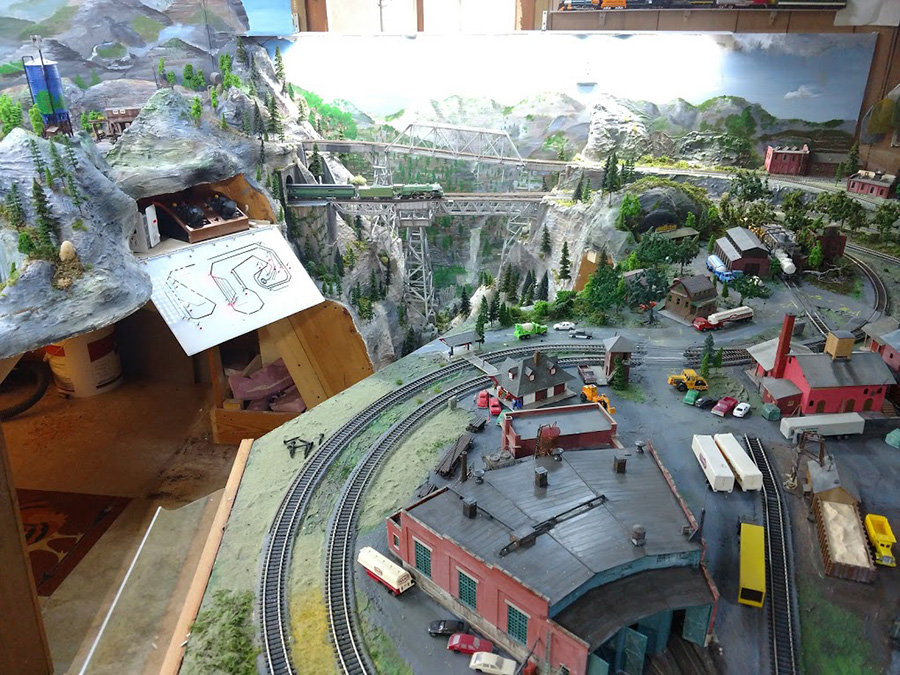
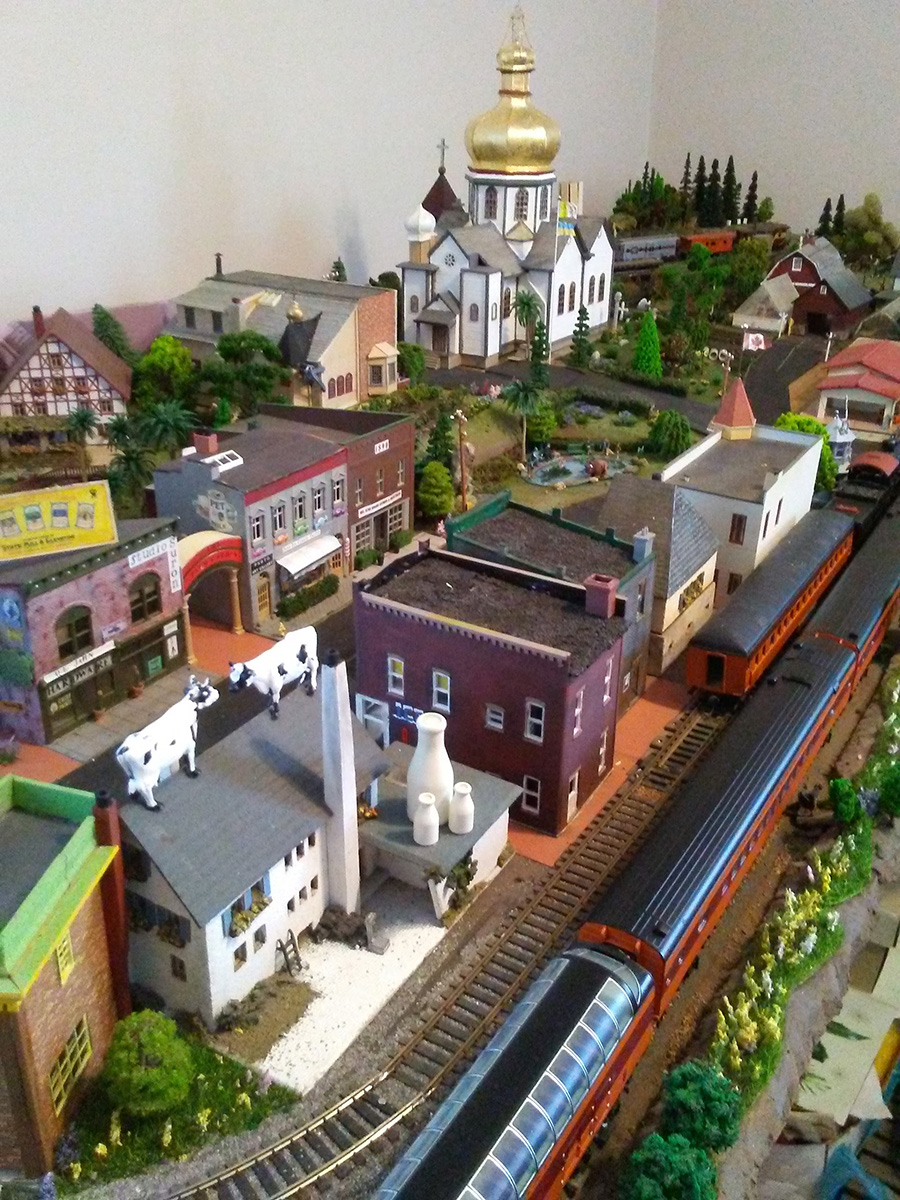
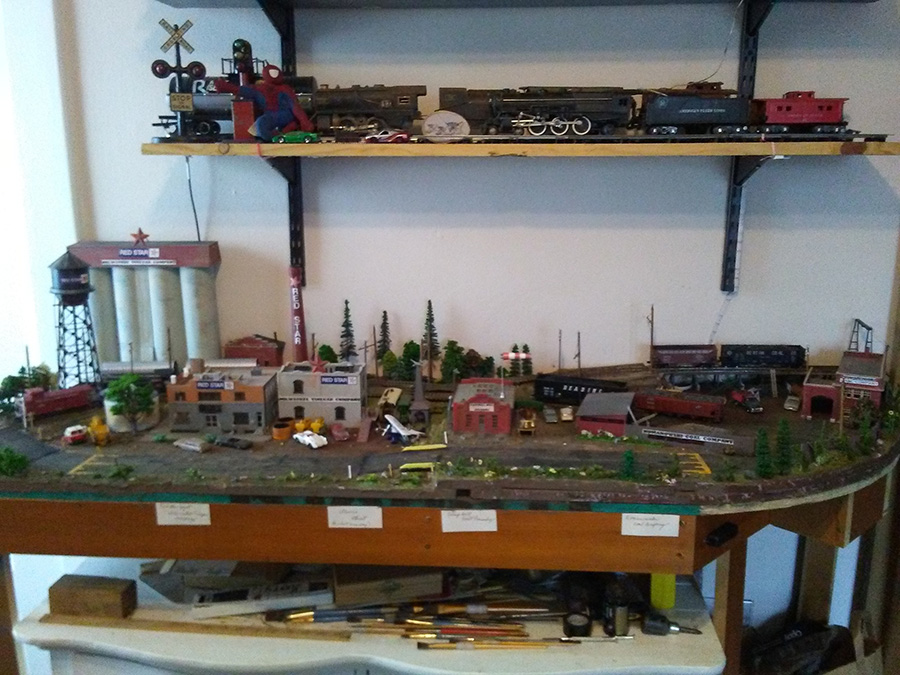
My original 4×6 HO layout expanded to 5×9 which was all that could be done in a 9×11 room. So I moved everything to a larger room and expanded it again to about 9×10 (the first picture).

I got everything the way I wanted with a roundhouse, turntable, and larger station. The problem was all the turnouts. They are all Atlas and there is know positive way to know which way it is turned without physically looking at the switches.

I saw a video on how to use red and green LEDs on a control panel to indicate the status of a turnout. To do that kind of thing with Atlas would require using Atlas relays. Looking at the expense I decided to try using a Tortoise switch motor to operate an Atlas turnout and have LEDs on the control panel and it worked.

So I took the plunged and decided to convert to all Tortoise motors for my turnouts and redo my control panel using DPDT toggle switches.

The first challenge was to add the Tortoise to the existing turnouts. It required drilling from under the layout to access the operating arm. It was tricky getting the operating rod fed into the slide bar but once in the Tortoise worked fine and I got my indicator LEDs working.

The next Challenge came when I used one DPDT switch to operate both Tortoise motors for a crossover. Because the motors were both working at the same time in parallel, there was too much voltage for the LEDs. I burnt two sets before I decided to search online about using Tortoise motors and LEDs for crossovers. I needed to add a resistor. Now the crossover LEDs are working.

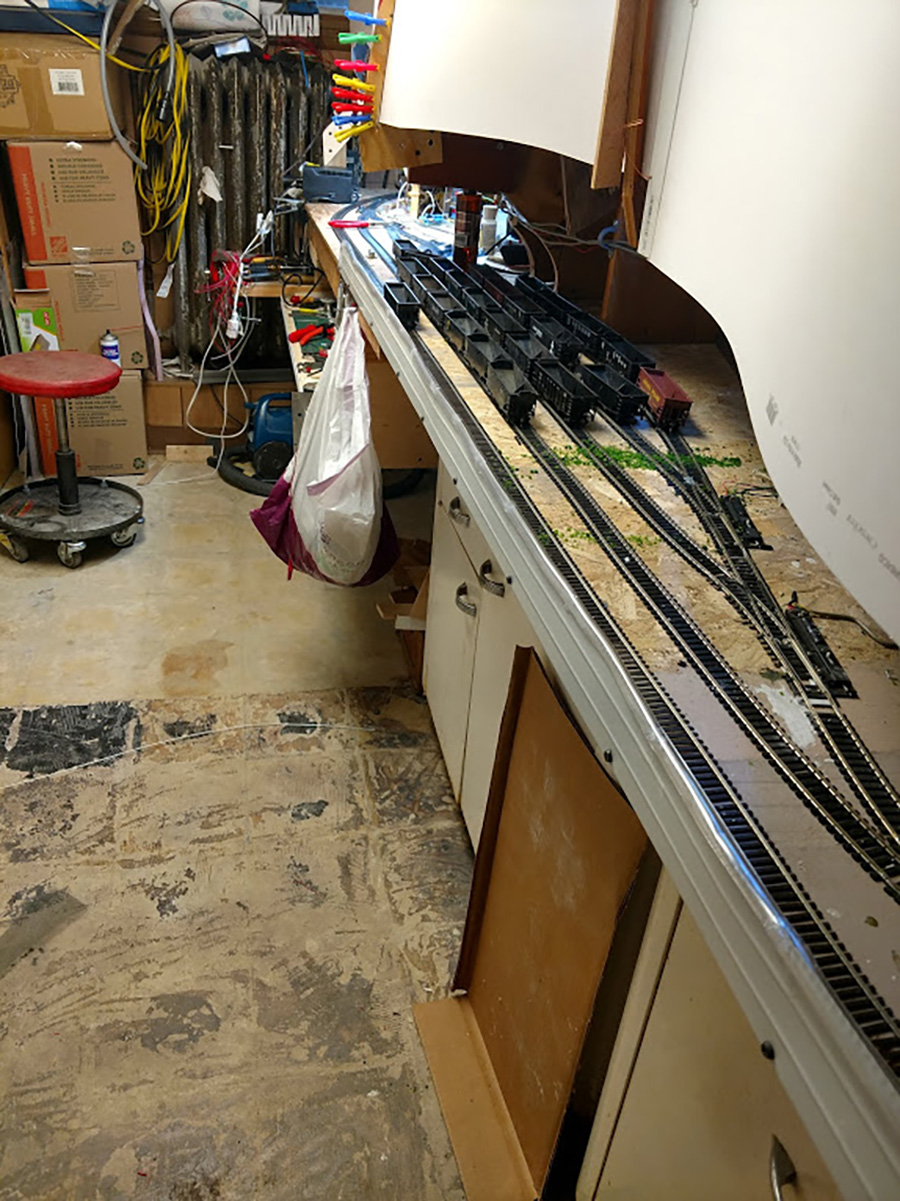
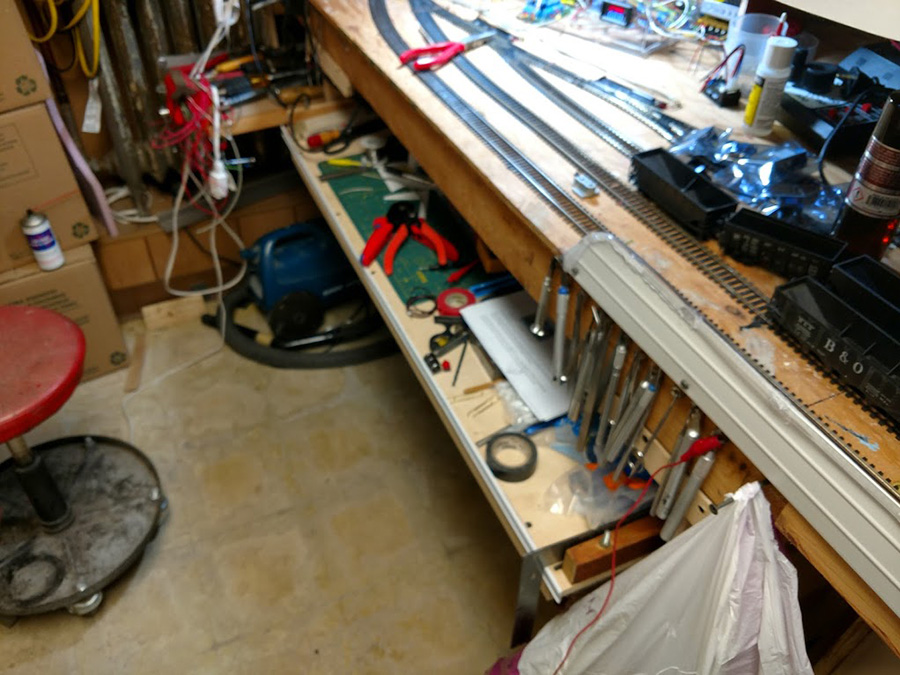
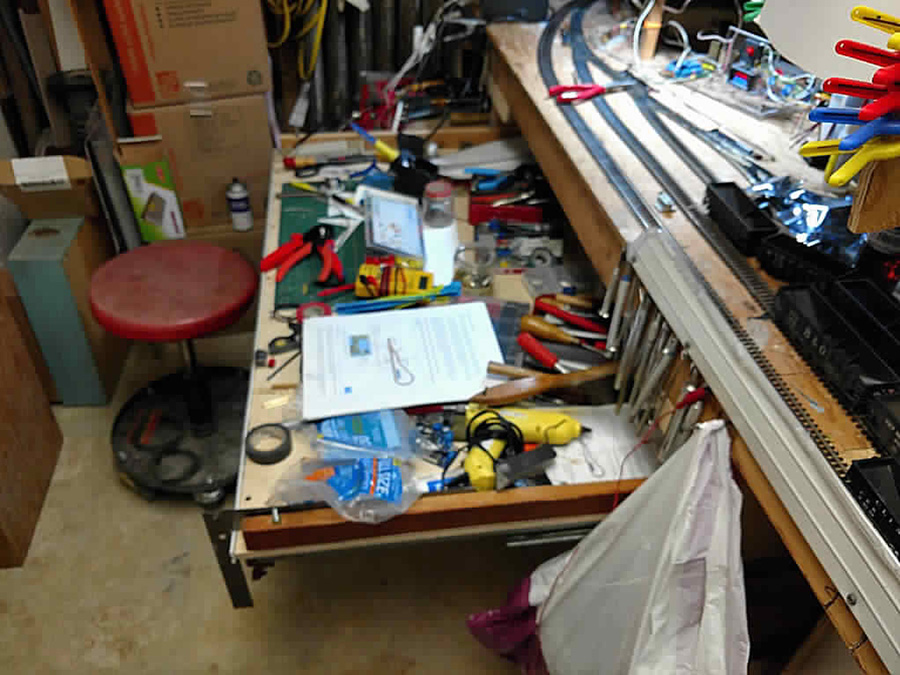
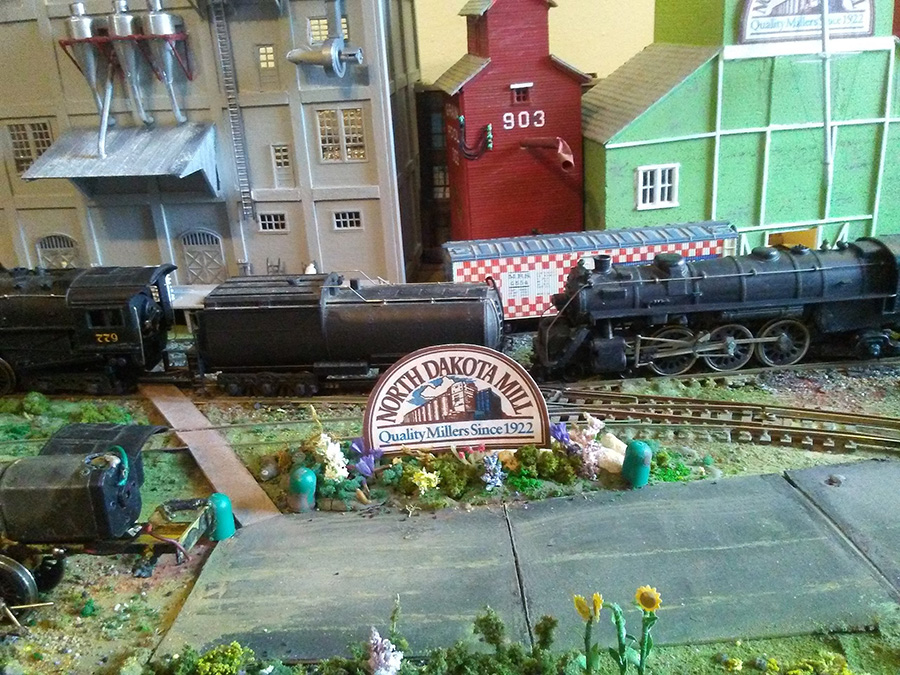
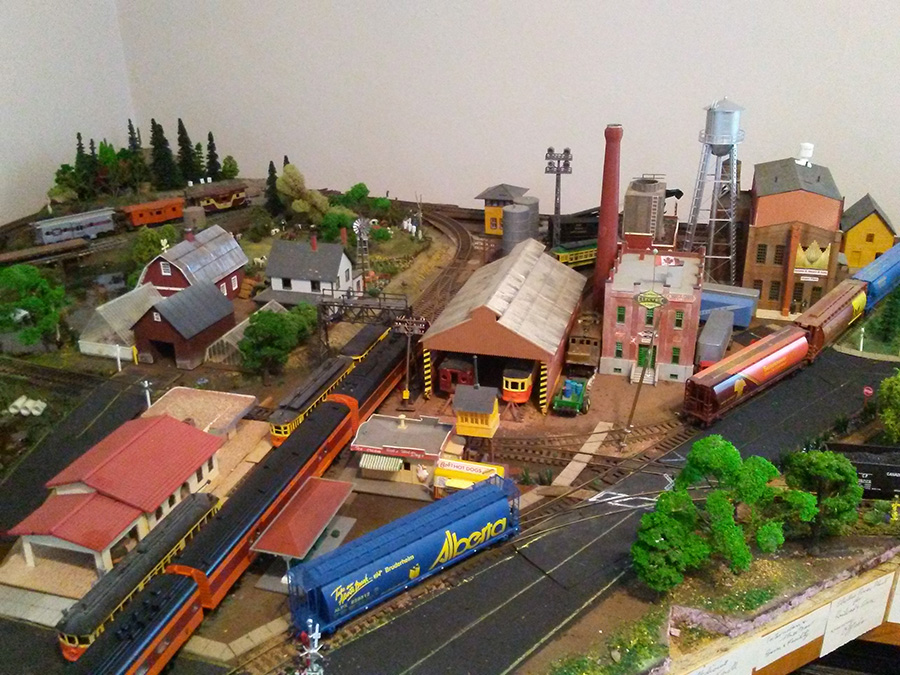
The third challenge was to get to three turnouts to cut off the excess operating rod ( picture 2). The three turnouts are on the left of the picture. The turnout closest to the turntable I can reach.

HO scale layout

HO turntable

To gain access to the turnouts I decided to create a bridge. Because of the fence around the turntable, the trackwork, and trees, I couldn’t just lay a board across. So I got a 2’x4’ 3/4in piece of plywood, cut it to 14in by 48in, and cut eight blocks out of a 2×4 about 3in long and placed them on the layout between the trackwork.

I took the bridge out of the turntable and I put yellow wood glue on top of the blocks and set the plywood on the blocks and screwed the plywood to the blocks. The second picture shows the underside of the bridge.

turntable

Hand layed HO scale turnouts

The picture shows the plywood bridge in place ready to use. The layout is sturdy to begin with and the plywood bridge distributes the load to eight points. When I get all of the turnout motors replace and have my new control panel I will send an update. Maybe even post a video.


Hand layed HO scale turnouts support bridge

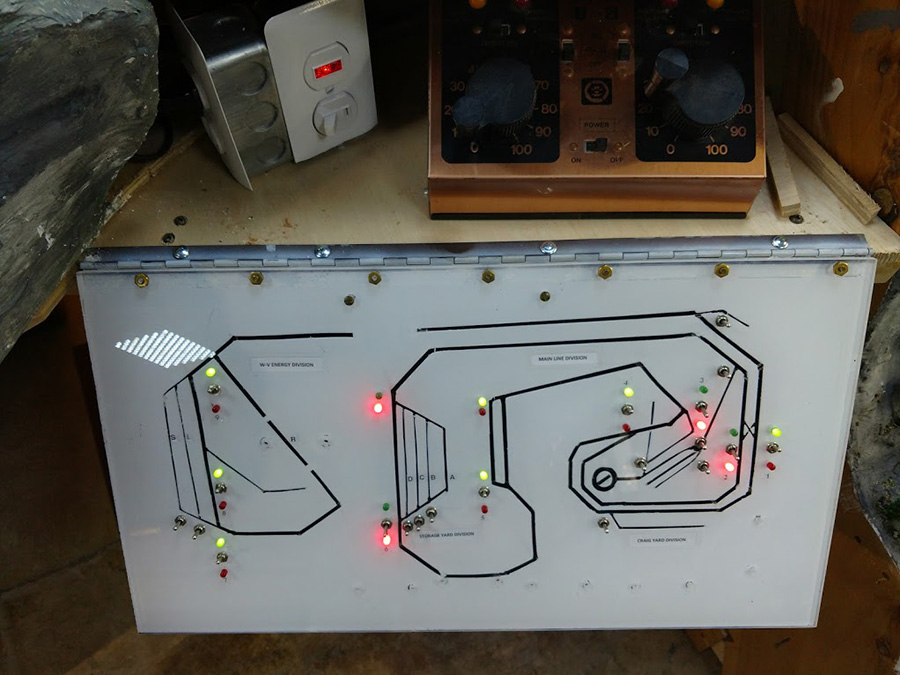
The picture shows my current control panel. The three circles highlight the DPDT switches I use to control two turnouts and on crossover.

Installing the DPDT switches required me to use plexiglass squares to mount the DPDT switches because the existing panel is 1/4in plywood. It also required some tricky work under the panel. Then I realized that I didn’t want to replace the existing Atlas slide switches one by one using pieces of plexiglass.

I decided that I would build a whole new panel and put it in place when I was ready. I bought a 2’x4’ piece of 3/16 Masonite, usually you see it with a bunch of holes that you can use to hang things. I also wanted to keep the work under the payout to a minimum.

I took a piece of scrap particle board and cut a 3/16 groove in it and stood my 14in x 24in panel board in the groove and screwed two pieces of scrap alongside of the panel to keep it upright.

control panel

HO scale wiring for Hand layed HO scale turnouts

Ho scale wiring for Hand layed HO scale turnouts

Now I can work on the control panel sitting at a work table. I am using quick connects on the wiring so when I put the new panel in place I can ad quick connects to the existing wiring and plug everything together.

Bob, Virginia.”

A huge thanks to Bob for sharing his hand layed HO scale turnouts. Some very clever stuff going on there.

If you want to catch up on Bob’s pevious post, it’s here.

That’s all for today folks.

Please do keep ’em coming.

And if today is the day you get started on your layout, the Beginner’s Guide is here.

Best

Al

PS More HO scale train layouts here if that’s your thing.


Need buildings for your layout? Have a look at the Silly Discount bundle.

HO scale coal trucks

John’s been back in touch again – this time he’s added some HO scale coal trucks to his new mine entrance:

Last time we saw him working on a his mine module (you can see that, here).

This time, he’s slots it in to place on his layout.

Stunning stuff as usual:

“Hi Alastair,

The mine module featured on my last email to you is now ‘home’ next to the ‘newer’ mine placed some months ago.

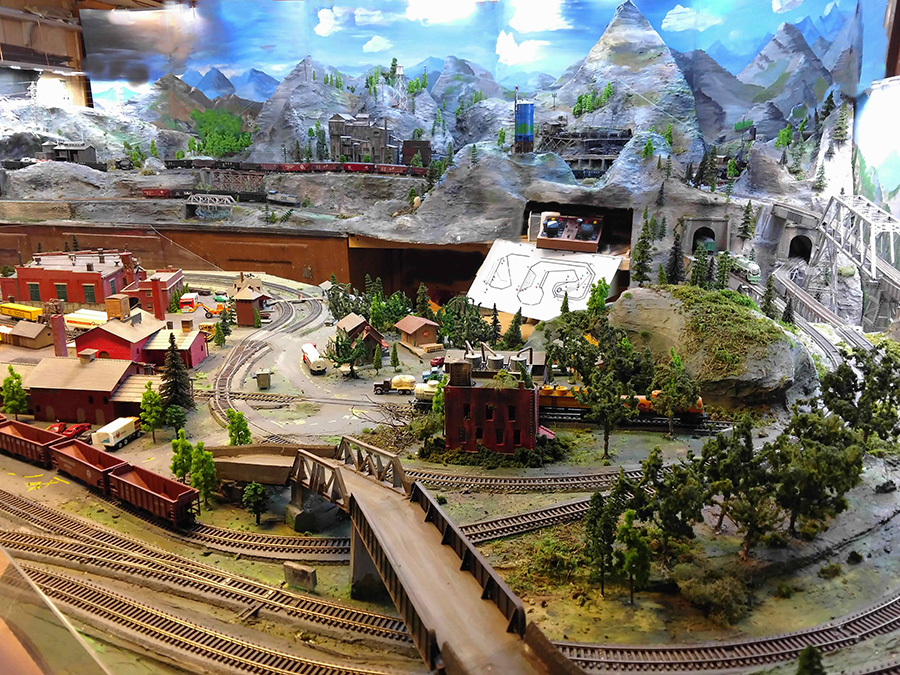
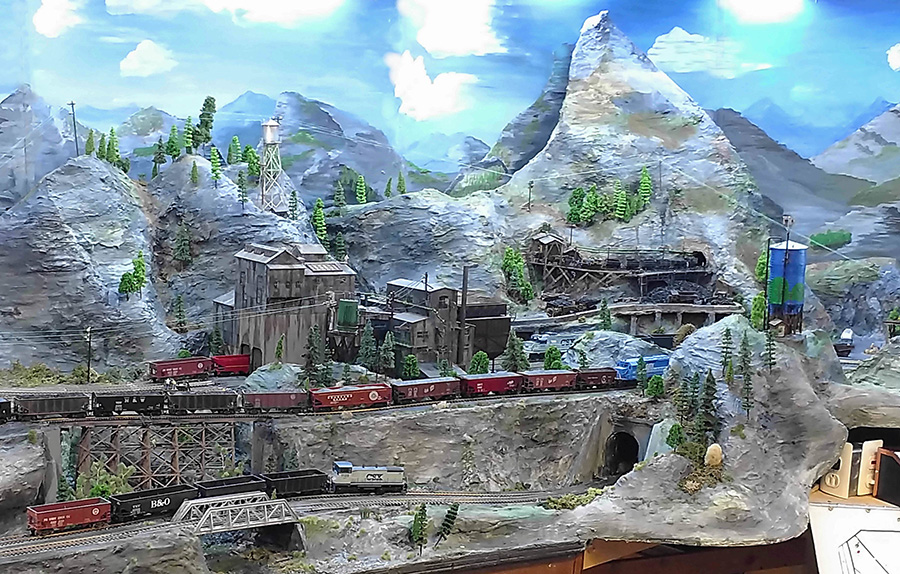
The pictures show it as I blended in the mountains and plaster work. Looks like my measurements for how the mountains would fit worked pretty well.

Next steps are add the guard rail blocks along the coal truck passage, clean-up of the siding rails and general adding of vehicles and stuff to add the look of clutter and life. A machine shed for the mine trucks and parking area for mine employees will go to the right of these modules and complete this side of the layout.

I took heart from a comment on the last post about being able to go back to a picture and pick out more detail, so I got busy on the machinery sheds for the old mine and added more stuff.

I’ll be back in touch when the back-drops are painted and installed.

Thanks to you and the many friends I’ve never met,

John From Baltimor”

HO scale coal trucks

model railroad mine plaster mountain

model railroad mountains

model railroad mountains

model railroad mountain

HO scale coal trucks

A huge thanks to John for sharing his HO scale coal trucks. It’s so wonderful to see this layout come together. I do love it when I see his name pop up in my inbox. Stunning stuff.

You know what else I like these posts? The comments. And as John says, they are read and taken in to consideration. So please do scroll down and let us know what you’re all thinking.

That’s all for today folks.

Please do keep ’em coming.

And if today is the day you start on your model railway journey, save yourself hours of sweat and tears – the Beginner’s Guide is here.

Best

Al

Latest ebay cheat sheet is here.

Model railway buildings – Eric’s

Eric’s been back in touch, this time with his model railway buildings.

” Introducing Wensdale Revisited…

…My project update 1.

Smeedle I am afraid has now been consigned to the past. An ex workmate of mine gave me a challenge and a half, that was to build a city type layout.

Now to build a city you need a lot of space for your layout and I am limited to my weird shaped 7.5 by 5.5 foot maximum boards with wall and hatchway for access. This makes it almost impossible to put in a city sized station even in N gauge.

So for this scenario we have to decide the station is off screen and just have a twin track double level layout. I have also gone back to my favourite name for the place as Wensdale where my layouts really started out, set somewhere in Yorkshire.

I have managed six sidings on the lower area and six on the first, all are fairly small but adequate. The city is the bit that is going to take the time with this layout which I am calling Wensdale Revisited, the small country town of Wensdale over the years has grown up into a city of sorts. Pics of tracks in next update.

At present I am working on my right hand side of the layout and got to thinking about everyday things and my mind wandered to pavements or sidewalks for you over the pond. One thing I have never noticed spoken about on your blog. In the past my paving has always been level with the road on my layouts so this time I am introducing pavements that are risen a little from the road.

Like most ideas it started out as something else, I build two rows of stone cottages (Metcalfe kits) first how to save wiring loads of different bulbs together drilling holes through the baseboard to accommodate them.

So to solve this I used a thin piece of balsa wood and cut out the centre area below the houses and glued my row of cottages to it, the hollow below allowing me to wire them all together above board with just one wire to go through the board for each row meaning just two holes in total not 10. Of course from there I had to introduce balsa strips under all my paving to bring it to the same sort of level.

It’s fiddly work especially having to paint the edges a mid brown to match the paving, where there is grass I heightened this by adding a thin card strip but I am delighted with the result so far as it brings more depth and realism to the layout.

Ok it takes an age to fiddle about cutting the balsa and painting it but I think it’s worth it when you look at the results, it’s not perfect, but see pictures below and let me know what you think.

Added also two pics of my little factory titles to amuse.

Eric”

model railway street

Model railway buildings

Model railway buildings

Model railway buildings

model railway sign

Model railway buildings

Loved the fun he’s had with his signs. Over the years he’s been a busy chap:

Eric’s Smeedle Valley layout

Eric’s Moors layout

Eric’s Wensdale layout

Eric’s time lapse video

That’s all for today folks – a big thanks to Eric for sharin his Model railway buildings.

And if you want to start pottering with your own layout – and who wouldn’t – the Beginner’s Guide is here.

Best

Al

Latest ebay cheat sheet is here.