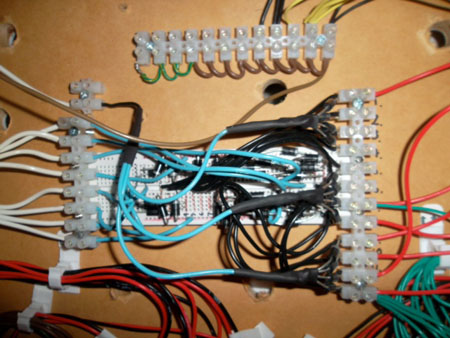
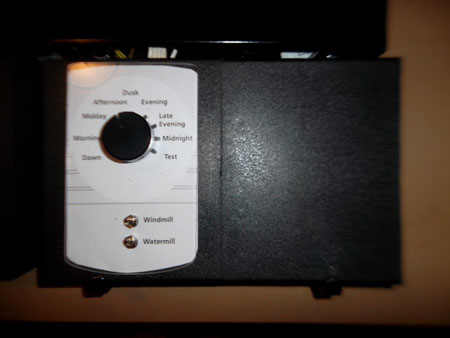
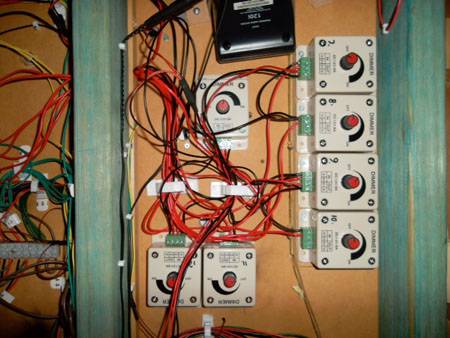
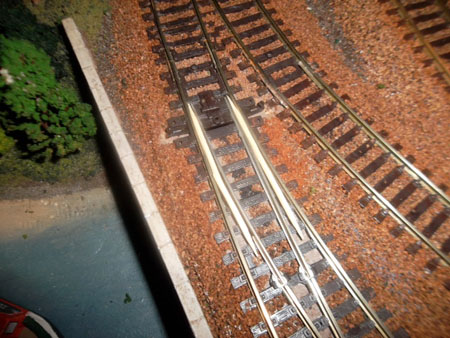
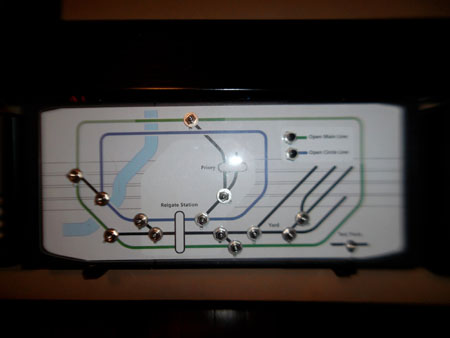
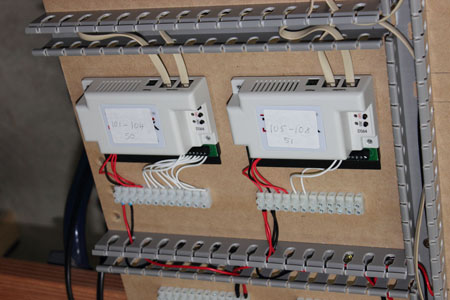
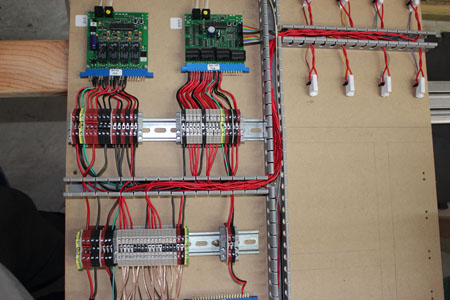
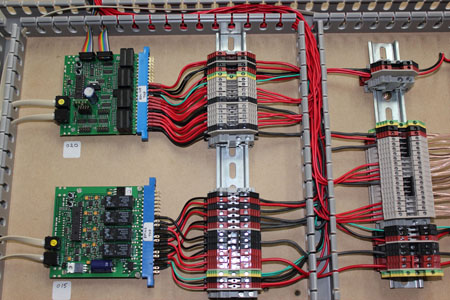
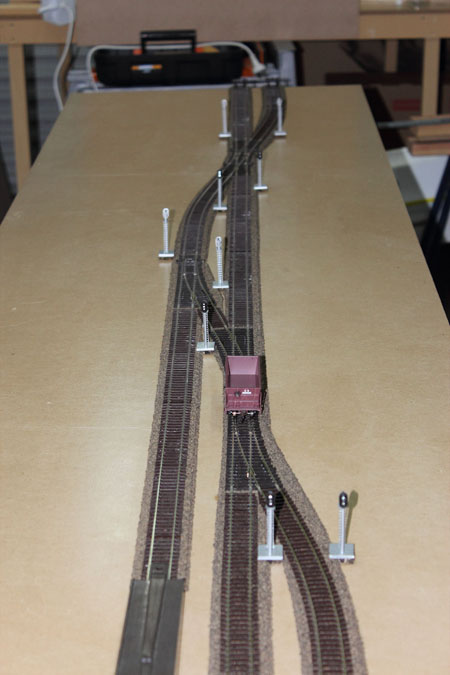
“Hi Al, after seeing Cameron’s article, I decide to send in some photos of my test track.
I have to clean out my double garage (9M x 6M), to make room for my track, so I only have a test track at the moment.
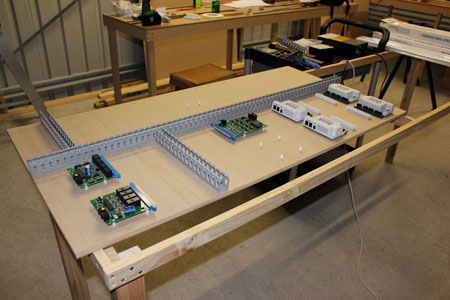
I decided to use Digitrax DCC equipment, which is why I built the test track (8′ x 2′), so that I could get all the equipment to work with the computer software.
I tried JMRI initially, but found it too hard to work out, so went with Rocrail (both programs are free).
I have since bought Train Controller Gold, as this will give me better control in the future.
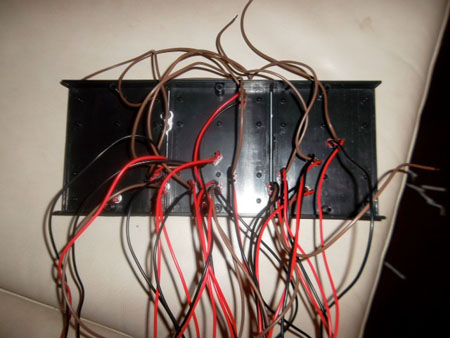
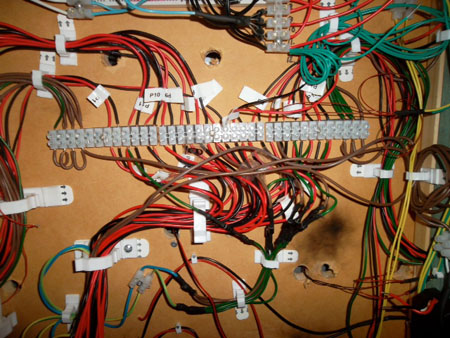
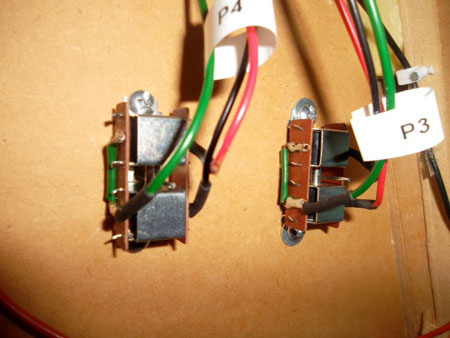
The reason my wiring is fairly neat, is because I am an “A class electrician”, and I am used to working with higher voltages than 16v, and I was taught as an apprentice to be neat and tidy (and it is a habit I cannot change).
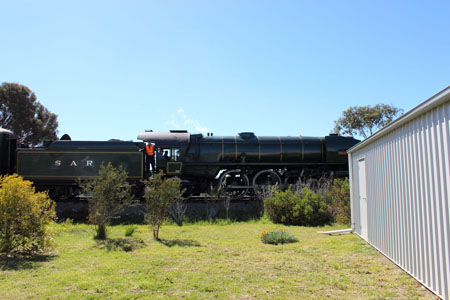
The photo of the steam engine was taken from my back door, and they try and run the steam engines when the weather permits.
The town I was born and grew up in is called Goolwa (in South Australia, and I still live there), is home to Australia’s FIRST railway line in 1854.
This was built to transport river goods (Goolwa is on the River Murray, near its mouth), to a place called Middleton (on the Southern Ocean). When I start on my bigger layout, I will keep you posted on my progress.
Barry”
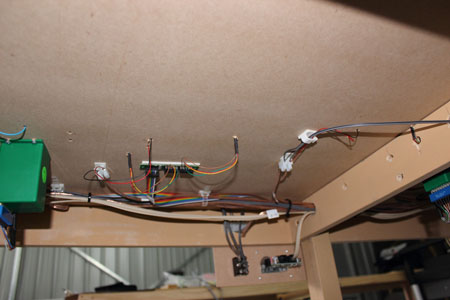
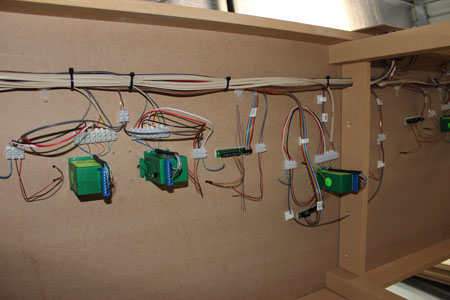
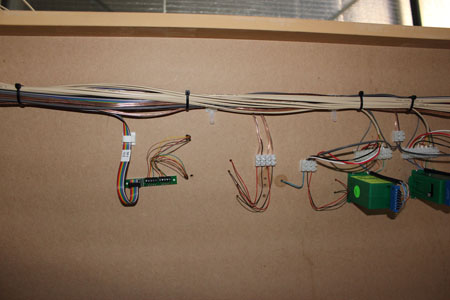
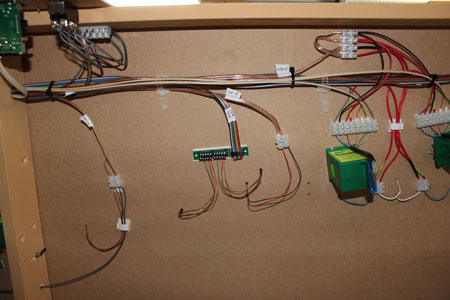
Wow – that’s the neatest wiring I have ever seen! Al.
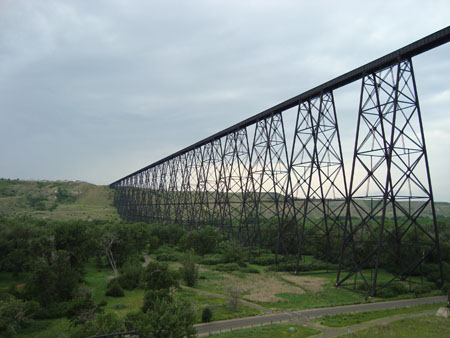
“Mr. Lee, Check this out if you have not seen this before I think you will enjoy. Located in Lethbridge, Alberta Canada. I stumbled on this on the way to Calgary a couple years ago.
Bill”
“Al;
The other day out in my garage where the doggie is I noticed some white stuff like stuffing on garage floor. Come to find out its from a pillow my son thru away and he missed the trash can………..Immediately I thought about snow drifts areas that linger from not getting enough sun exposure…..sheltered areas….gullies fencelines…etc. I dont think it would work for larger areas of snow cover but who knows It probably would if there werent plans for alot of other scenery….
Just wanted to share SO check old pillows before they hit the dumpster, trash truck…..
DG”
“Al,
I’ve been away from the model railroading hobby for several years due to it becoming less important than other things in my life, so I’m not up on the latest available technology. But I’m beginning to think it’s time to get back to a hobby I’ve had since I was a kid (I’m 56 now).
I always ran my trains to what I perceived as scale speed, but alas, some throttle packs don’t do well at slow speeds. Yet, others do. There are several factors that affect the ability to operate the models at near-scale speeds, such as condition of the motors, cleanliness of the track and the powered trucks’ wheels, weight of the train, and the throttle’s potentiometer (throttle).
Aside from those kinds of things, there’s the scale itself; the smaller the scale the harder it is to achieve scale movements. This is because, while we have succeeded in reducing the scale of the railroad world with amazing detail, we can never reduce the scale of their molecular structures! The laws of physics cannot be denied! But, as control and materials technologies progress, better control at slower speeds may be achieved.
I applaud someone drawing attention to this aspect of the art. I’ve observed realistic-looking layouts operated at unrealistic speeds, but also many of the same genre operated with very good realism. I suppose it comes down to a matter of what the layout owner decides is acceptable. And that’s okay.
But for those of us who pursue the finer aspects of the art of model railroading, this is a great point of discussion. Thank you for bringing this to our attention. I really appreciate your daily communications.
Russ”
Thanks to everyone for today’s missive.
Hope you enjoyed it as much as me.
That’s all for this time folks.
Please do keep ’em coming.
And if today is the day you get started on your layout, the Beginner’s Guide is here.
Best
Al
PS More HO scale train layouts here if that’s your thing.
Need buildings for your layout? Have a look at the store.
They are great fun to make and great value too.