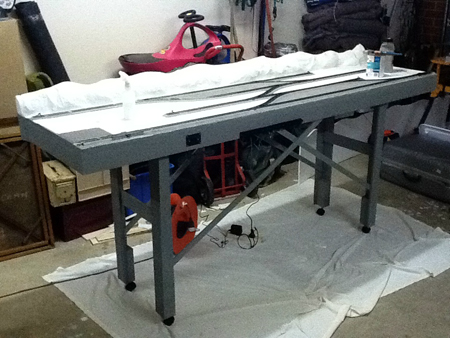
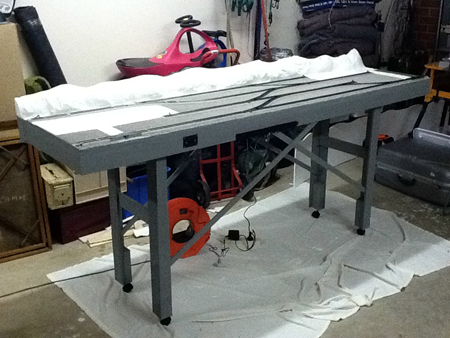
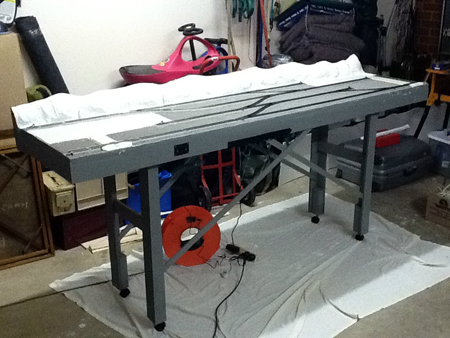
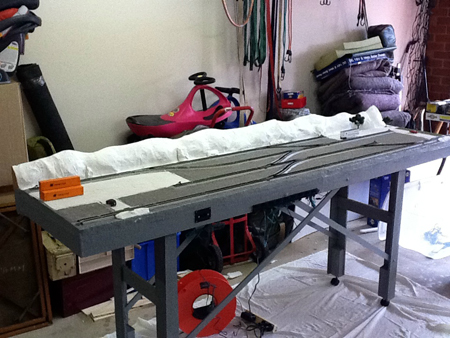
“Al, here is the third video on my construction of the Scenic Ridge railroad layout.
This video deals with switches (turnouts or points) and switch (turnout or point) machines.
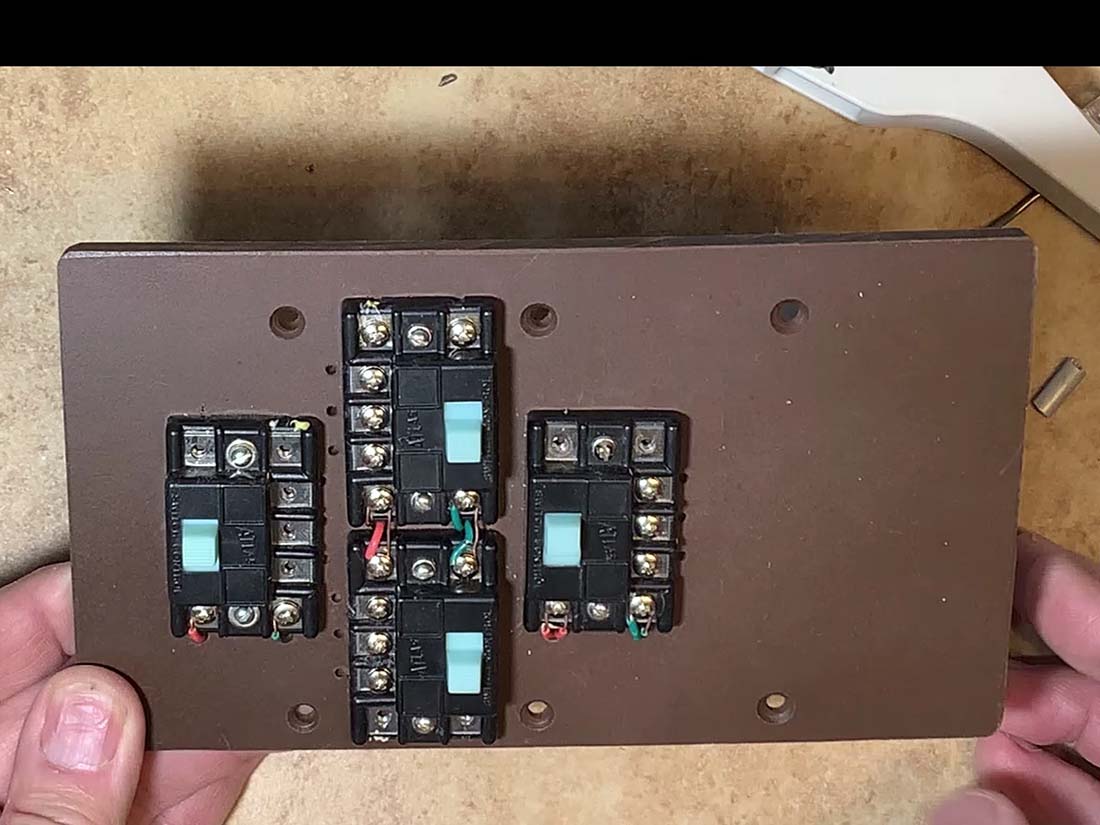
The first photo shows the control panel with four Atlas controllers mounted on a Masonite sheet drilled to fit the three-gang electrical box which holds it.
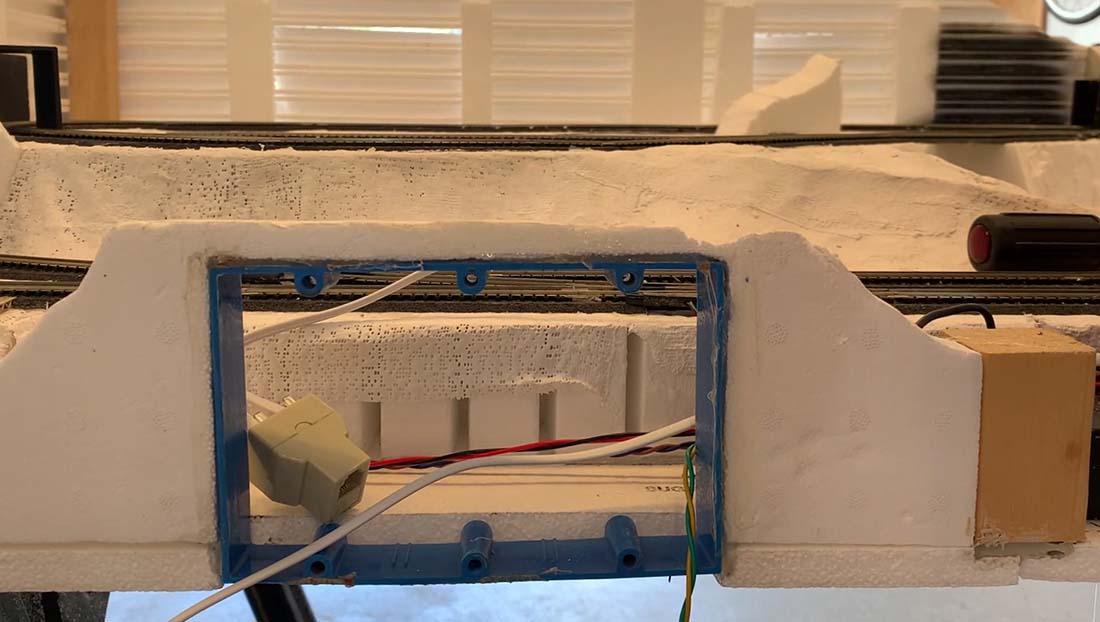
The second photo shows the electrical box which has been cut down to 1 inch deep.
In the next photo I show the box glued into the front support panel of the layout with Liquid Nails adhesive. You can also see some of the telephone wire and connectors I use to interface the control board to the switch machines.
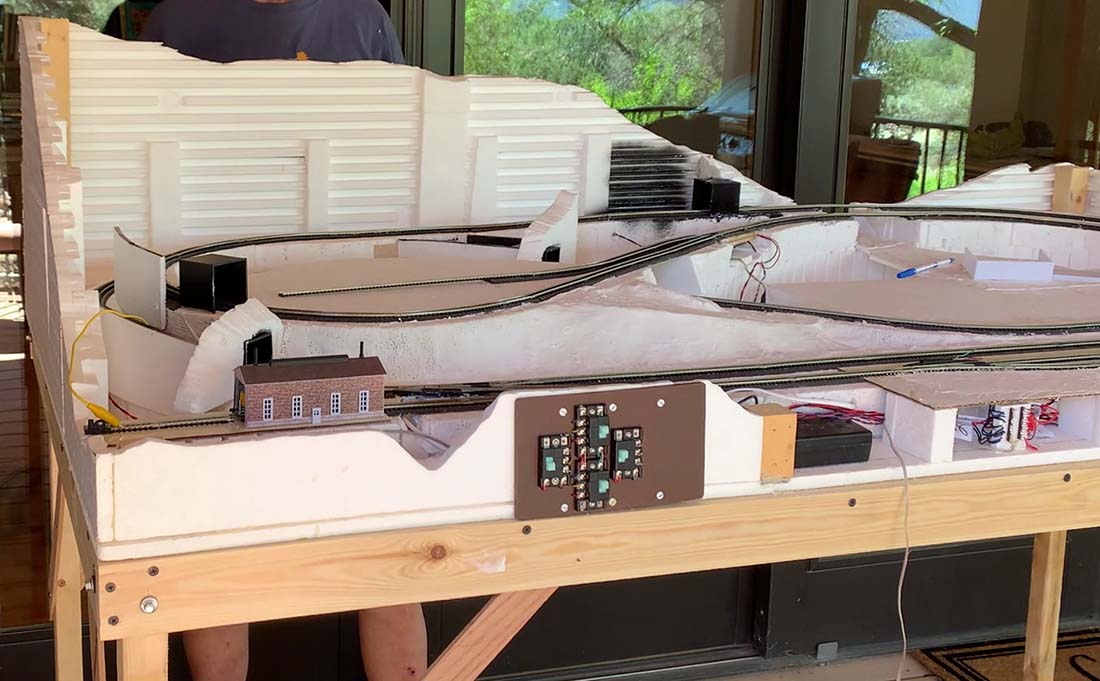
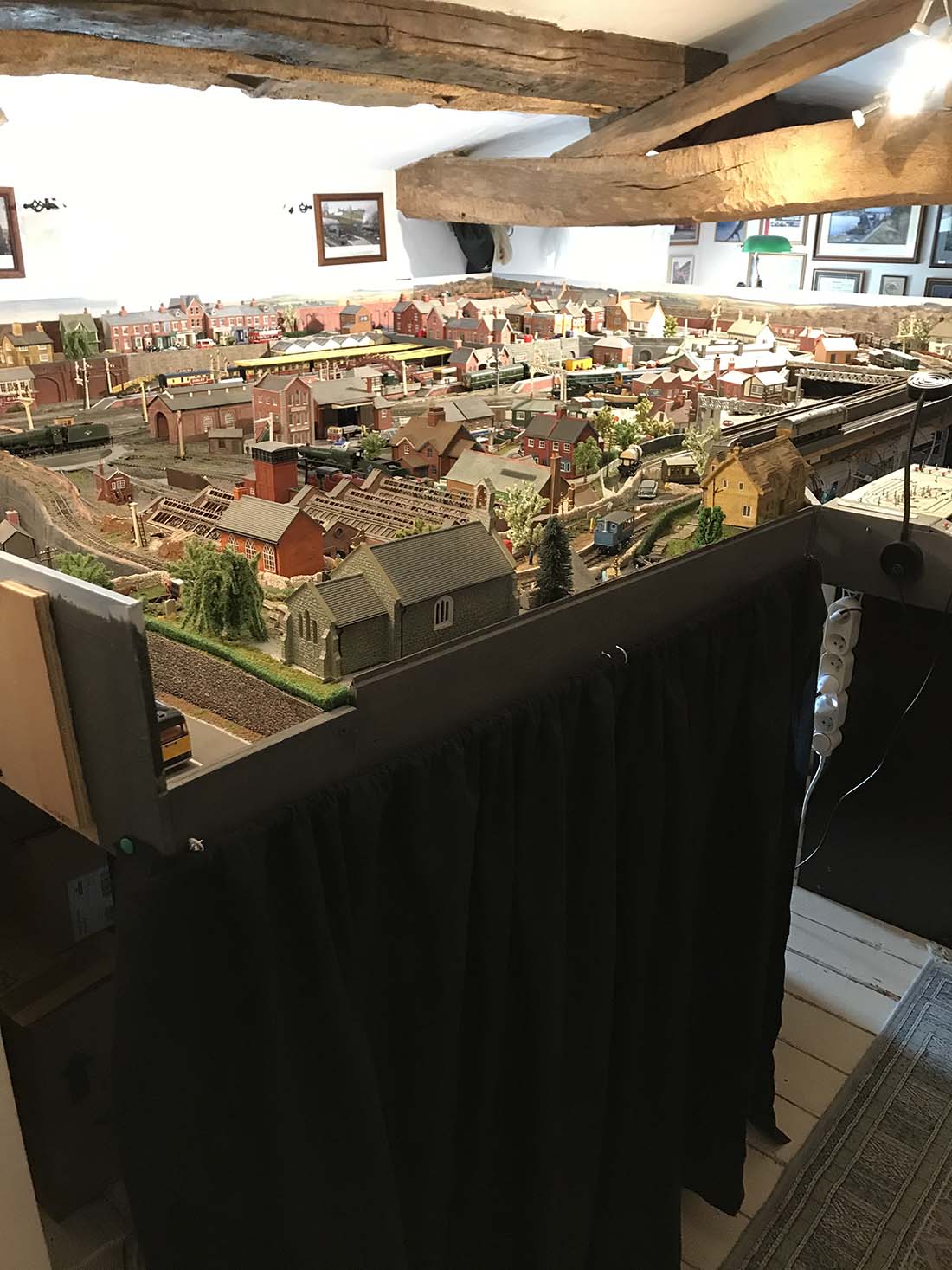
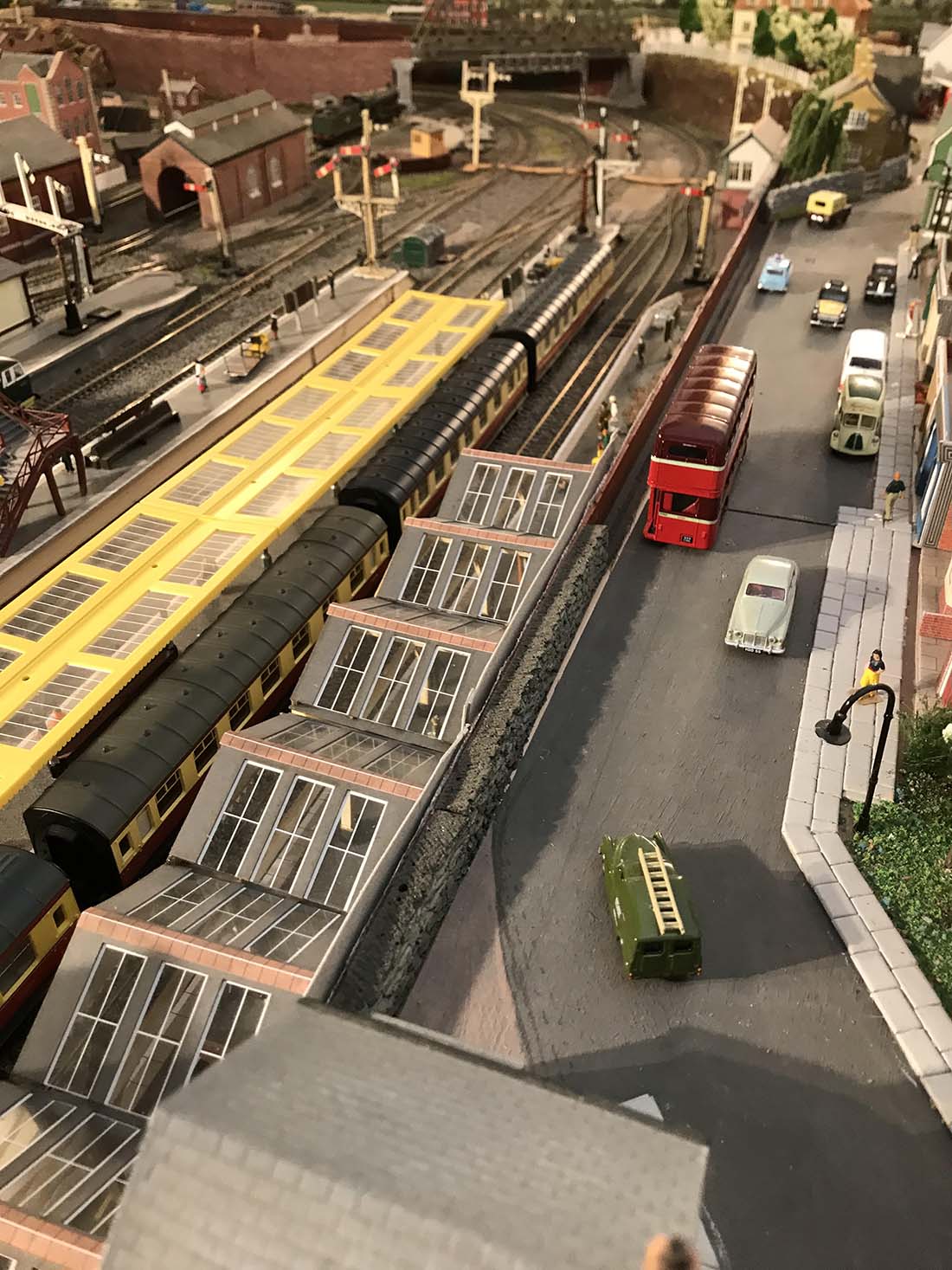
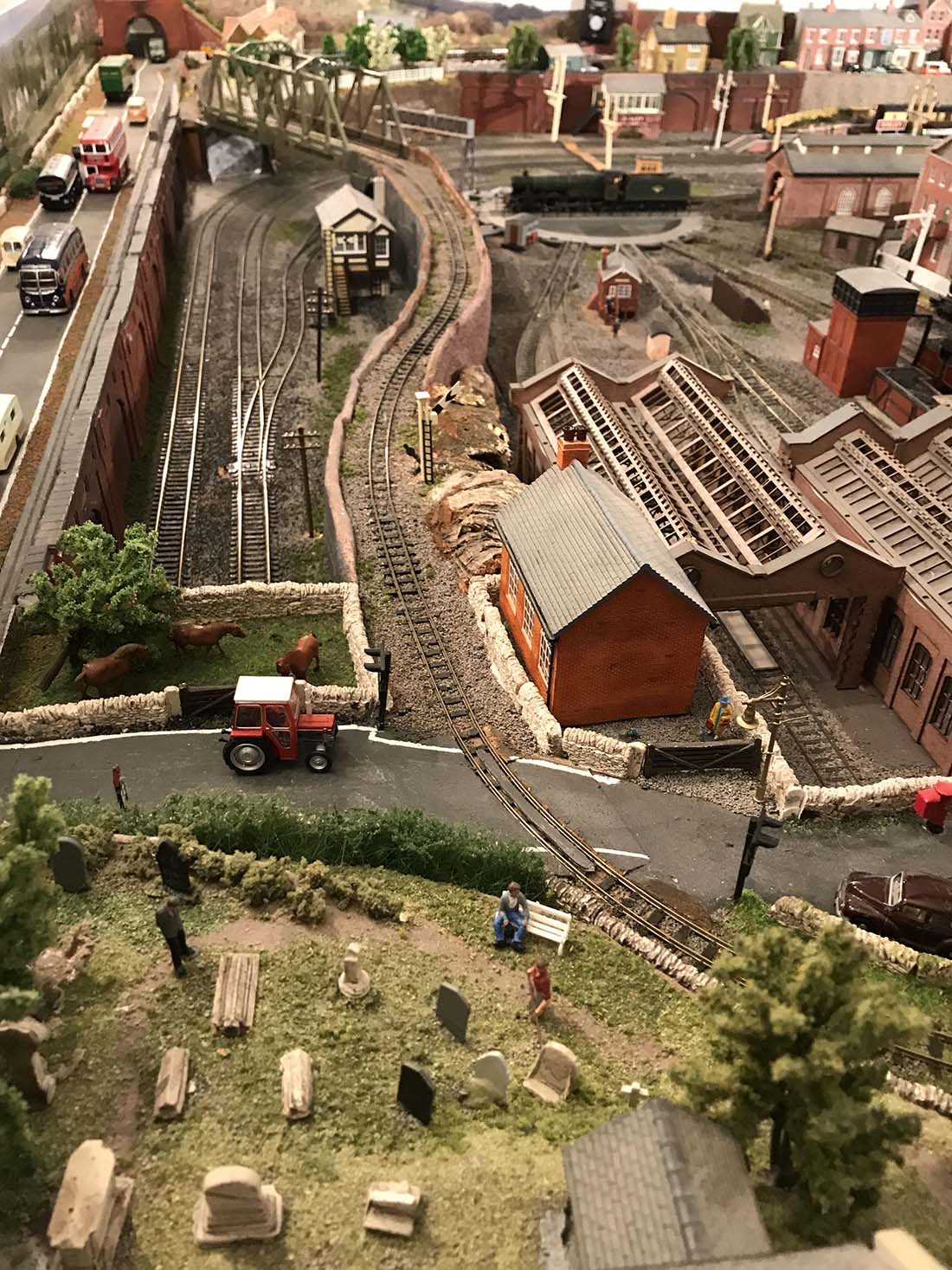
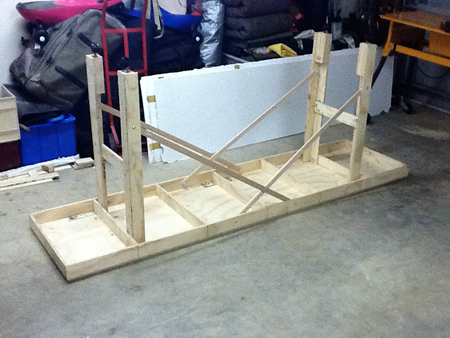
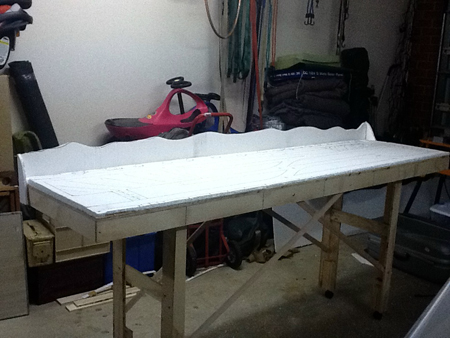
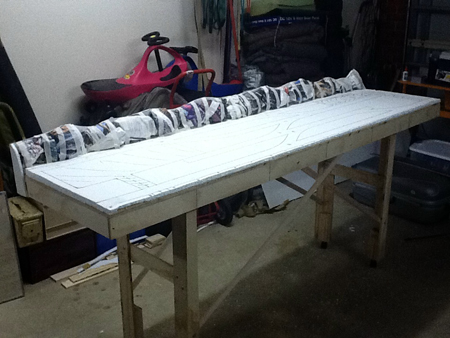
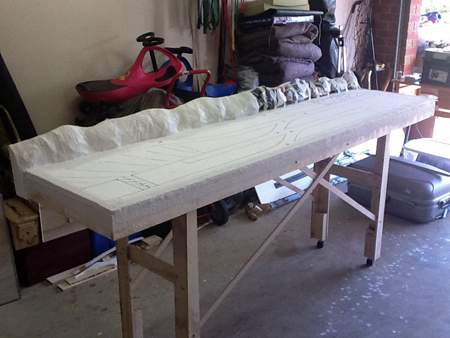
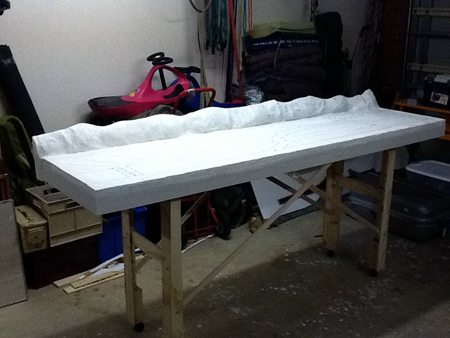
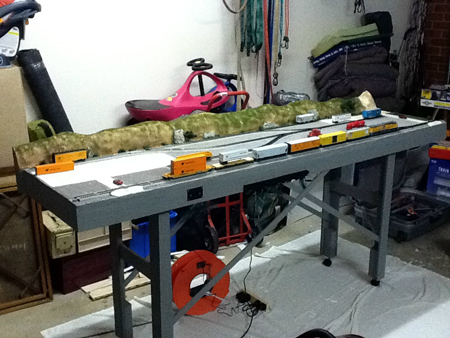
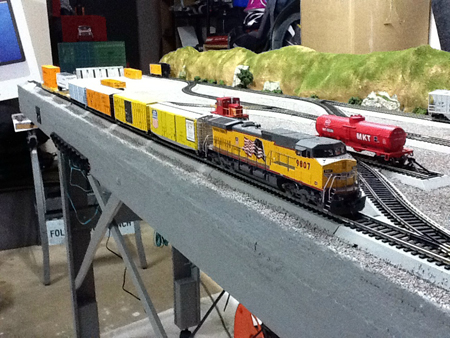
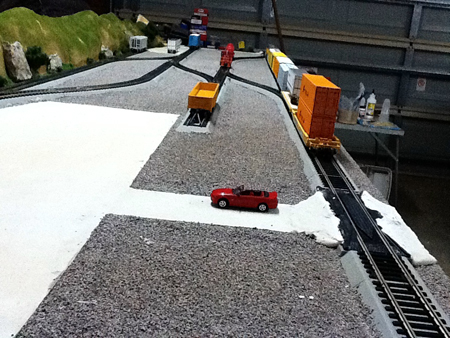
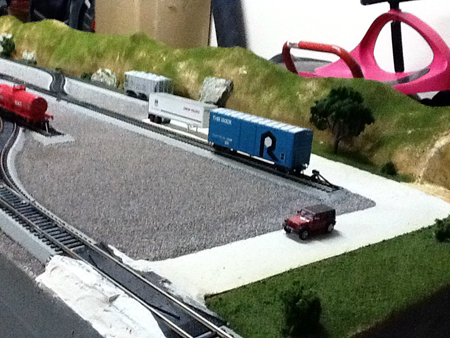
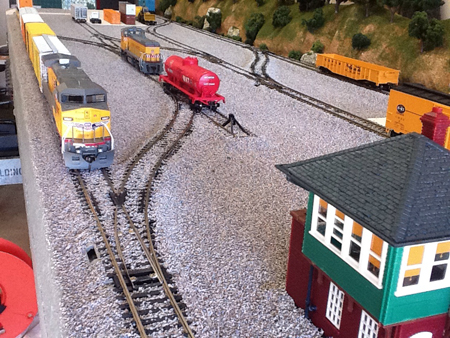
Finally, here is an overall view of the layout under construction as of this video.
I appreciate all the comments and viewings I get from your readers.
Dean”
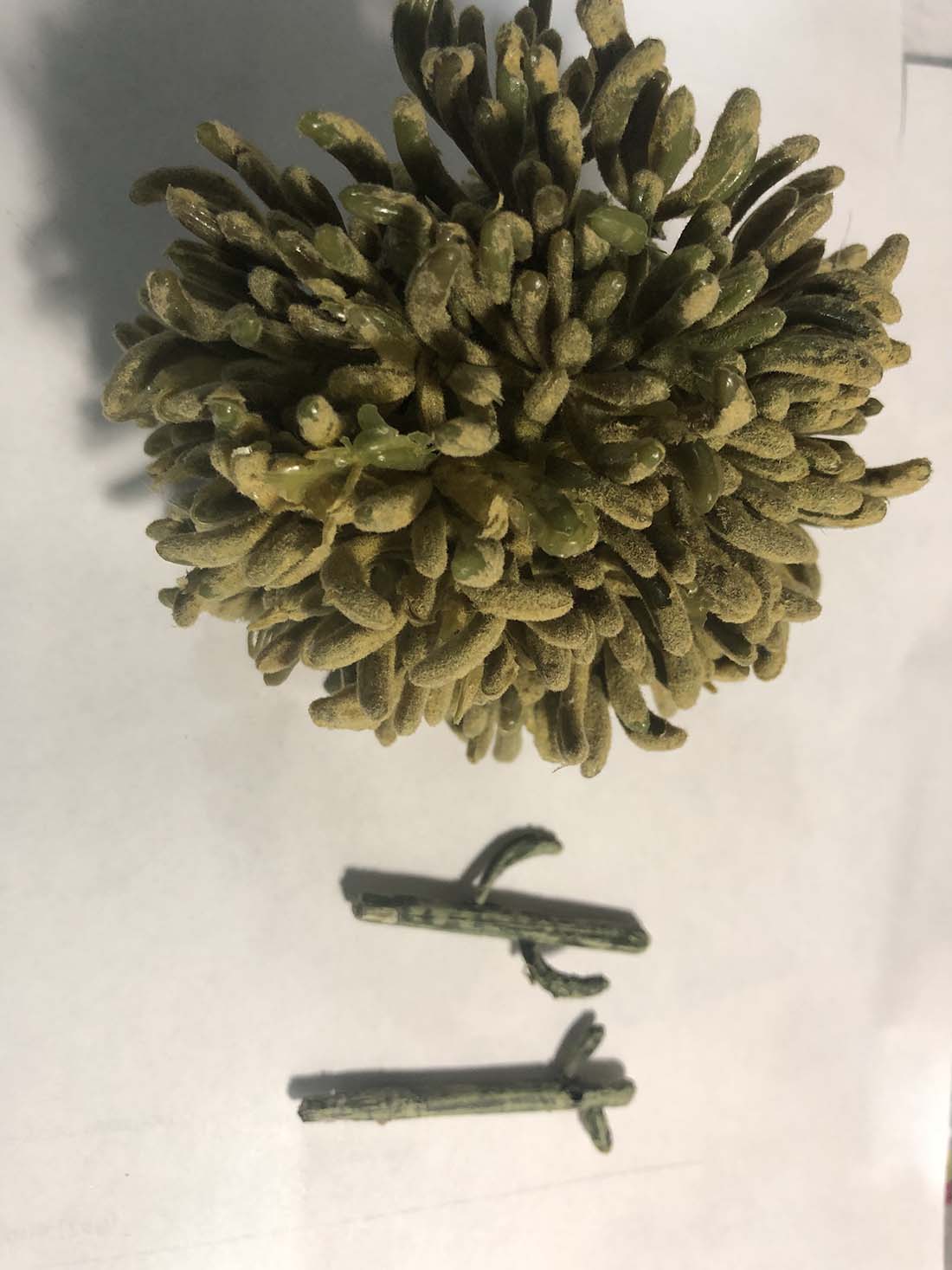
“For the ones who wanted know how I made the cactus, I bought the arms at Hobby Lobby. Carved the trunks out of balsa wood and painted them from desert pictures.
Roger has been in touch with a ‘how to’ on making your own model train signs.
“Hello Al
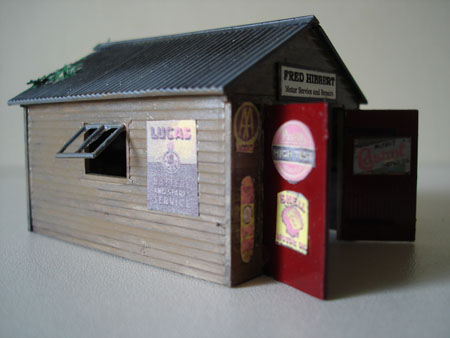
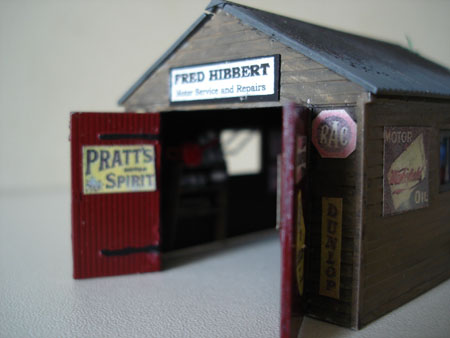
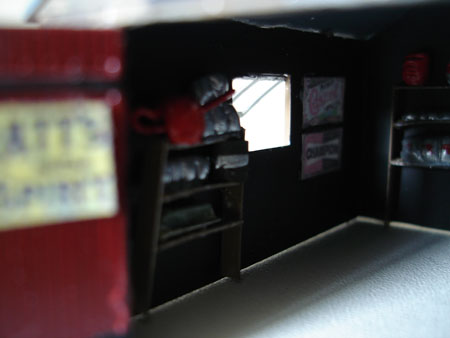
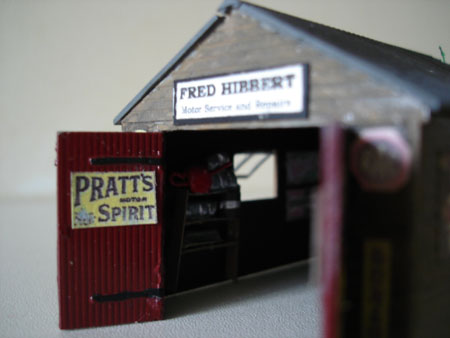
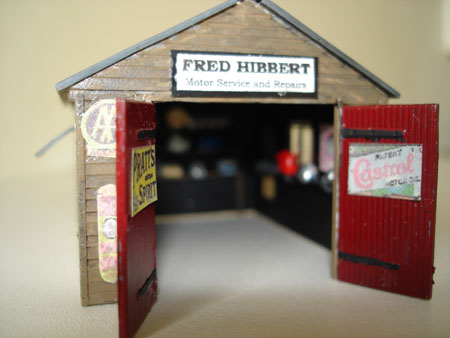
Dave asked about the signs on my little garage – and the interior detail.
Those who have seem my previous posts have probably noticed that I like to spend virtually nothing on modelling so that I can bankrupt myself buying locos and rolling stock. What follows is cost free.
HOW TO MAKE MODEL TRAIN SIGNS
There are some out there who would like to sell us these. Yet all we have to do is search the web for them. Try googling the following: –
ENAMEL SIGNS and/or
VINTAGE ADVERTISING SIGNS
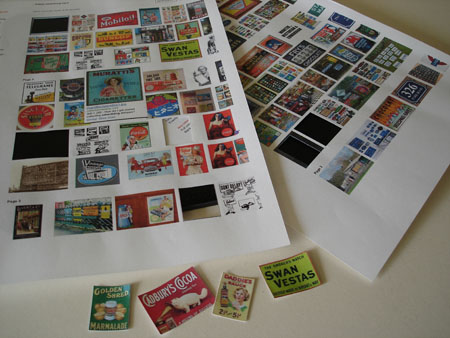
On the left of the screen, click IMAGES. Pages of little reproductions will appear.
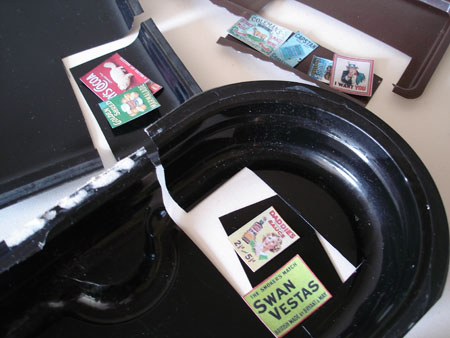
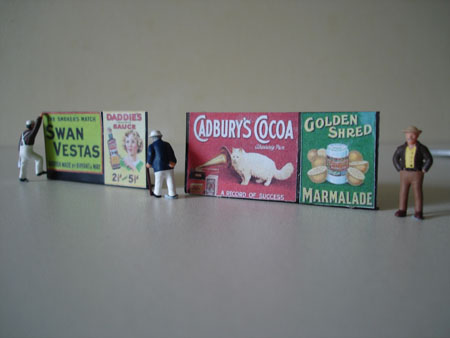
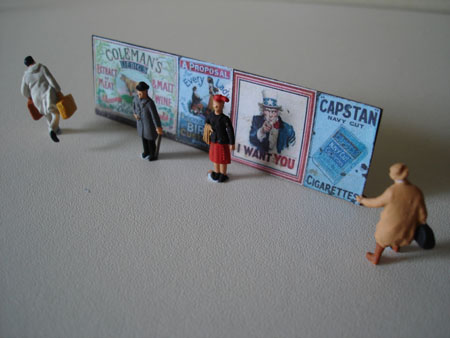
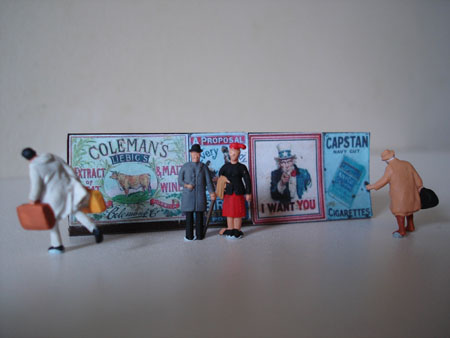
Print off a page or two. Put them on the scanner and shrink or enlarge – depending on your scale and intended use. In OO/HO reduce by 50-75% according to taste – for display on buildings, that is.
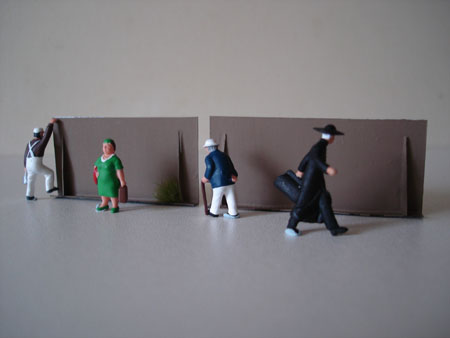
For advertising hoardings (and there are those who would sell us these too) increase size a little on the scanner and cut them out. Make the hoardings from pieces of plastic food packaging (see photo). This material will bend, crease and hold the fold. So you can bend to form a base. I stuck the posters on them with ordinary UHU general purpose glue.
After something specific? Google it and bring up IMAGES.
You’ll notice when you glue that (depending on the paper you print with and the type of glue) they fade a little. Fantastic. In fact I like to distress mine further by wiping over a little dilute matt black with a bit of sponge.
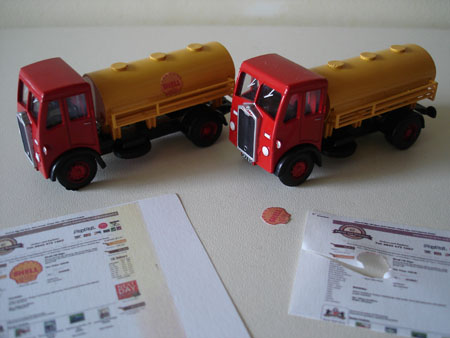
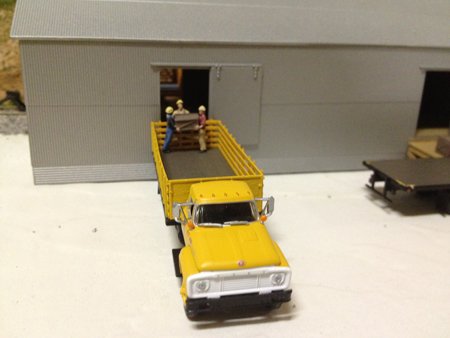
The Shell Tankers (see photo) were bought for a few pounds each – new. I think they were cheap because, though red and yellow, they were not signed. The Shell emblem was found on a site called SWEET AND NOSTALGIC! There are plenty of trucks and vans available in OO unsigned – pretty cheaply – so you can personalise them with a little internet investigation.
INTERIORS
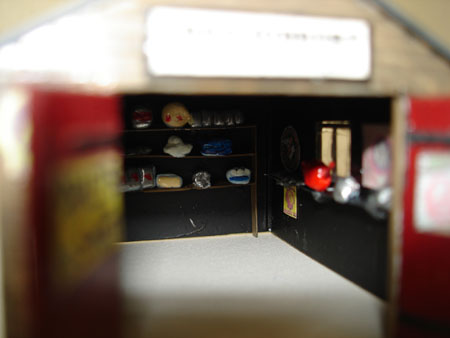
I guess these are important when you have large open doors on a building – garages, petrol stations, fire stations, bus stations and factory doors. I reckon these look more interesting with the doors open. This is my approach.
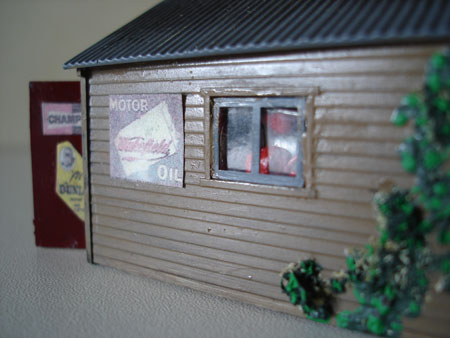
– Paint the interior matt black. Viewed from a standard distance – or even close up – this will make the contents stand out.
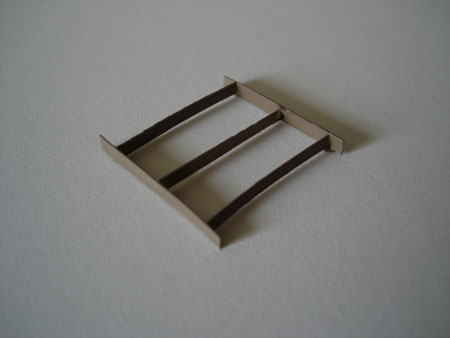
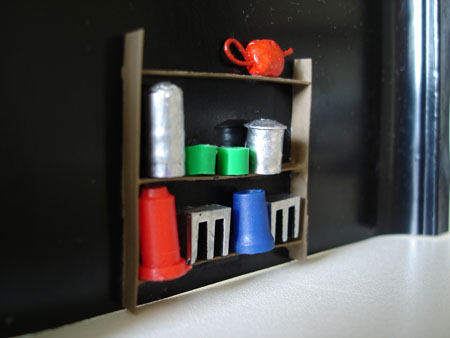
– Make up shelf units with strips of our old friend – food packaging (see photo). Glue with superglue. Add tiny objects to the shelves. These can be modelled in plasticine and dipped in glue to harden. Or little chips of plastic – tiny offcuts do equally well (see photo).
– Never chuck away used ballpoints. Take them to bits and keep the pieces. I used some in the demo-photo. The interior ink tube is perfect for lots of things – loads, piping – also the metal writing section – and particularly the plug to the outer tube.
– The shelf items are very small and will be inside the building so vague shapes will suffice. Paint in suitable colours to represent stacks of cans, oil containers, batteries, exhausts – whatever is suitable. Invest in tinlets of silver and gold paint. You’ll get good use out of them for this and for all sorts of things in the future.
– Attach to an interior wall. Easier to do this before you assemble the walls of the kit.
– Add some signs and posters. Mounted inside, detail will not be seen – so content is relatively unimportant unless they’re hung near the door.
– The use of mini-cams, mounted on trucks, travelling the line make work on interiors well worth while. Folks will marvel at your attention to detail – when in fact you have spent very little time and not a penny on it!
– If you light your buildings this could look amazing – all the detail picked out. Shadows too.
– The oil can is simply a tiny blob of plasticine – little piece of wire pushed through – curled for the handle – smeared in glue to harden – painted red.
Hope this is of interest, Dave.
Best wishes.
Roger.”
A big thanks to Roger for sharing how he makes his model train signs.
That’s all for today, folks.
Please do keep ’em coming.
And don’t forget the Beginner’s Guide if you want to get going on your very own layout.
Mike’s been in touch with his 2×8 HO scale layout :
“Dear Al,
I have been enjoying your emails and website and thought I would send you a plan (attached) and some photos (to follow) of my 2×8 Kansas City Time Saver layout that I have recently completed.
I used Bachmann EZ Track for this layout as it was my first and I went digital with a NCE Power Cab system so that I could have it as a stand alone layout or as a module.
I am currently working on two other layouts, a 9×5 and a 6×4, that will link with this eventually.
Hope you like it.
Mike”
And now on to Bob:
“Alastair,
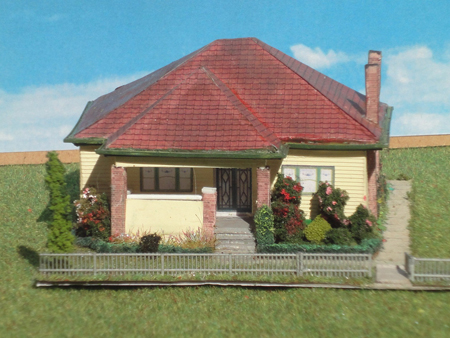
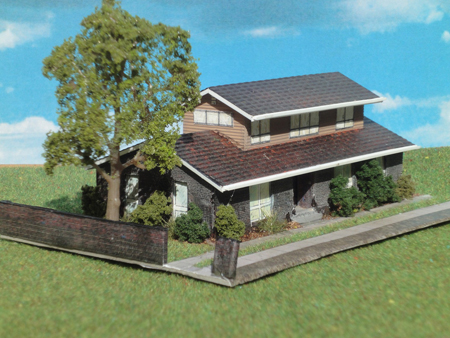
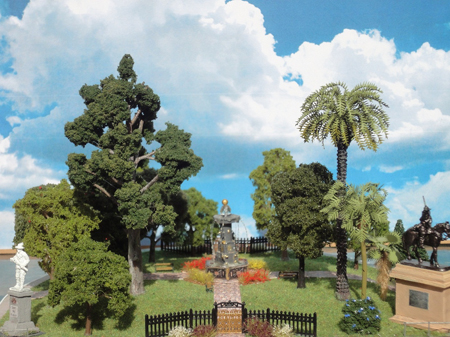
Here are some of my scratch build N Scale (1:160) buildings
I proud of them hope you enjoy.
Bob,
Melbourne Australia.”
A big thanks to Bob for sharing his 2×8 HO scale layout. And too Mike.
What I like about Bob’s is he has a theme: ‘Kansas city’.
Over the years I’ve noticed the layouts that look more convincing and have more charm, are always the ones based on something. They have a theme – and the wonderful thing about this hobby is that theme can be anything you please.
That’s all for today, folks.
Please do keep ’em coming.
And don’t forget the Beginner’s Guide if you want to get going on your very own layout.