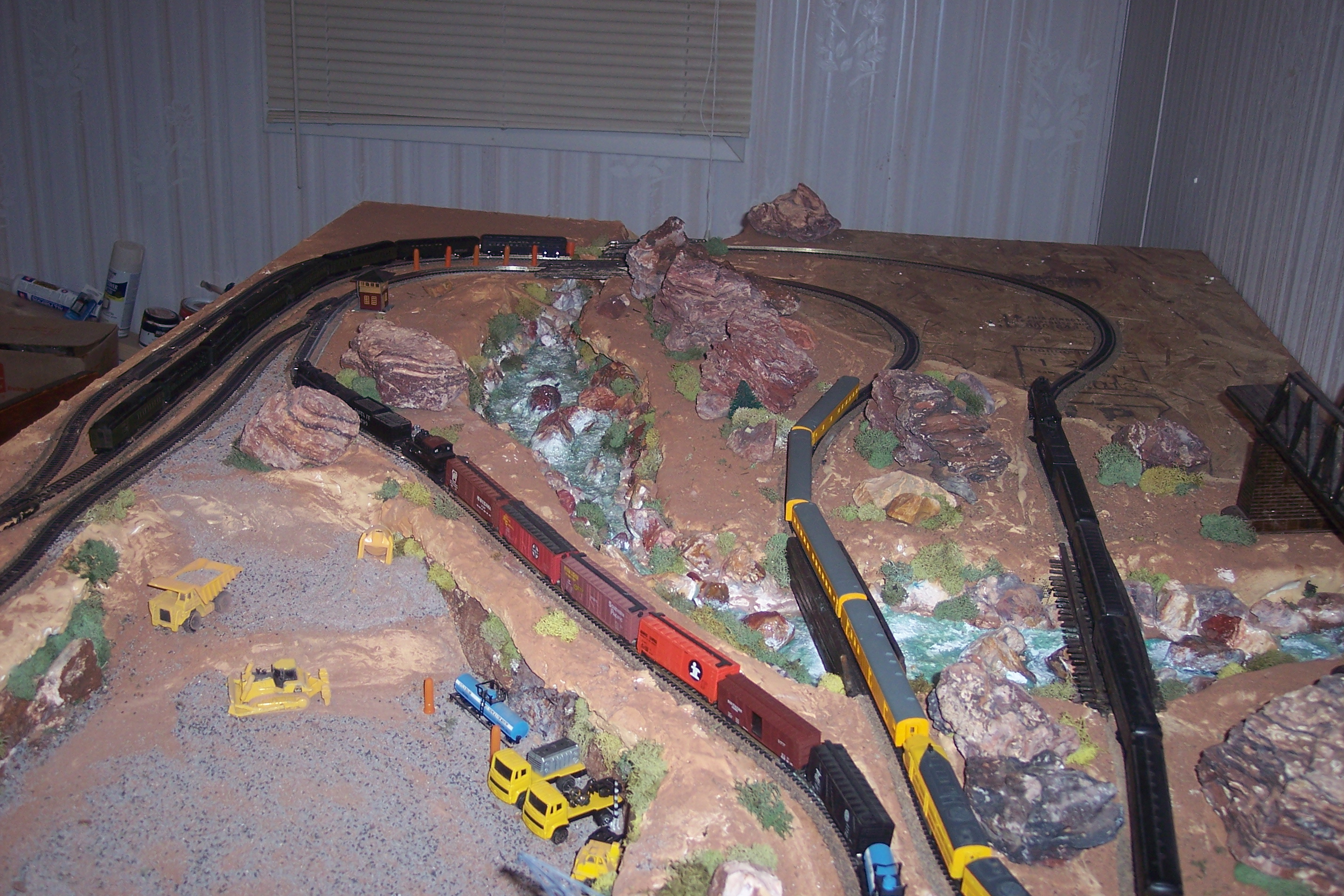
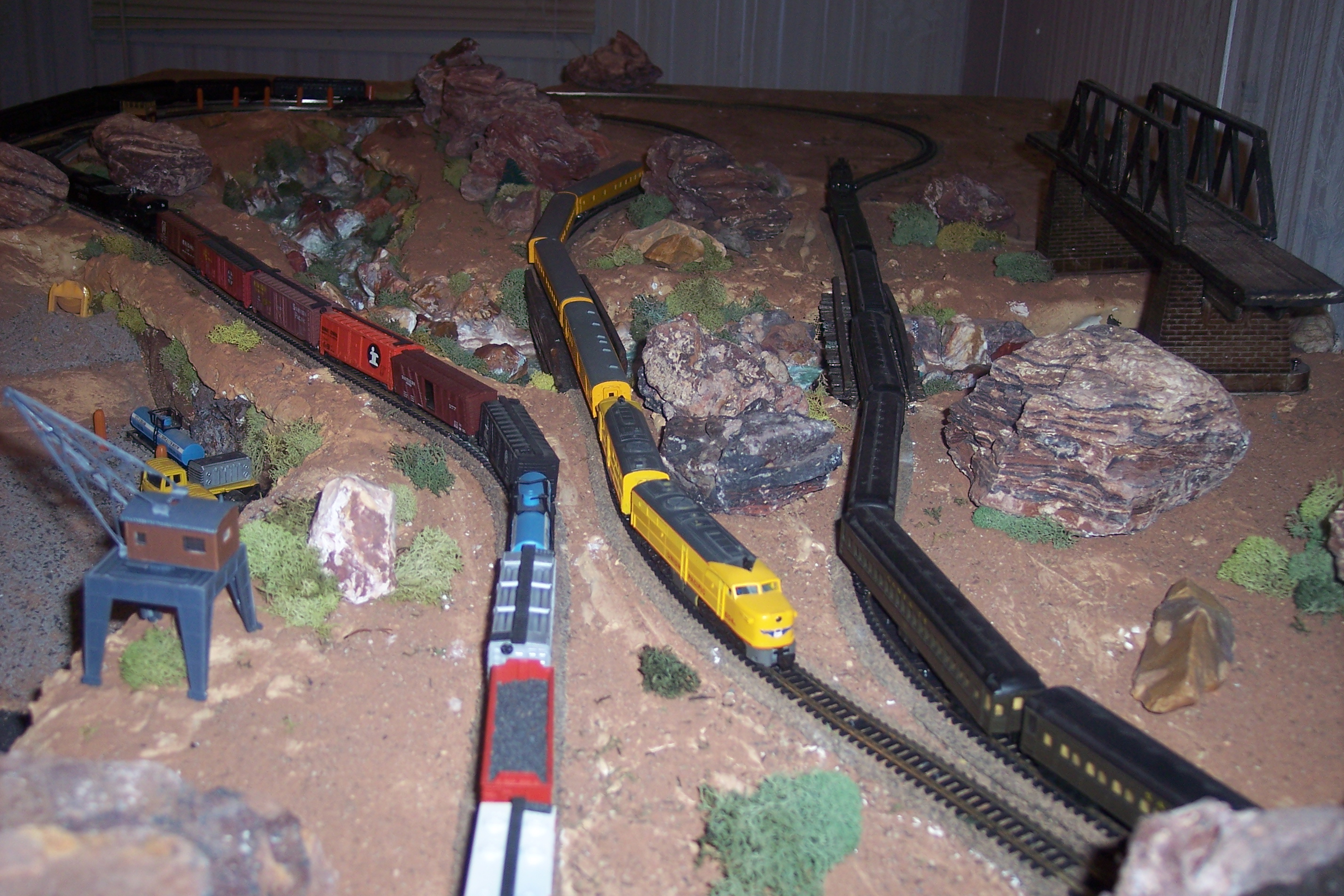
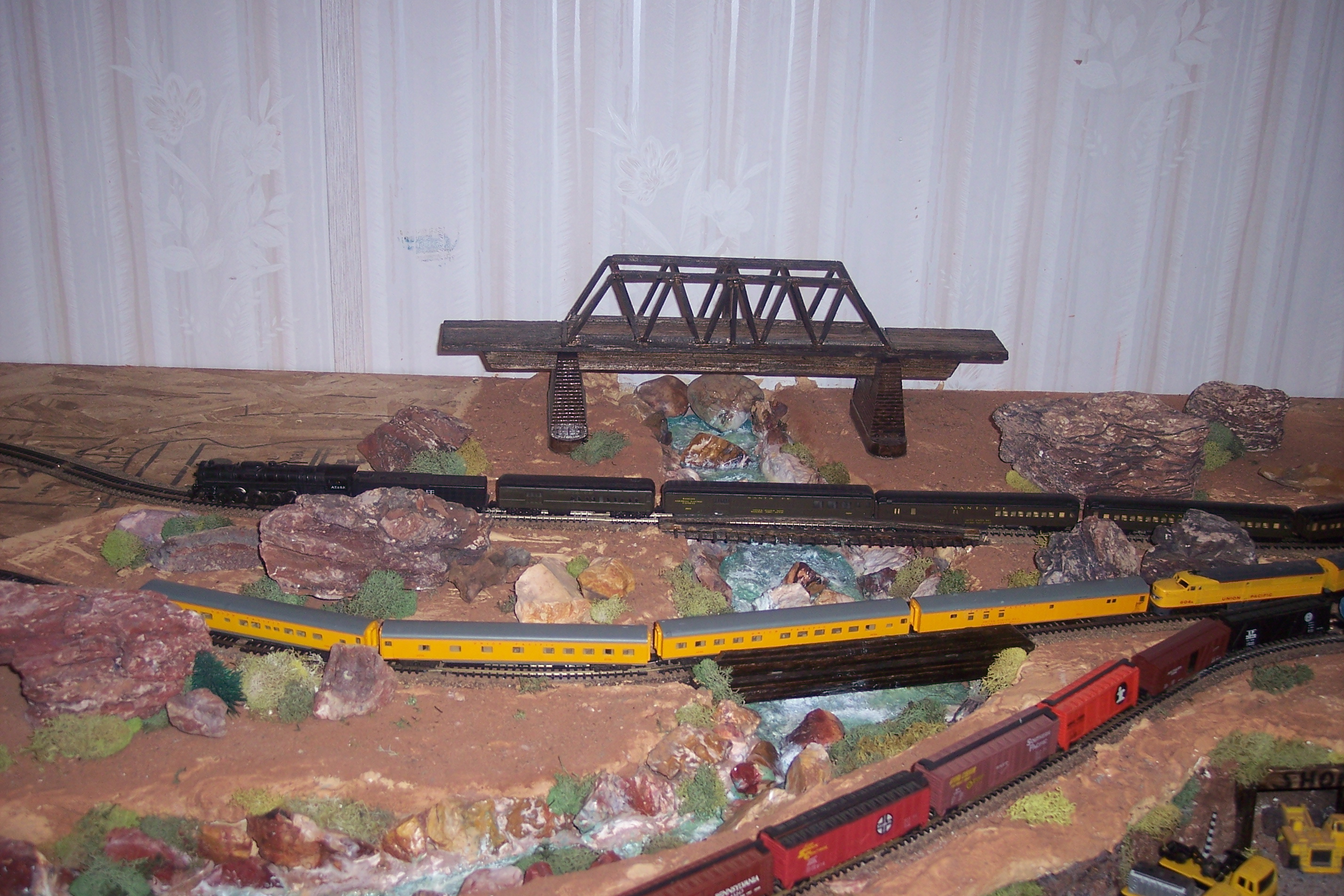
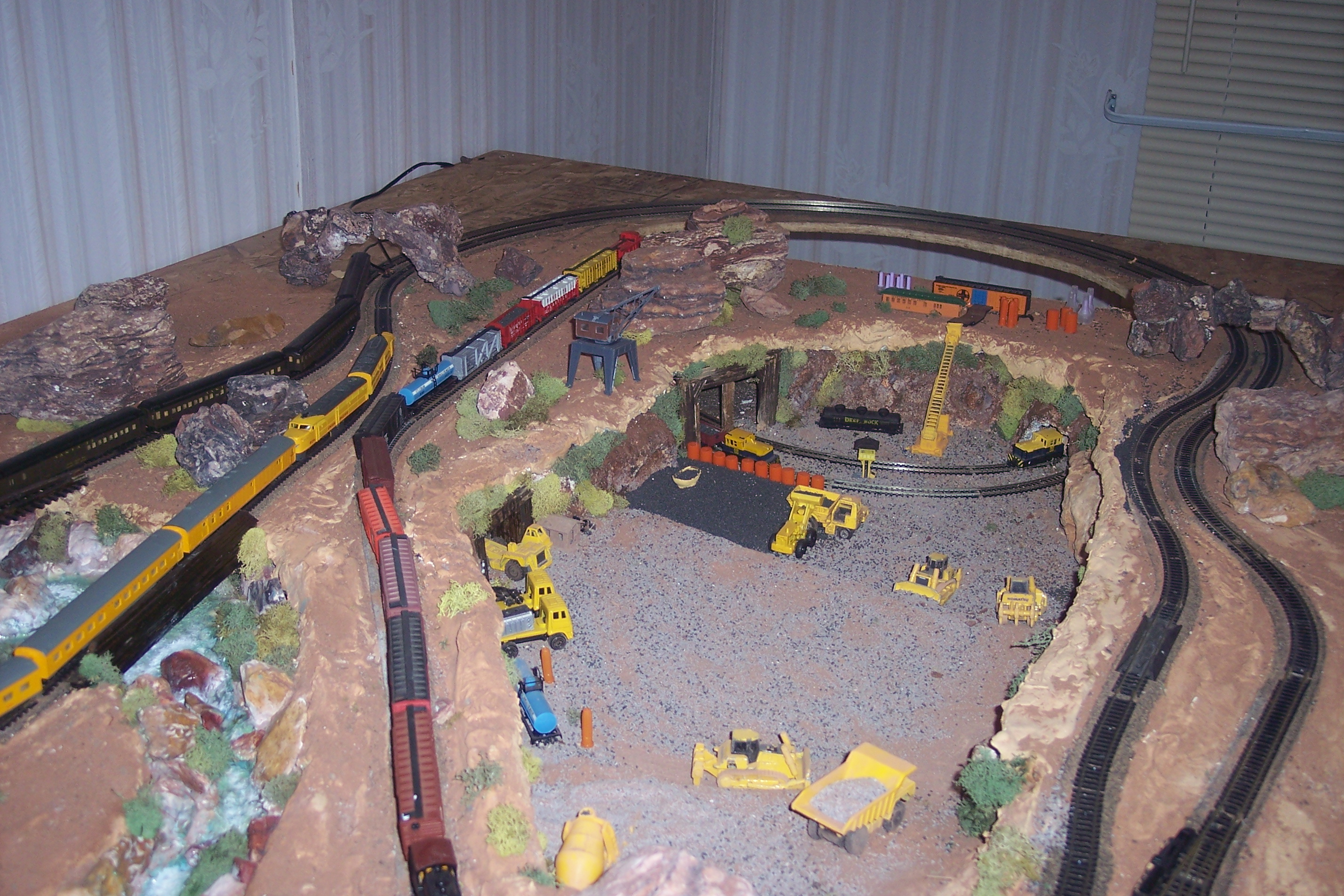
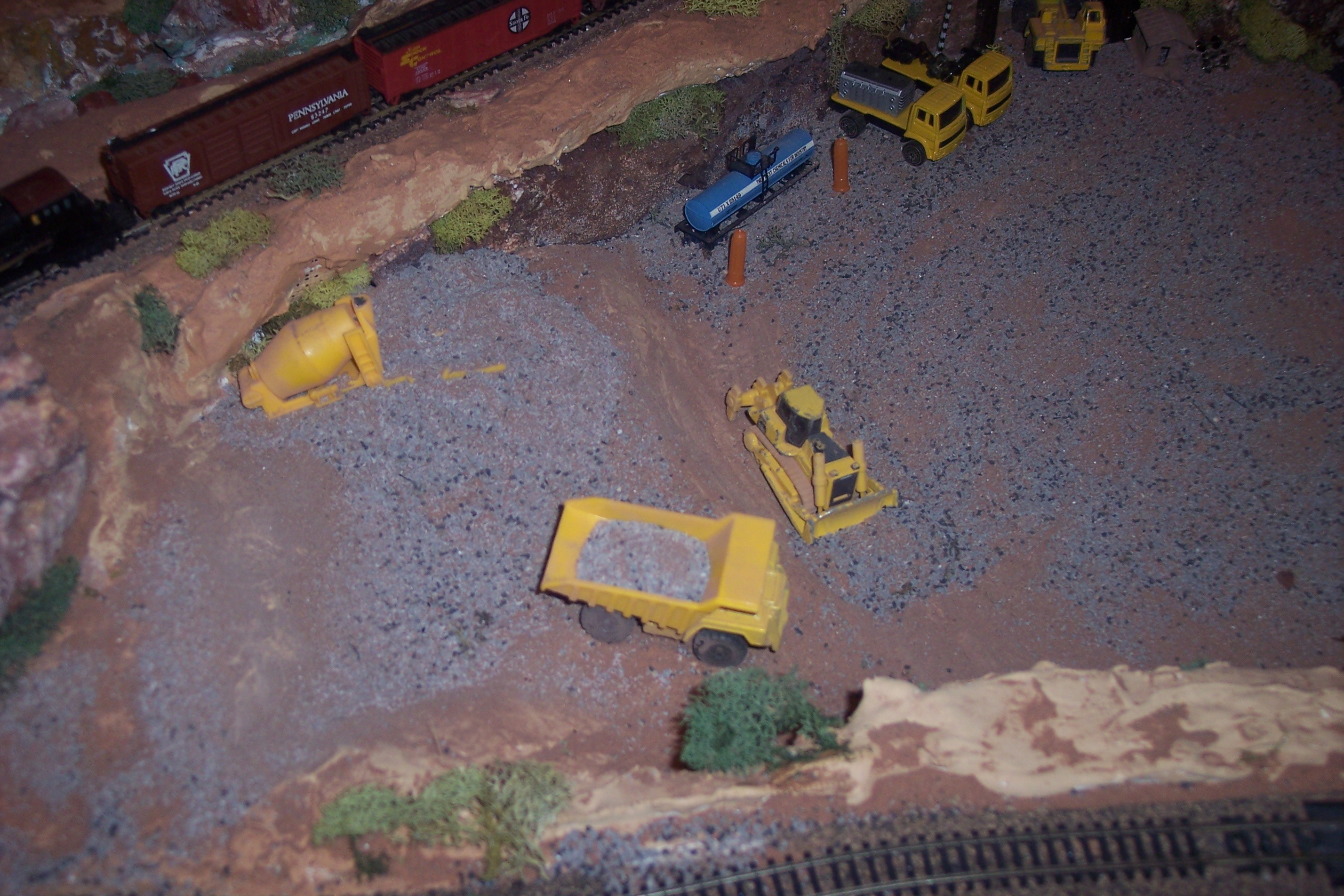
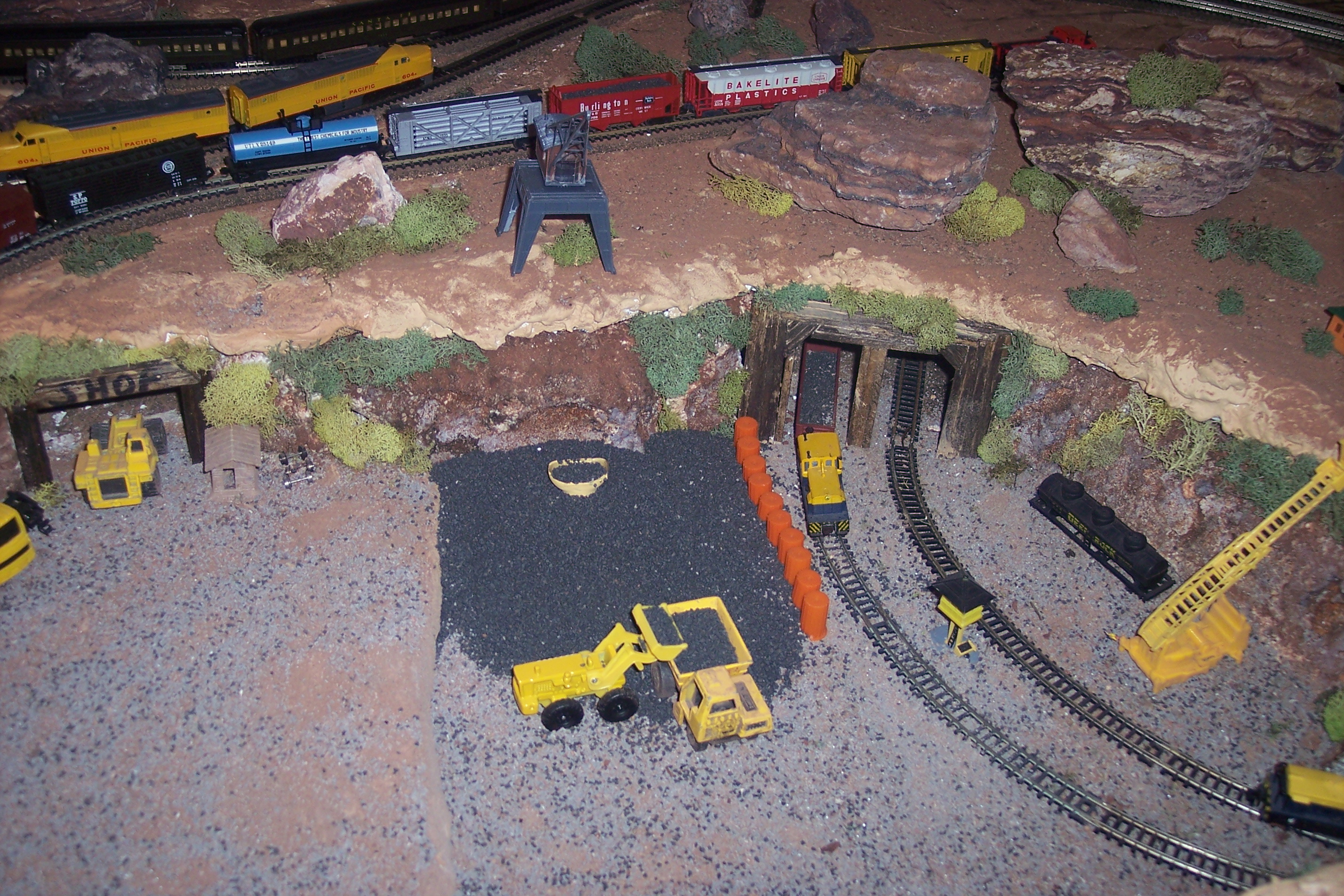
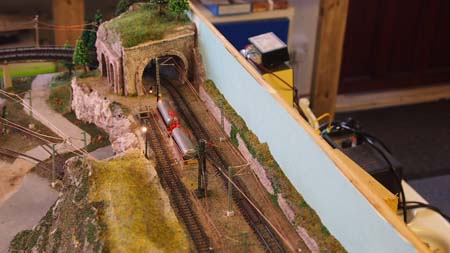
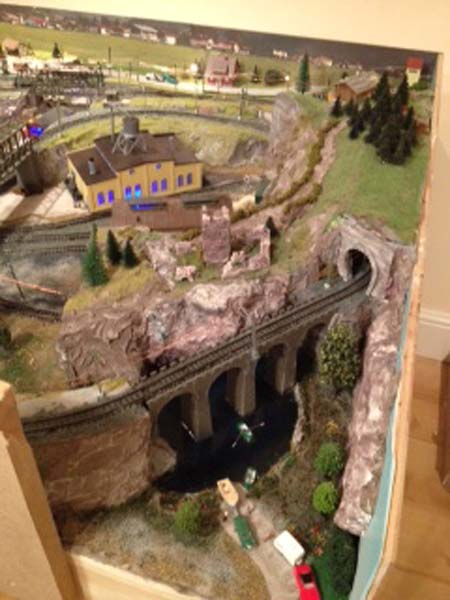
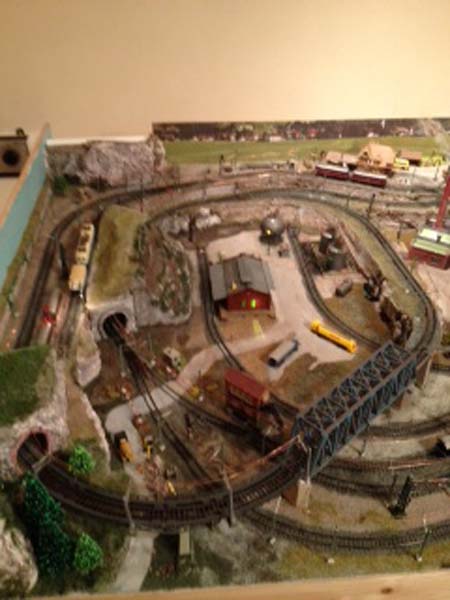
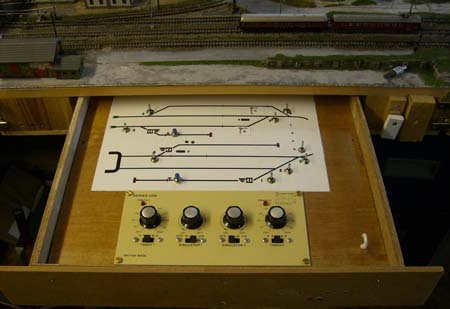
“Here is the reason for lots of power, double headers to push equipment through the snow.
I will send details later on how the double headers are set up on DCC as well as a video of more scenery.
Thanks Al
Regards.
Brian”
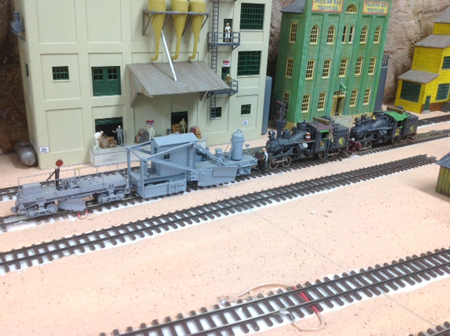
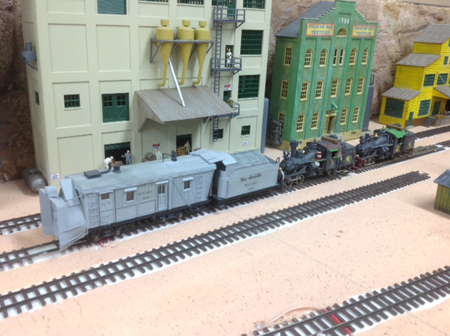
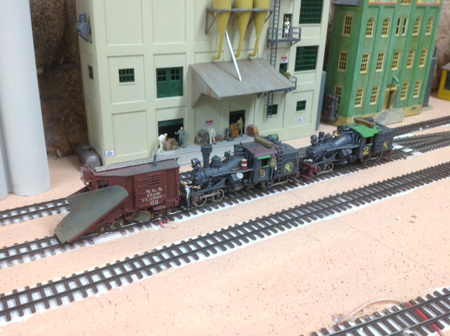
“Hi Al, as requested – an explanation on DCC double headed locomotives.
It is not easy to explain how to do a double header with a DCC system as there are many different makes available and each has its own way of setting it up.
I use the Lenz DCC system and have 3 hand held tethered controllers. One with a keypad and two with knob control all with display. I use the keypad one for setting up double headers.
With most DCC systems, one can run two different locomotives as double headers. (You will have to set the speed steps in both locomotives to be the same). You can also set it up the same way and have a lead locomotive and a tail end helper locomotive.
1 – Prerequisites for creating a double header are:-
# each of the two locomotives to be double headed must be called up on the same hand held controller.
# each locomotive must have a given command (that is changing speed, direction or turning on or off one of the functions)
# the speed step of both locomotives must be 0 when they are joined as a double header.
2 – Configuring two locomotives as a double header:-
First, call up the first locomotive (say number 2) and move it to where you want to couple it together with the second locomotive on your layout.
Then call up the second locomotive (say number 3) and move it up to the first locomotive.
In doing this, you make sure that both locomotives called up on your hand held controller has been given an operating command.
NB. Make sure that both locomotives are set to run in the same direction.
Control of the double header can be from either address (locomotive 2 or 3). When running a double header, the operation keys work on both locomotives at the same time. The keys that turn functions on and off work only on the locomotive whose address is shown in the display.
In the display of my hand held controller, an ‘E’ in front of the address is a single locomotive and ‘D’ is a double header with the address of the locomotive shown.
I say again that the explanation for double heading shown here is for a Lenz DCC system that I use on my layout using Tsunami decoders in my locomotives from Blackstone models in the USA.
This is a very basic description of setting up double headers. It took me a couple of tries at getting this right and eventually enlisted the help of a very good model railroad friend and expert at DCC installation and running to help me get mine right. He also gave me a “hands on” on how to do future double headers. But if some of you are like me, it will take me quite a few more tries to get it right.
I hope that the above will be of some help on how to set up double headed locomotives.
Regards
Brian”
“Hi Al
A short video clip of my double headed Heisler logging locomotives running on my layout.
An experiment that worked out. Was not sure how to get double headers on my DCC system until a friend helped me out.
Many thanks and all the best.
Brian”
A fantastic triple bill from Brian – I always look forward to his mails. And what a layout!
That’s all this time.
Please do keep ’em coming.
And if today is the day you grab the bull by the horns, the Beginner’s Guide is here.
Best
Al
PS Latest ebay cheat sheet is here.