Model train bridge

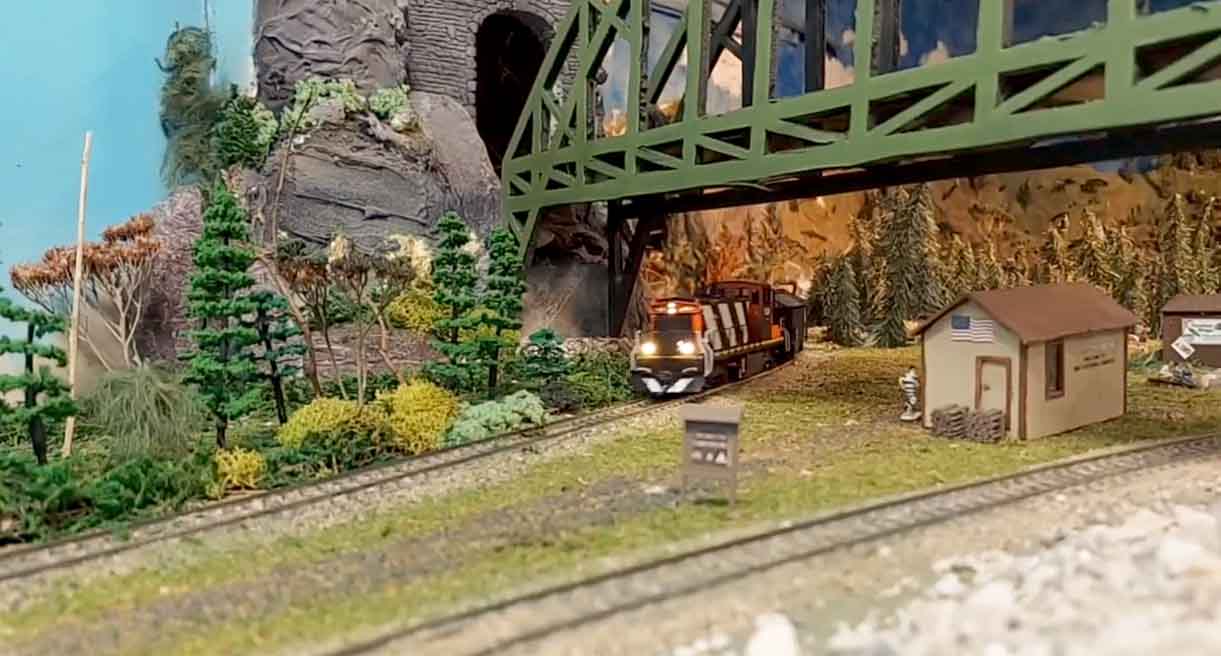
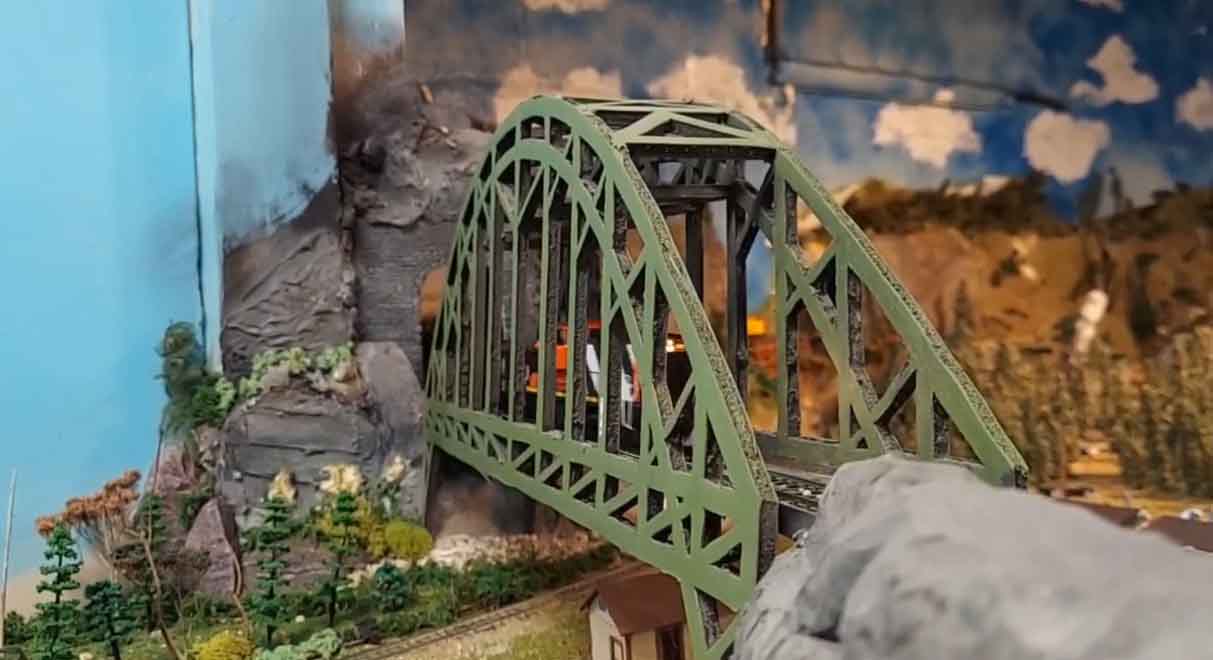
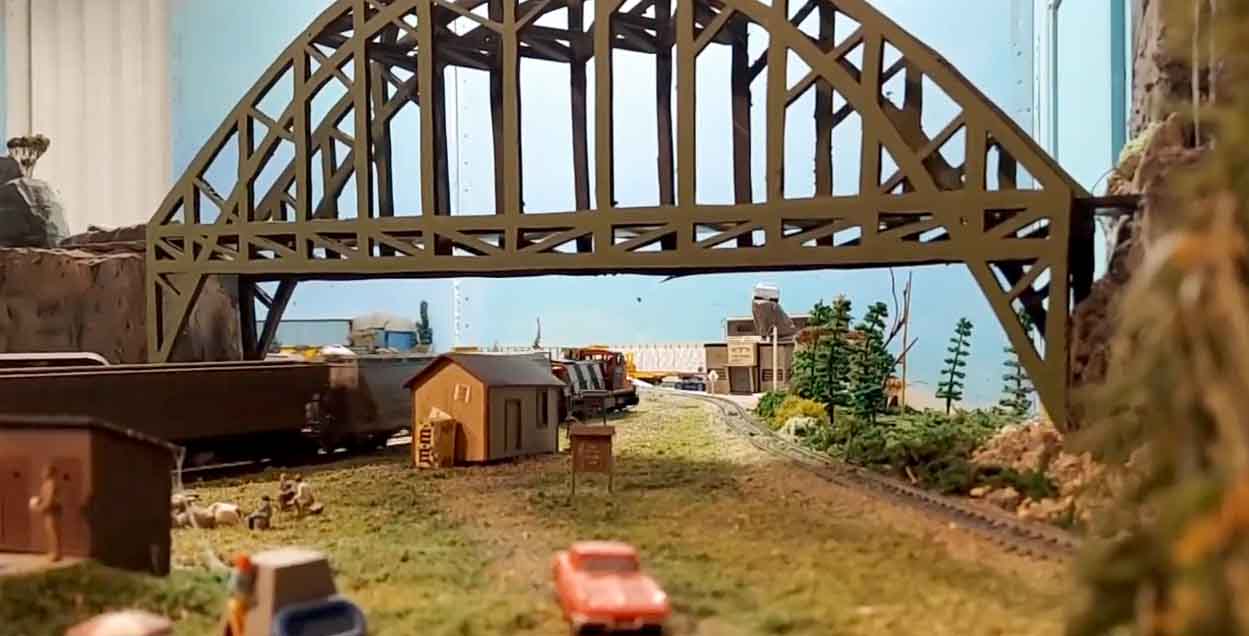
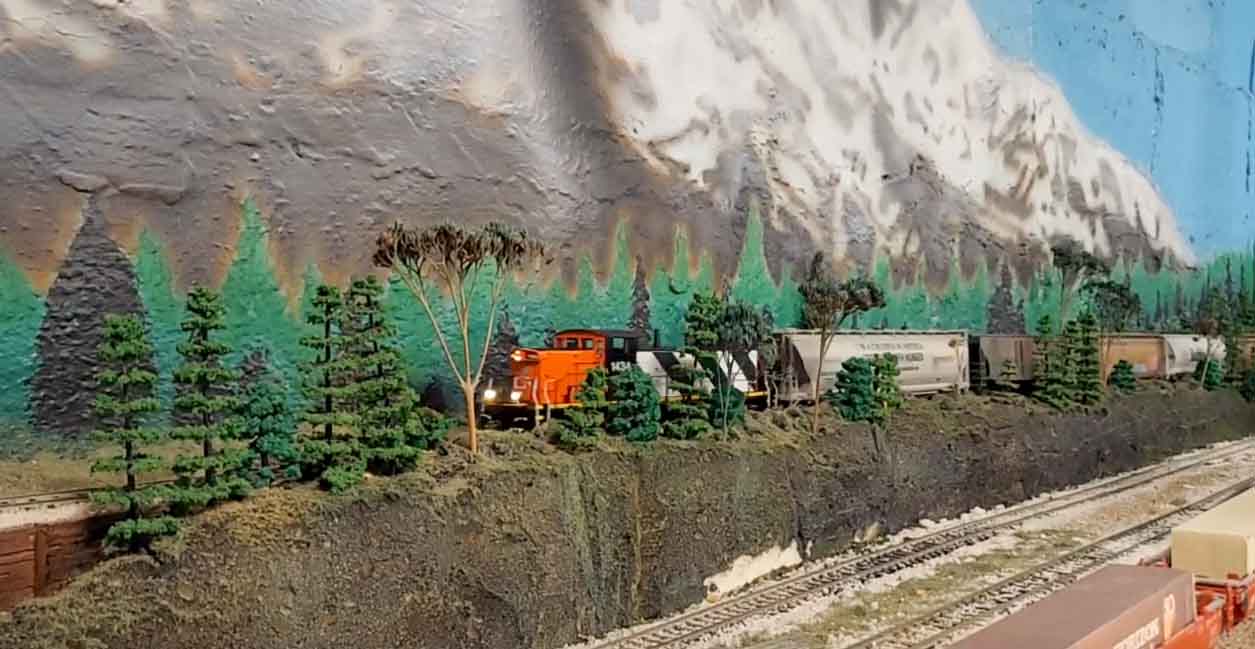
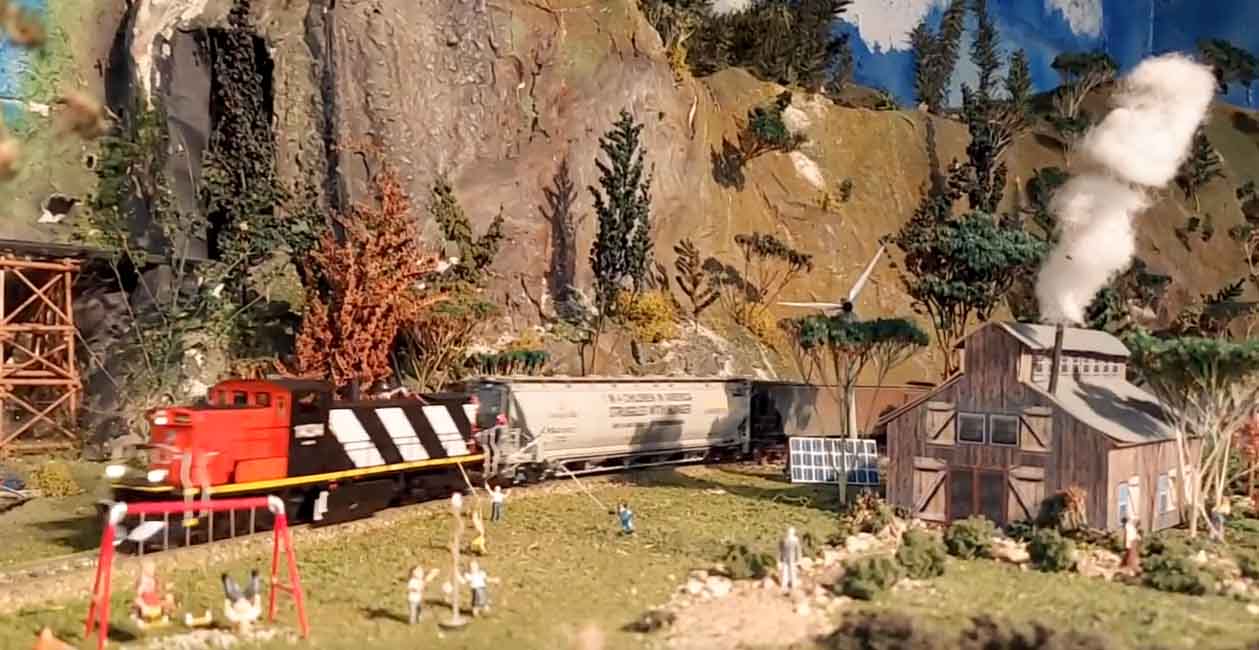
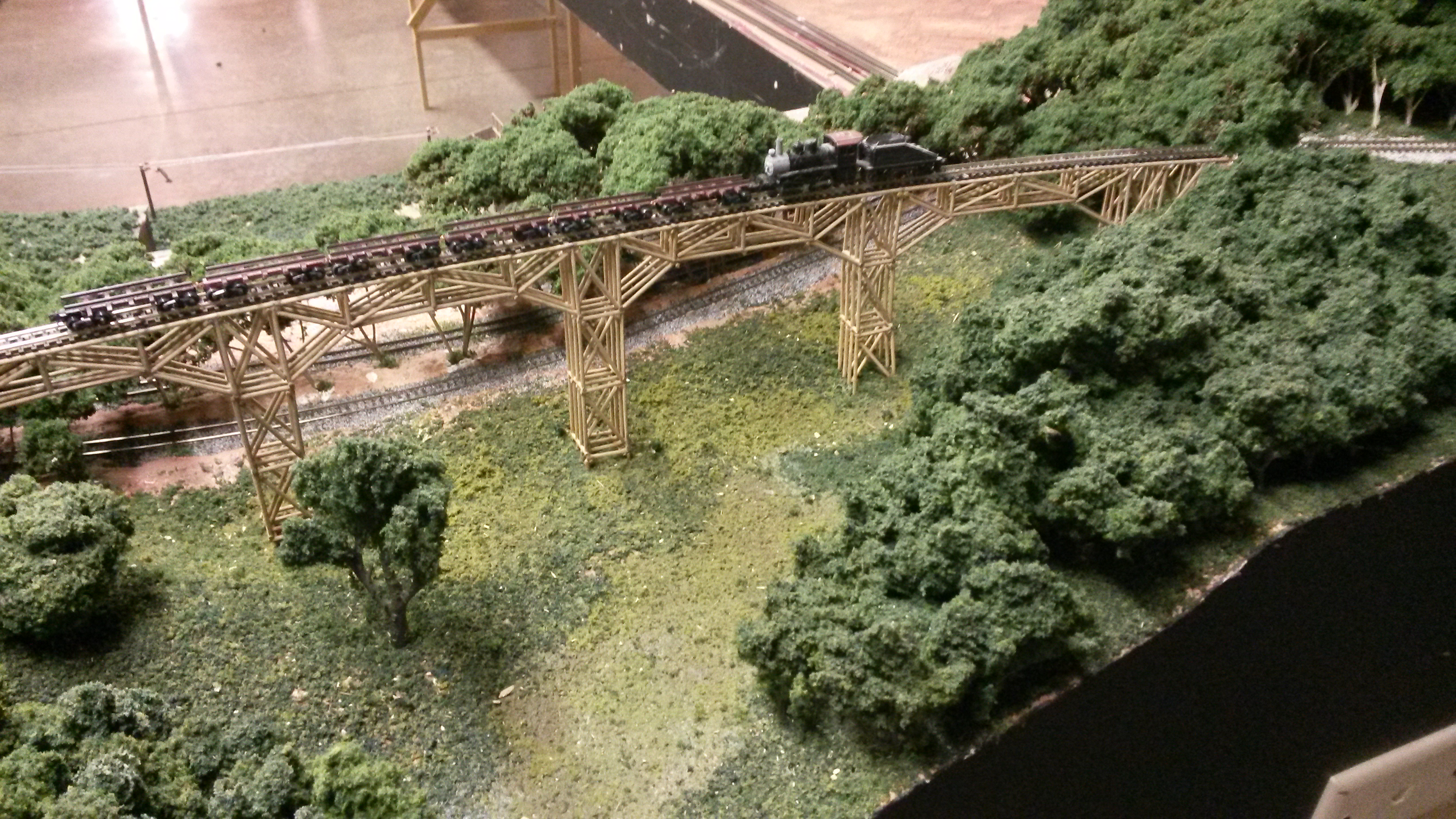
John’s been back in touch with his very impressive model train bridge:

“Hi Al,

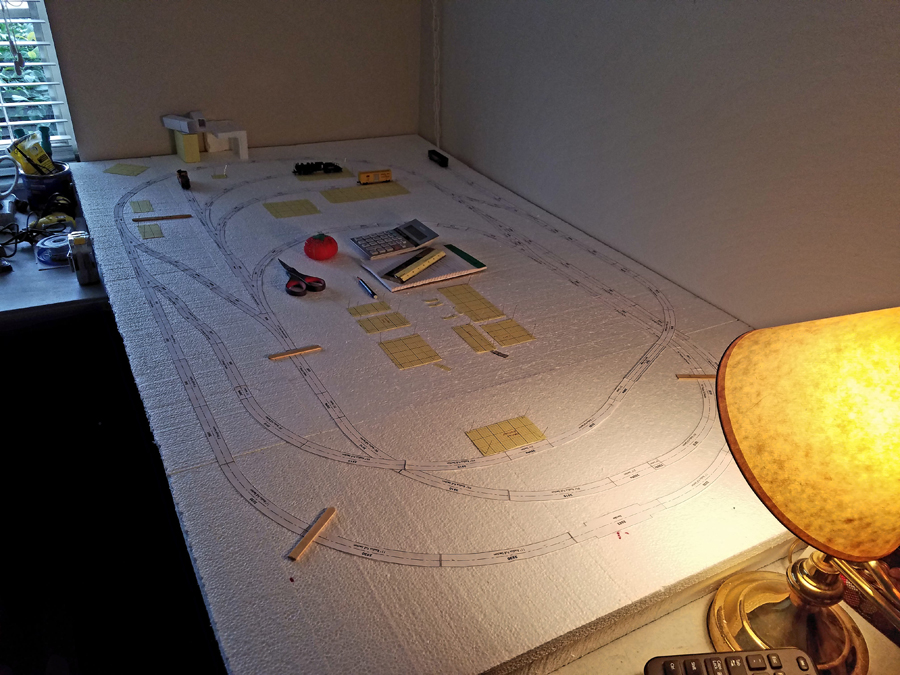
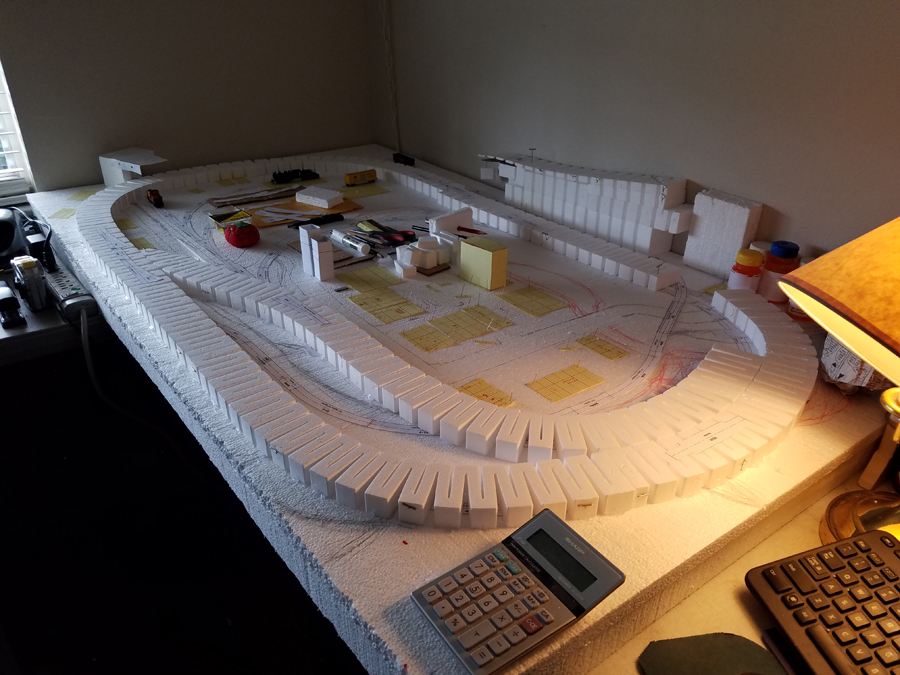
As mentioned in one of my last missives, the layout move from the basement to the attic is progressing, all-be-it slowly.

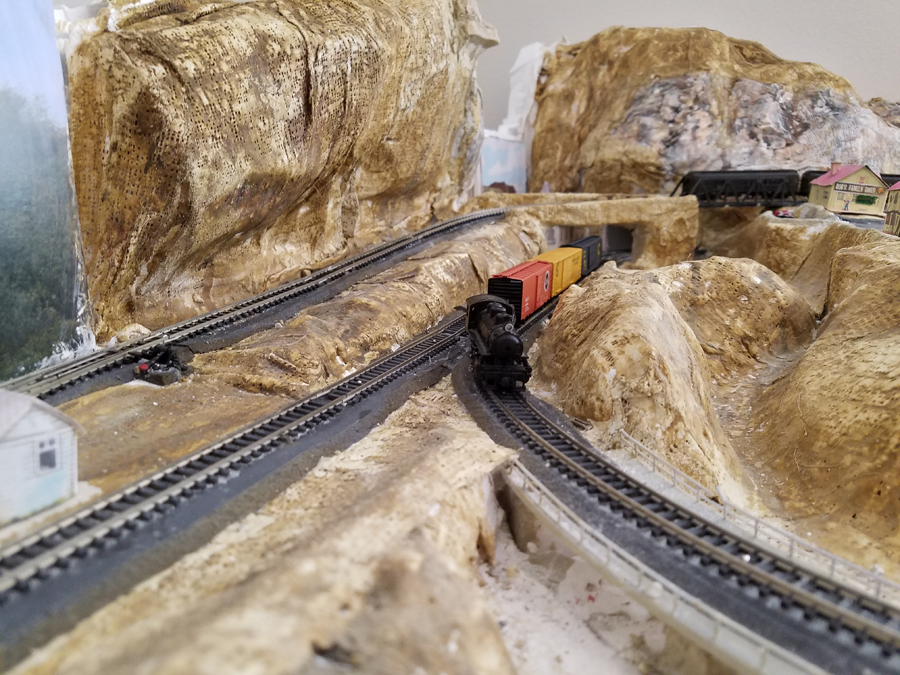
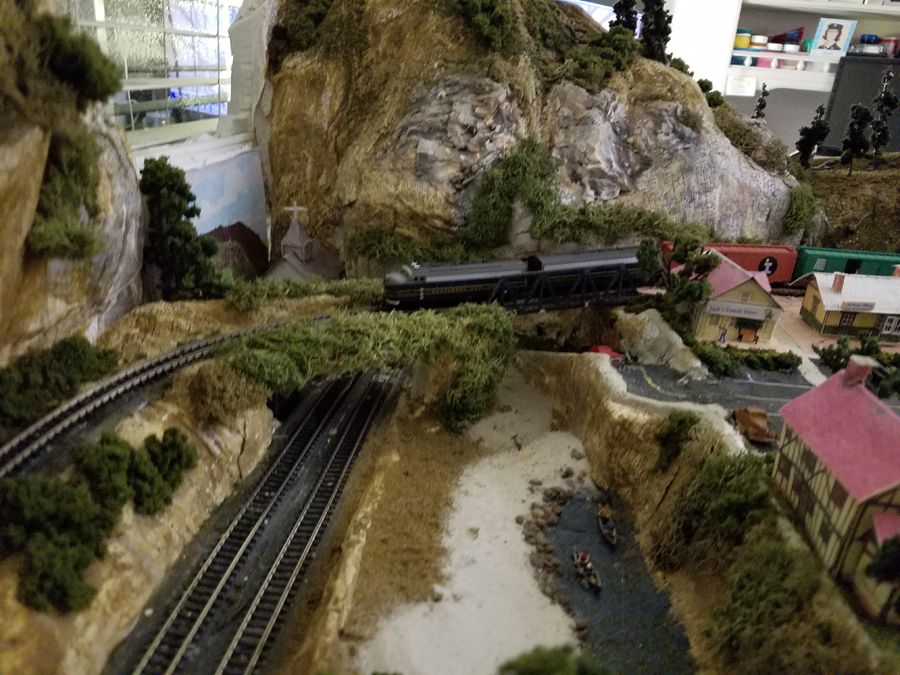
The last few weeks I’ve been working on getting the mainline trestle set in the new valley and river.

I also installed a long conveyor structure to take raw coal from the mines to thecrusher/loader. I think that detail came out pretty good, some pictures below.

I also had problems with the tracks around the big mine building, so I extended one out over the valley, I decided this will be an area where I can shuffle cars with a little yard engine, it’s long enough that it should allow the little engine and 2 cars.

Back to the trestle. I got 2 kits from a successful auction bid and set out to make the bridge, I had an idea for the width of the valley to cross, and built roughly to that dimension. Having 2 kits allowed me to have different heights of bents (supports) than what the kit guys had in mind.

Once the bridge was completed, I added little dense foam “supports” under each bent. The reason is that in the picture on the kit box lid the kit guys simply showed the bottom wood on the ground.

I then spray painted the whole bridge rust then black, I’ll use this as a base for weathering the whole bridge after I get it in place and scenery around it.

I’ve found that weathering structures before placing them often results in weathering that appears out of place with the surroundings and needs to be re-done or at least substantially touched up.

With the bridge nearly done, it was time for the valley. I use a few tricks to place my bridges.

First is to attach wood with some wire to the top area where the track will eventually go, then place the bridge across the opening.

Another trick is in one of the pictures and shows how I glue the screen to a cardboard shape that’s cut to the shape of the bridge bents. This is always approximate because working with screen and plaster is rather… uh… imprecise.

I then have an idea where I need to place the foundation support for the bents. I use aluminum window screen as the base for the plaster hard shell, it can be stretched and formed pretty well and is relatively inexpensive.

Also don’t worry about the size of the screen pieces because it’s easier to attach screen on the framework leaving space for getting in close and being able move around.

Later, the other screen pieces go in to close any holes, I use hot-glue to sew them together.

Dense foam insulation is used for foundations some walls and filler in placed where needed. It’s easy to cut to size, cheap, and takes paint well after a very thin coat of plaster is added at the same time the hard shell is being done.

Once the foam “foundations” are hot glued in place on the screen I can start applying the plaster, which is premixed sheetrock compound with dry sheetrock compound added. This allows me to control how fast the stuff dries.

With some experimenting I have it figured out to be workable for around 20 minutes. I mix small batches and apply the compound with small artist 3/4″ paint brushes, this ‘forces’ me to take my time and actually do some crafting of the landscaping, cliff faces, structure bases, and hill locations.

By applying the plaster horizontally with the brush, the rock strata is easier to simulate, sometimes just painting works well enough especially when lots of trees are planted in areas where the “ground” is not as noticeable.

Having the hard shell done with the supports for the bridge allows the bridge to be removed for painting and landscaping. I made the mistake on an earlier layout of getting impatient and gluing the track to the bridge with some plaster and creek bed not completed so I could run trains, then had to stand on my head to get the scenery done! Never again!

Anyway, the sequence of the pictures shows a more, shall we say, patient approach. This is particularly evident in the bridge in the background, as well as the conveyor system and all being completed before starting on the big trestle (but waiting was tough!).

Last pictures are the valley painted and the bridge set in place. Next is trees, scenery in the valley and water in the river. This project from the first pictures to the last of the bridge took about 16 hours, not counting the building of the bridge, scenery and track will be another 8 or so.

Thanks for all you do for the model RR fans across the globe!

John from Baltimore”

HO scale mine

HO scale mine track

plaster for mountains


card for plaster model train

gluing screens for model railroad mountains

HO scale girder bridge

HO scale model train bridge

bridge oiers ho scale

plaster for model train bridge

HO scale model train bridge

HO scale bridge with scenery

HO scale bridge with track

overhead view bridge

overhead view model train layout

A huge big thanks to John for sharing his model train bridge build – he really is the gift that keeps giving at the moment.

If you missed his missive of tips, it’s right here.

There’s also the post on his lift bridge too.

And now on to another John – Bonkers John as I call him:

He’s been busy on the latest printable buildings, and as always, he’s done a great job of putting them together.

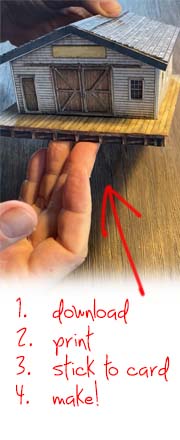
If you are unfamiliar with the printable buildings, you just download them and stick them together:


(Watch on youtube here.)

Here are the three new buildings:

printable building

printable building

All the buildings are HO scale. Just reduce the print size to 54% for N scale.

printable building

You can print as many as the buildings as you like.

printable building

When you mix and match the buildings, you can get some really nice effects.

printable building

And best of all, you can get these three new buildings – and the latest track plan PDF – for just $9 over the next few days.

Volume 3 of the track plans is made up of another 20 track plans – all new, and featured on the blog, with the links to the posts.

If you’ve enjoyed the blog over the last few months or years, please do help it out and grab the new buildings and track plans.

To keep things simple, I have bundled the new buildings and new track plans PDF with the Beginner’s Guide, so even if you’ve already got the Beginner’s guide (I know many of you have), grabbing it again gets you the new buildings and the track plans.

It just makes it loads easier for me to do it this way.

And of course, if you’re new to the blog, and you’ve not got the Beginner’s Guide and all the bonuses, now’s the ideal time to grab it.

You’re saving $20 on the Beginner’s guide, and $27 on the new buildings, and $10 on the latest track plan PDF.

That’s a whopping $57 saving, and you’ll be directly supporting the blog too.

So there’s big savings to be had, and you’ll also be helping to keep the show on the road too.

buy

Don’t forget, there’s a 60 day money back guarantee on all of the products – the buildings and everything else – so you really have nothing to lose.

You can grab the new buildings and the new track plans PDF here.

Best

Al

PS More HO scale train layouts here if that’s your thing.
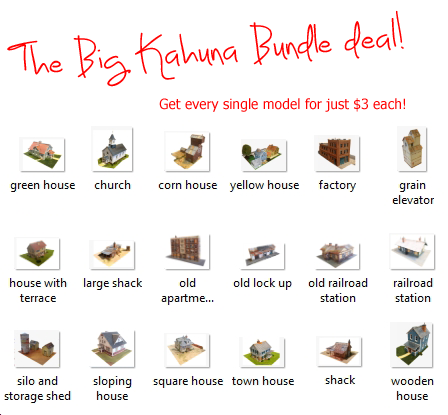


Need buildings for your layout? Have a look at the Silly Discount bundle.

Model railroad tips – John’s

John’s been back in touch with some very good model railroad tips:

You’ll remember him from his last post, which included a very impressive lift bridge.

Here’s a pic to jog your memory:

HO scale lift bridge

But perhaps you’ll remember him most from his previous mountain layout:

Well, he’s been kind enough to send in these tips after I posted things were a little thin on the ground this end:

“Al,

A couple of quick tips.

1) Tired of ballast sand going everywhere but in between the ties?

How about painting the cork roadbed to look like ballast – paint it all grey, then dry brush black.

Looks pretty good, and no sand in the points!

fake ballast

HO scale fake ballast

model train fake ballast

2) Need quick and easy tunnel liners?

I make mine from 2” dense insulation board, easy to punch a hole with a hole-saw, then trim with any saw.

Paint black and trim as needed, as an example on several on my tunnels, 2 sections cut in half (can’t see the side closest to the viewer), hot glue and done.

model railroad tips  tunnel liner

model railway tunnel liner

model railroad tunnel liner

tunnel liner


3) Need a quick way to carve in strata rock on a cliff?

I use a course wire brush, and try to time the drying of the plaster so it’s not super hard, but won’t clog the brush.

Works pretty well I think.

model railroad tips rock carving

rock face model railroad tips

More later.

John From Baltimore”

A big thank to John – some very useful tips.

I have to agree as well, I think his rock faces look spot on. And so simple too.

Now on to Rob:

“Hi Al,

I’ve got another video for you.

This time I packaged up all the track laying wisdom I have learned over the last 12 years of building layouts and laying track.

In all I pass along 12 items of experience. It has proven very popular on my channel.

I hope your readers can find a nugget or two that will help them.

Rob”


Thanks to Rob and John for sharing his model railroad tips.

That’s all for today folks.

Please do keep ’em coming.

And if today is the day you stop dreaming and start doing, the Beginner’s Guide is here.

Best

Al

PS More HO scale train layouts here if that’s your thing.
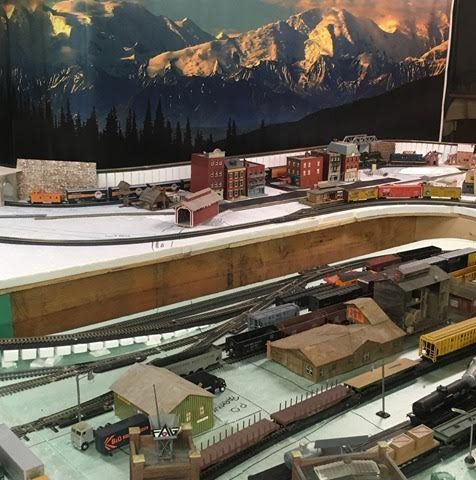


Need buildings for your layout? Have a look at the Silly Discount bundle.

Jim’s new HO scale DCC layout

Jim’s been back in touch with his HO scale DCC layout.

It’s not an update – it’s a completely new build, but you’ll remember him from his HO scale Cedar Valley layout.

Here’s what he’s been up to:

“Hi Al.

Jim coming to you again from Ontario Canada.

This is the new layout after the tear down of the old Cedar Valley RR and move to the new apartment.

Cedar Valley Railroad HO with DCC

The room size is 10×12 feet with door and closet at one corner. This happens to be the perfect size for my 2x 4 foot modules. You may have to adjust one module to fit your specific space.

The layout is designed to fit along two walls. The only problem I had was to keep the height below one window. The height turned out to be 38 inches with a 4 inch rise on the long wall.

This turned out to be comfortable to either sitting or standing. Height is something one has to determine to suit one’s own needs.

The system is powered by DCC. This setup plan can also be used with DC. I found this plan to be very flexible with the placing of turnouts with regards to bench work and future buildings.

HO scale DCC track plan

This plan suits my space as we have moved into a rented apartment. I did not want to attach anything to the walls. Thus, it is constructed to be free standing.

I designed the plan to be either left as is or, added on at the end of track A and go back down and join the main line at some place. Or, extend track A to be a return loop back on its self.

The plan is designed to be an operating layout. All turnouts have to be switched by hand. This means you have to be able to reach them. You could power them if you so desire.

All electrical work is done at the front of the layout. The buss wires and feeders all come to the front allowing me to do the wiring without going under the layout.

Chapter #1 Bench work

The bench work was constructed of 1”x3 “pine wood. The modules are 4 feet long by 2 feet wide. That is the outside dimensions. This is the size to accommodate the foam panels which are 2×8 feet cut in half to be laid on top.

The corners were braced with small diagonals. The center strip is 1 x 2”.

Make sure it is flat with the top to support the foam. I have found that we have a tendency to make bench work too heavy in most cases, especially if you do not have to move the layout. This way of construction allows you to work one or two modules at a time.

The legs were constructed of 2 x 2 inch posts. I put four legs on the first module then just added two more legs as I joined the modules together. Here you can use any leg system you choose. The modules were bolted together with 3/8” x 3”carriage bolts.

Basic module patern

model railroad benchwork

model railway benchwork

model railway bench

The back drop is 1/8th Masonite attached to the frame work. You can use any height you wish. I used 16” strips. The Masonite I used had white on one side so, I used this as the clouds with blue painted on it to represent the sky.

Foam work

The foam bed is just your 1” blue foam board glued to the frame. I use two 1” boards glued together instead of one 2” board. I found this allows me to go down 1” in elevation and still have a flat solid base. I found it easier to carve this way than to carve out the 2” foam. The foam sheets are then glued on to the frame.

Remember the frame was made the same size as the foam. I used foam construction adhesive as per instructions.

I attached the back drop to the frame before placing the bench work in place. If this was a free standing unit with walk around, this step can be done later.

Two things that I discovered are:

1. Beware, all lumber is not the same size. This seems to be true if you buy from different sources. This can be a pain when you go to join pieces together.

2. Two pieces of 1” foam are not the same thickness as one 2” piece. This can be a problem when laying track.

model railroad foam base


model railroad foam base

HO scale DCC model train layout

That’s all for now. Stay safe and happy modeling. See you again with chapter #2 Laying track.

Again, thanks Al for your sight. I know it can be frustrating at times, but 99% of the time it is excellent. Keep up the good work, because I know you love it.

HO scale engine house

HO scale turn table engine shed

A big thanks to Jim for sharing his HO scale DCC layout.

Over the years there have been quite a few folks who have discovered that not all timber is cut the same size – and indeed the same with the foam height.

It’s useful info…

If you missed the link to Jim’s previous layout, it’s here. Well worth a look.

And now something that’s made me laugh out loud.

My last mail had some brand new printable buildings in them.

There were:

Smokey Joe’s lock up

Carl’s brick store

Fat Bob’s store house

Big Tom’s timber store

model railroad brick store printable building

But two of you mailed me saying the same thing: Why does Carl have a dull name, and the other’s don’t?

So I thought I’d ask you lovely lot.

If you can think of a better name for Carl, please do leave a comment below. Have a look at his building and his description and perhaps something will pop into your head.

If it does, please do let me know!

That’s all for today folks.

Please do keep ’em coming.

And if today is the day you get going on your very own layout, the Beginner’s Guide is here.

Best

Al

PS HO scale train layouts here if that’s your thing.