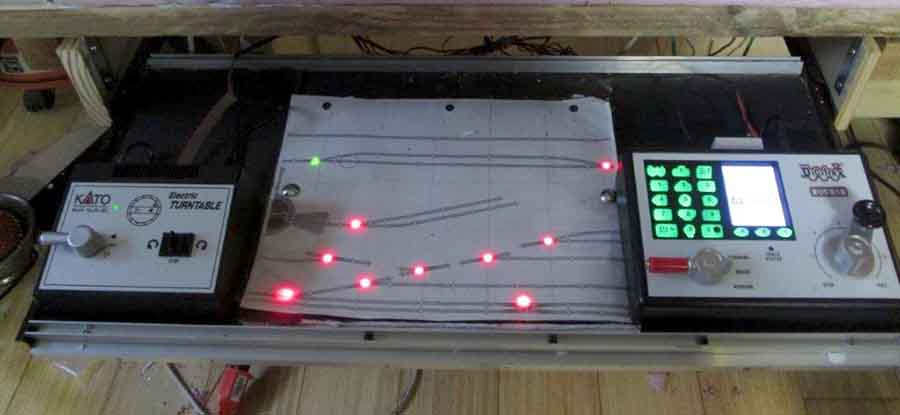
KATO Unitrack system

John’s been back in touch with another instalment on his KATO Unitrack system:

“Good evening, Alistair

I check my mail every day to see what you’ve posted. Thanks so much.

I enjoyed sending you may first post to you a while back, and here’s another one.

As I’ve shared with my Bermuda Railway friends on Facebook, I’ve embarked on a new adventure, which I call “BDA3.0.’’

I’ve written you before about BDA1.0 (kit bashing rolling stock with Shapeways models and Tomytec chassis) and BDA 2.0 – the desktop layout called “2-1/2 acres.).

I’d been planning to add a fiddle yard to 2-1/2 acres while building some structures for a diorama of Front Street, Hamilton, but I changed my mind.

The fiddle yard will have to wait for a 32” x 72” desktop layout of Hamilton.

KATO Unitrack system

I decided to try out the KATO Unitrack system by tracing a .pdf graphic of their components using the CAD software from my architectural practice.

This is the original design, which as only 32” x 64” showing the track adapted to a compressed version of Front Street based on Bermuda’s GIS files that are publicly available.

I followed Kaustav Chatterjee’s advice about adapting a real setting to a model that he posted a while back.

KATO Unitrack system

I printed the layout on 11 x 17 paper, and pieced it together.

Kato unitrack system

Here’s my paper composite laid out on the dining room table.

I bought some Gatorboard for my base instead of going with plywood and styrofoam, because I intend this layout to be a desktop one, too. Gatorboard is totally flat, and very light.

It has a plastic coating instead of paper, so it stands up to water and glue.

gatorboard for KATO Unitrack system

laying track KATO Unitrack system

laying track for KATO Unitrack system


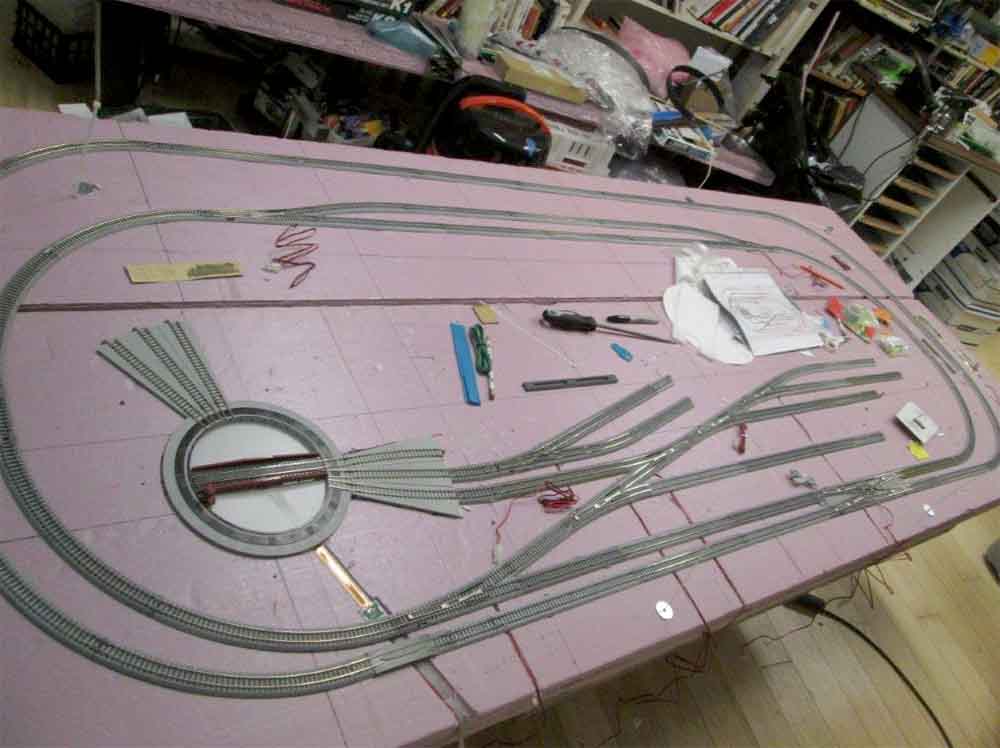
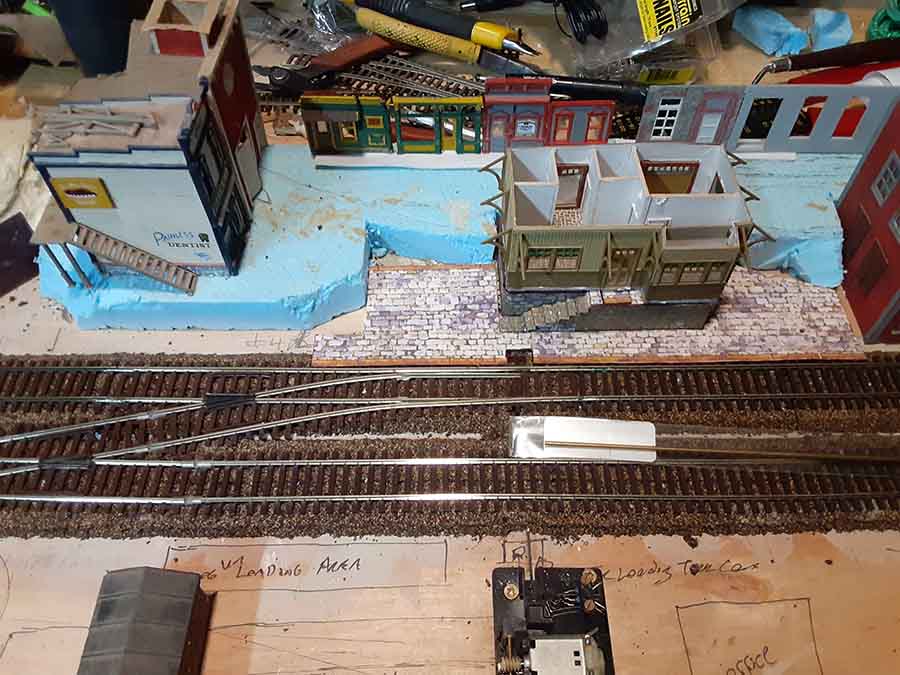
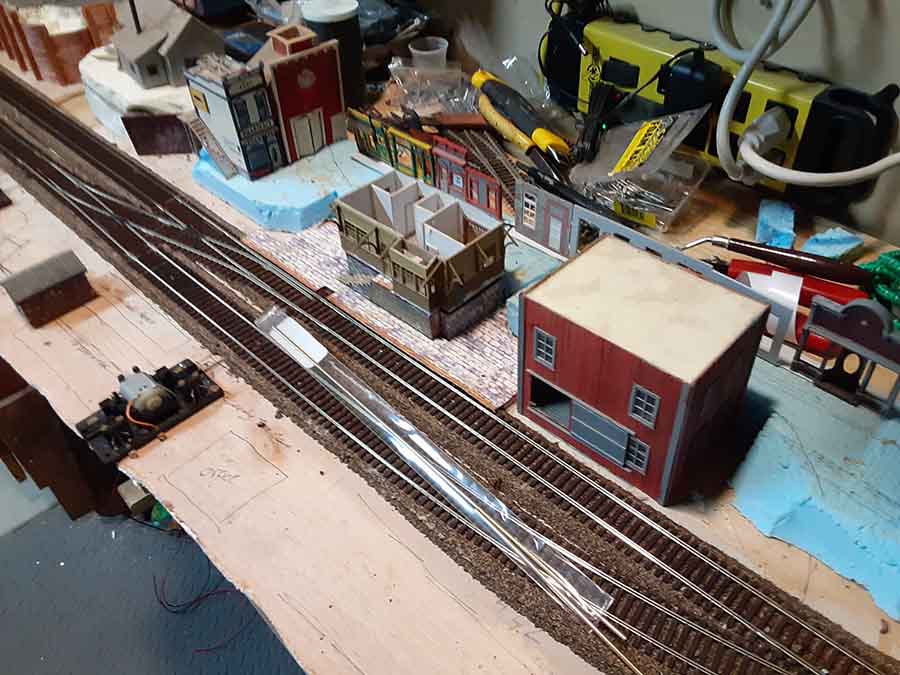
Here’s the end result just before I started nailing the Unitrack to the board.

I got some advice from a thread that Unitrack comes with holes on the underside of each piece that can be drilled out to allow for doing traditional track laying.

Gatorboard hold the nails well enough, but the advantage over plywood is the nails can be pulled up easily without damaging the track.

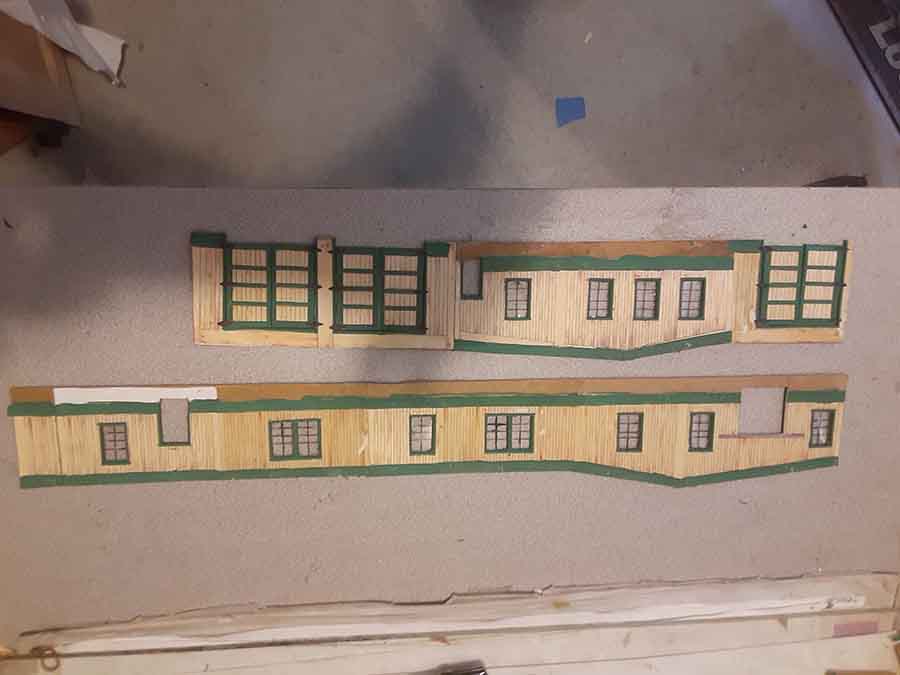
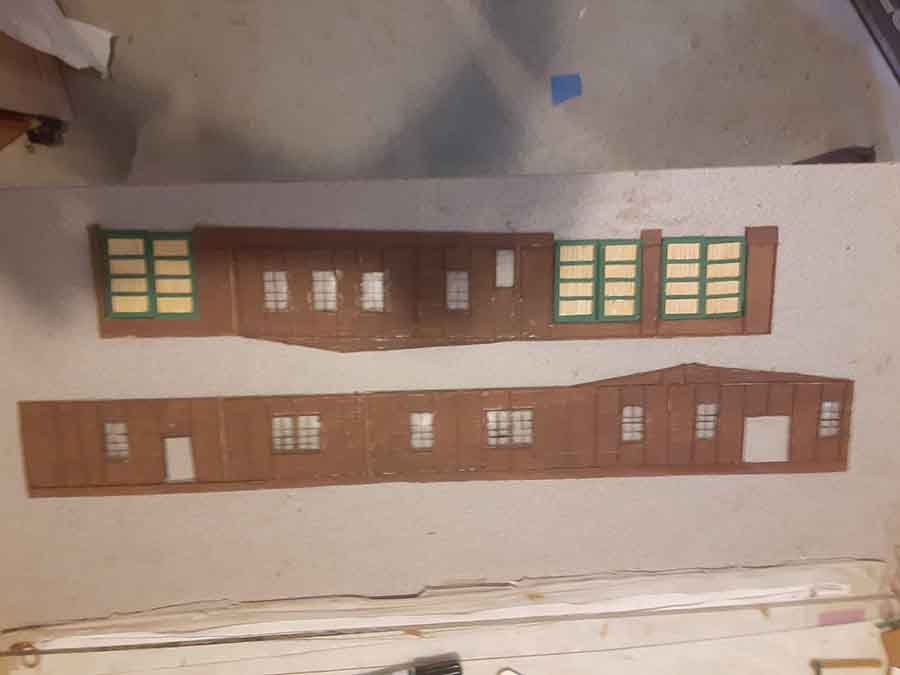
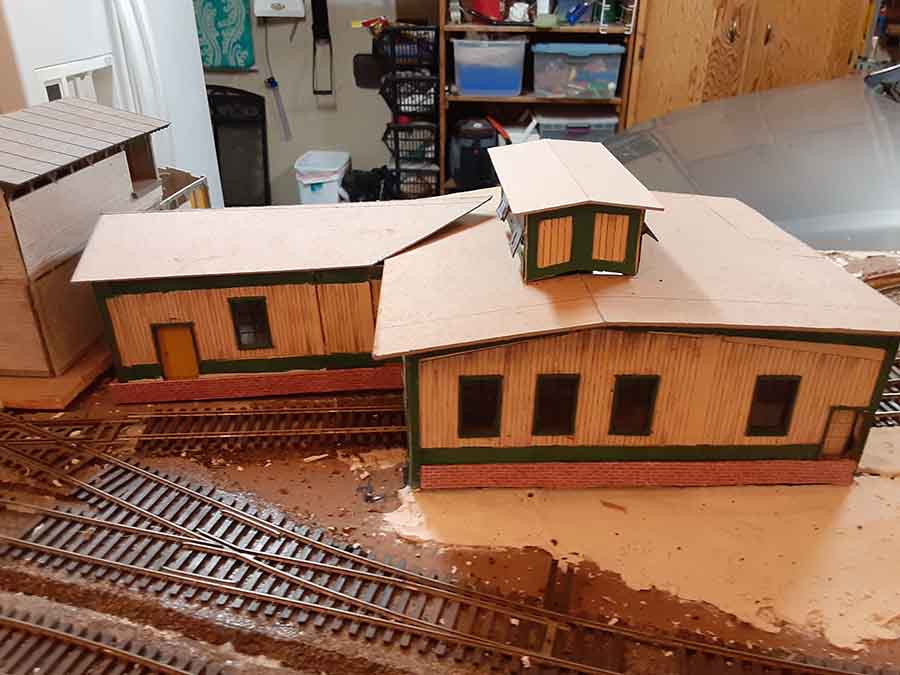
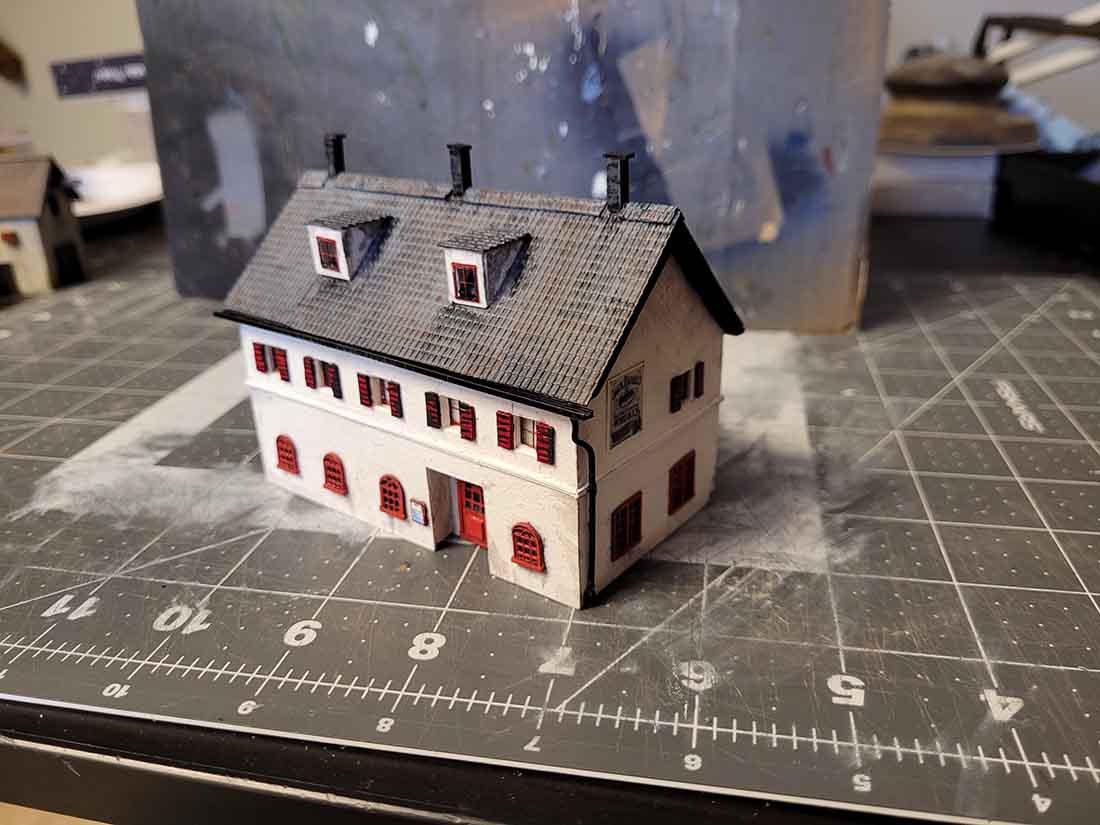
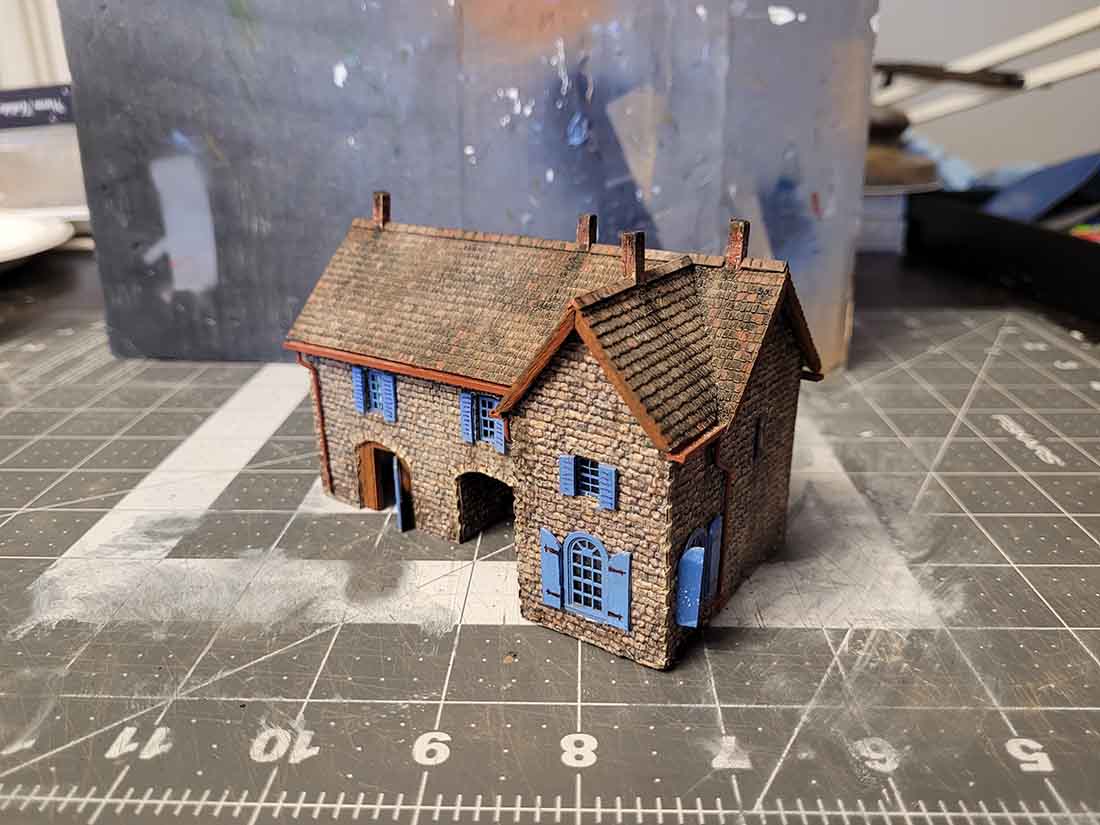
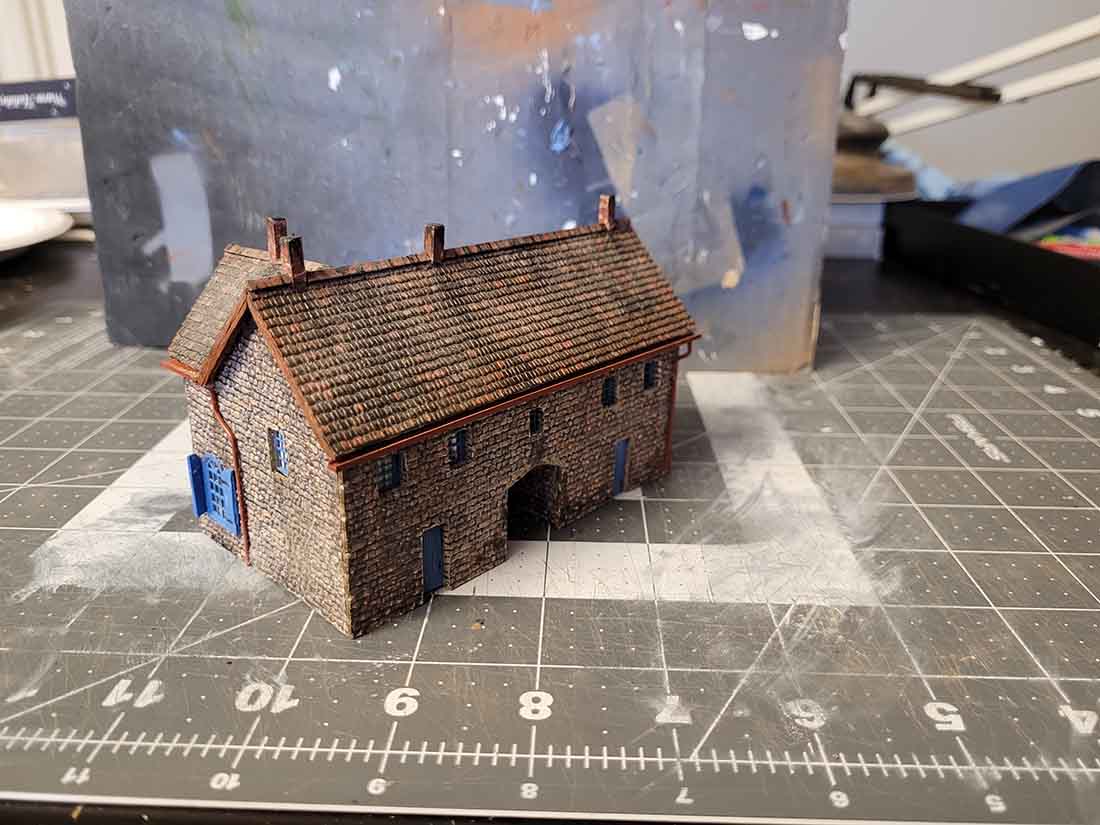
Next are photos of the first of a number of scratch build projects that I’m doing that will result in a diorama emulating Hamilton Bermuda.

It will show the railway line that ran down Front Street and then went into a tunnel under what is now the Queen Elizabeth Park.

This is the fourth scratch built structure I’ve made based on this theme.

The others show up in the video and photos I sent a year ago.

The structure I chose to start with is the Perot Post Office, which is famous because the Postmaster created Bermuda postage stamps – one of only two instances in the history of the Empire.

The drawing is the result of taking photos on site this last November and combining them with GIS parcel information available from the Bermudian government.

I’ll be doing more structures as time allows.

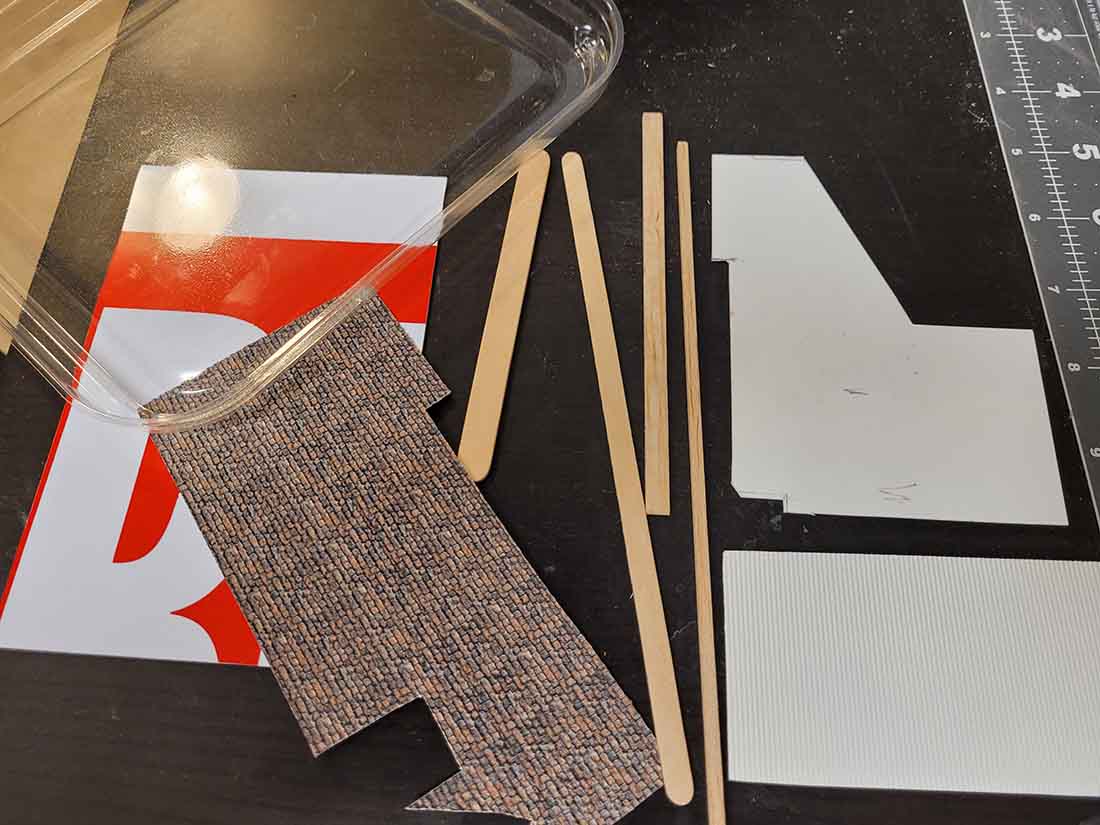
The model is done with Bristol board which has a thickness of about 1 mm, which translates into about 6 inches in N-scale.

The posts in the model are 6 x 6 in scale, then. The tolerance for the build is about 1/2 mm, which is the result of the board, the thickness of the pencil point, and the knife.

I learned a lot during this two week build. I need to get a knife with a finer point to cut cricles, and I need to control my glueing to minimize residue. I need to buy new gesso (the jar I used is more than a year old).

Same deal with some acrylic paint that I wasn’t able to scrape it off when I was too impatient for the art store to open. Net result is a facade that’s lumpy.

The windows, shutters, and doors are colored and ink jet printed. I did the railings by printing on translucent address labels.

I’ll be tackling the build for the stairs when I take on the next structure. I have an idea how I can do it with paper thinner than the Bristol that’s cut and folded.

house scratch build plan

house scratch build

house scratch build bermuda model railway

printable buildings

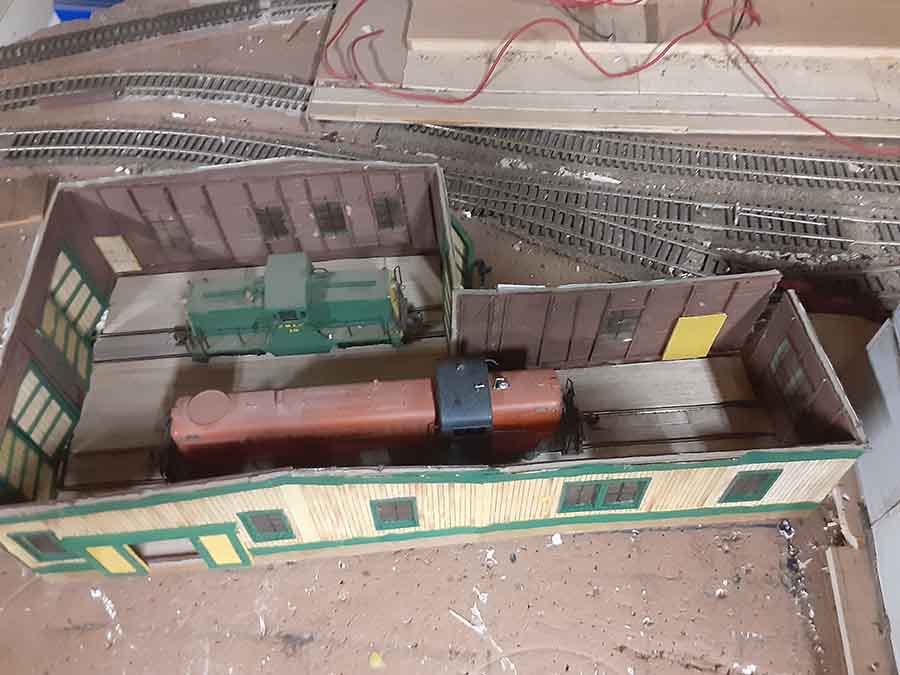
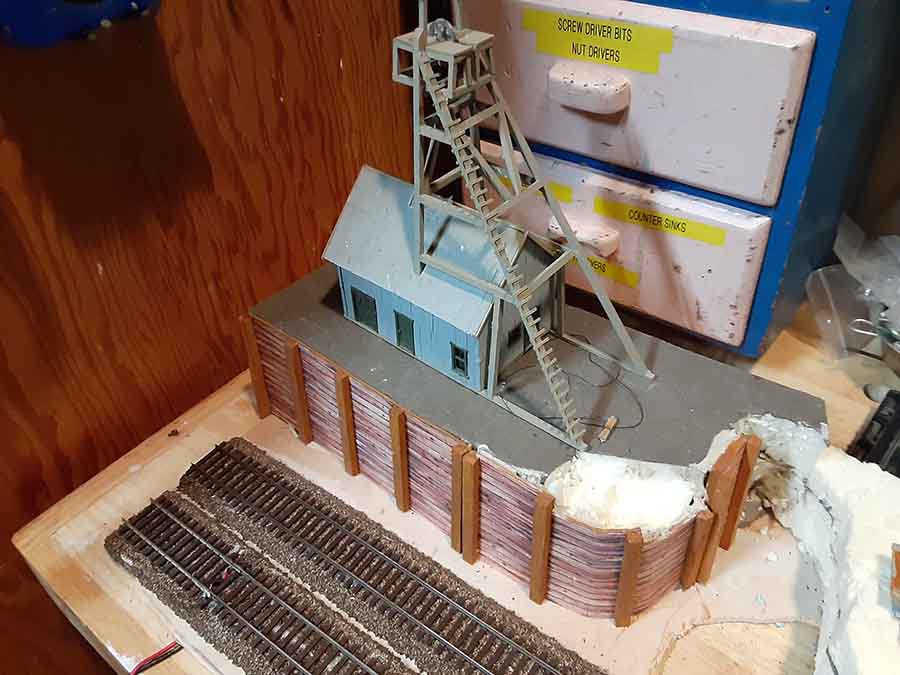
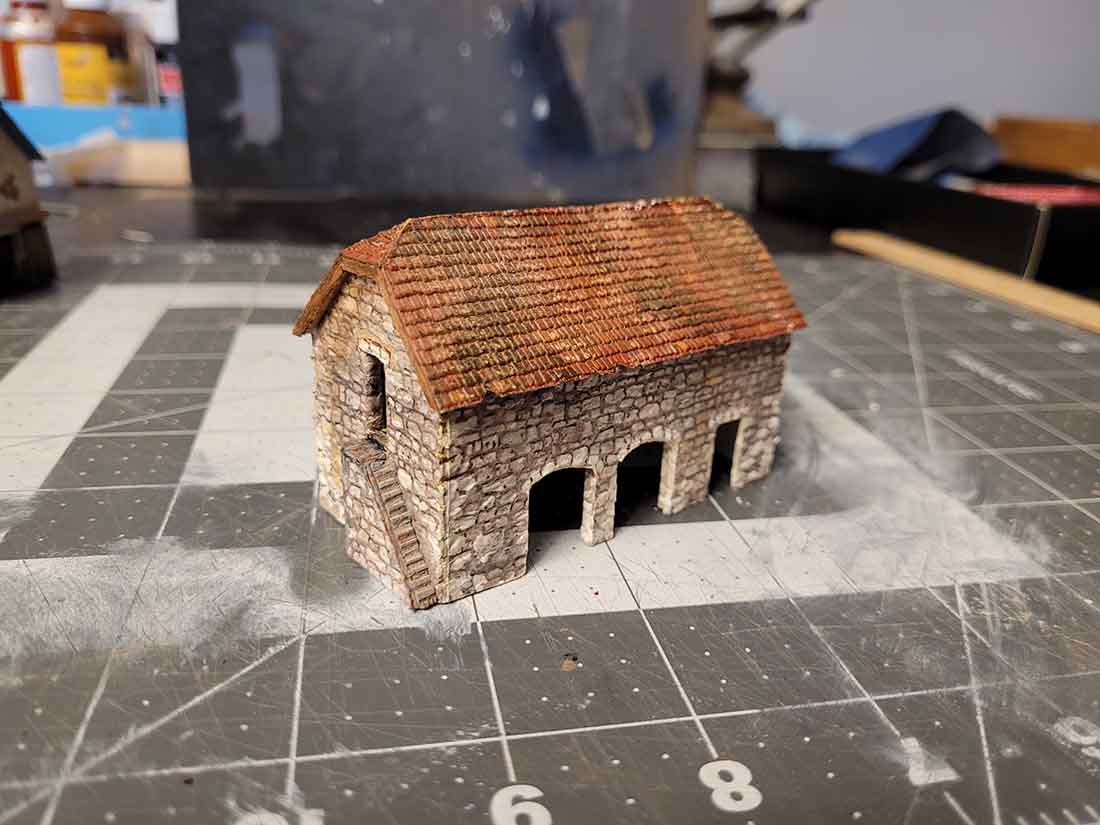
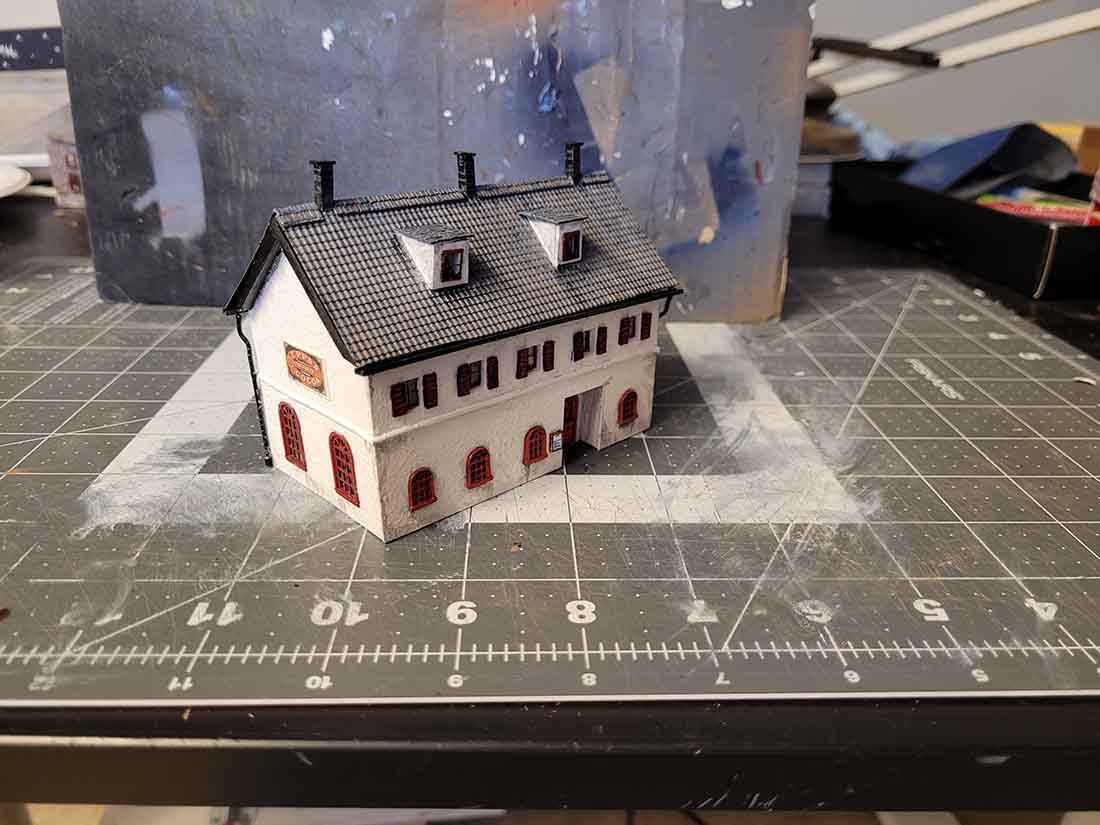
Here are the BDA1.0 builds on the BDA3.0 layout. They run great.

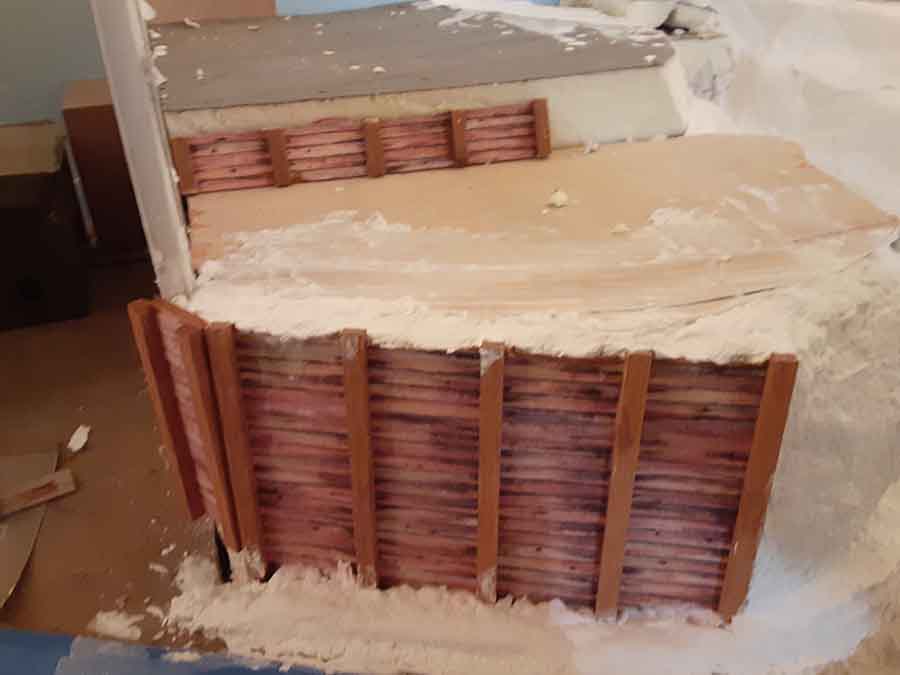
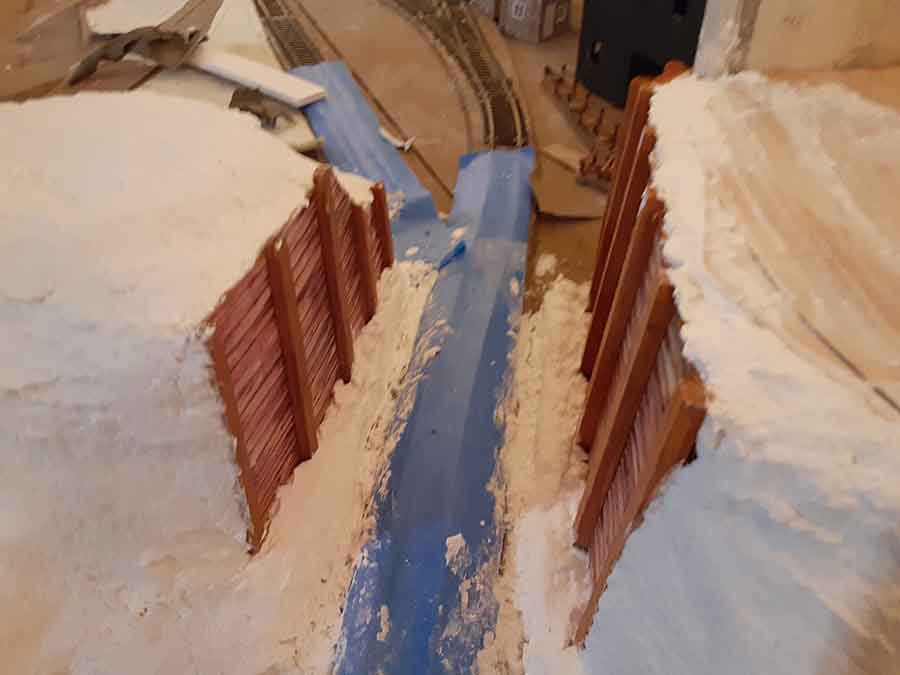
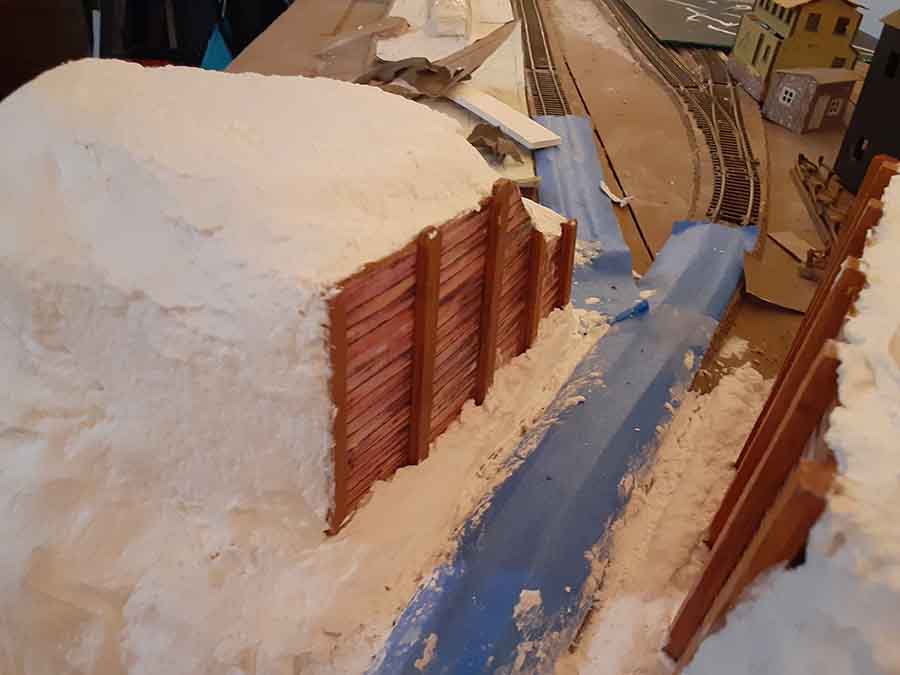
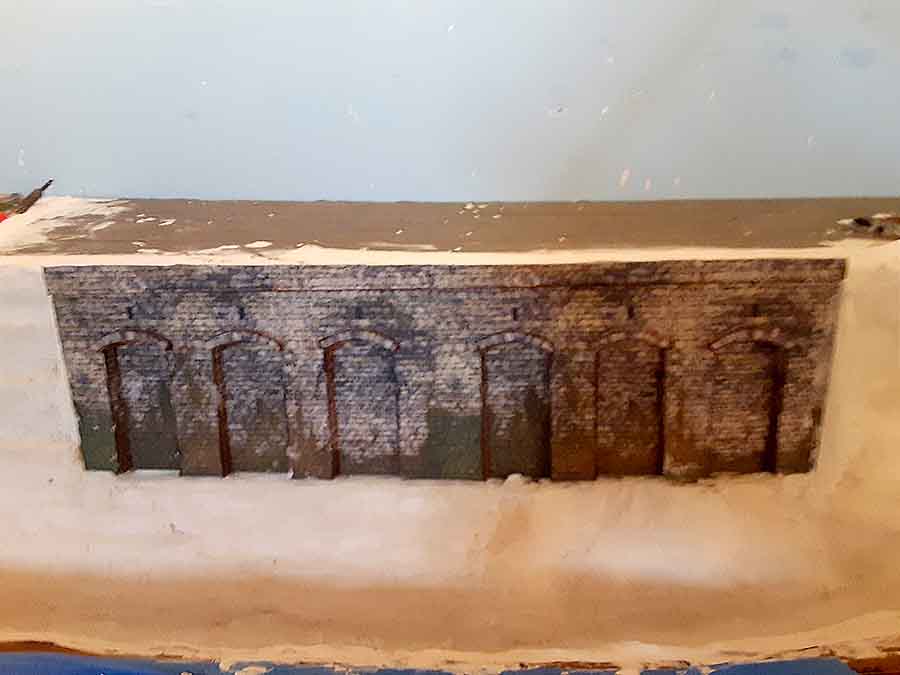
Next step will be to create the roads my using corrugated cardboard.

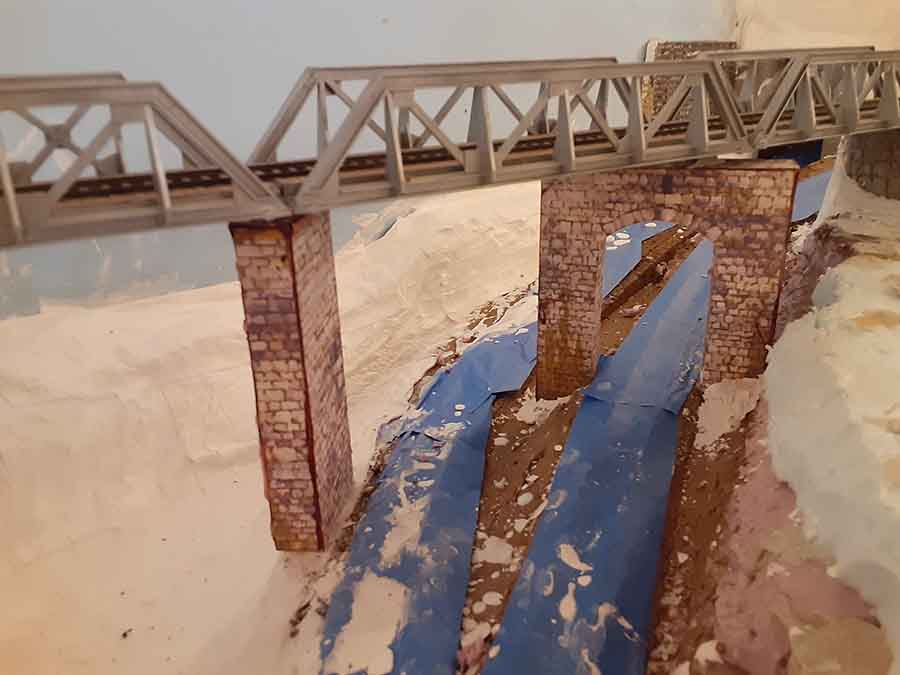
After that, I’ll start building another trestle using the jig I created for the one on 2-1/2 acres.

Best

John”

A big thanks to John for his KATO Unitrack system railway update.

His last post is here – the pic below also links to it.

bermuda model railway

I do love seeing how you all create your layouts. There are so many different approaches – there’s no right or wrong way.

Do you know what I also love? People making a start!

That’s all for today folks.

Please do keep ’em coming.

And if today is the day you decide you’re not missing out on any more fun, the Beginner’s Guide is here.

Best

Al

That’s all for this time folks.

Please do keep ’em coming.

And if today is the day you get started on your layout, the Beginner’s Guide is here.

Best

Al

PS Latest ebay cheat sheet is here.
PPS More HO scale train layouts here if that’s your thing.


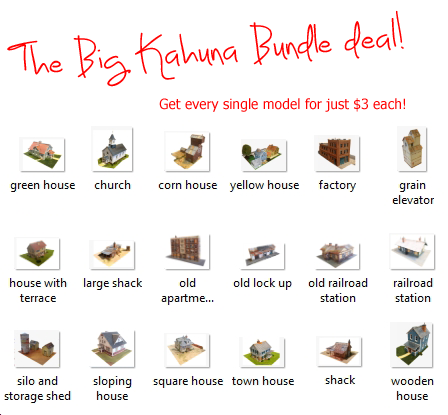
Need buildings for your layout? Have a look at the Silly Discount bundle.

How to make a cliff face

Bill’s been in touch again with a step-by-step on how to a make a cliff face:

“Hello Al,

I’m sending in a link to the follow up video that showed how I made the cliffs on my O/ON30 layout.

This one shows how I color the cliffs and also shows scenery starting on this piece .

Thanks for all your continued support of the hobby!

I still cannot thank you enough for your blog as it got me out of the chair and back to modeling!

Cheers

Bill in Virginia”

how to make cliff face

cliff face ho scale

How to make cliff face for model railroad

HO scale rock mountains

rock formation model railroad

HO scale steam train


A huge big thank you to Bill. His cliff face looks amazing, can’t wait to see more.

If you missed his last post, it’s here.

Now on to Roger who has been doing some scratch building:

“Allister,

Here’s an N scale model of the Bitch Creek bridge in Idaho that I’m working on

n scale trestle bridge

trestle bridge

Really enjoy your web site

Roger”


Now on to Joe who has built a wind turbine for his N scale:

“Dear Alistair

Wind Turbine For N-Gauge Layout

Here are the steps to build a wind turbine for an N-Gauge layout.

I recently needed to change the brush head on my Oral-B toothbrush.

Having done so, and as a true model railroad fan, I wondered what use I might find for the old head.

As I stood the old head on the counter, the idea came to me – a wind turbine.

After some thought, here is what I came up with.

First, remove the bristles from the head with a sharp cutter.

If you can’t get really close, finish off what is left with sandpaper or a file.

Next, draw and cut out from very thin styrene or cardboard, one blade.

After trimming it to the shape you like, trace it and cut out 2 more blades.

Twist each blade to give it some propeller shape.

Glue the blades to the brush head.

Cover where the blades are glued with a button or something similar, and paint it white.

Add a hatch or door to the front (for “access”) and a “window” to cover a hole.

I put a small hatch door on the top too.

Also maybe some decals (to cover brand name, etc).

I mounted it on a concrete base (small square of styrofoam painted grey).

I then scratch-built and painted a small maintenance shack next to it (on the right in photo).

Other options – fence it in, use different or no base, etc

Joe”

n scale wind turbine

A big thanks to Joe, Roger and Hall of fame member, Bill.

I have to say, Bill really did make my day by saying:

“I still cannot thank you enough for your blog as it got me out of the chair and back to modeling!”

If the blog has prodded you back into the hobby, I’d love to hear from you.

That’s all for today friends.

Please do keep ’em coming.

And if today is the day you leap out of your chair and start on your layout – just like Bill, the Beginner’s Guide is here.

Best

Al

PS Latest ebay cheat sheet is here.


Rob makes a signal gantry

Rob’s been back in touch – this time he makes a signal gantry:

“Hi Al,

This time I am building a three-track signal gantry from scratch with styrene plastic in structural shapes.

I spent quite a bit of time watching UK cab ride videos and snapping photos of the screen as we passed interesting structures.

I finally started sketching up what I thought would be a good compromise between all the various designs I saw out on the railways and what would work both considering the strength of materials I had to work with and the shapes and sizes available.

You’ll notice the final form of what I have built is a bit fatter and thicker than what can be done full scale in steel. That is one of those compromises I mentioned.

It could have been to scale and I expect it would have supported itself, but it would have been fragile and I wanted it to be able to survive my clumsiness at least for a while.

I have done videos about scratch building the signal lamps before so I didn’t go into that part.

In order to prevent someone else from making the same mistake I made, when putting the wires in the cable trunking or conduit running through the gantry, put the resistors on later after you have pulled the wires through (Thank you Henry Best for that suggestion).

I used magnet wire to run all wires in the structure itself then soldered on extensions of regular hook-up wire to feed the conductors to my panel.

This video does not include the automation of the signals, which will come in a subsequent video if anyone is interested.

Rob”


gantry plan

traffic light scratch build

traffic light scratch build

gantry scratch build


OO scale signal gantry

signal gantry scratch build

signal gantry

signal gantry with lights

signal gantry lights

And here’s the post where Rob scratch builds the lights for the signals.

A huge big thanks to Hall of Fame member, Rob.

His signal gantry looks spot on.

I do so enjoy looking at the scratch builds and creative solutions you lot all come up with.

Please do leave a comment below and let us know your thoughts.

That’s all for this time peeps.

Keep ’em coming.

If Rob has inspired you to make that all important start, the Beginner’s Guide is here.

Best

Al

PS Latest ebay cheat sheet is here.