Had quite a few mails on planning a model railroad after Yesterday’s track planning post.
It reminded me of one of the most popular posts on the blog: How to start a model train layout.
And this one too:
How to build a model train layout.
Tom’s post is popular too: Planning your model railroad.
Lots of readers of the blog have winged it and just jumped straight in with their model railroad.
There’s nothing with that.
This hobby’s all about enjoying it. There is no wrong or right way.
Take Wayne for instance. He has a unique style of working but I love what he is doing:
“Good morning Alastair.
I try to read your blog every day. Some of the stuff is very good.
The craftsmanship of these individuals makes me feel I rate in the Freddy Krueger section.
I think if I end up with a rock, and a stick for a layout, I will have the second item on my bucket list crossed off.
Not sleeping at night has its advantage. At night i do the small things that don’t make noise so my son that works during the day can sleep.
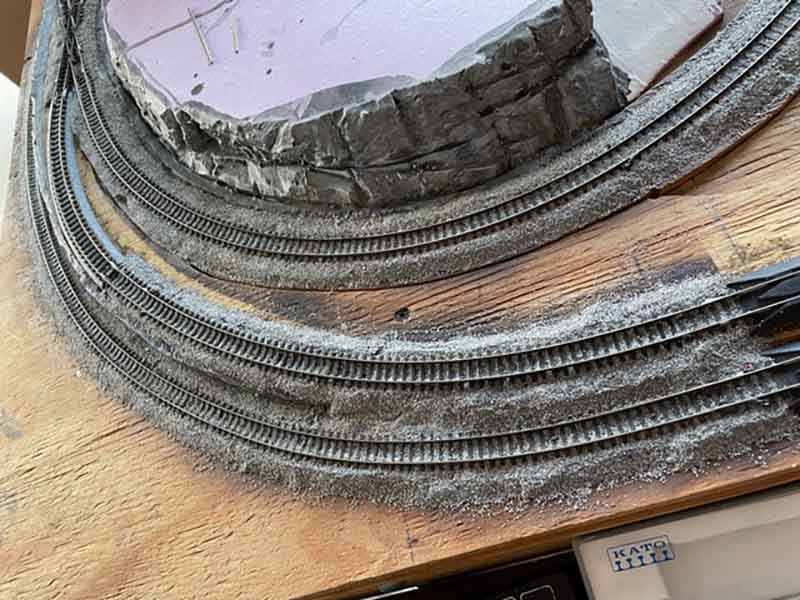
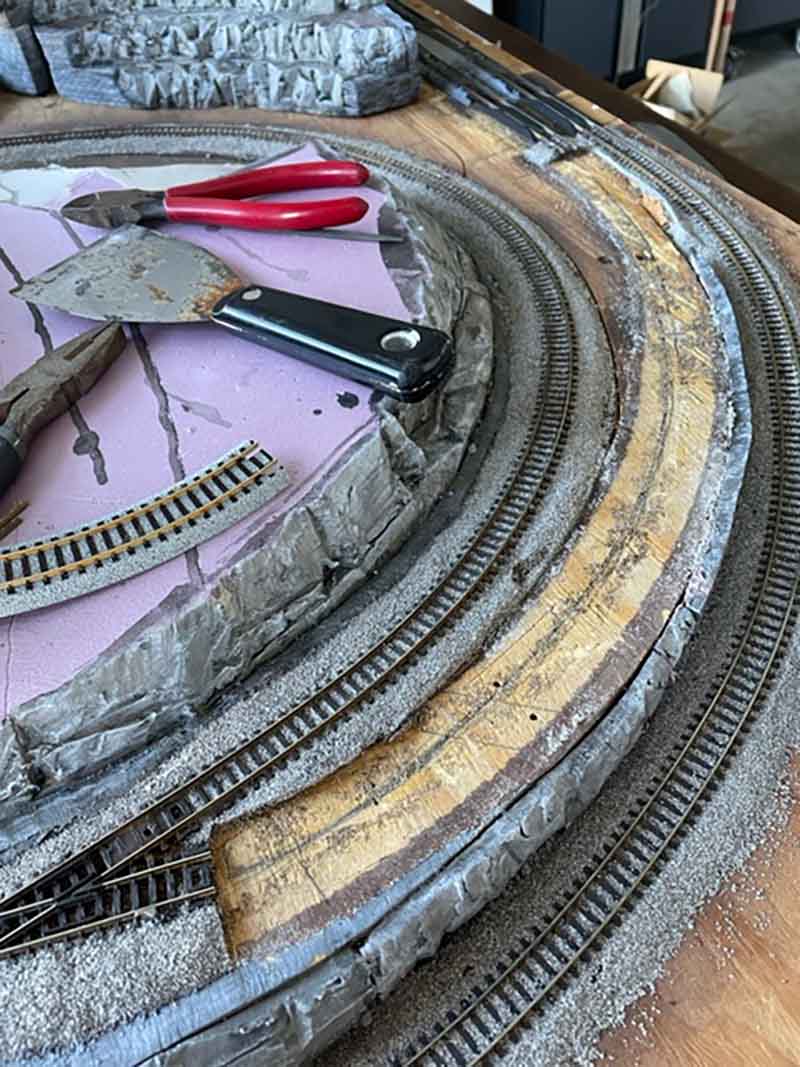
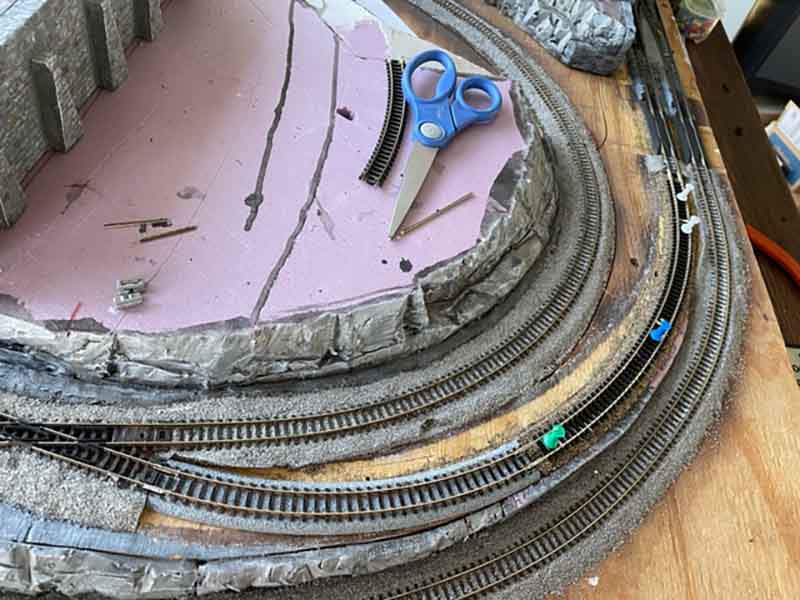
Now I start working on the hills around the coal mine. This will be my day job due to the noise I will make.
When I am awake at night that will be my time to start building the trestle from the main line over the river gorge through the mountain and out at the coal mine.
This trestle I am going to do a lot more research into the building of trestles before starting. I will find out today if my yard switcher can pull the grade.
Well at about 3:30 am pst the yard switcher made its first trial run up the grade to the coal yard.
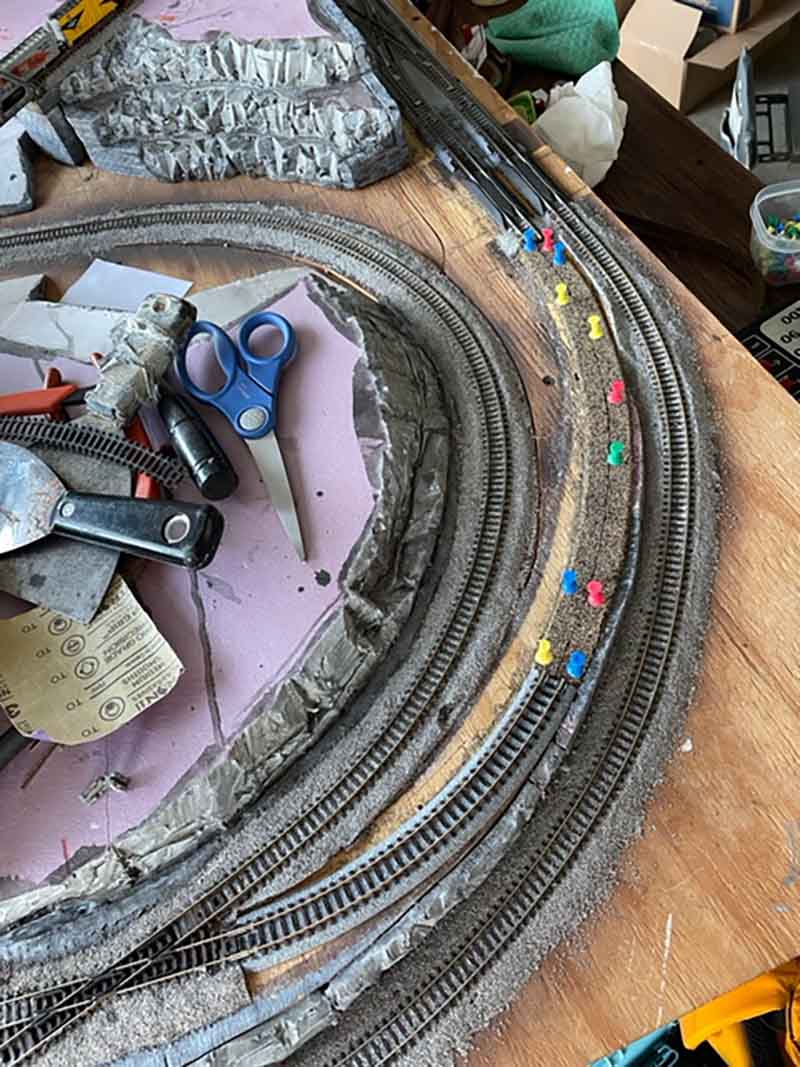
It made it about half way and stopped. The maintenance crew was called out to clear the tracks. They removed a stick pin and the trial run started over.
This time there was no problems, the switcher made the run 3 times.
Now all I have to do is the treseal, and mountains. I will send you more photos as I progress with the mine run.
Thank you
Wayne”
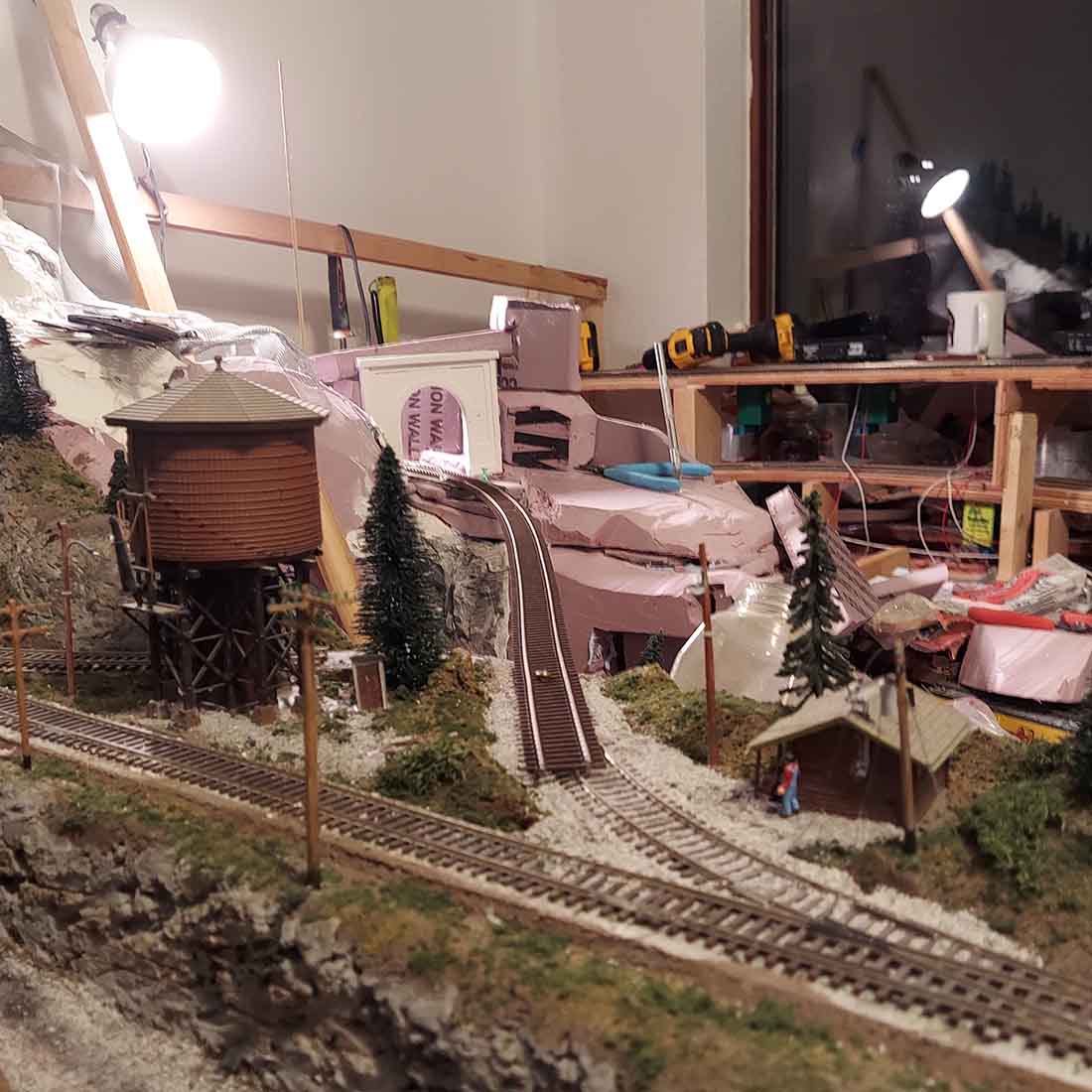
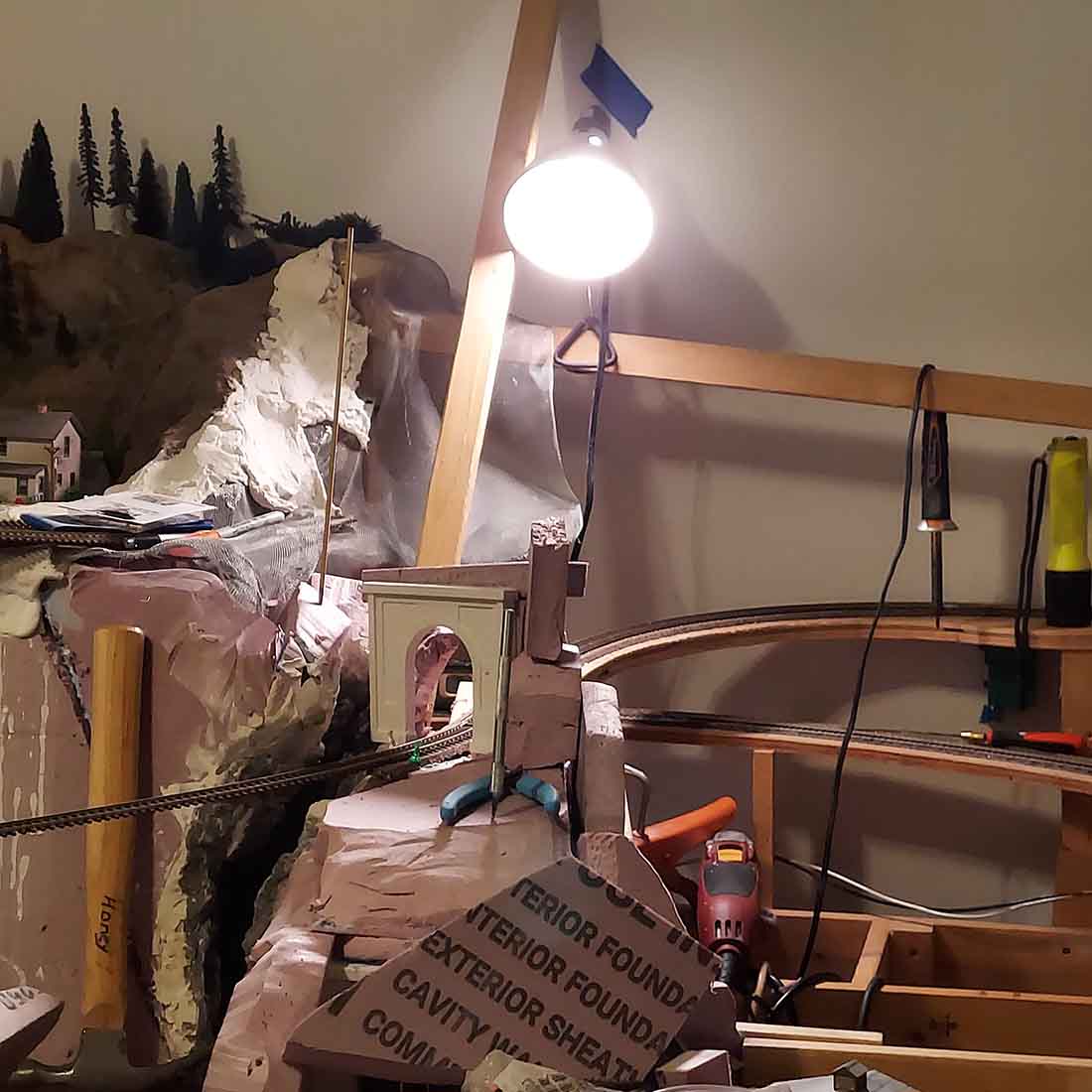
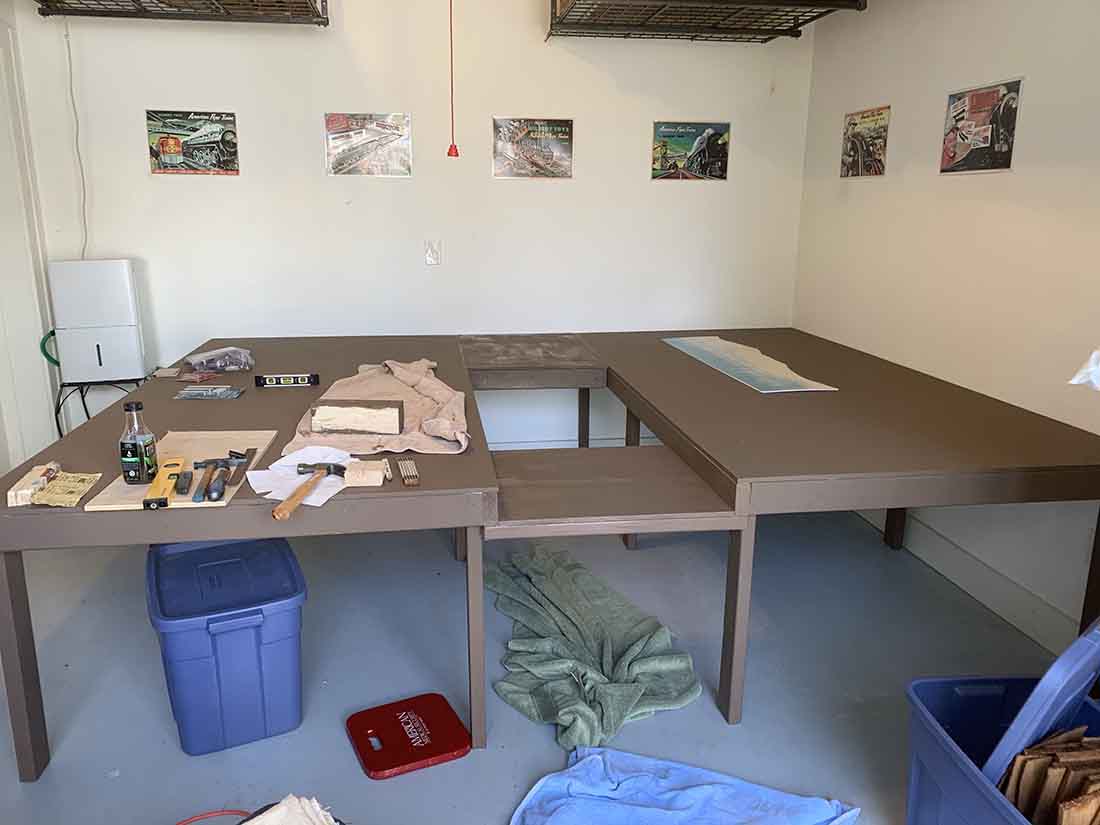
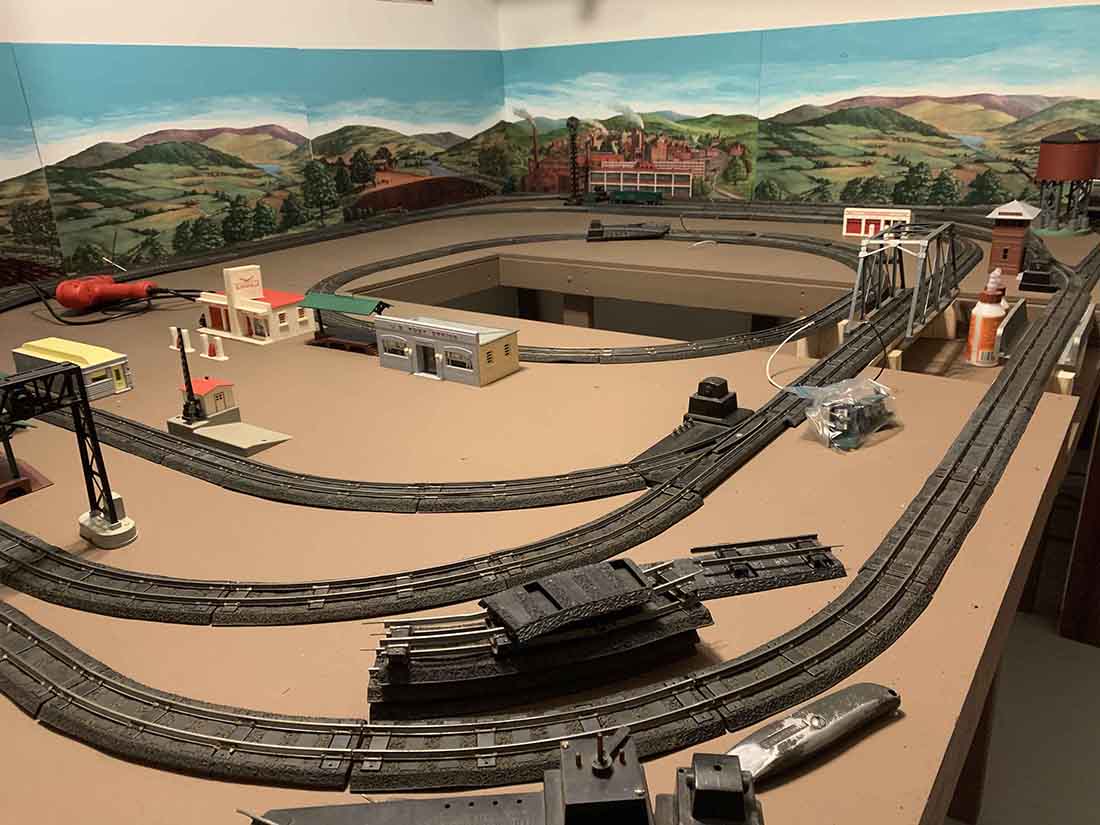
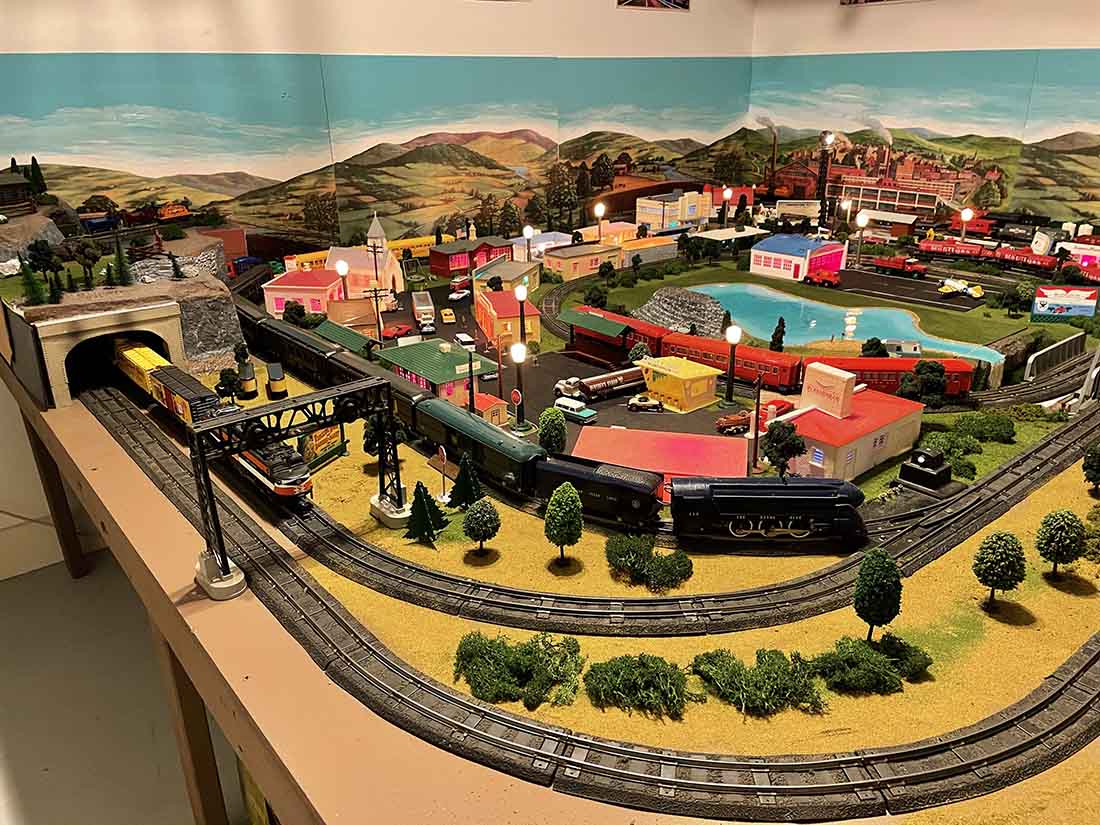
Wayne really did jump in feet first with his layout:
Wayne’s very first post on his HO layout 8×15 is here.
Wayne’s second post on his layout is here.
HO scale layout update number 4
Wayne’s 5th update on his HO layout 8×15
You all know how much I like an update so I thought it would be good to chart Wayne’s progress.
The same goes for Ruud. From his first post on his HO scale German railway he seems to have done a fair bit of planning.
But even so, issue crop up:
“You asked me about which gauge it was. But I saw your mail too late.
Anyhow, I can tell you that my model railroad is in H0 and DC/DCC.
Why H0? Well, as a young boy, me and my brothers got a Fleischmann train from Santa. We did play a lot with it. Though we just laid the track on the floor of our bedroom and had to pack it away when we went to bed. In due time, we lost our interest in it and it was packed away.
When I had young kids, the virus bit me again.
I screwed the track on a board and the kids & me started playing.
But then we moved again and everything ended up in boxes.
While enhancing the new home, I started to collect more stuff to add to the H0 stuff I had, until I had my own room where I could start a new layout.
Then fate struck. A fire destroyed part of the house, including my room and my train stuff.
Had to rebuild the house. But fortunately, the insurance paid part of the damage. With part of that amount I started anew. This time I made a clear decision to only buy stuff of 1 railroad company and 1 time period. And I bought again H0. This was the time when digital with sound started. That was getting available for H0, but hardly available for N. Besides that I found that H0 trains run more smoothly than N trains and are easier to handle.
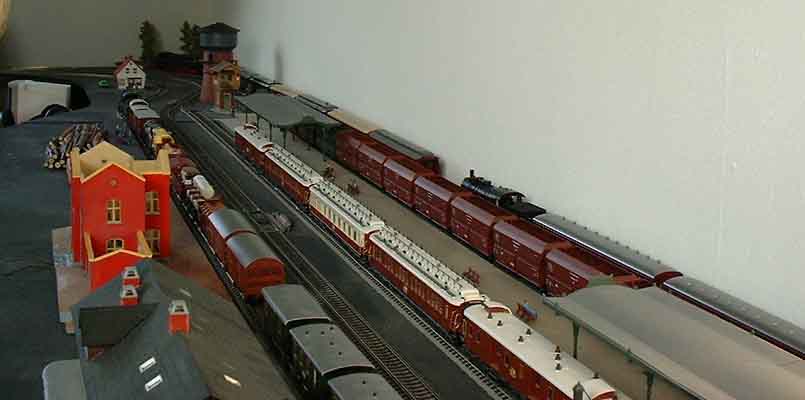
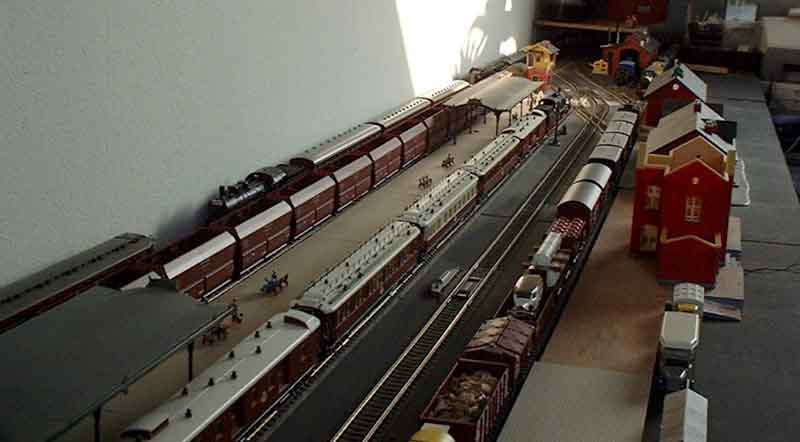
Around 2004 I had my new layout ready to run the trains. By then, the kids had lost their interest in trains, so it was just for me. This was a shelf-layout along all 4 sides of the room.
Along one of the long sides, the shelf was 60 cm (2 feet) deep. The other shelves were 20 cm deep with a hangover in the corners. And in the long side opposite of the 60 cm shelf there was a part that I could take out to open the door.
Of course I made some mistakes in this layout. Biggest mistake was that the curves were too tight for the big locomotives and the long passenger coaches to easily run through them. But I could ride may trains and was happy with that. Another thing that I found was that the buildings that were between me and the track obstructed the view on the trains.
Then I had to take it apart again, because of a divorce. And everything ended up again in boxes.
I included 2 pictures of the layout I had then.
Kind regards,
Ruud”
If you’re looking for examples of model railroads, these pages will help:
Other scale model railroads
The big truth is with planning or without planning, you’ll run into snags.
But I still think a little planning can go an awful long way.
Hope today’s post has helped with planning a model railroad.
Please don’t forget there’s always the Beginner’s Guide if you want to get going on your own model railroad adventure.
That’s all for today.
Best
Al
PS More HO scale train layouts here if that’s your thing.
Need buildings for your layout? Have a look at the store.
They are great fun to make and great value too.